Suppliers & Creditors
Brief context for Suppliers & Creditors in BE-terna Project.
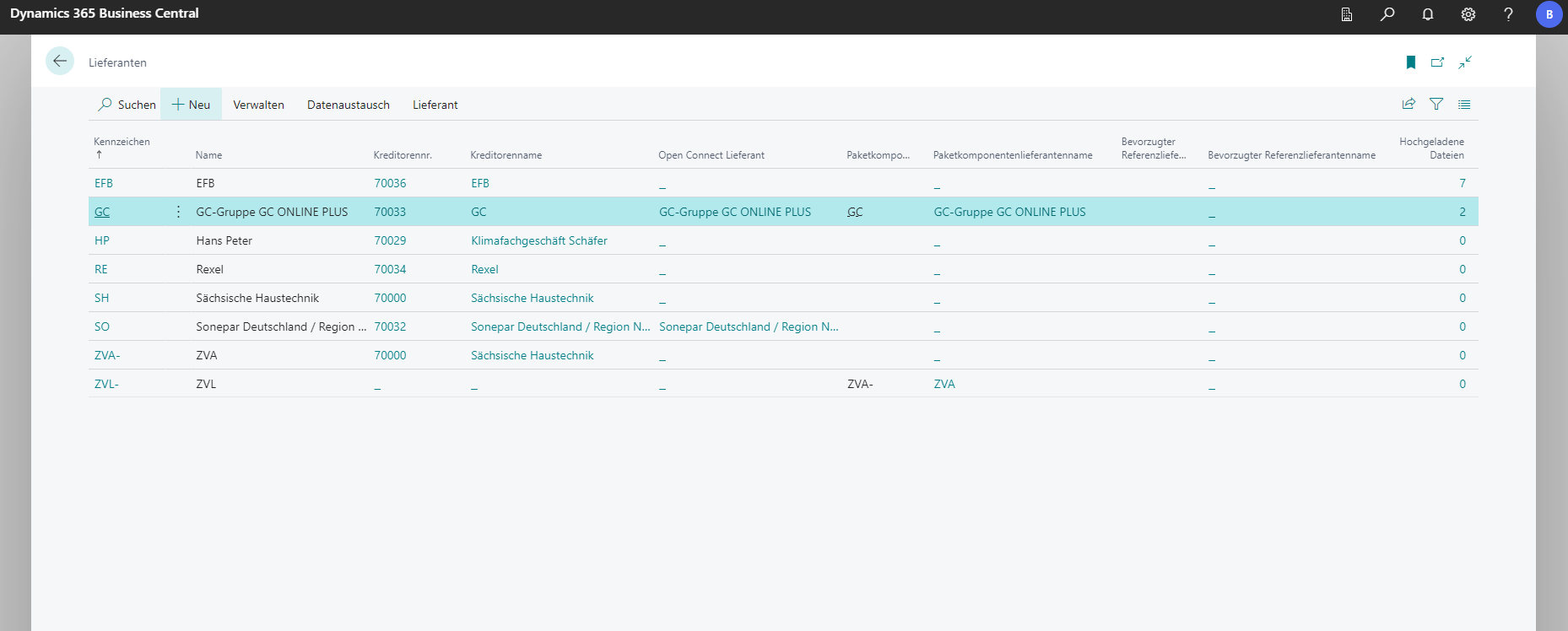
Vendors and vendors are held and set up for use in two separate tables. To set up the suppliers, the list of suppliers must be called up via the search function.
On the map of a respective supplier, the respective tabs General, DATANORM, UGL and IDS are available.
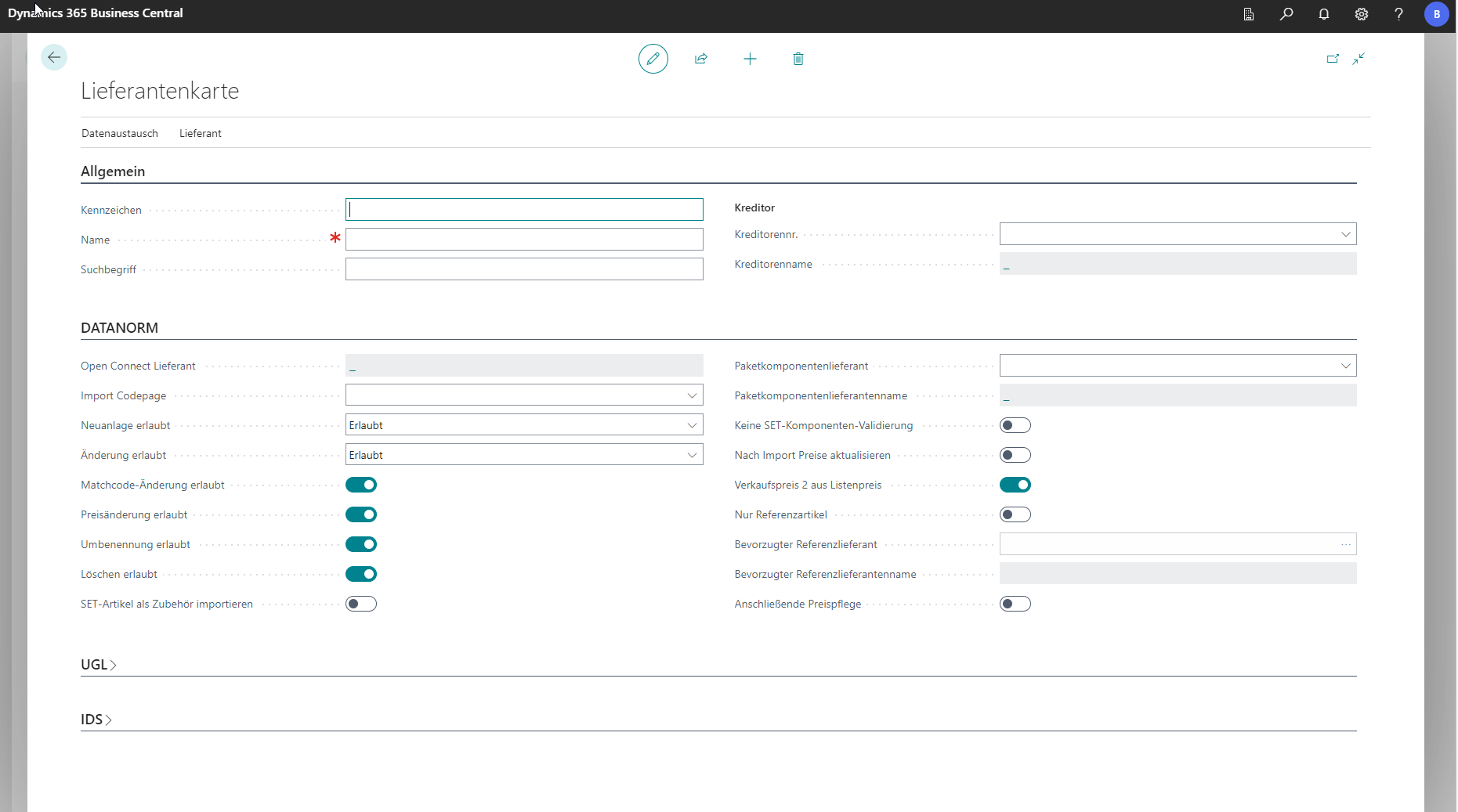
If a new supplier is to be created, this must be done via the New action in the list of suppliers. Then the Kennzeichen field must be filled in as an identifying feature. Furthermore, a name and a search term can be assigned to the supplier. The link to an existing vendor is done using the Vendor ID field.
Within the tabs DATANORM, UGL and IDS, specific settings can be made for these interfaces and the respective supplier.
Actions
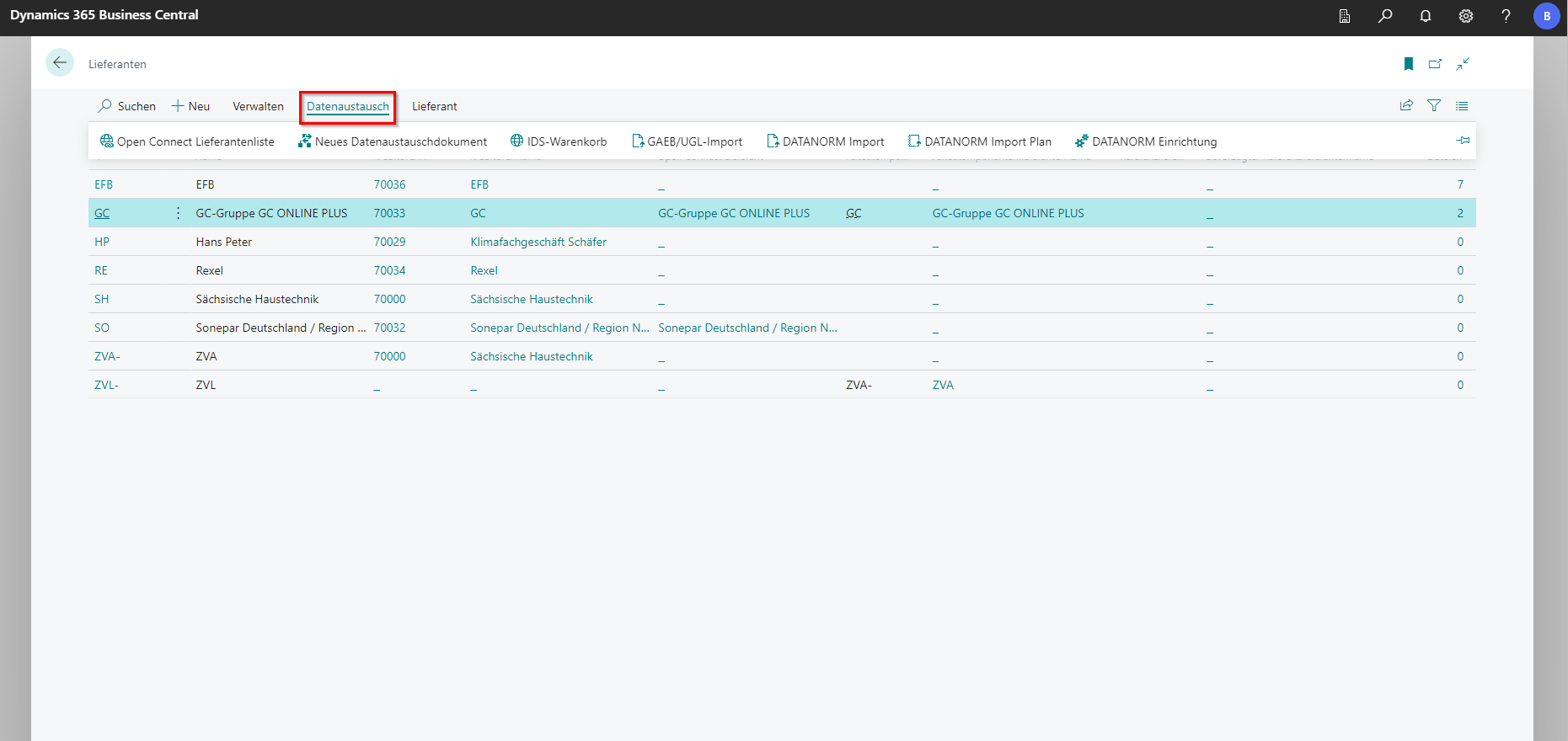
Data exchange
| Field | Explanation |
|---|---|
| Open Connect Supplier List | Opens the directory service with participating manufacturers and wholesalers, from which suppliers/vendors can be transferred into your own master data. |
| Neues Datenaustauschdokument | Creates a new purchasing exchange document for suppliers. |
| IDS Cart | Lets you build and retrieve a shopping cart from the supplier online shop using the IDS interface. |
| GAEB/UGL Import | Creates a new purchasing exchange document by selecting a GAEB or UGL file. |
| DATANORM Import | Opens the DATANORM import worksheet for the supplier, where a DATANORM import can be executed. |
| DATANORM Import Plan | Shows import history with an overview of completed uploads. Imports can be filtered by stored suppliers. |
| DATANORM Setup | Allows supplier-specific settings for the DATANORM interface. |
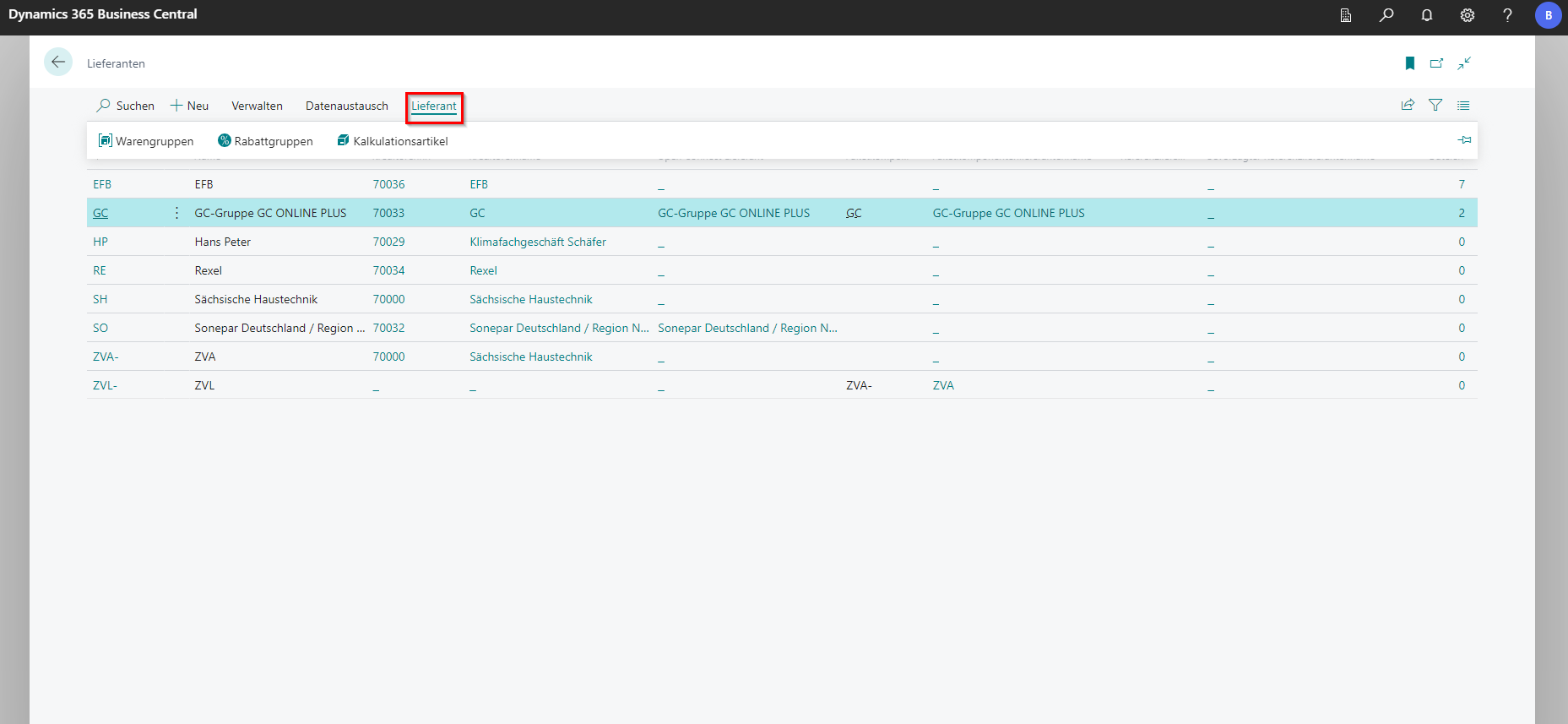
Supplier
| Field | Explanation |
|---|---|
| Product Groups | Shows the product groups available for the supplier. |
| Discount Groups | Shows the discount groups available for the supplier. |
| Costing Items | Shows the costing items available for the supplier. |