Webshop Channel Card
Setup and advanced configuration of the webshop channel card.
Purpose
This page describes the webshop channel card and the related advanced setup areas for ongoing operations.
Prerequisites
- A webshop channel is available.
- Core channel master data and baseline settings are defined.
Recommended Sequence
- Validate channel basics and import/export controls.
- Complete advanced setup areas.
- Finalize checks and company information.
Channel Basics
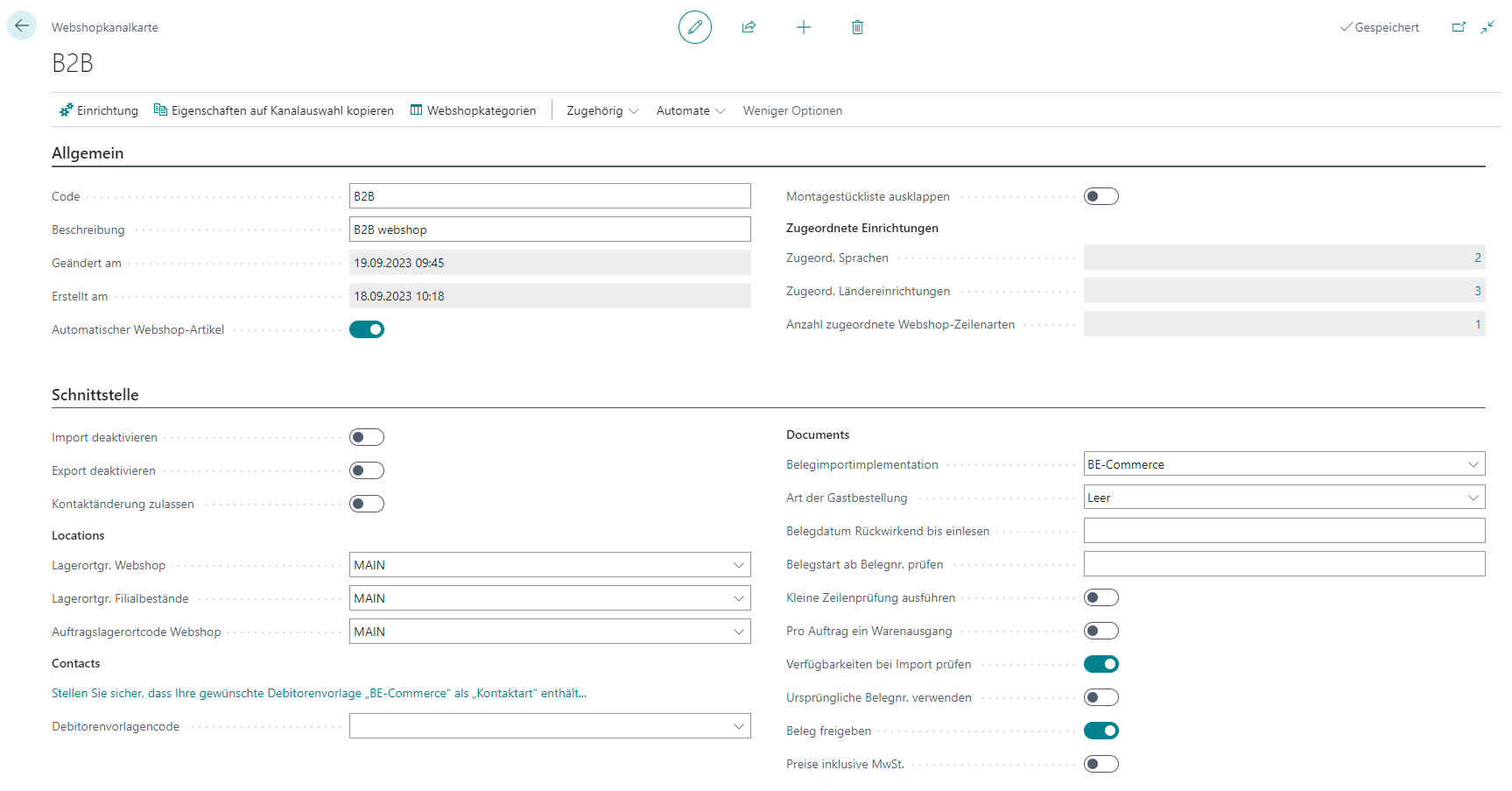
- Maintain a unique channel code and description.
- Configure import/export behavior.
- Set contact modification, location groups, and customer templates.
- Configure document import and release checks.
Advanced Setup
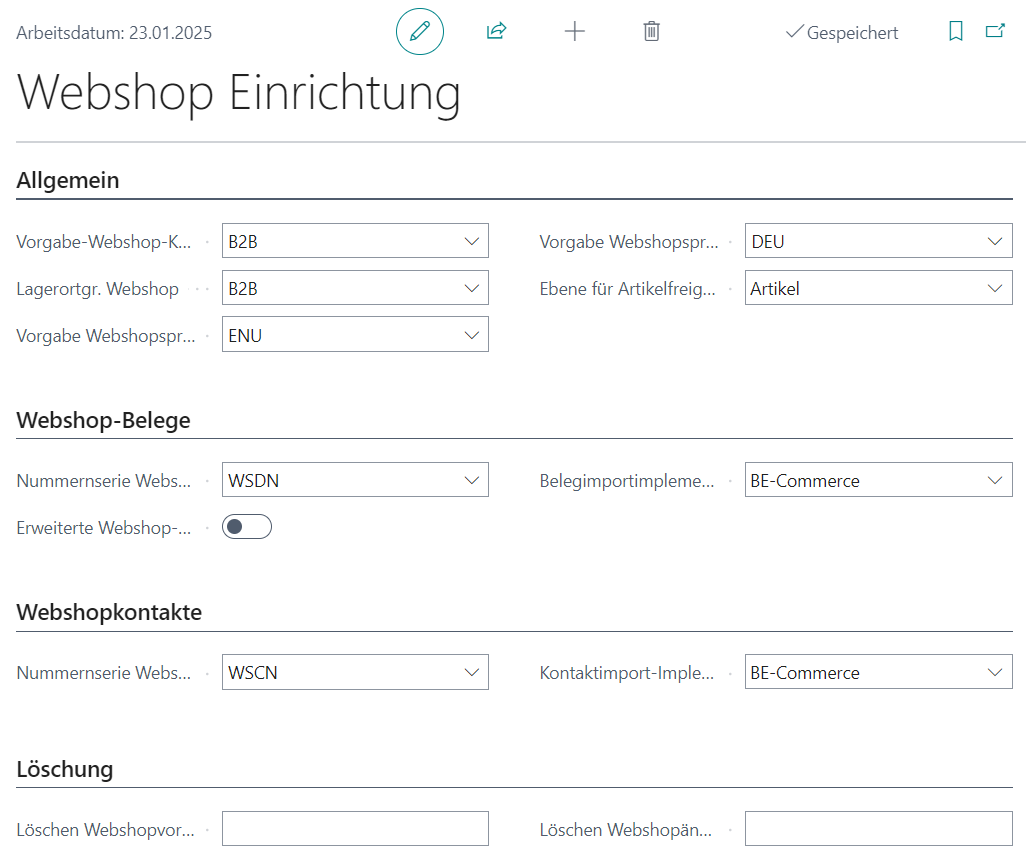
Webshop Setup
- Define default webshop channel and default languages.
- Configure number series for imported documents and contacts.
Languages and Countries
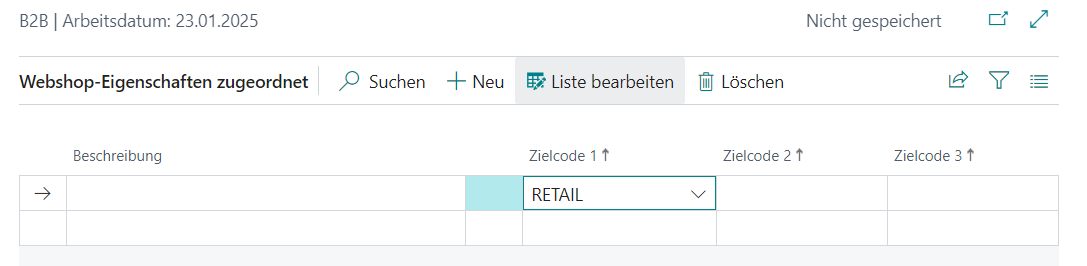
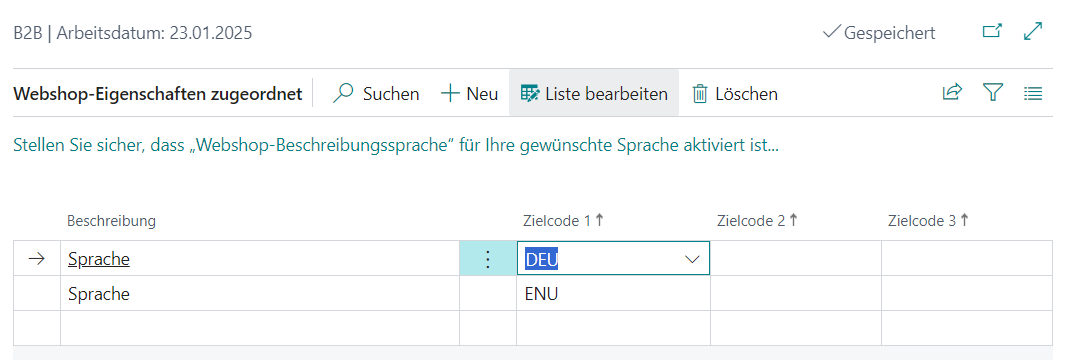
- Maintain relevant languages per channel.
- Configure posting groups and defaults per country/region.
Additional Channel Assignments
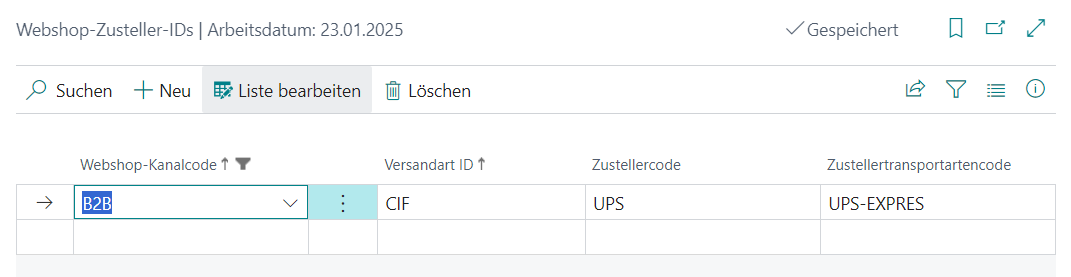
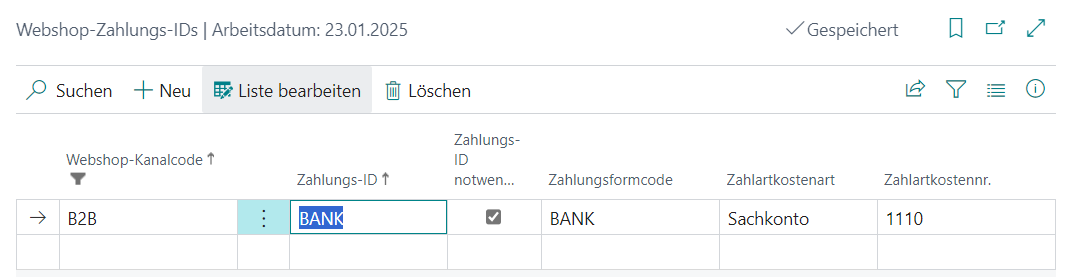
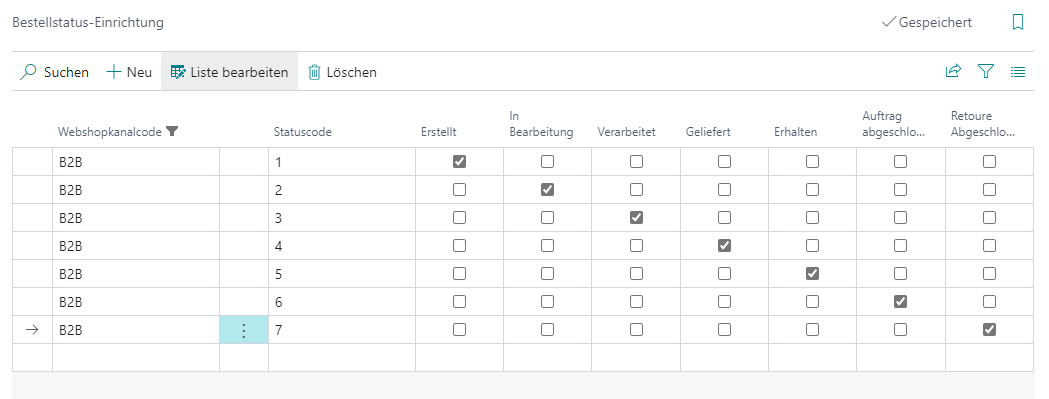
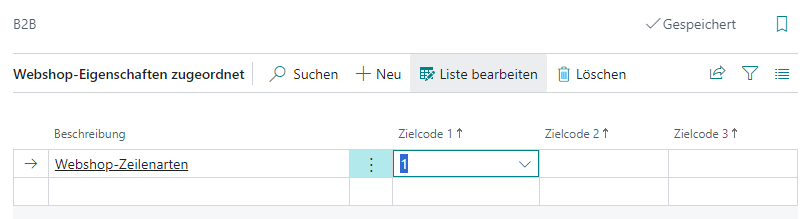
- Complete line types, price groups, shipping settings, and payment types.
HTTP and Status Configuration
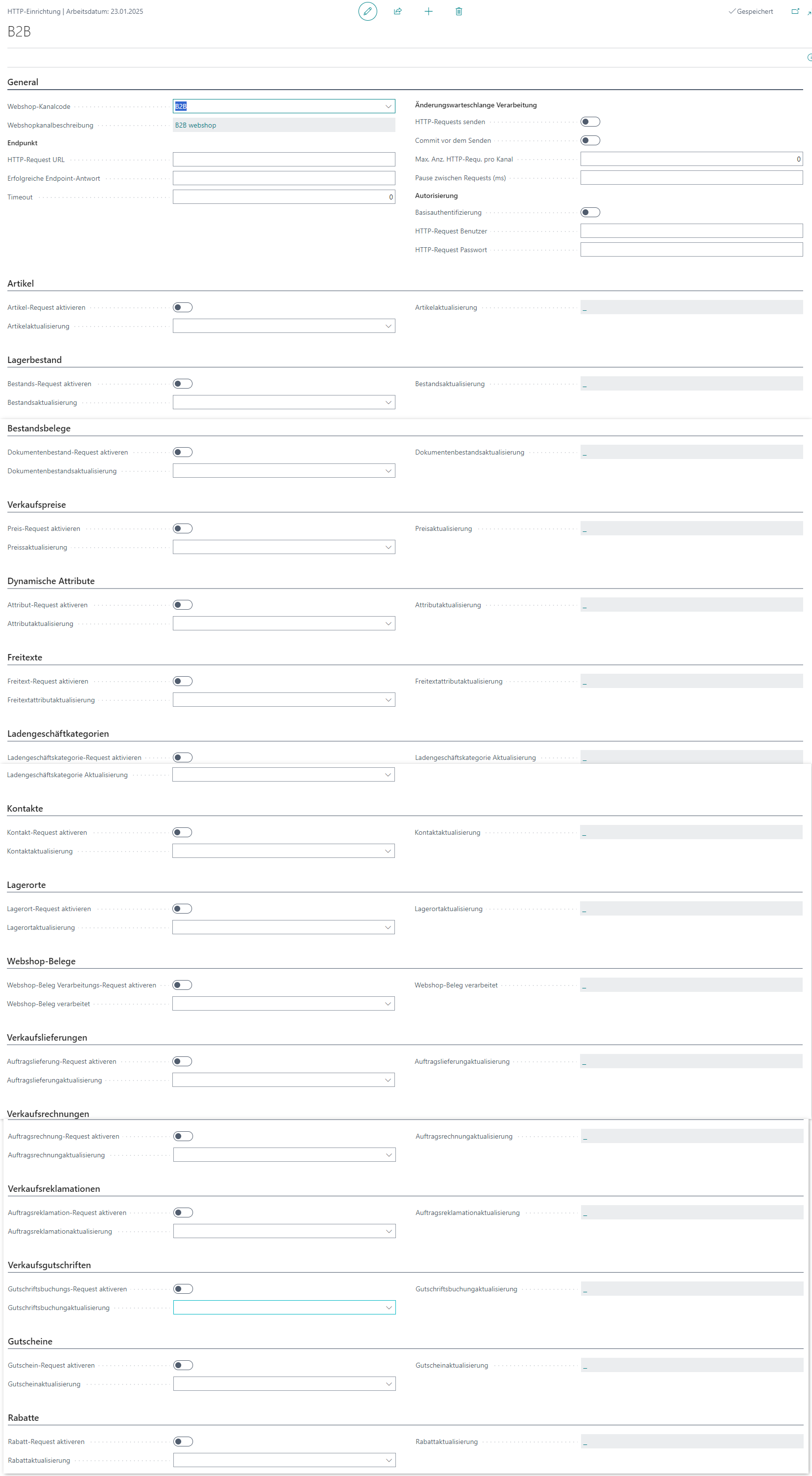
- Maintain HTTP endpoint configuration.
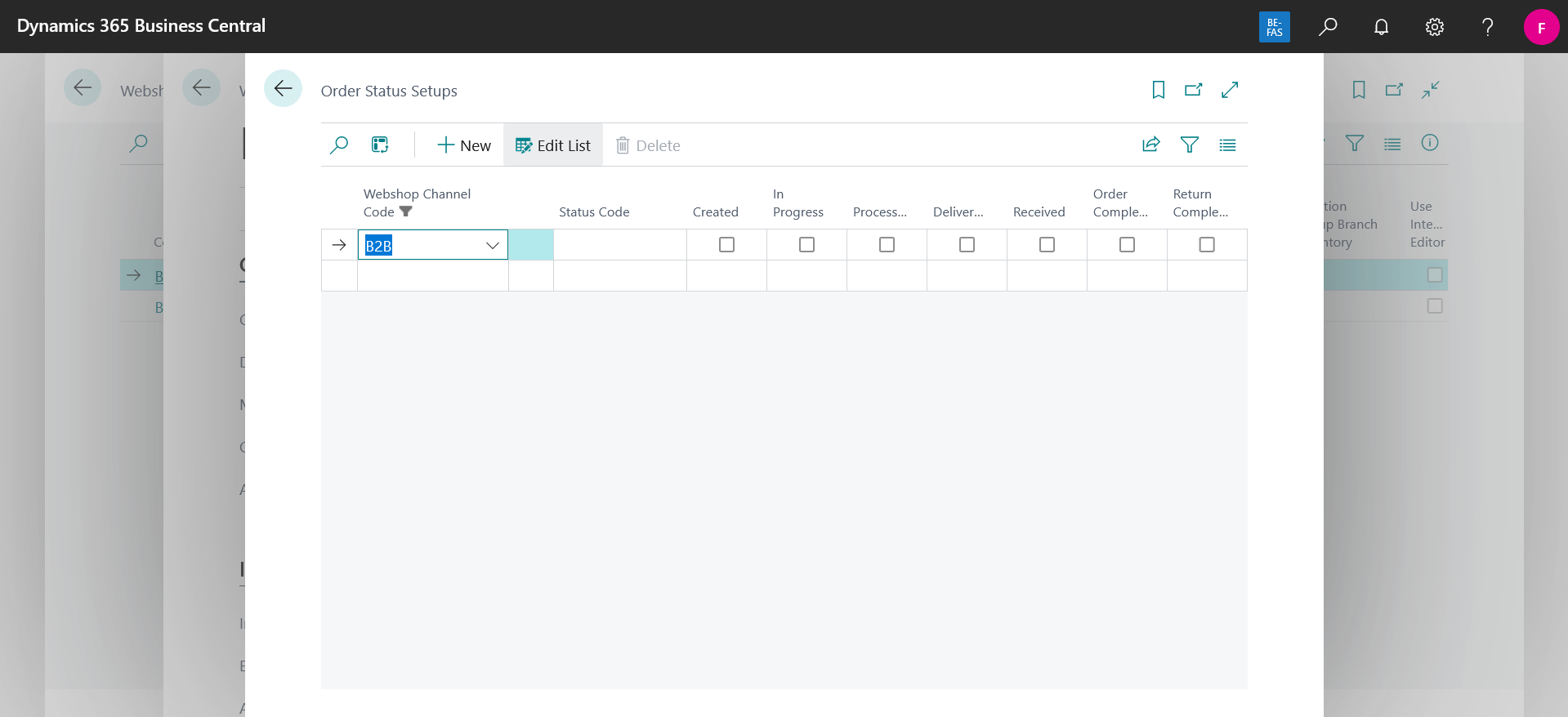
- Map order status values to business states.
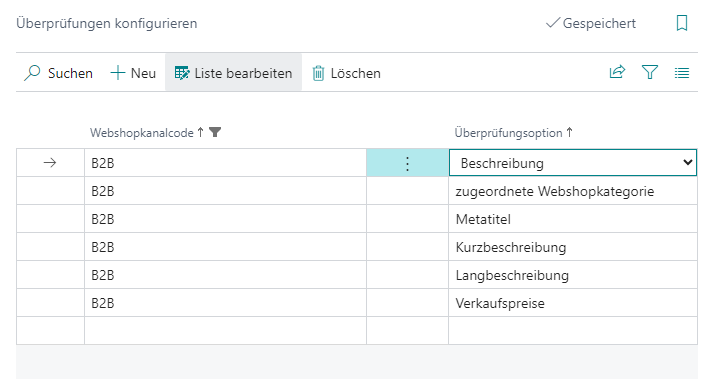
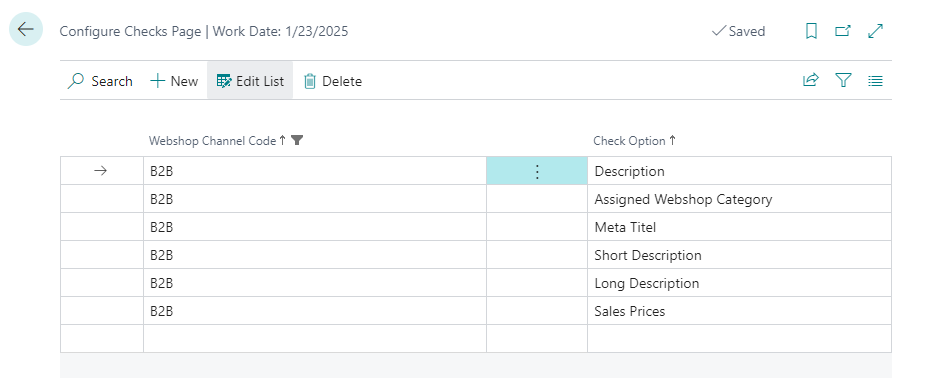
- Apply channel-specific check options.
Links