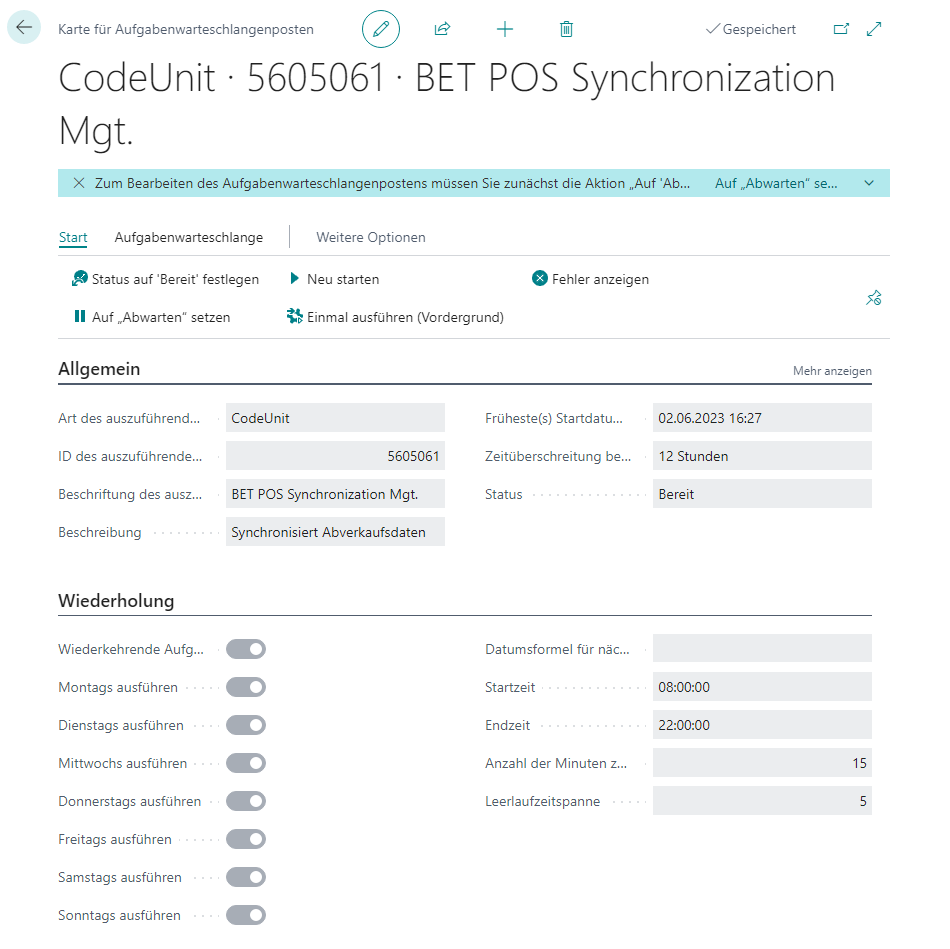
Synchronization
Under Data Transfer → Synchronization, the transfer of sales data from the cash registers to the main system is configured.

Setup
General

| Field | Description |
|---|---|
| Location | The location code |
| Cash Register | The cash register code |
Settings

| Field | Description |
|---|---|
| Type | Push: The cash register independently transfers the sales data via the locally stored job queue. Pull: The main system independently transfers the data from all pull cash registers via the designated job queue. |
| Tables | Defines which tables are relevant for the sales-data transfer (deactivating tables that are not required reduces the amount of data to be transferred) |
| Records per Run | Defines how many records can be transferred at most per run of the respective job queue (affects the amount of data to be transferred and the execution speed of the responsible web service) |
Actions
Entries
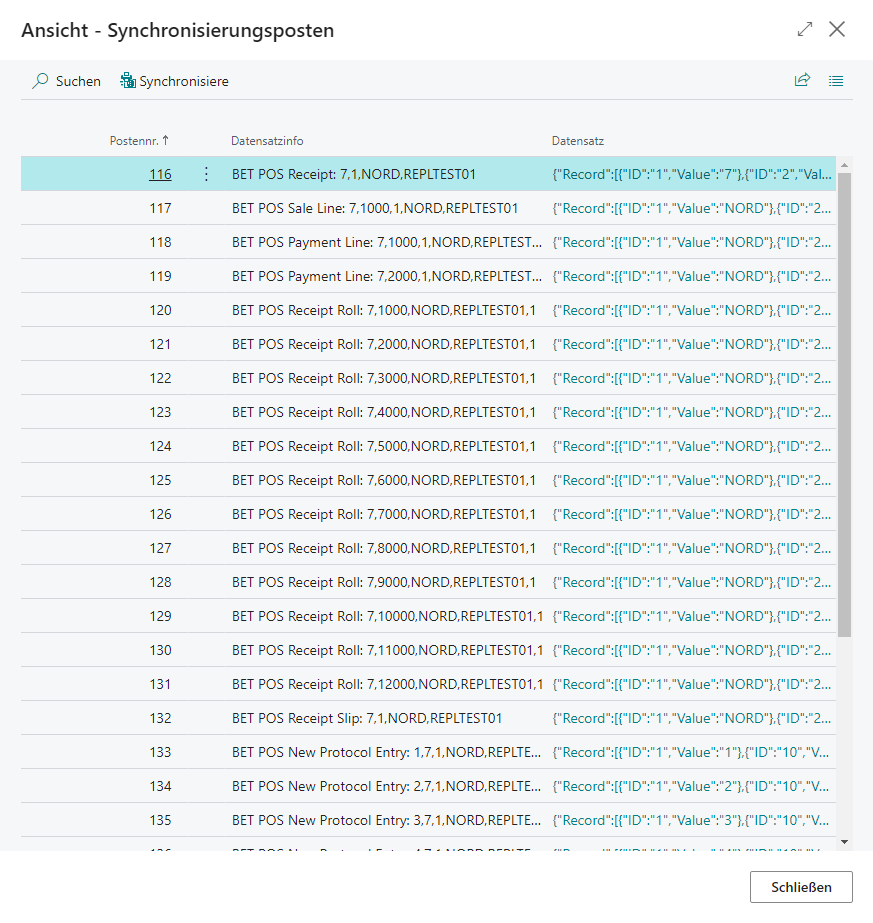
| Field | Description |
|---|---|
| Entry No. | Unique entry number |
| Record Information | Record ID of the record to be synchronized |
| Record | Record data of the record to be synchronized in JSON format |
Transfer
The synchronization of sales data is primarily carried out automatically via the job queue provided for it depending on the transfer type. Manual transfer is possible for push in the entries locally on the cash register or for all pull cash registers in the entries on the main system via Synchronization → Entries → Synchronize.
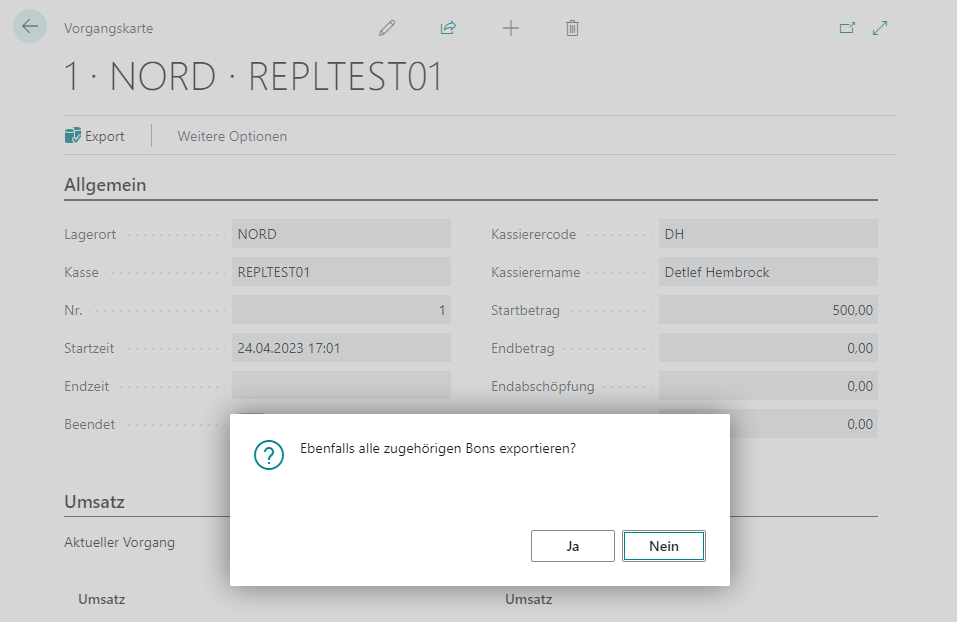
Subsequent Export
POS Process
It is possible to re-export the data of a POS process via POS Process Card → Export, with the additional option of also including all related receipts. The data is then exported to the synchronization entries.
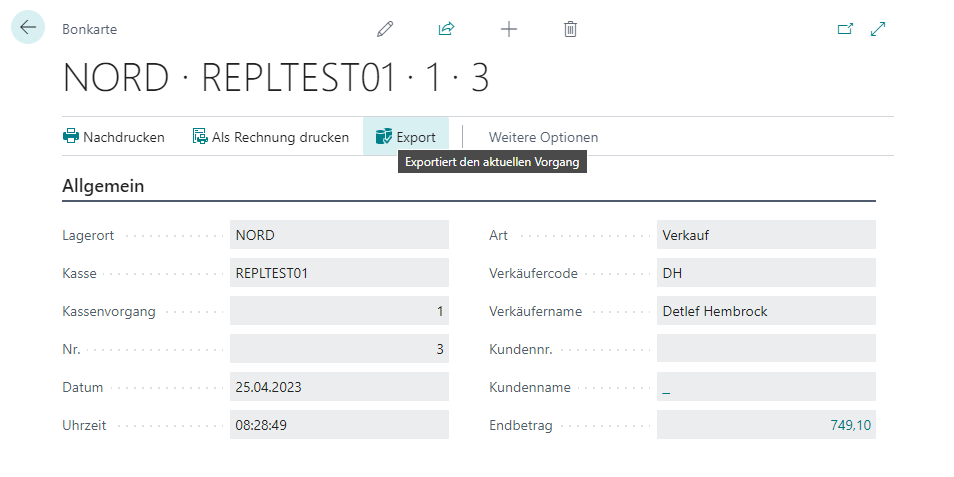
Receipt
It is possible to re-export the data of a receipt via Receipt Card → Export. The data is then exported to the synchronization entries.