Document Resource Prices
In the project document, it is possible to add a resource group from the master resource groups at each item, if some have not already been maintained in the master data of the article. To do this, the advanced view must be enabled to access the Resource Group column. After the addition, the cost price of this resource group, if any, is inherited.
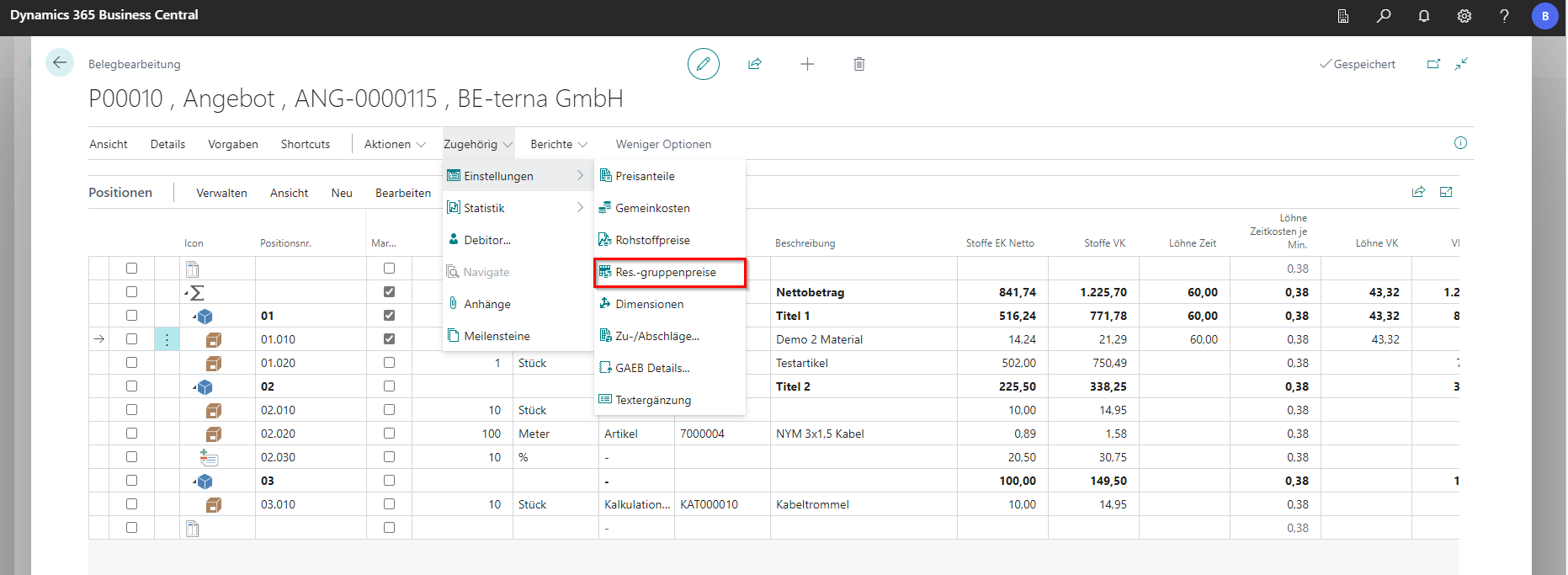
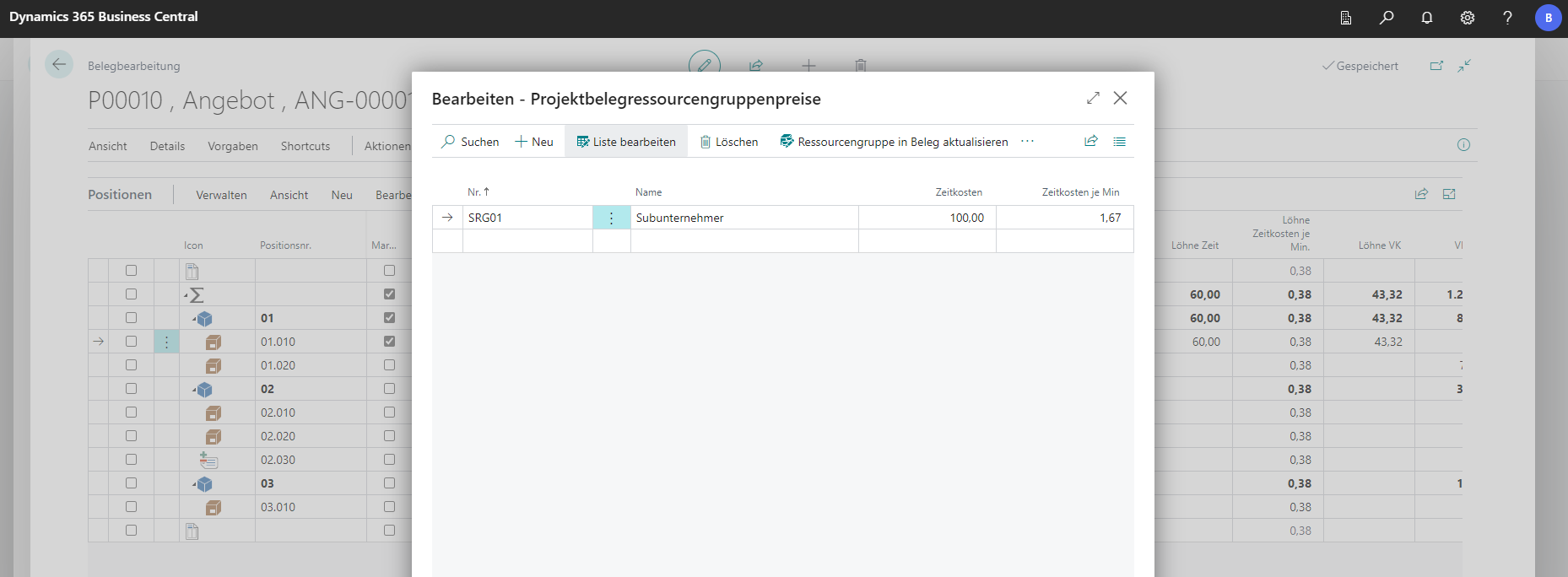
In addition, there is a “Resource Group Price” table in the project document. These can be used to edit the resource groups contained in the project document retrospectively. If a resource group is entered in this table, the cost price is transferred from the master data to the table. These can be individually adjusted at a later date. The adjusted prices must be updated in the document in order to enter them in the bill of quantities. The table is located in the navigation menu under Related in Settings.