Search the system
General Search
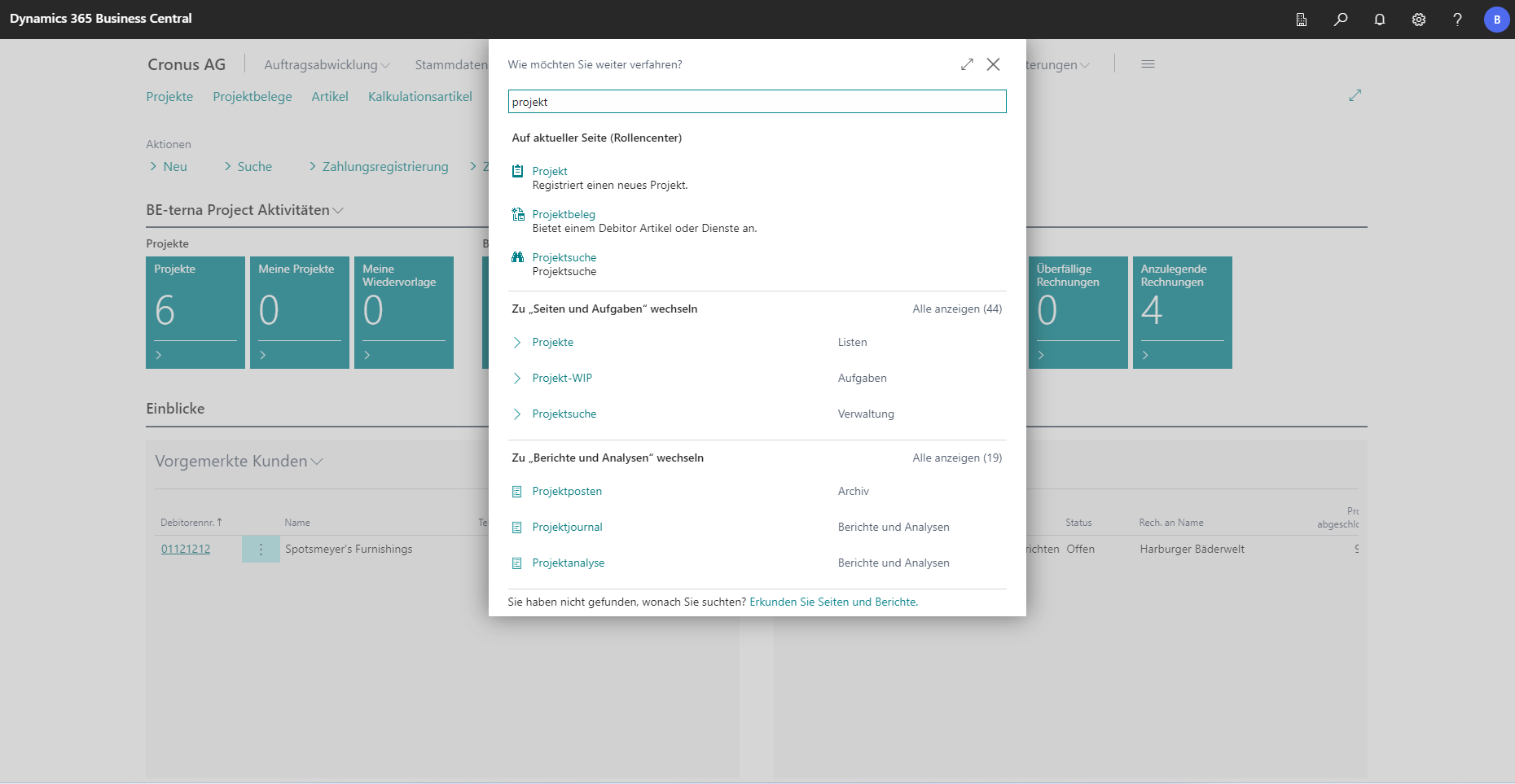
In the Role Center, the search button is located at the top right of the window.
Clicking on the button opens an input window. Search terms can be entered in this window. The system suggests actions, pages, reports, etc. to match the search term.
Search for records
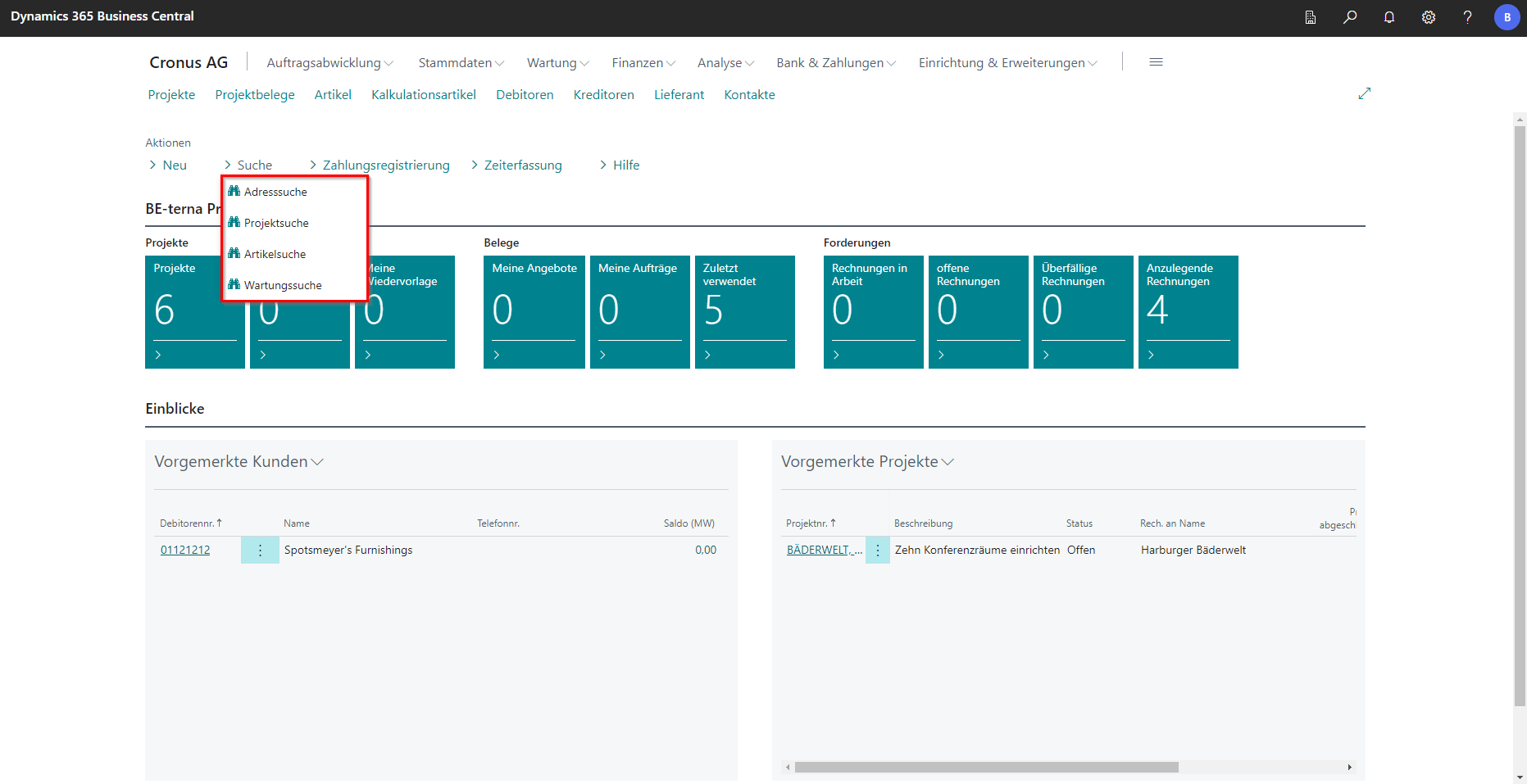
If you want to search for specific records in the areas of addresses, projects, articles or maintenance, the Search action can be used.
 Click to enlarge
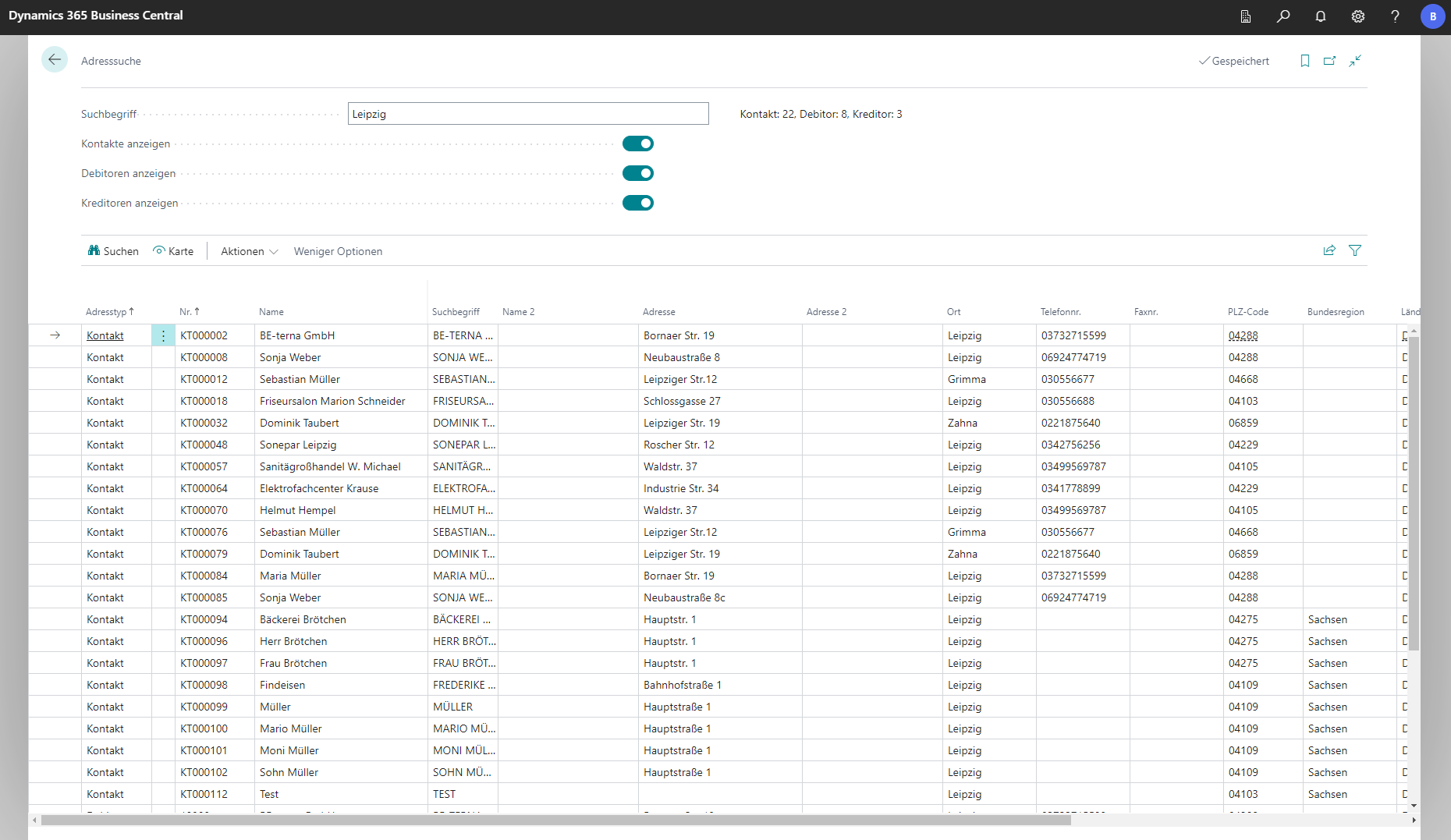
In the Setup of the search function, you can define how the search should behave.