Purchasing Exchange
The purchase exchange offers the possibility to start price inquiries from the service specification and to retrieve the updated prices in a document.
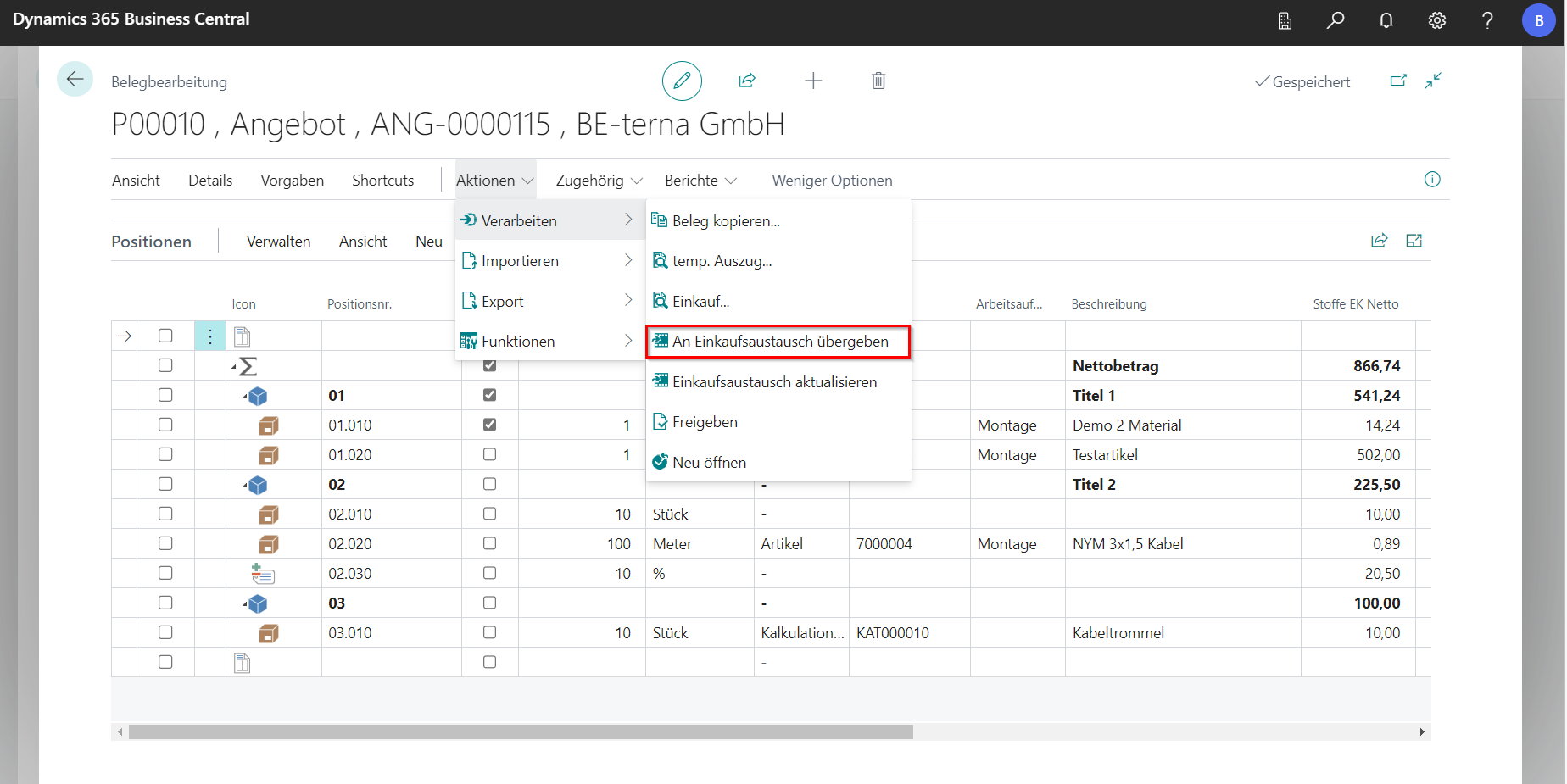
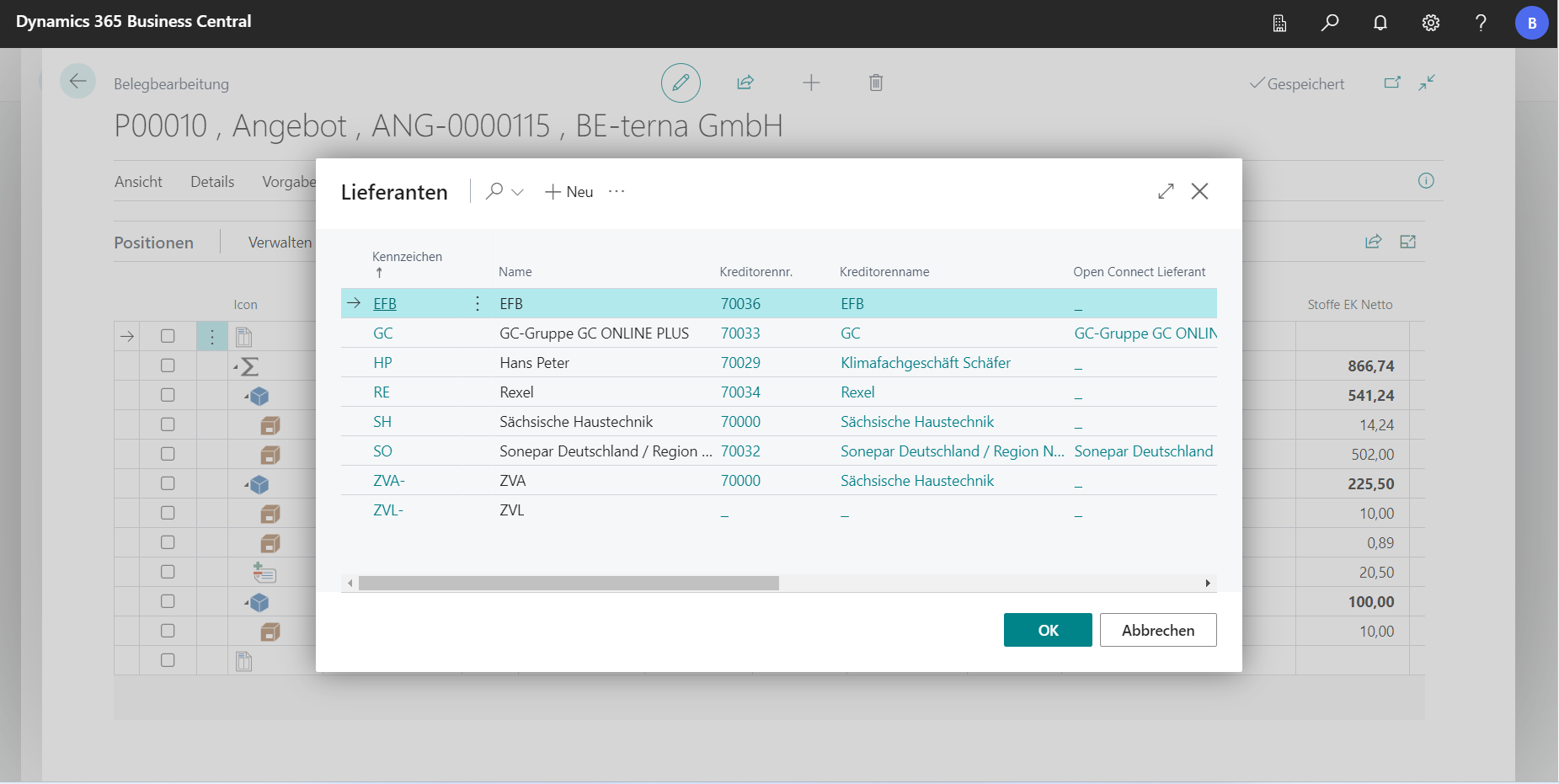
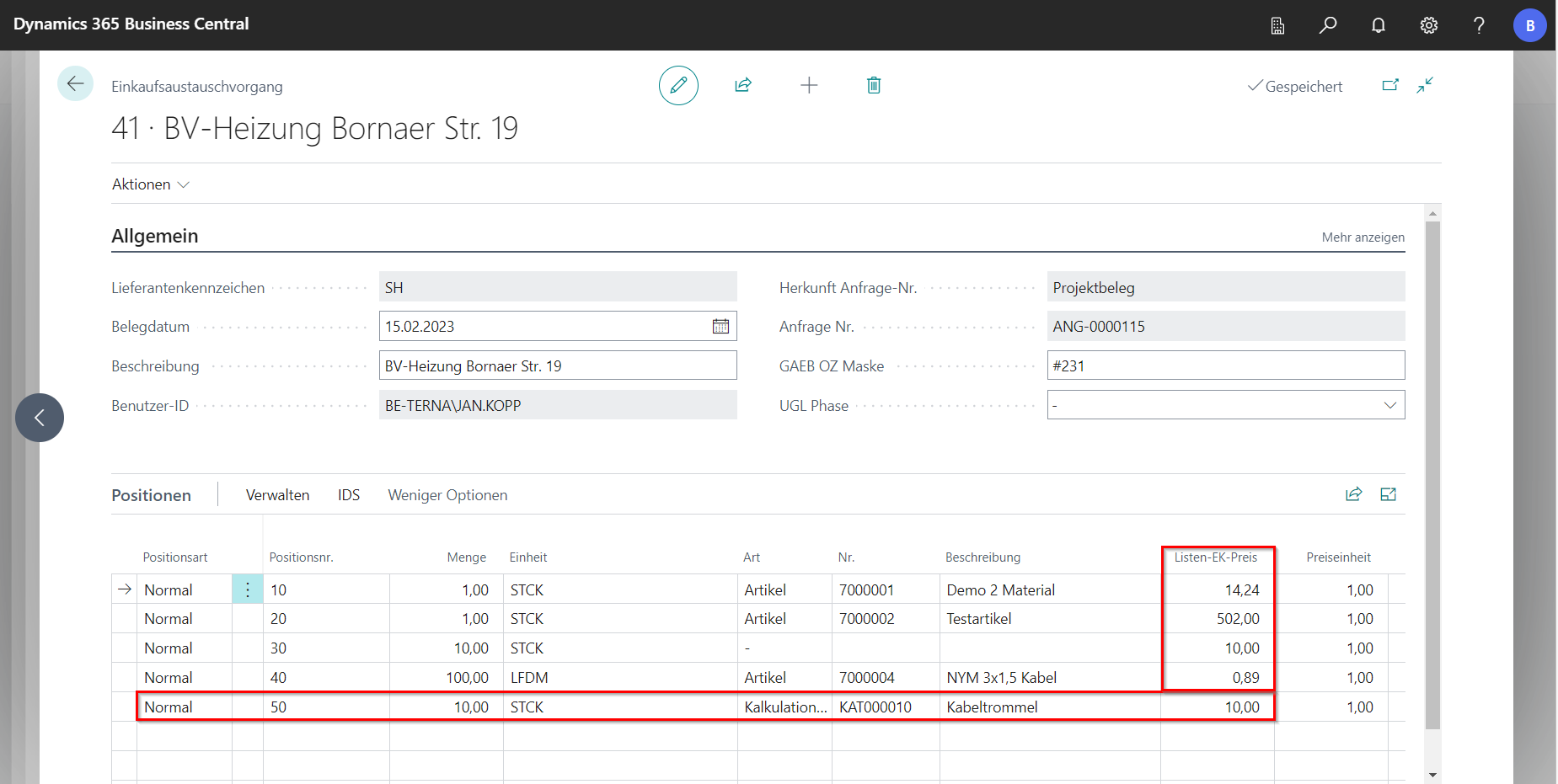
The purchase exchange is called up via Actions in the navigation menu under Process. A card opens in which the supplier can be selected. It should be noted that a vendor must be defined for the supplier. The receipt for the purchase exchange is then opened.
 Click to enlarge
 Click to enlarge
Purchasing exchange via IDS
If an IDS Shop has been maintained in the master data for the supplier, this function can be used for price querying. To do this, navigate to IDS via Actions and then senden_ _IDS shopping cart.
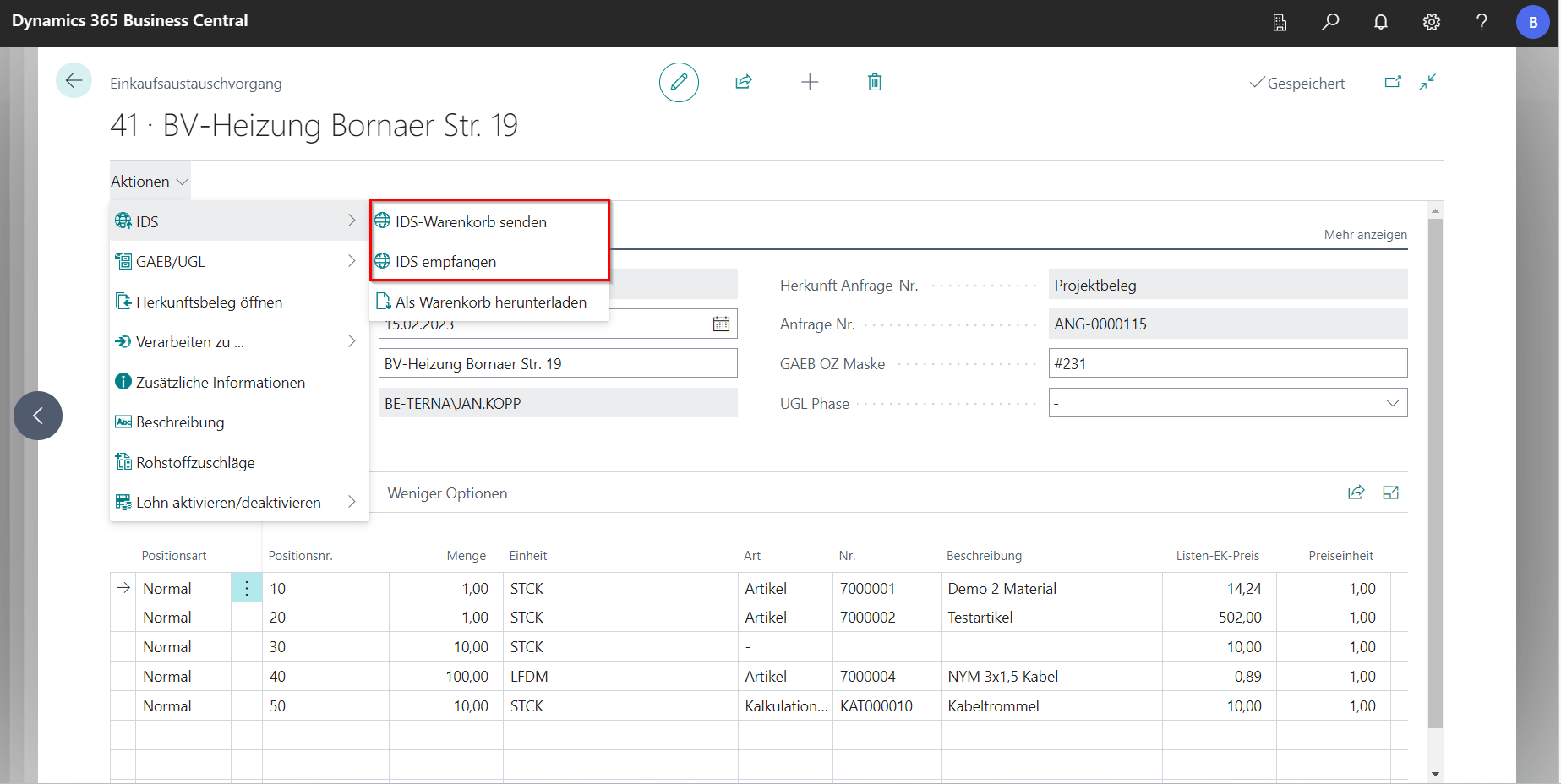
A new tab opens and the items in the receipt are transferred to the webshop, where they are listed in the shopping cart. Depending on the webshop, it is possible to add additional items to the shopping cart.
Alternatively, an empty shopping cart can be created via IDS empfangen in the webshop and the items for the receipt can be added there.
After returning from the webshop, the shopping cart must be updated in the purchase exchange. Now the current prices of the supplier and, if additional items have been added, new items should be visible in the document.
Purchasing exchange with GAEB/UGL
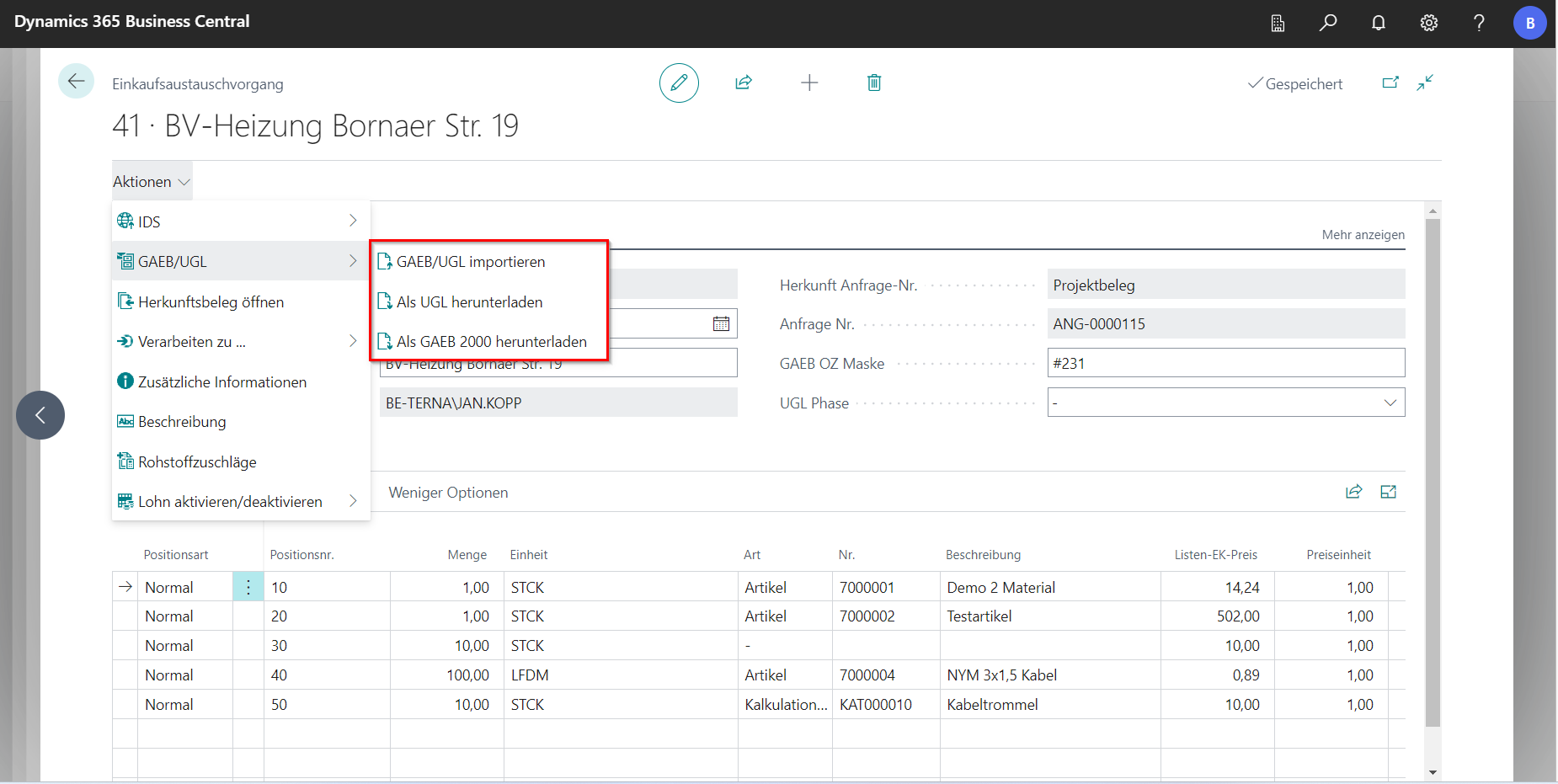
It is also possible to export the receipt as a GAEB or UGL file to issue a tender. A subcontractor can take care of this and send back a GAEB or UGL file, which is then read in again.
The functions for this can be found in the purchase exchange process under Actions at GAEB/UGL.