Tax Free
Configuration of the tax-free process with providers, country parameters, and test actions in POS Core.
Under Setup → Tax Free, you can configure the country-specific VAT refund process for tourists.
Setup
General

| Field | Description |
|---|---|
| Location | The location code of the cash register to be used |
| Cash Register | The cash register code of the cash register to be used |
| Provider | The tax-free provider Global Blue: The Global Blue interface is used |
| Active | Activates the tax-free setup for use during cashiering |
Settings

| Field | Description |
|---|---|
| Country Code | The country code of cashiering, required for country-specific rules Global Blue: The countries Germany (DE), Austria (AT), France (FR), Spain (ES), and Italy (IT) are supported |
| Disable Eligibility Check | This disables the automatic eligibility check at the end of the receipt, provided Tax Free has not already been activated manually |
| Invoice No. Series | Number series required only for Italy (IT) for document issues |
| Credit Note No. Series | Number series required only for Italy (IT) for document cancellations |
Standard
Note: This tab is only available when “Standard” is selected as the provider.

| Field | Description |
|---|---|
| G/L Account | Stores the G/L account to be used for VAT payout |
Global Blue
Note: This tab is only available when “Global Blue” is selected as the provider.
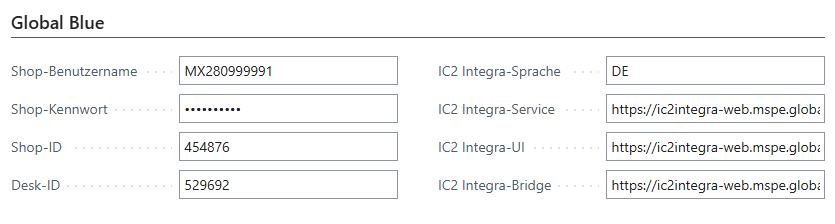
| Field | Description |
|---|---|
| Shop User Name | The cash-register-specific user name (provided by Global Blue) |
| Shop Password | The cash-register-specific password (provided by Global Blue) |
| Shop ID | The identification code for the cash register (provided by Global Blue) |
| Desk ID | Defines which print layout - text or PDF - should be used (provided by Global Blue) |
| IC2 Integra Language | Defines the UI language output (analogous to Country Code) |
| IC2 Integra Service | The URL for service requests (provided by Global Blue) |
| IC2 Integra UI | The URL for the user interface (provided by Global Blue) |
| IC2 Integra Bridge | The URL for communication between cash register and user interface (provided by Global Blue) |
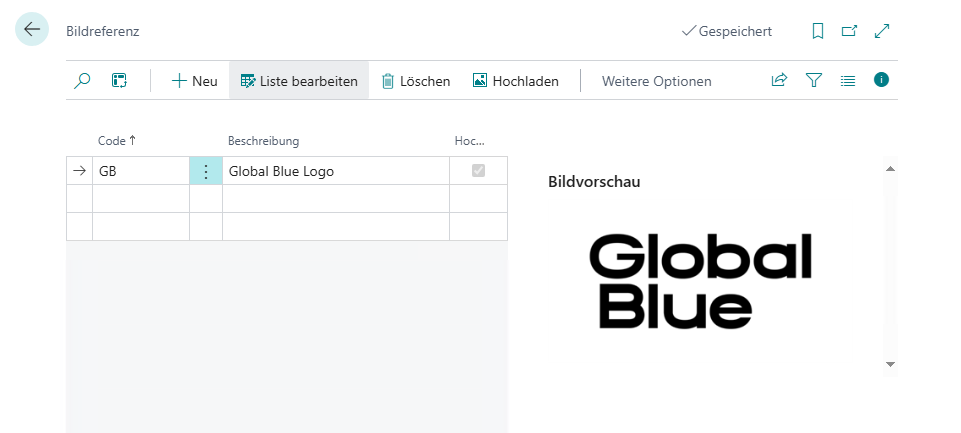
If document issue is to take place via the receipt printer, the current Global Blue logo must also be stored in Image Reference. Use the code GB for this purpose:
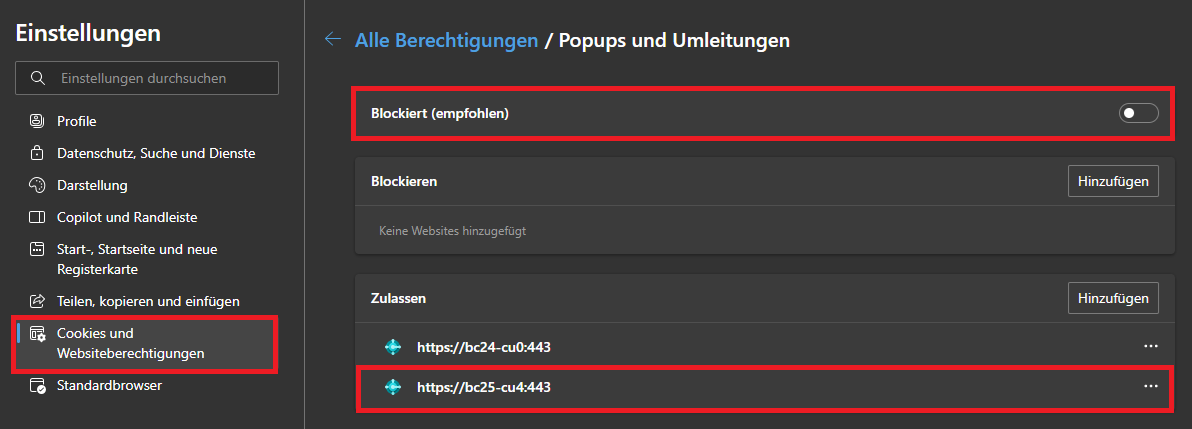
Note: Using this feature during cashiering requires pop-ups to be enabled in the relevant browser, either generally or restricted to the cash register URL.
Actions
Test
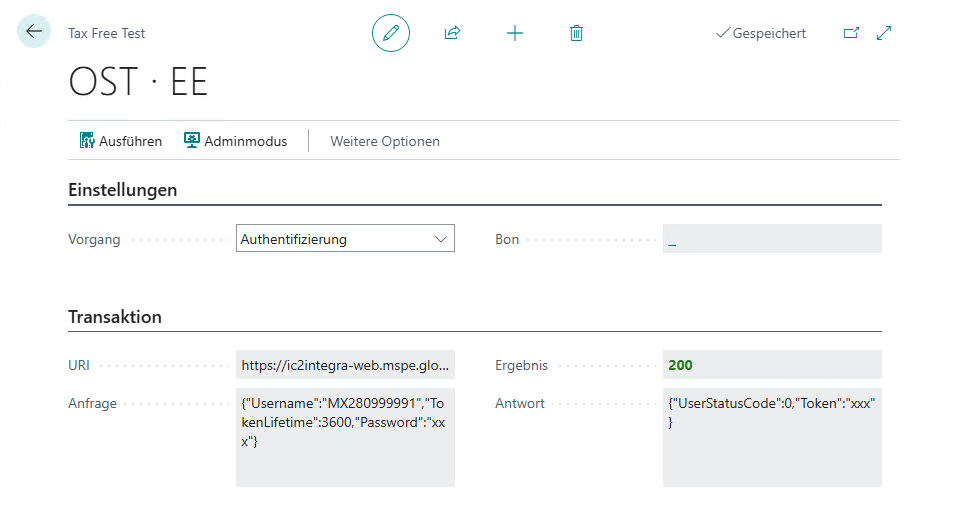
To verify the functionality of the configuration, you can use the dedicated test page provided for this purpose.
Settings
| Field | Description |
|---|---|
| Process | The provider-dependent test process. All processes except authentication require Admin Mode to be active Authentication: Establishes a connection to the provider and requests a time-limited security key for the actual service requests Eligibility Check: Checks whether the specified receipt reaches the threshold of the configured country and is therefore eligible for Tax Free Validity Check: Checks whether all data underlying the request is correct so that tax-free issue can be performed without errors Issue: Performs the tax-free issue for the specified receipt Cancellation: Cancels the tax-free issue of the specified receipt Reprint: Reprints the tax-free document for the specified receipt |
| Receipt | One or more receipts can be selected here, to which the chosen process is then applied |
Transaction
| Field | Description |
|---|---|
| URI | The URI generated and used by the cash register system for the respective process |
| Request | The request generated and used by the cash register system for the respective process |
| Result | The HTTP status code of the executed request |
| Response | The response returned by the provider for the respective process |