Receipt Line Search
Describes filtering of sales, payment, and discount lines of all receipts in the POS Core archive.
Under the Archive menu, you can find the Receipt Line Search, which can be used to filter the sales, payment, and discount lines of all receipts.

The Clear Filters action removes all applied filters.
| Field | Description |
|---|---|
| Location Code | Specifies the location to filter by. |
| Cash Register | Specifies the cash register to filter by. |
| POS Process | Sets the filter to a POS process number. |
| Receipt No. | Sets the filter to a receipt number. |
| Start Date | Defines the start date of the search period. |
| End Date | Defines the end date of the search period. |
| Item No. | Specifies the item number to filter by. |
| Receipt Type | Filters the receipt lines by a specific receipt type. |
| Tender Type | Filters the payment lines by the selected tender type. |
| Customer No. | Sets the filter to a customer number. |
| Customer Name | Sets the filter to a specific customer name. |
| Salesperson Code | Specifies the salesperson code to filter by. |
| Cancelled | Defines whether only cancelled receipts should be displayed. |
| Employee Sale | Filters the lines to receipts with an employee sale. |
| Discount Type | Filters the receipt lines by a specific discount type. |
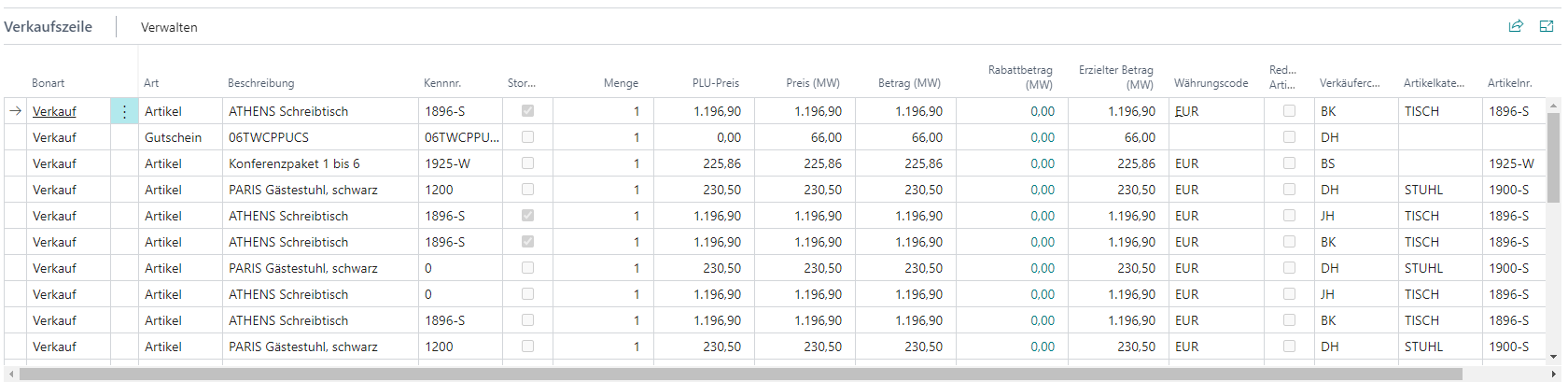
If receipt lines exist for the applied filters, they are displayed in the corresponding overviews below the filters.
If exactly one single receipt is found with the applied filters, the receipt document is also displayed.