Barcode
Configuration of barcode prefixes and suffixes for campaigns, coupons, and reservations.
Under Setup → Barcode, barcodes can be configured.
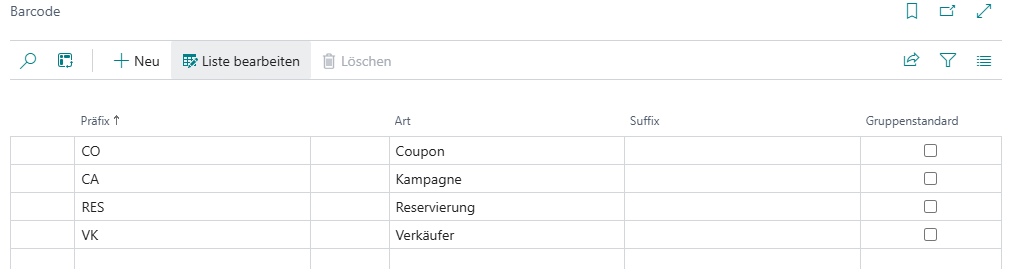
Setup
| Field | Description |
|---|---|
| Prefix | Specifies which character string appears at the beginning of the barcode and therefore has to be removed |
| Type | Defines the barcode type and therefore how it should be interpreted Campaign: The barcode is interpreted as a campaign code Coupon: The barcode is interpreted as a coupon Reservation: The barcode is interpreted as a reservation receipt |
| Suffix | Specifies which character string appears at the end of the barcode and therefore has to be removed |
Usage
If a campaign called TEST exists and it should be applied manually rather than automatically on the receipt, the barcode could look like this: CAMPTEST. To interpret this barcode successfully, a barcode setup for Campaign must first be created with CAMP stored as the prefix. When CAMPTEST is captured, the cash register program then recognizes that it is a campaign, removes the CAMP prefix, and registers the TEST campaign.