Cash Register Start
Cash register start is initiated via the Start button.
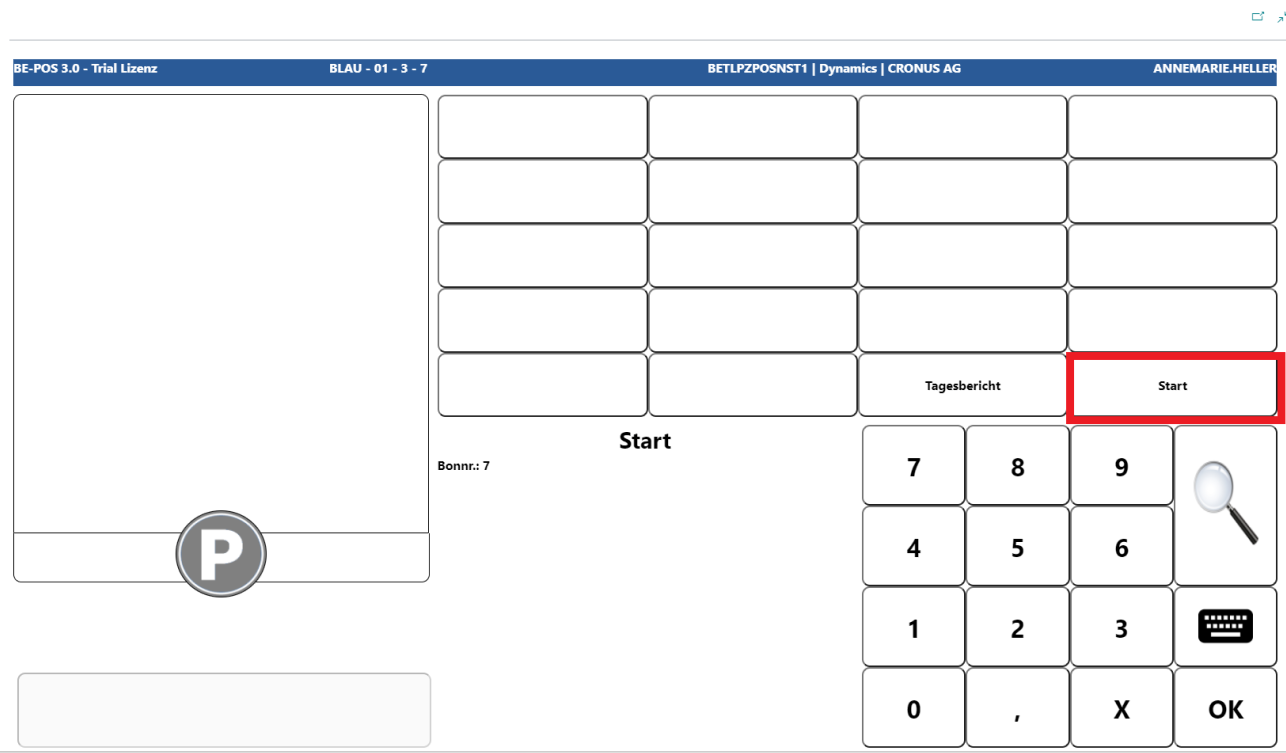
Cashier sign-in
First, the cashier must identify themselves by entering the relevant cashier code.
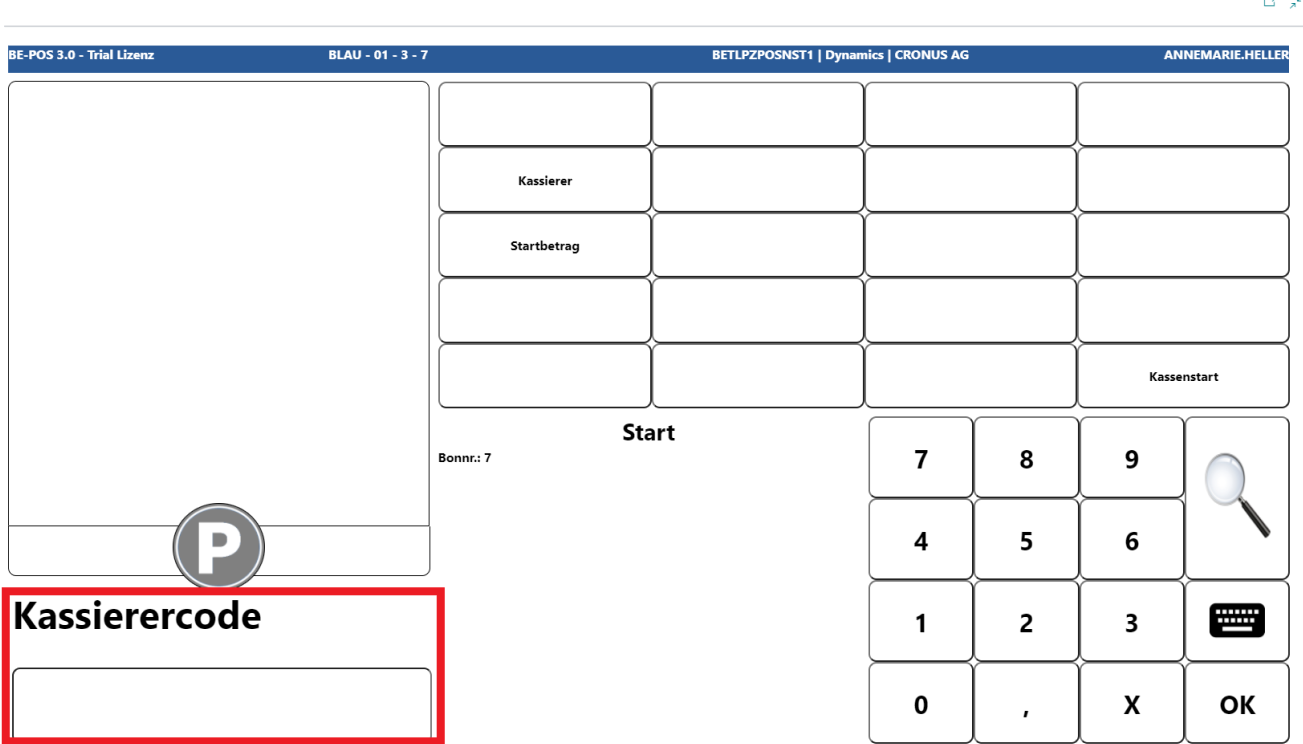
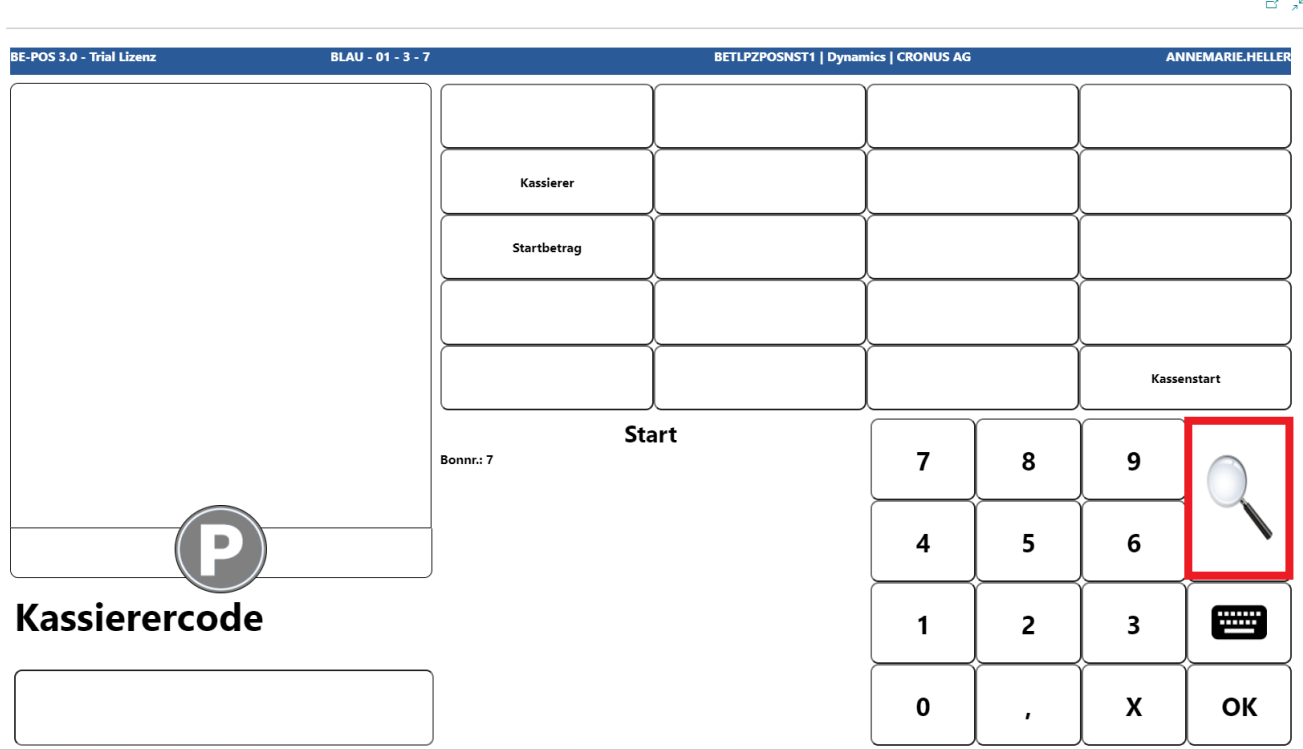
If the cashier code is not known, it can be searched for and selected via the magnifying glass button.
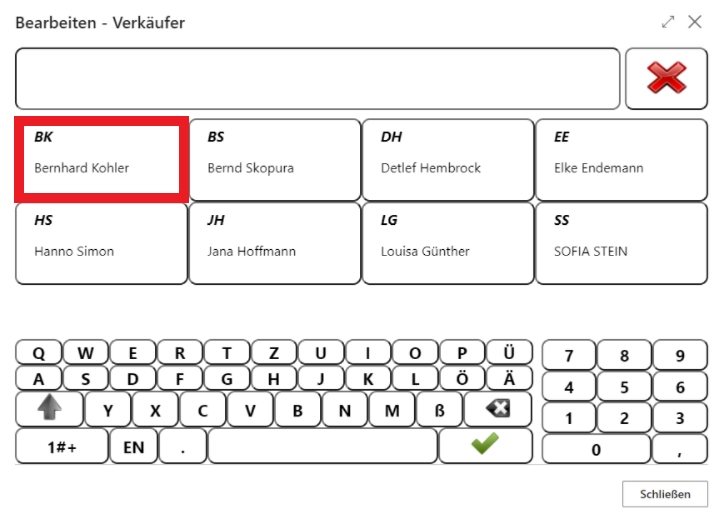
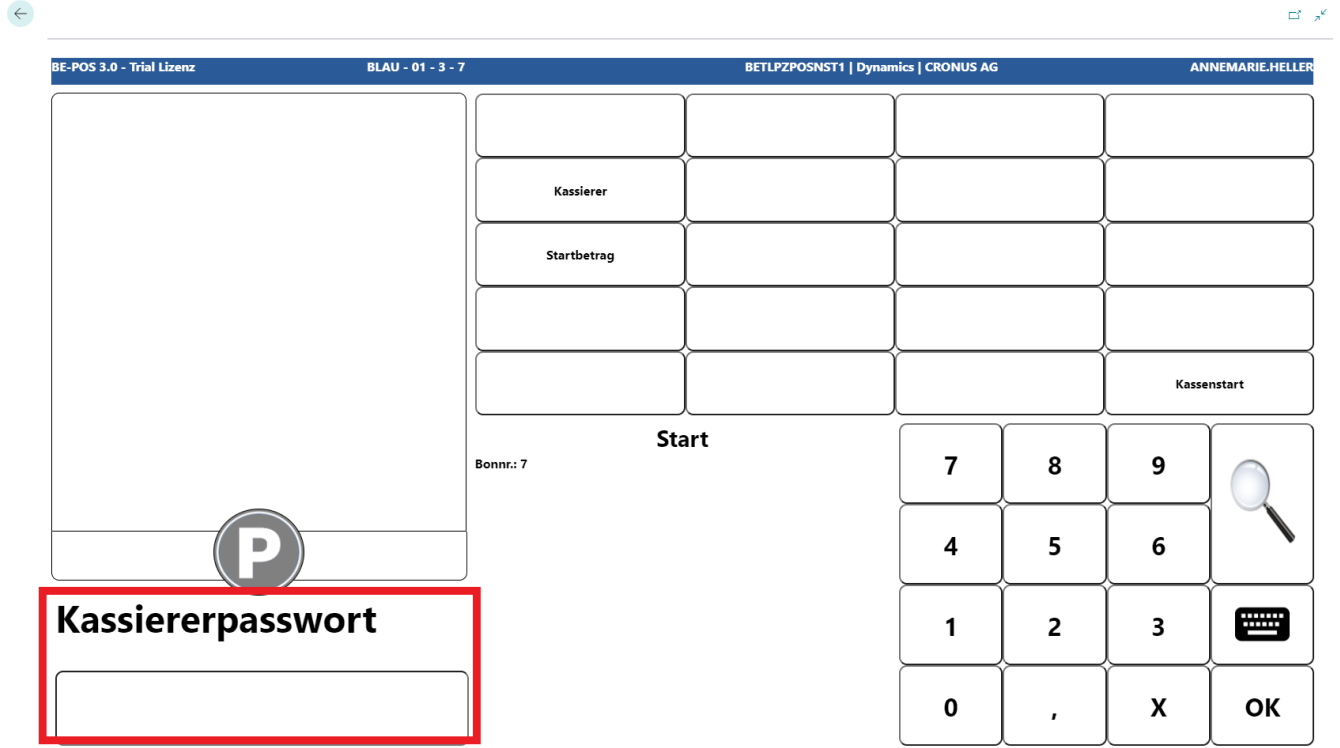
If a password is stored for the cashier, it is then requested in the input field.
Change Registration
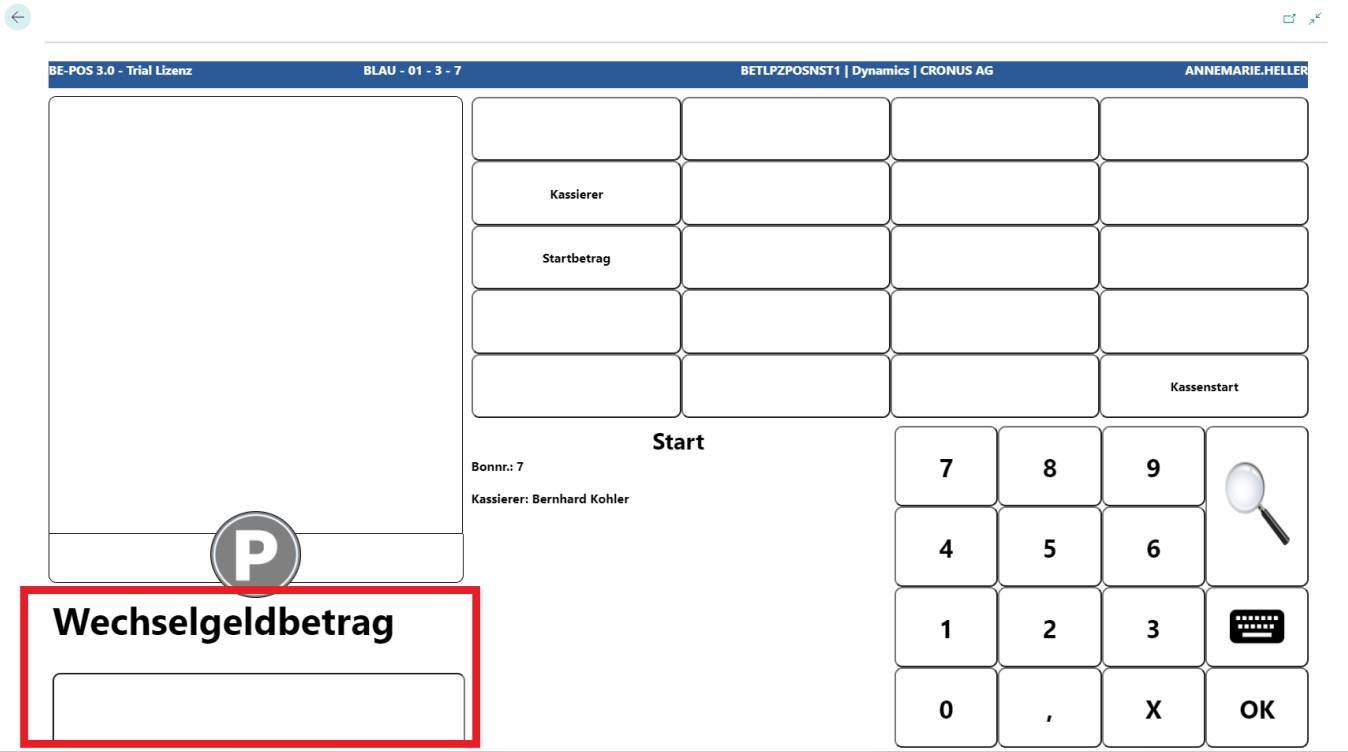
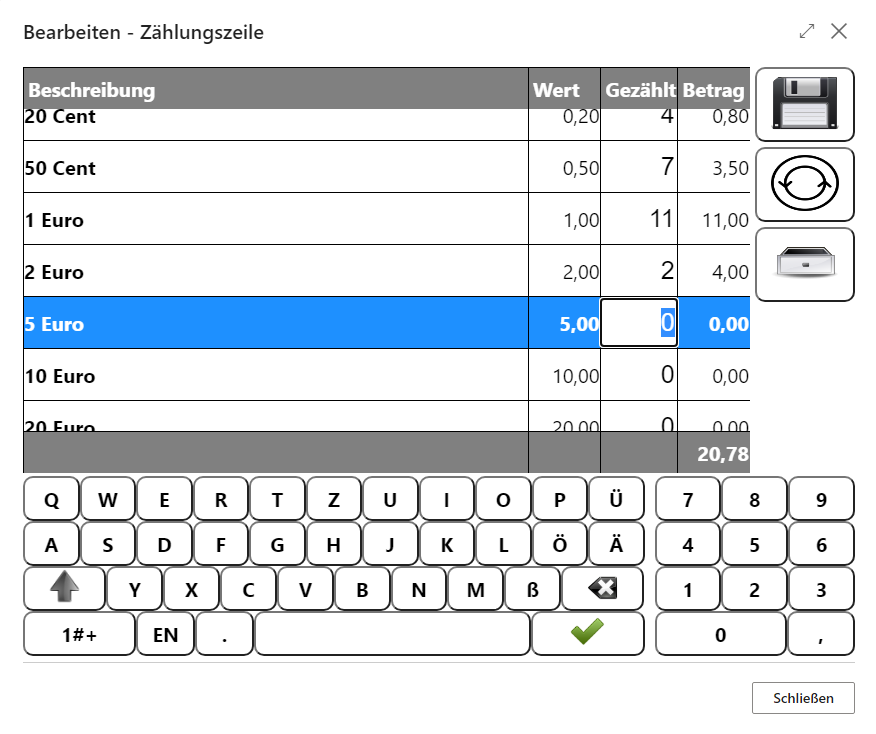
Next, the change amount must be entered, meaning the amount that is in the cash drawer at the start of the shift. Depending on the configuration in the cash register setup, this is entered either directly in the input field or via denomination in a separate screen.
The captured cashier and the stored change amount are visible in the info field.
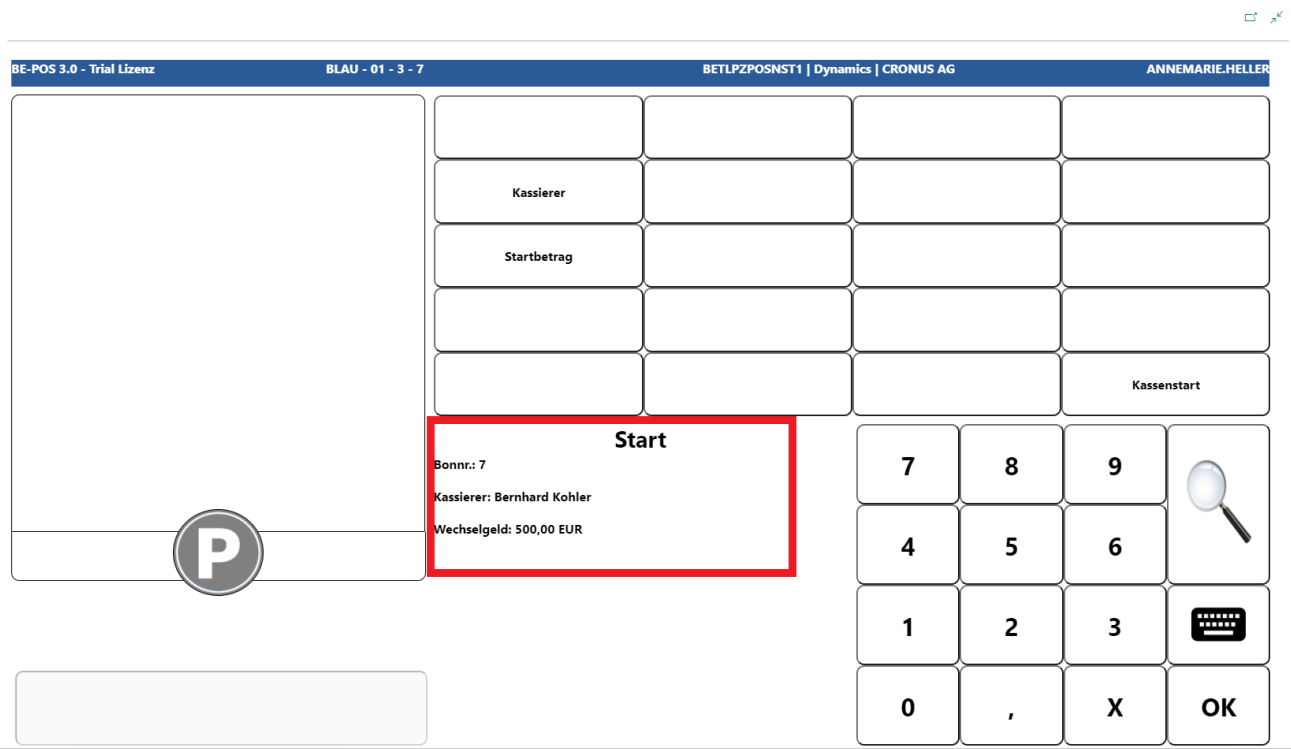
Both inputs can also be corrected afterwards via the respective buttons.
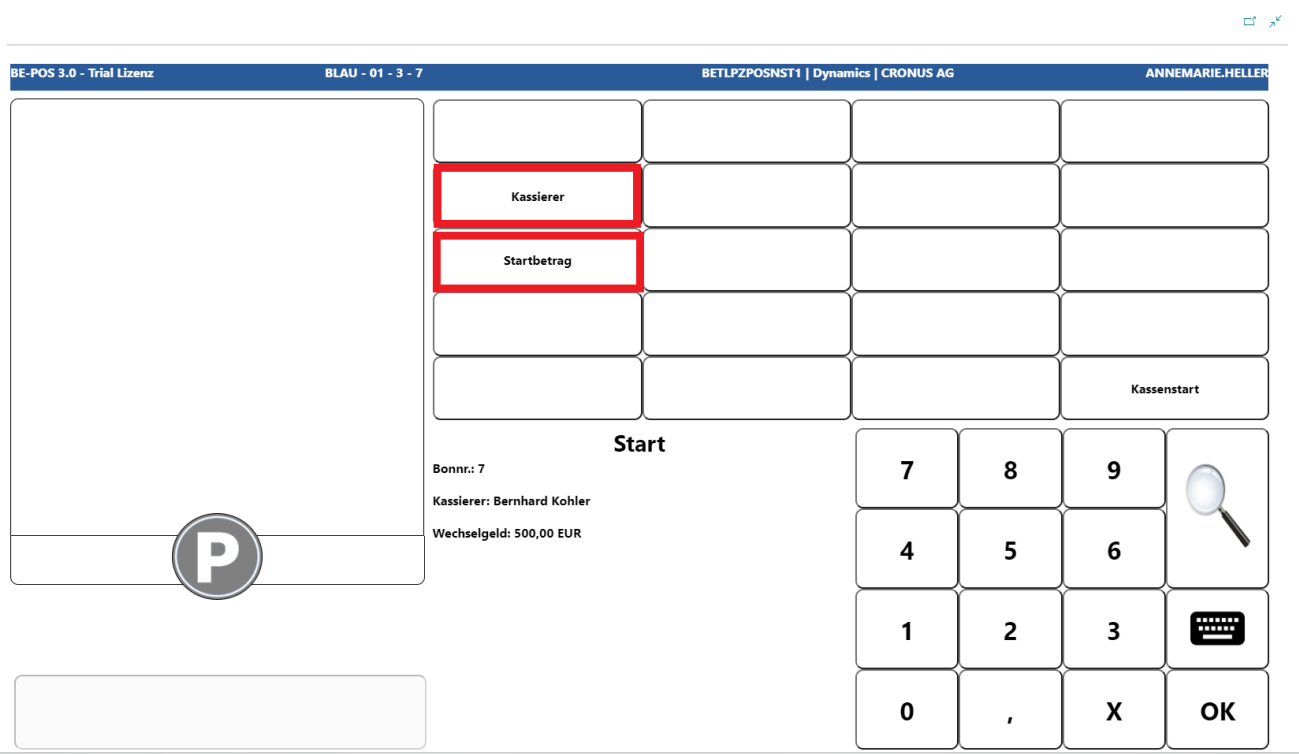
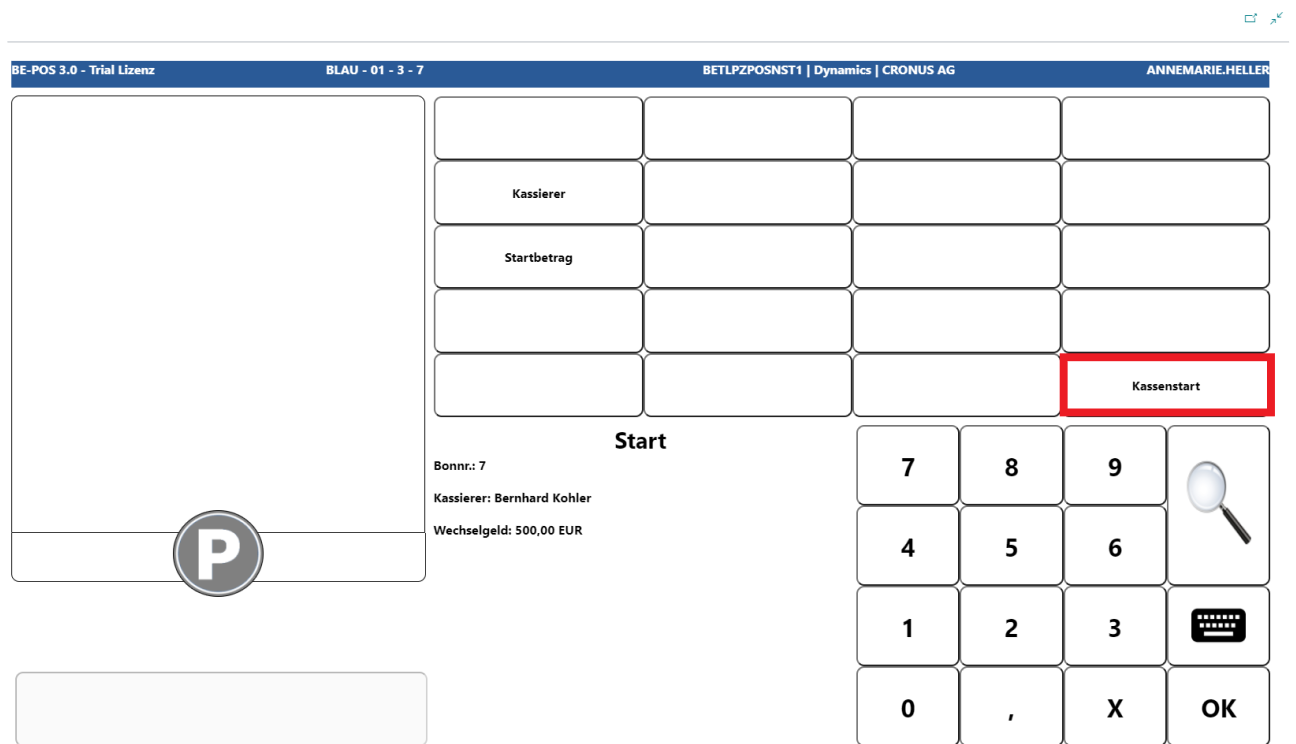
If all entries are correct, cashiering can be started with Cash Register Start.
Note: The cashier can still be changed at any time via the function menu, but change registration is no longer possible afterwards.
Links