Quick Selection
Under Setup → Quick Selection, quick-selection options can be stored for various cash register states.
Note: Up to 12 quick buttons can be stored per category.
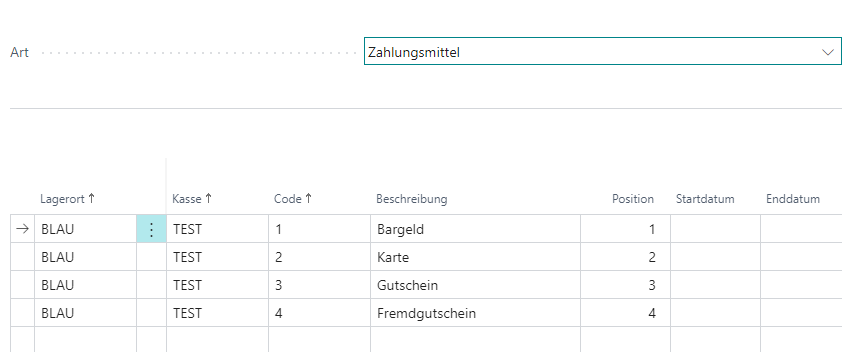
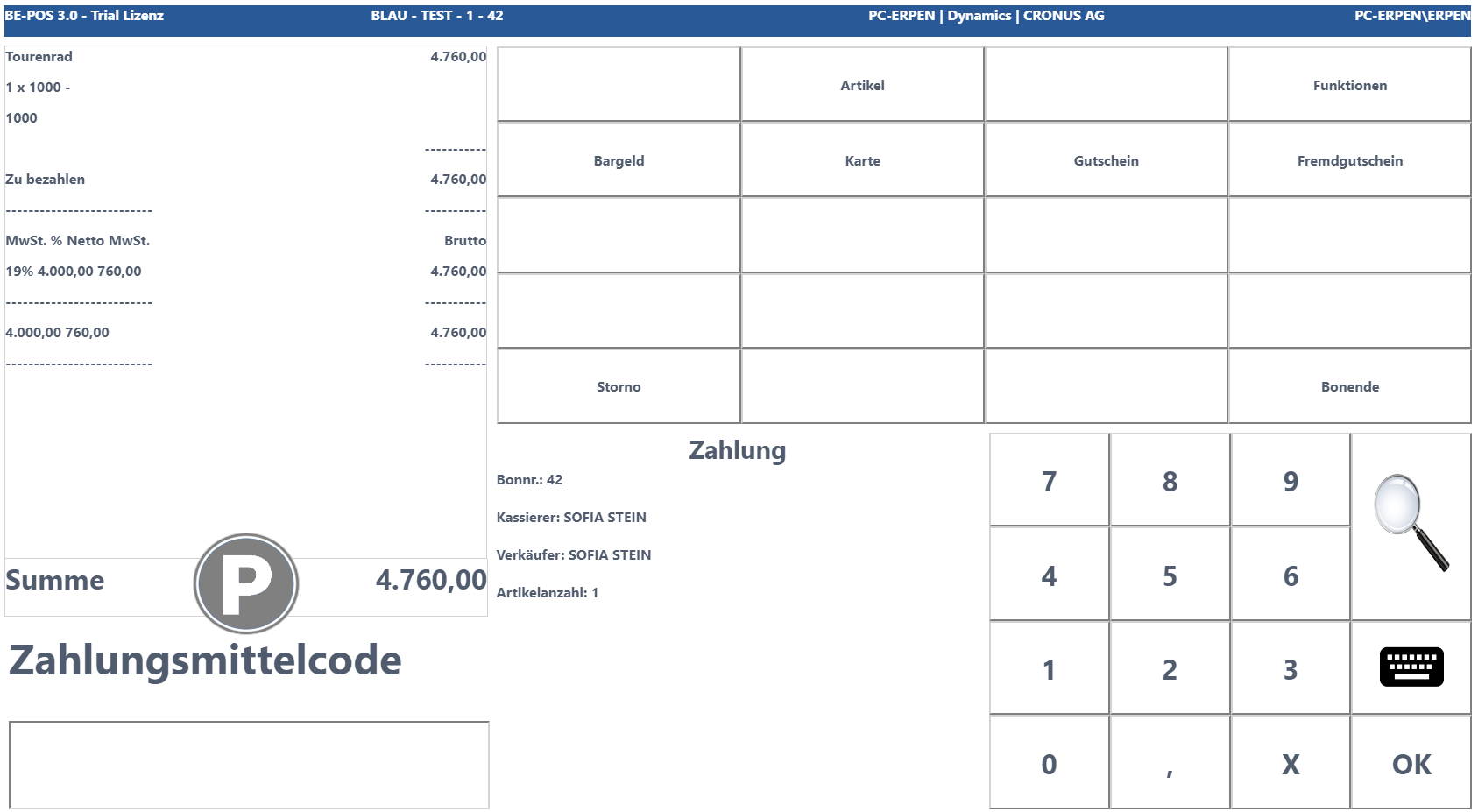
Tender
Allows storing tenders; these can be selected during the payment process of cashiering.
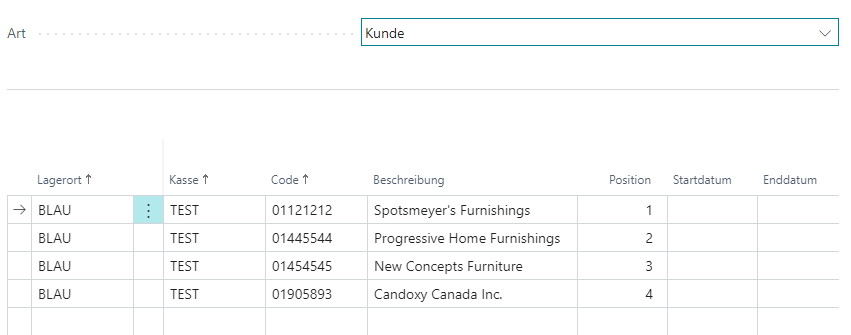
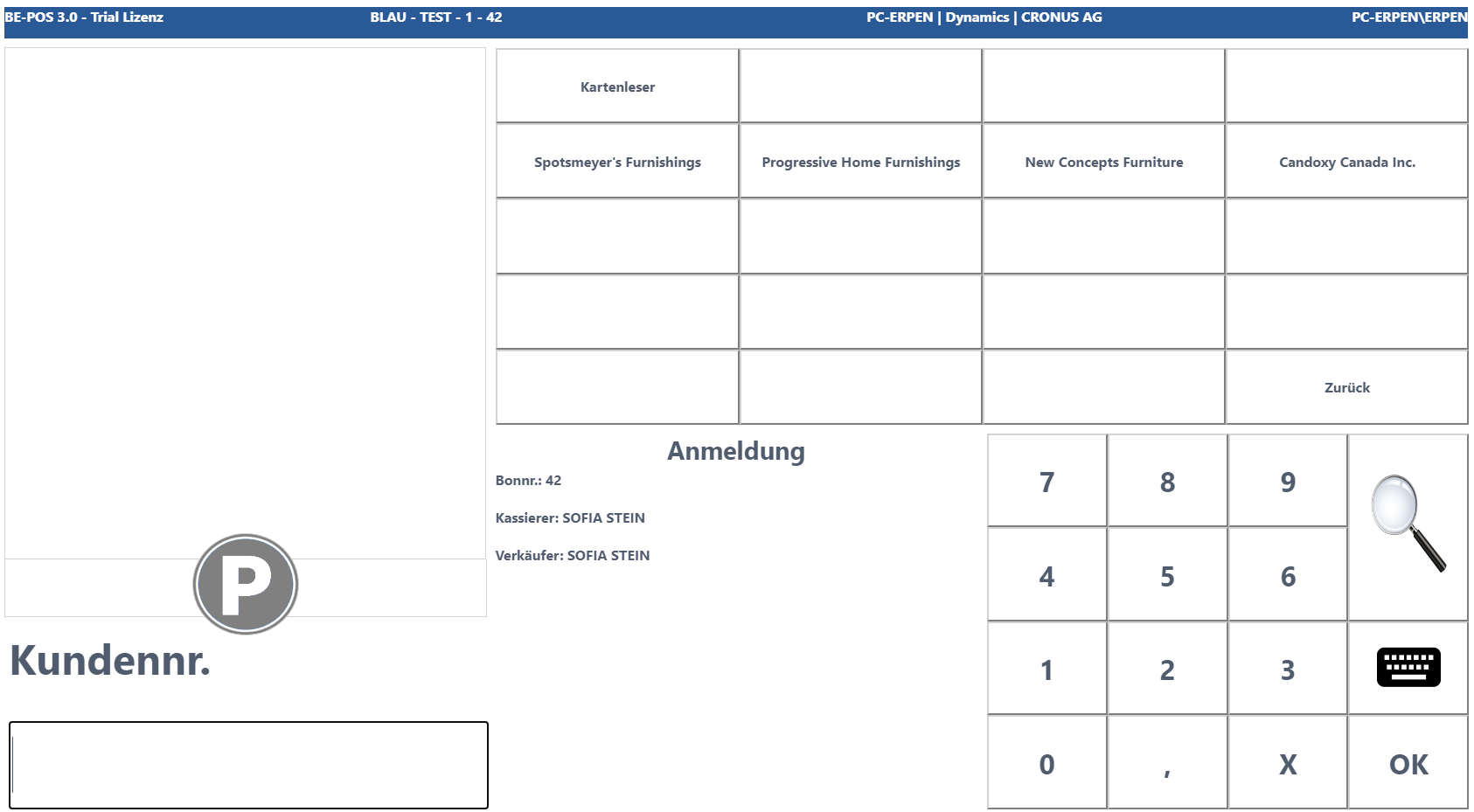
Customer
Allows storing customers/contacts; these can be selected during customer login within cashiering.
Reduce
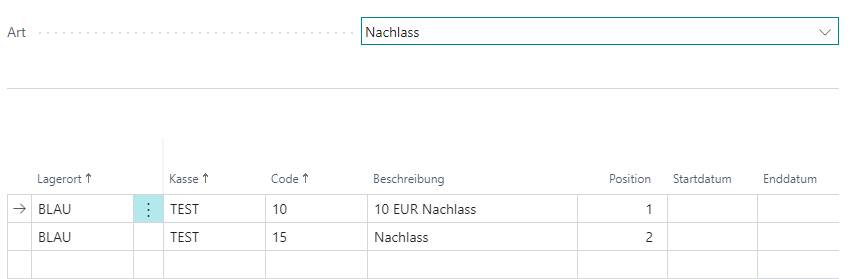
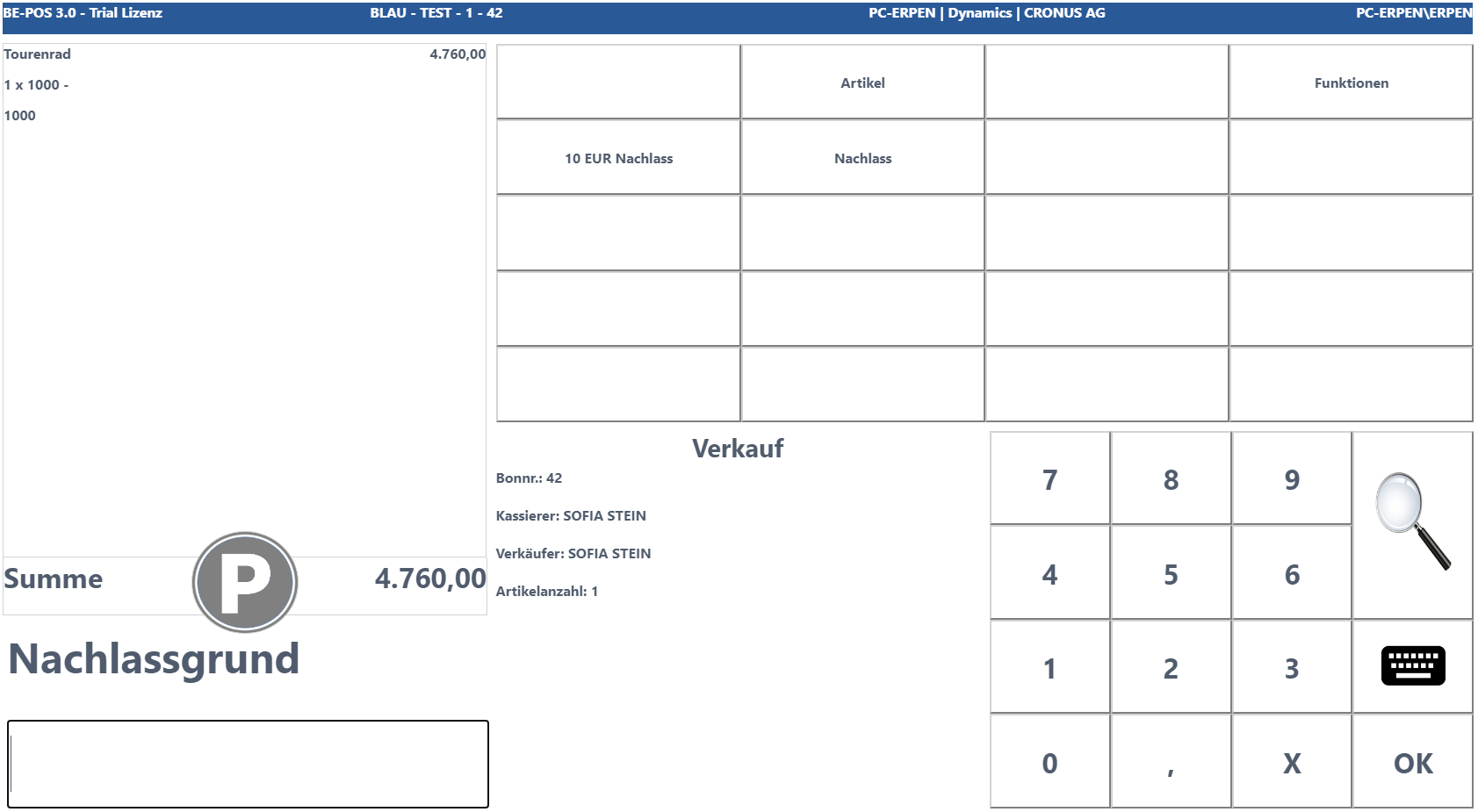
Allows storing reduce reasons; these can be selected within cashiering for both line-level and receipt-level reduces. It is also possible to define a start and end date from or until which the respective reason is valid.
Note: If only a single reduce reason exists, it is used automatically by cashiering.
Item
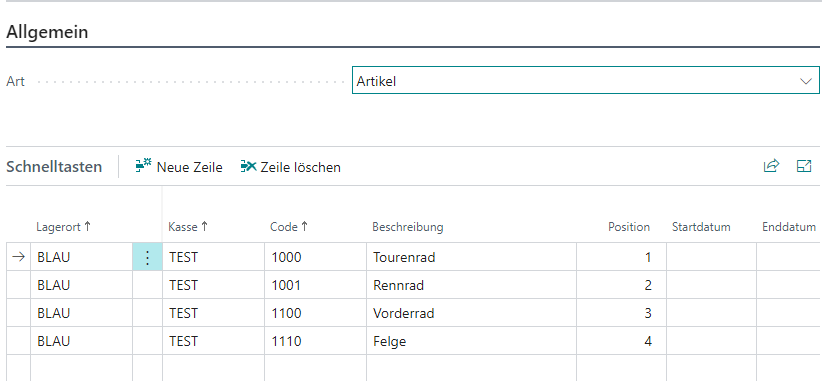
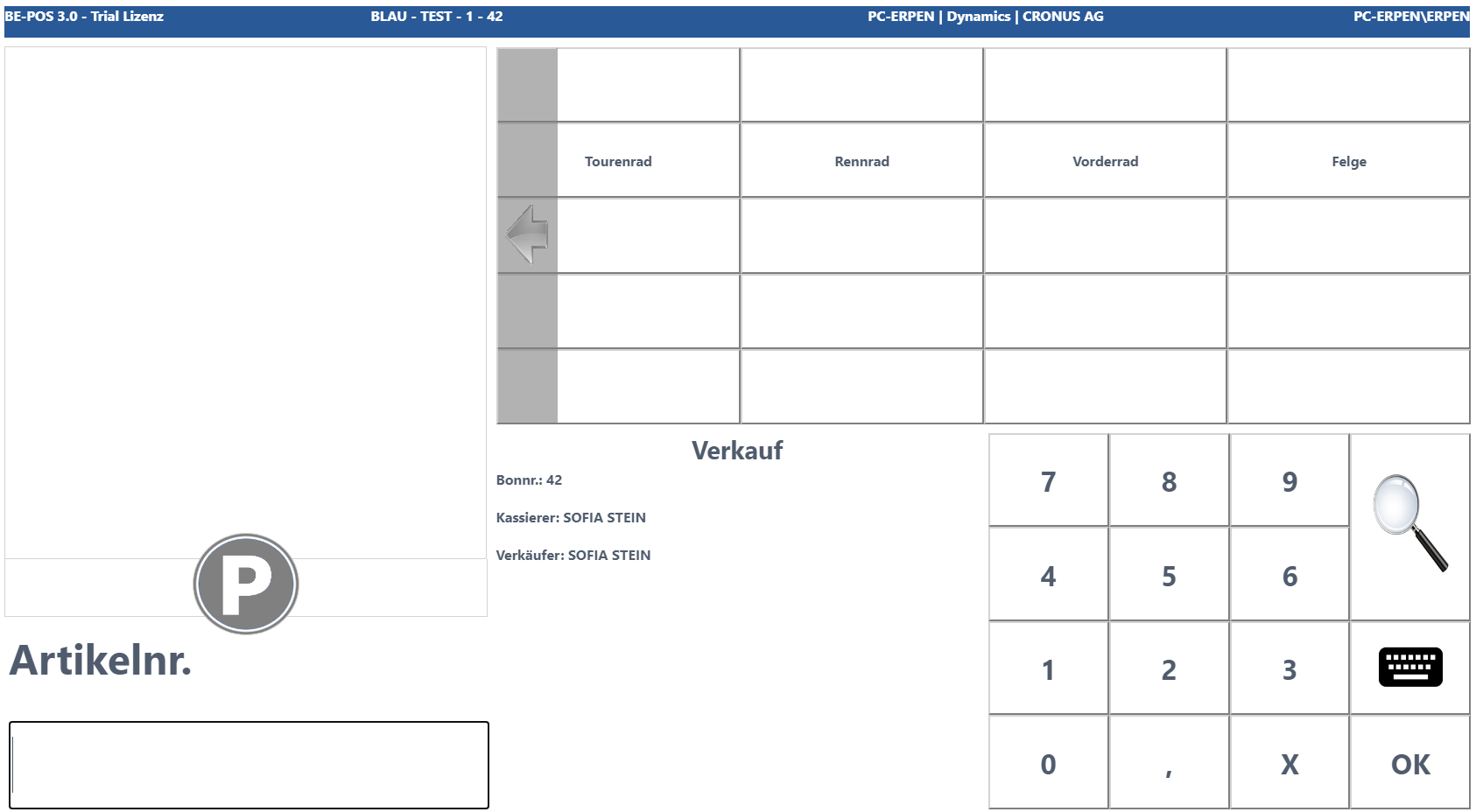
Allows storing items; these can be selected during the sales process of cashiering.
New Price
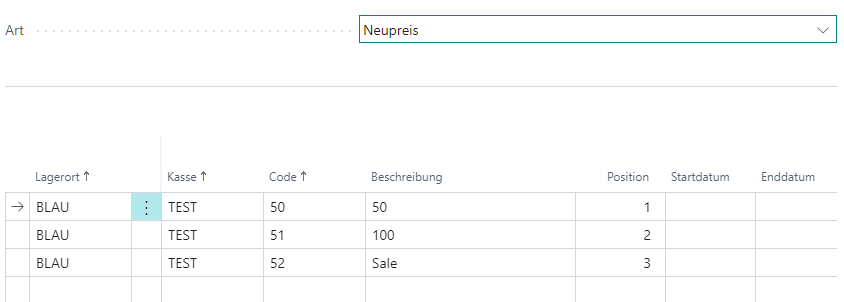
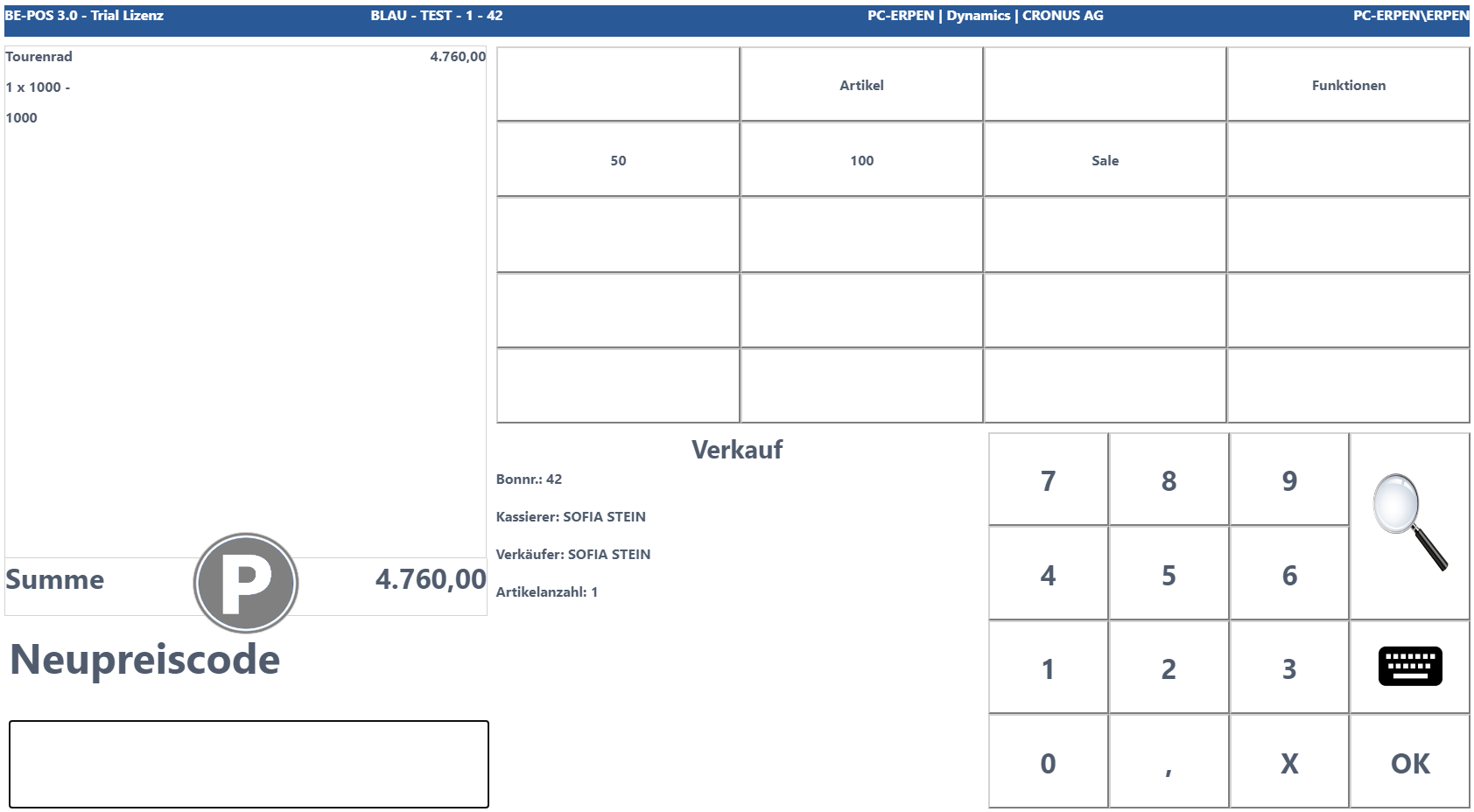
Allows storing new-price reasons; these can be selected for price changes within cashiering. It is also possible to define a start and end date from or until which the respective reason is valid.
Note: If only a single new-price reason exists, it is used automatically by cashiering.
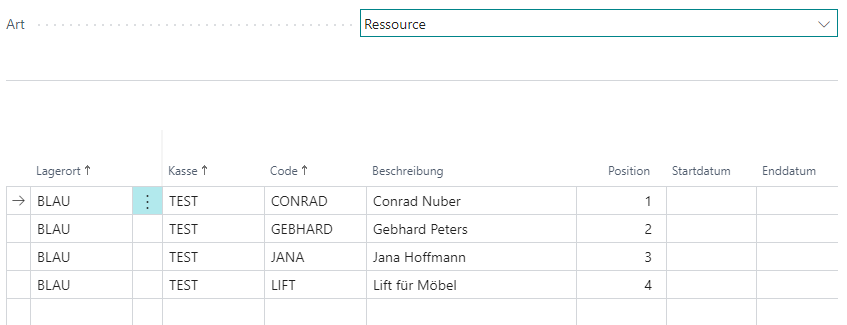
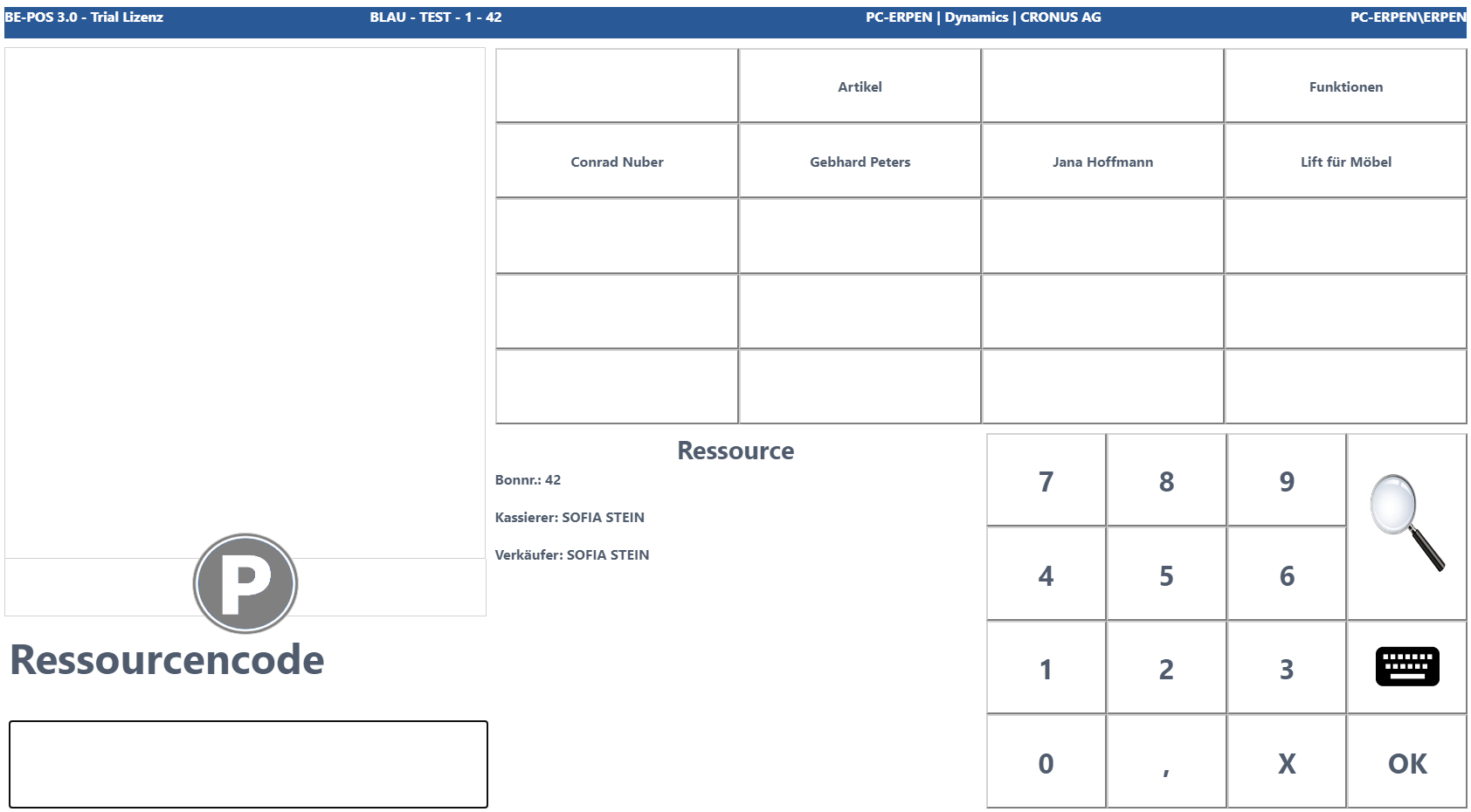
Resource
Allows storing resources; these can be selected during the sales process of cashiering.
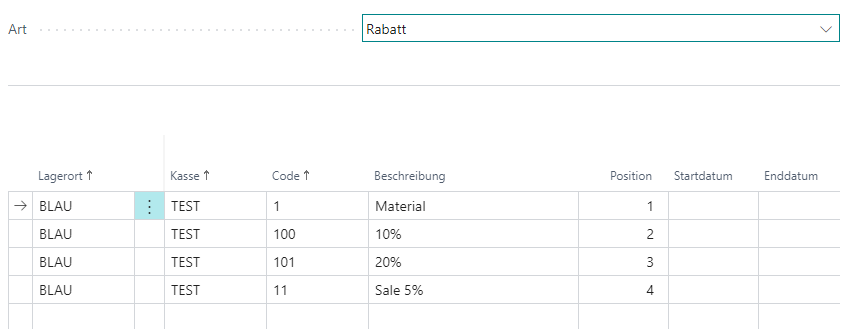
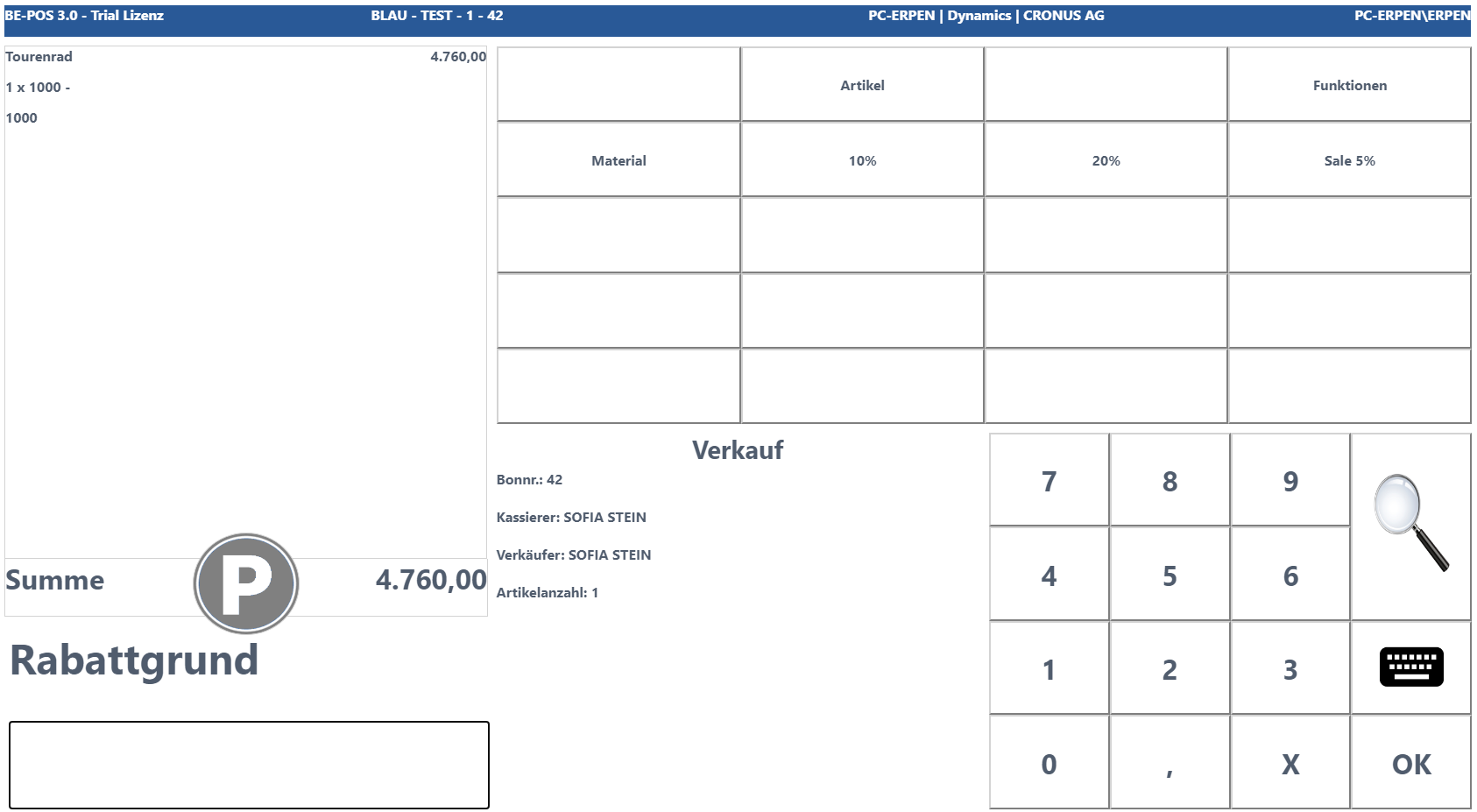
Discount
Allows storing discount reasons; these can be selected within cashiering for both line-level and receipt-level discounts. It is also possible to define a start and end date from or until which the respective reason is valid.
Note: If only a single discount reason exists, it is used automatically by cashiering.
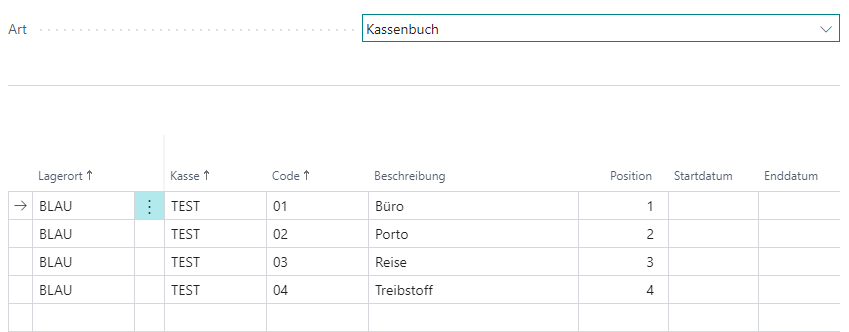
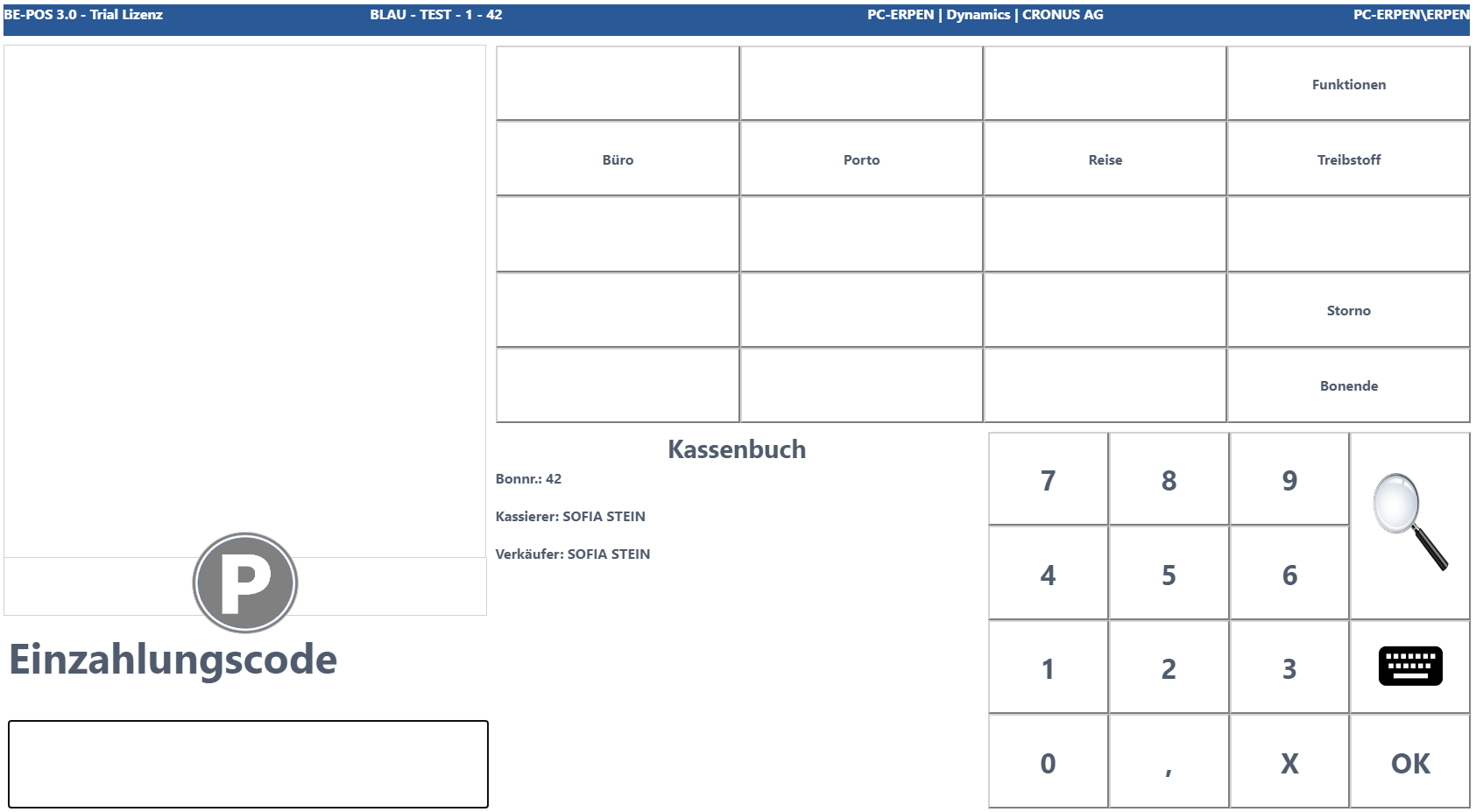
Cash Account Book
Allows storing cash account book reasons; these can be selected for deposits and payouts under the receipt type Cash Account Book.
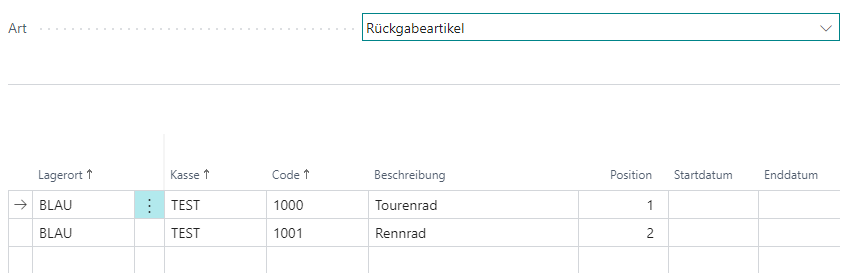
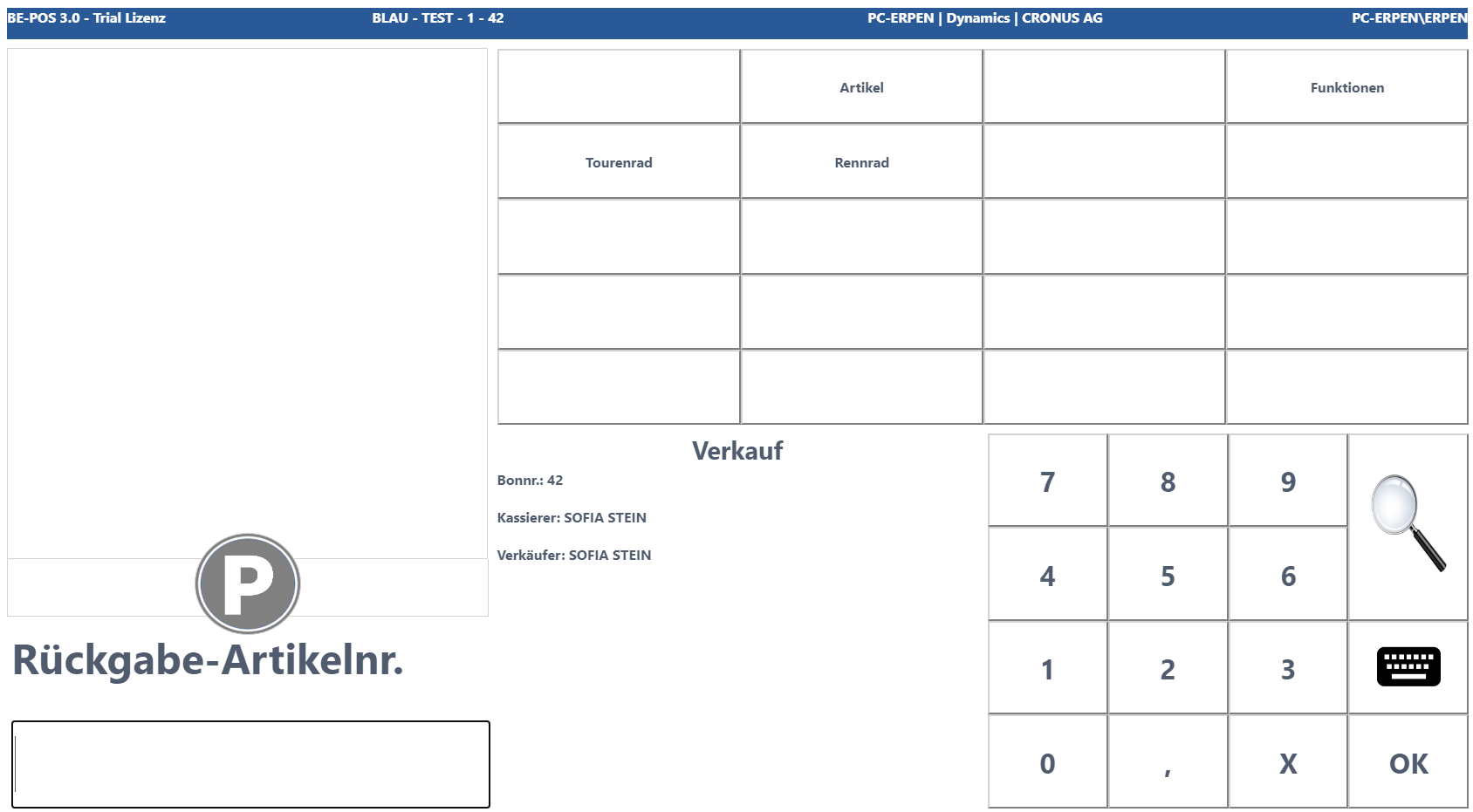
Return Item
Allows storing return items; these can be selected during the return process of cashiering.
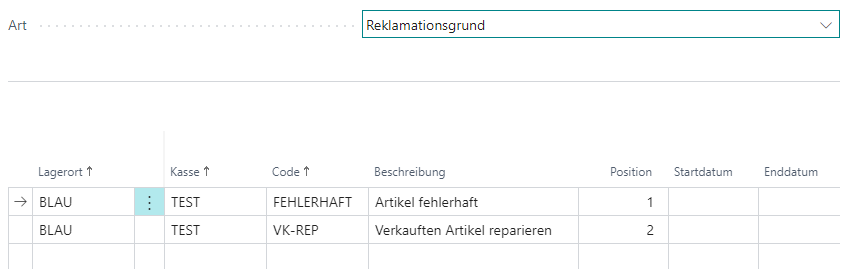
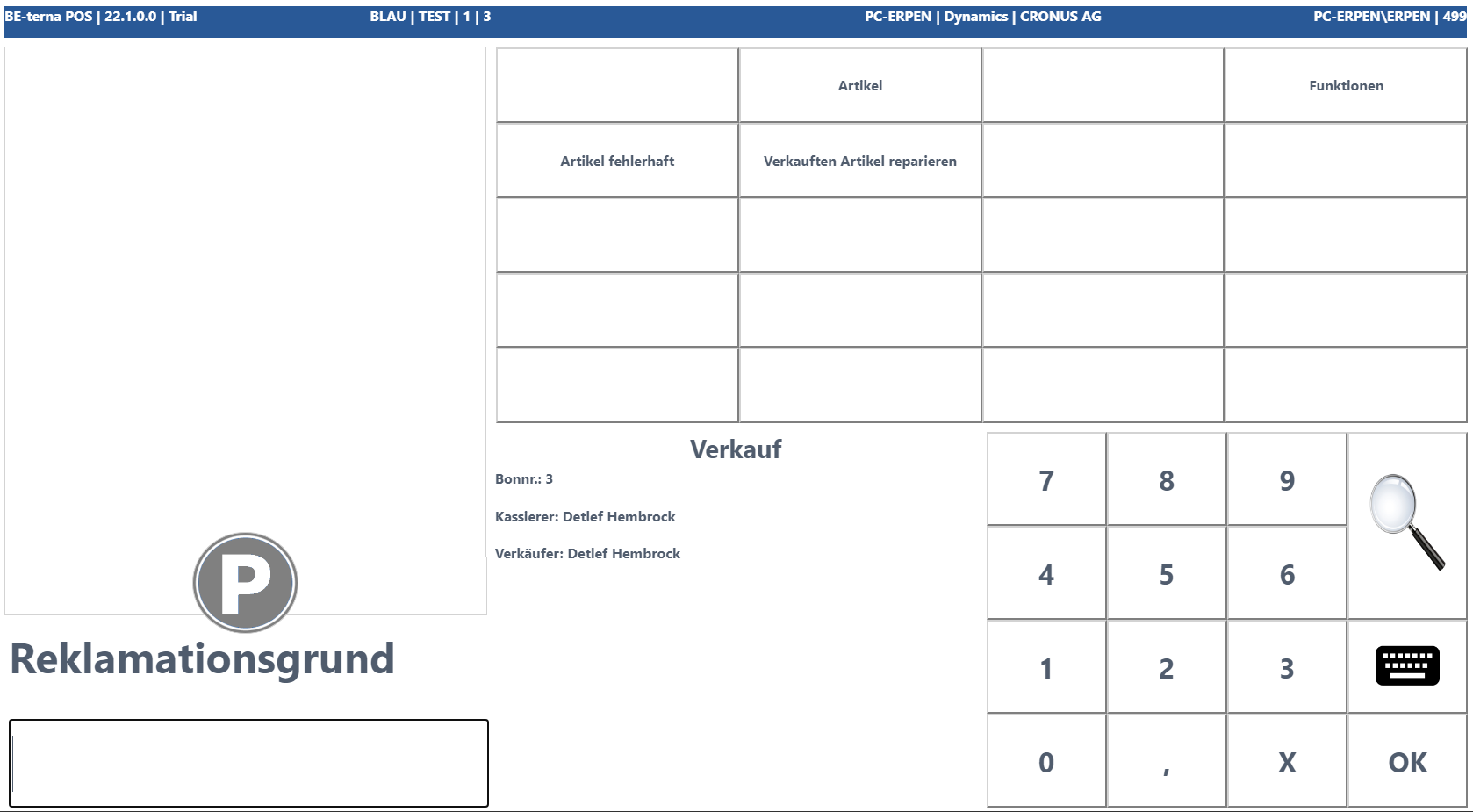
Return Reason
Allows storing return reasons; these can be selected during the return process of cashiering.