Backup
Import and export of configuration, archive, and migration data in POS Core.
The backup feature makes it possible to export and import specific data.

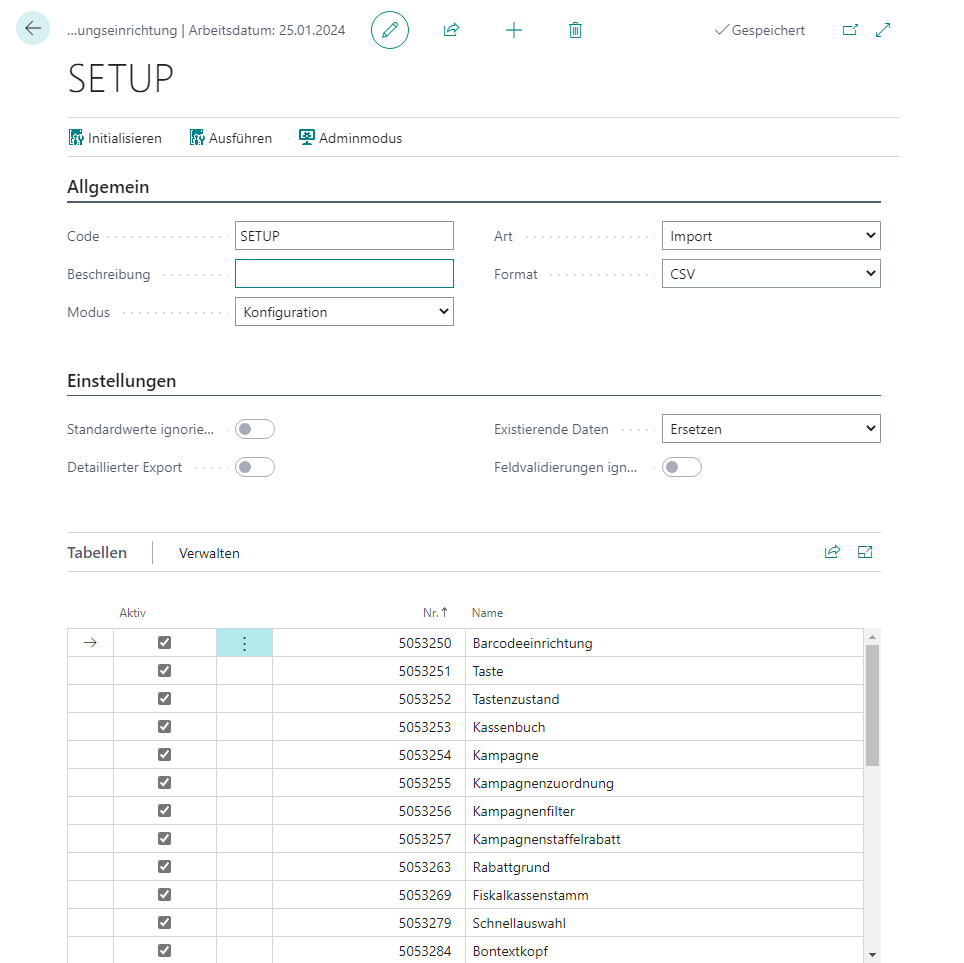
Actions
Initialize
Initializes all tables available for the current configuration, depending on the selected mode.
Execute
Executes the current configuration by exporting data as a ZIP folder to Downloads or importing it via manual file selection.
Admin Mode
Provides access to the password-protected administrator mode, which grants access to protected functionalities.
Setup
General
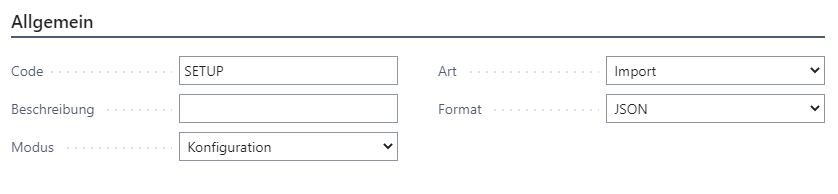
| Field | Description |
|---|---|
| Code | Unique backup code |
| Description | An optional description text |
| Mode | The configuration mode that categorizes the target tables Configuration: Contains all configuration tables Archiving: Contains all entries and archives Migration: Contains tables for migration processes |
| Type | The backup type Import: Data is imported Export: Data is exported |
| Format | Defines the file format of the backup XML: Data is provided or expected in XML format JSON: Data is provided or expected in JSON format CSV: Data is provided or expected in CSV format |
Settings
Shows setting options depending on the selected backup type.
Import

| Field | Description |
|---|---|
| Existing Data | Defines how existing records are handled during import Ignore: Existing records are ignored Replace: Existing records are overwritten Output: An error message is displayed for existing records |
| Ignore Field Validations | Assigns field values directly during import and therefore without validation [Administrator mode required] |
| Table Triggers | Executes the respective table trigger during import depending on the Existing Data setting |
| Delete Table Data | Empties the relevant table(s) before importing the data [Administrator mode required] |
Export

| Field | Description |
|---|---|
| Ignore Default Values | Defines whether fields with default values (for example, “blank” for code or text) should be ignored during export |
| Detailed Export | Defines whether additional details (name, caption, data type) of the respective field should be included during export in XML or JSON format |
Tables
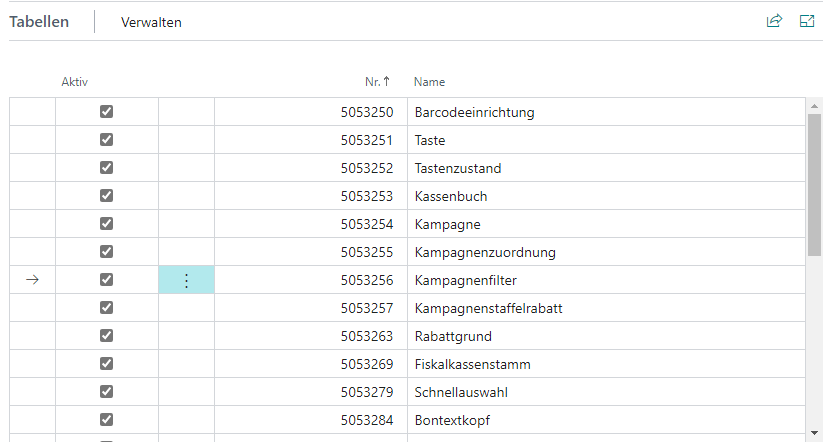
| Field | Description |
|---|---|
| Active | Defines whether the respective table should be considered for import/export |
| No. | The table number, depending on the configured mode |
| Name | The caption of the stored table |