Voucher
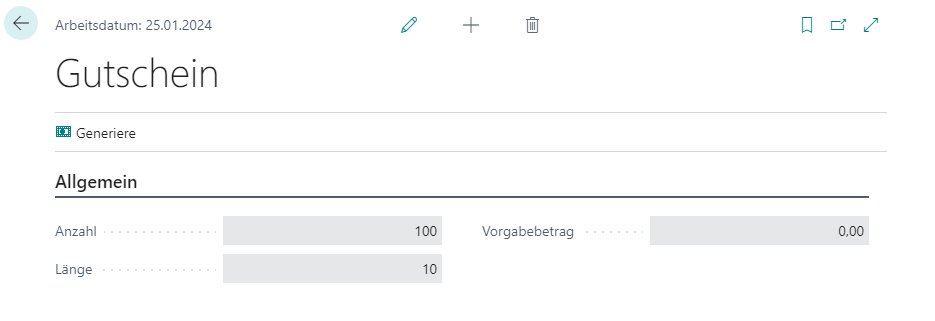
Under Voucher Setup, vouchers can be generated depending on the respective cash register setup settings.
Actions
Generate
This functionality generates new vouchers while taking into account the settings of the respective cash register setups.
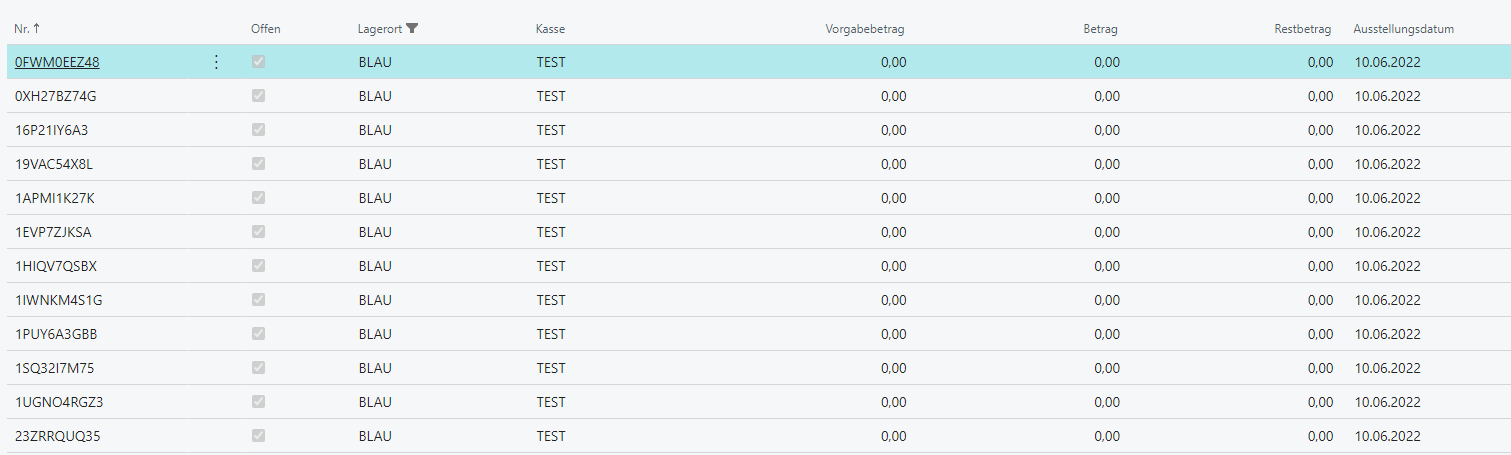
If Voucher Issue is configured as Self-Printed, the specified number of vouchers is created for this cash register setup and marked accordingly with Location and Cash Register. When issuing a new voucher, the respective cash register setup filters by Location and Cash Register and takes the first available free voucher. In this case, the default amount is ignored because the voucher amount is always assigned manually during checkout.
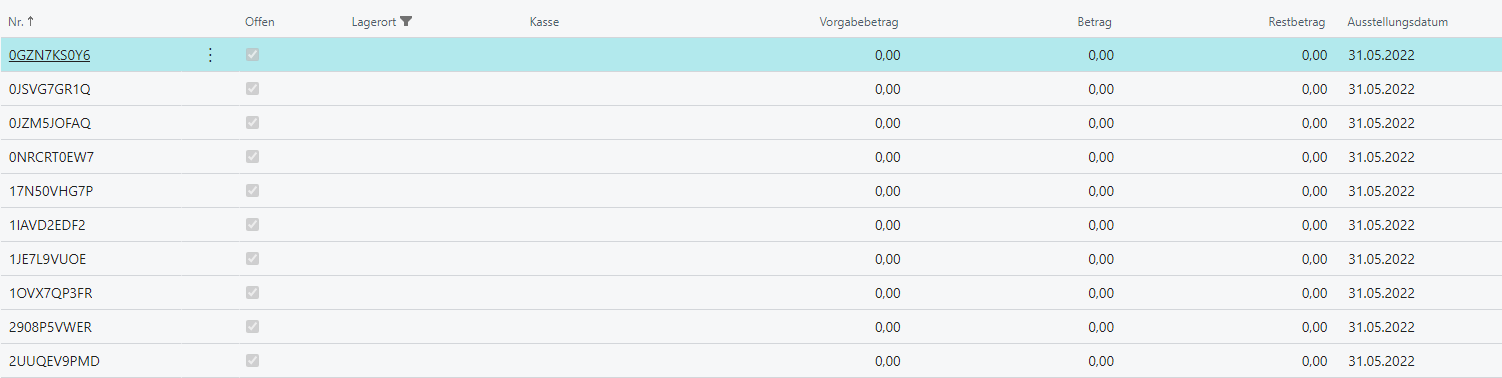
If Voucher Issue is configured as Pre-Printed, no more voucher masters are created overall than the number specified, while Location and Cash Register are not assigned. The default amount is taken into account, but it is not mandatory. The generated voucher numbers can then be exported to Excel and provided to the relevant printing company.
Setup
| Field | Description |
|---|---|
| Number | Number of vouchers to generate |
| Length | Length of the alphanumeric voucher code |
| Default Amount | Default value of the voucher amount, only for pre-printed vouchers, for example promotional or advertising vouchers |
| Post Voucher Amount | Set to active so that financial postings are created when vouchers are loaded and unloaded. |
| Cancellation Period | Defines how long a voucher transaction remains reversible. |