Intercompany partner
Purpose
The partner card describes a concrete business partner in the intercompany exchange. Settings on the partner level override the global switches from the intercompany setup and define the transport channel, file format, and process-specific behaviour.
Prerequisites
- Intercompany setup is completed.
- The partner company is known (company name or external IC code).
- The exchange method (server directory, Azure File Share, or direct company access) is agreed with the partner.
Recommended order
- Create the partner, record the code and company/path information.
- Pick the import/export implementation (XMLport) – keep the default for the standard format.
- Set process options for purchase, sales, drop shipment, and warehouse receipt.
- Send a test document to the partner and verify the outcome in the role center.
Setup building blocks
General
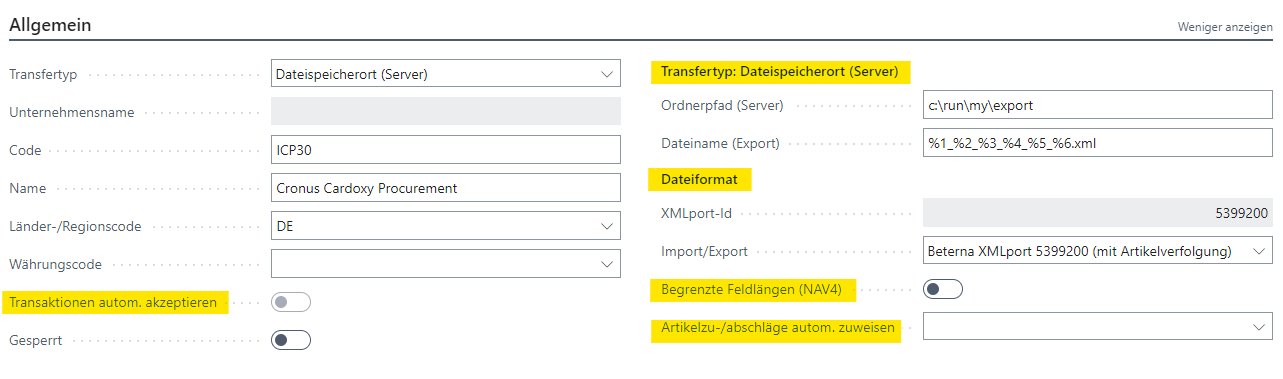
Define the partner code, base information, and whether the partner actively participates in the exchange.
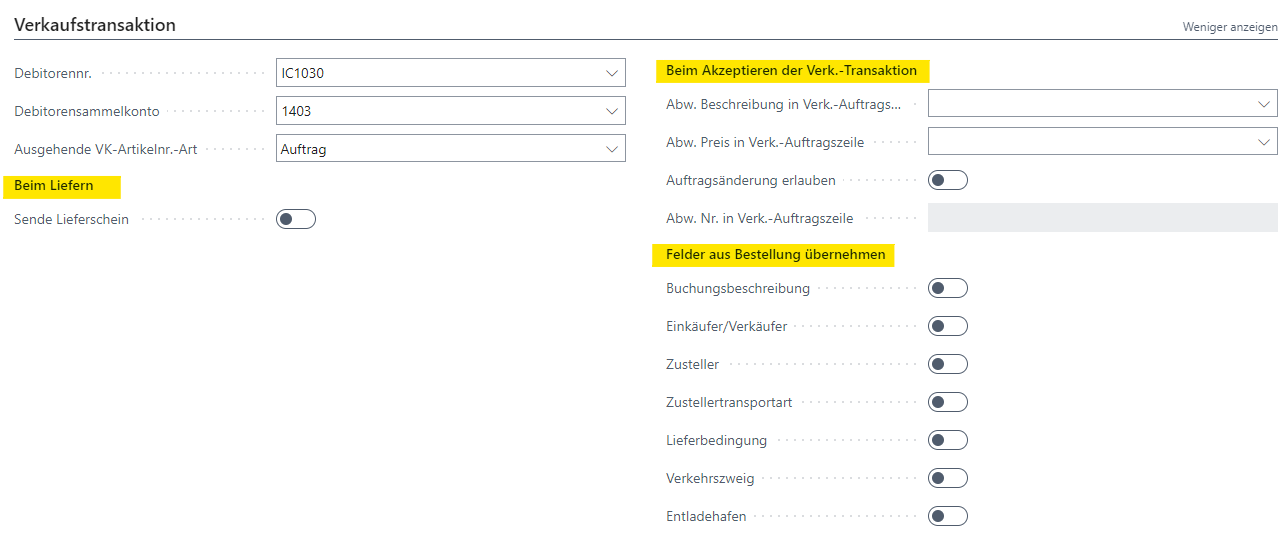
Sales transaction
Controls behaviour when sending and receiving sales documents: handling of deviating prices, descriptions, and quantities; shipment transfer and order changes. Details on the Extensions and Order changes pages.
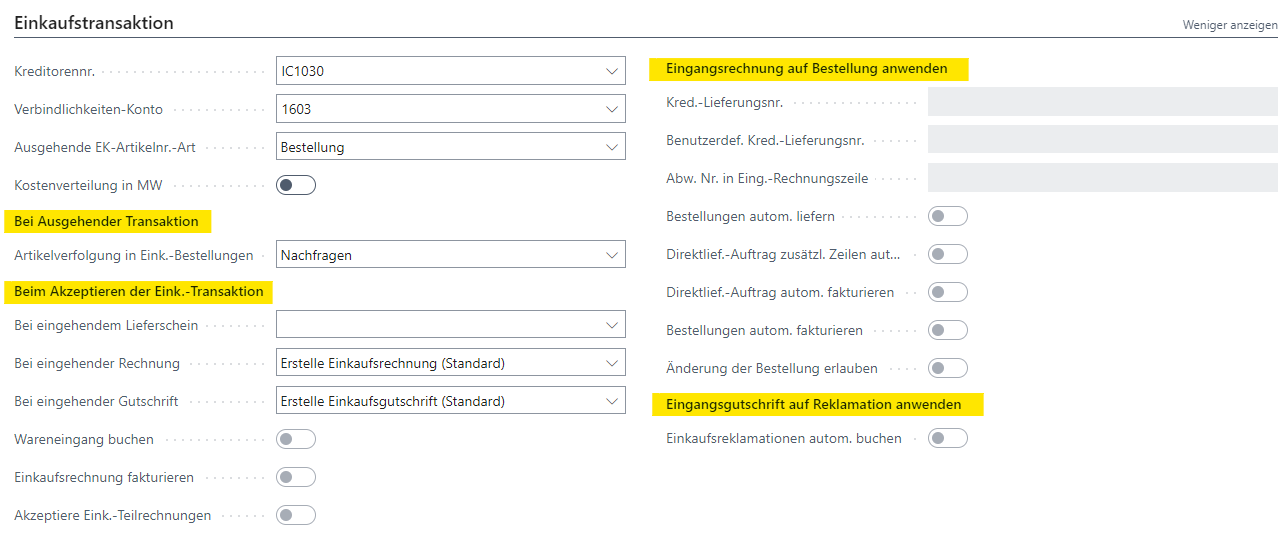
Purchase transaction
Controls behaviour for incoming IC shipments and invoices: warehouse receipt, invoicing through the purchase order, item tracking permission, drop shipment. Details on the Warehouse receipt, Purchase invoice, and Drop shipment pages.
Transfer format
The Import/Export field sets the XMLport used for file exchange. For custom file formats a dedicated interface implementation can be selected (see Custom file formats).
Links