Price calculation
With the update to version 22.11 and 23.11 of BE-terna Project, the price calculation has been completely switched to the new data model of Business Central. This means that the price lists for prices and discounts (purchasing/sales) in the Business Central Standard can also be used to their full extent in BE-terna Project.
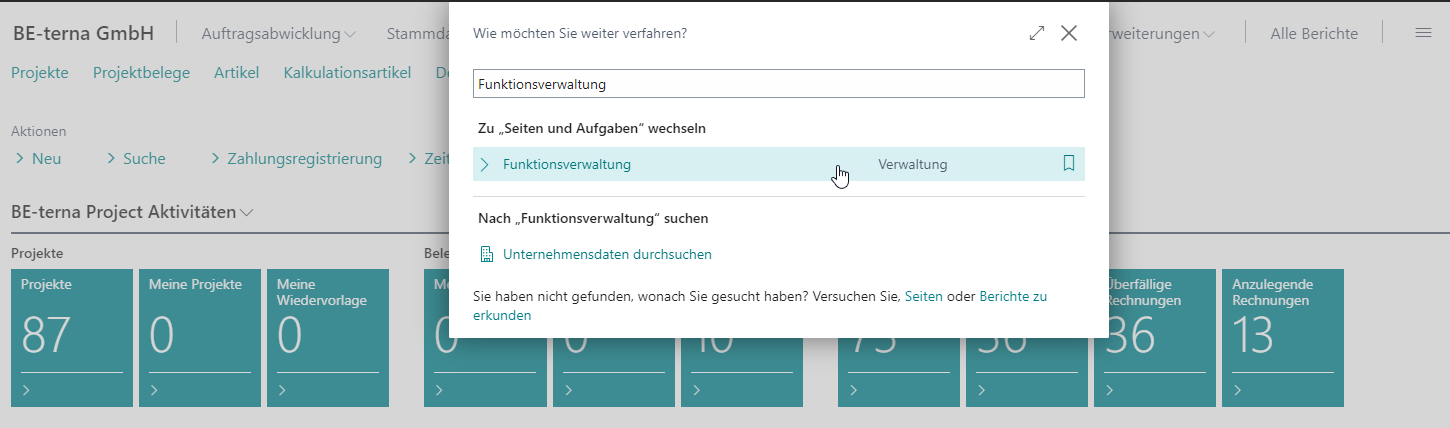
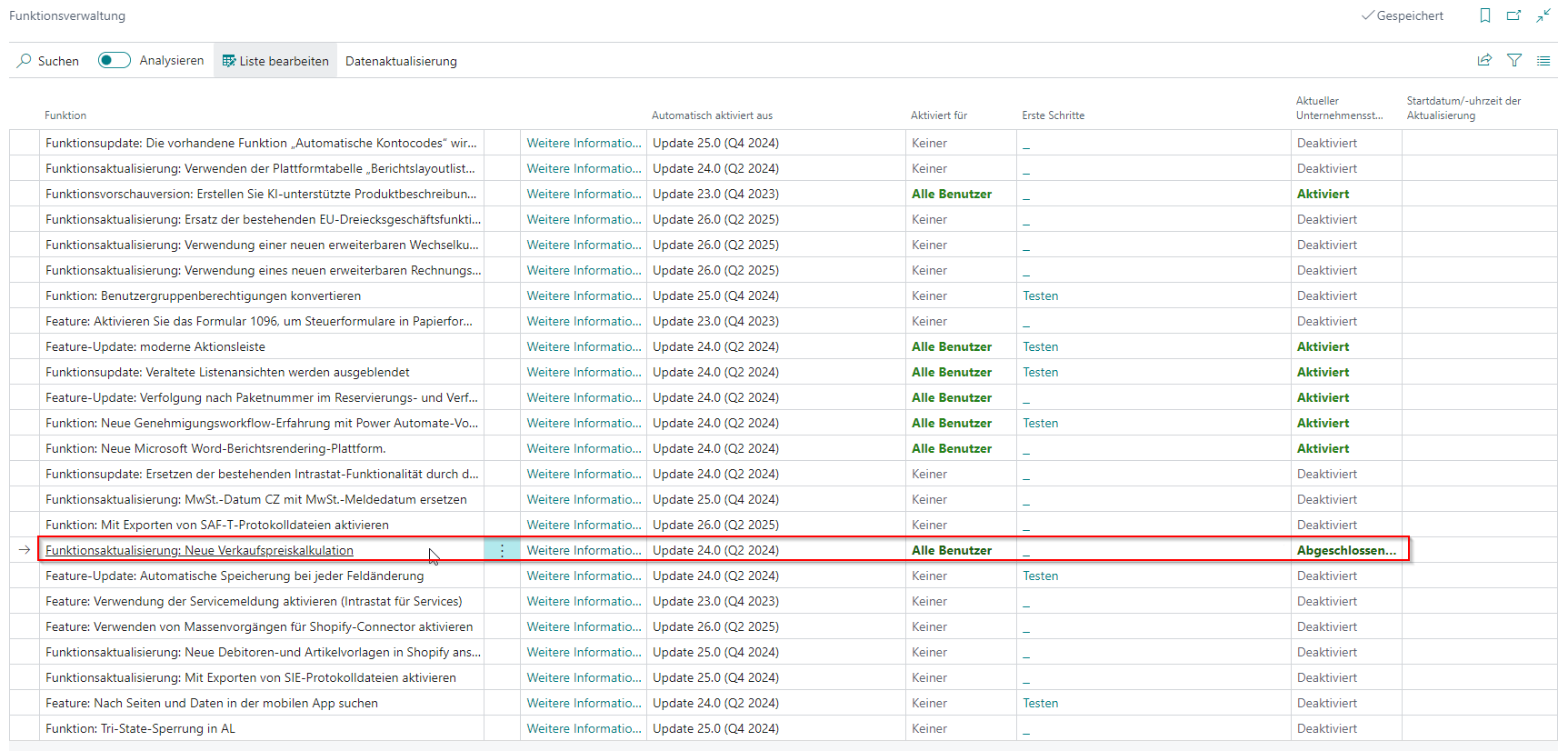
The prerequisite for this is that the corresponding feature is activated in the function management:
 Click to enlarge
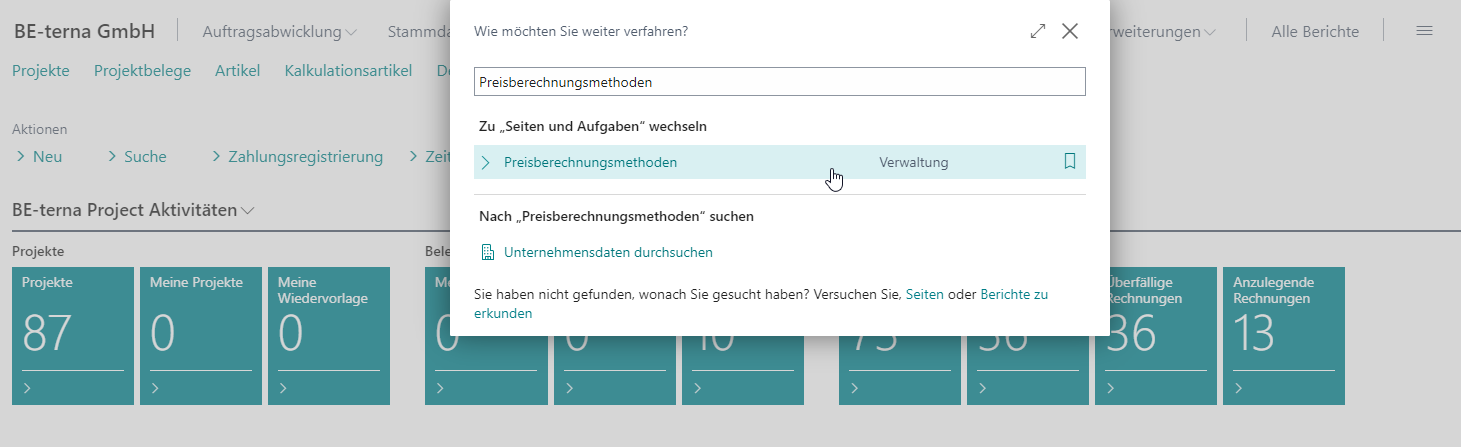
Price calculation methods
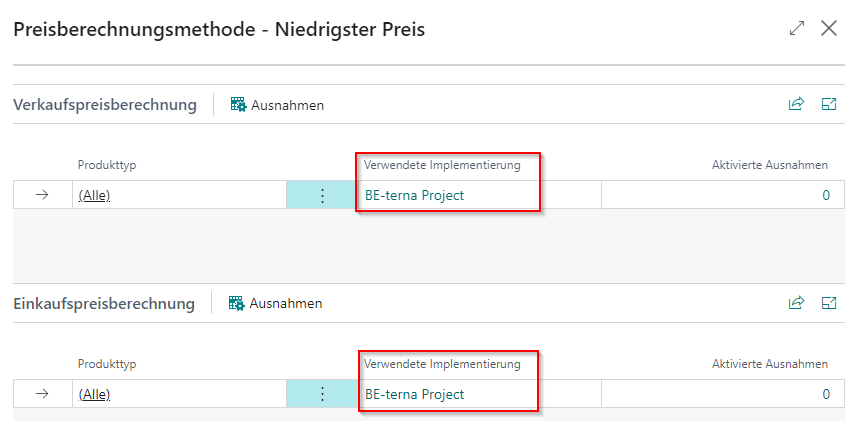
In order for pricing to work correctly in BE-terna Project, the correct methods for pricing should be used:
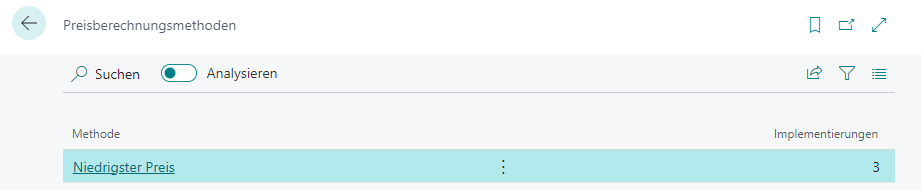
BE-terna Project should be selected as the implementation used:
 Click to enlarge
Price lists
The price lists can be used as described by Microsoft. Additional About using sales and purchase price lists are provided by Microsoft.
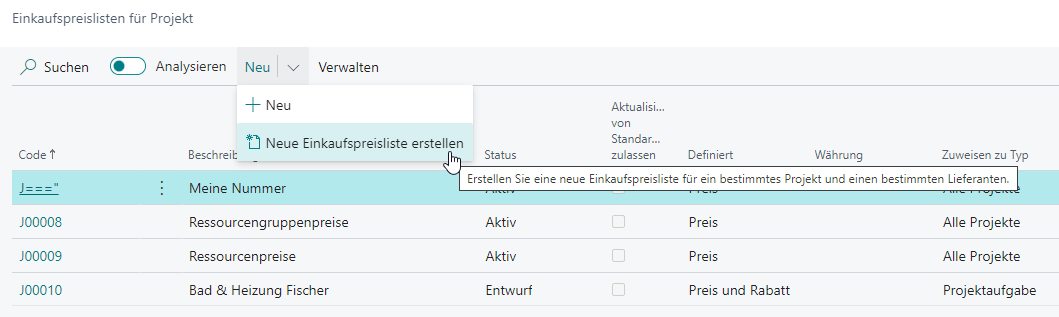
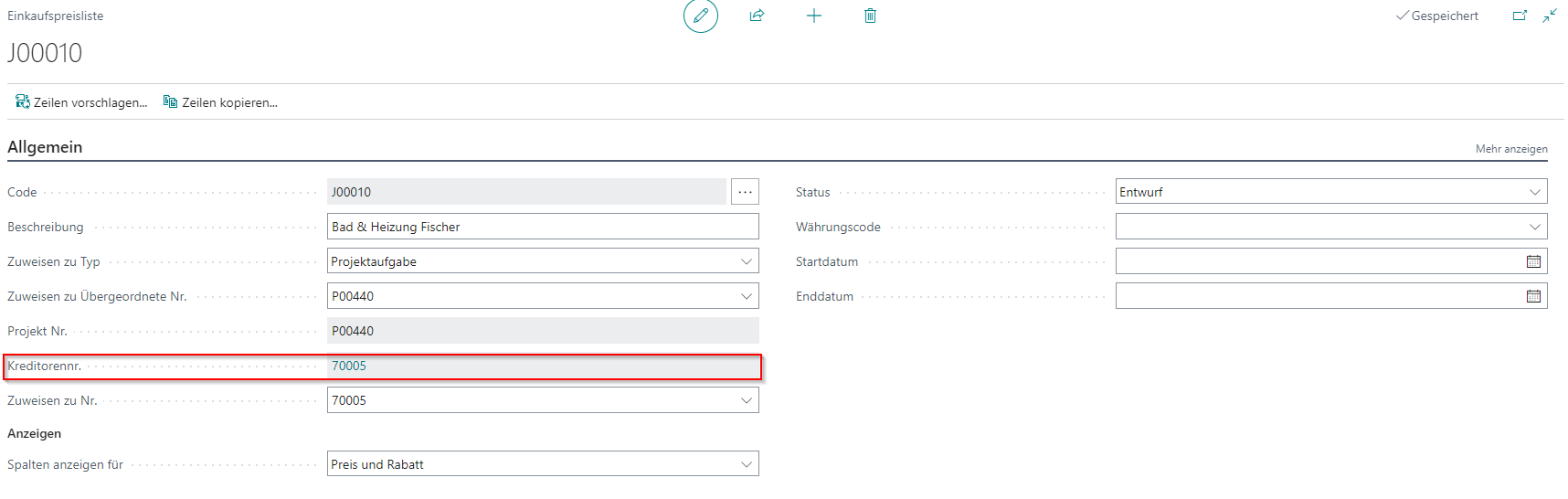
BE-terna Project also offers the possibility to create project price lists for specific vendors.
Vendor-specific project prices can then be created in this price list.
(Document)Resource Group Pricing
In addition to project prices, which can be displayed via the price lists, BE-terna Project offers the possibility to specify resource group prices specifically for a document. Further information can be found [here](/BE%2Dterna-Project-Documentation/Costing/Document Resource Prices).
Calculation of the (best) price
Basically, the best price is the lowest price. However, there are some special cases to consider or this logic can be suppressed by certain settings in the master data. A description of the logic can be found in the General Business Central documentation.
In addition to the above points, the following things must be considered in BE-terna Project:
-
The sources of prices and discounts from the price lists are prioritized in the following order and determined by the information in the project document:
- Project task
- Project
- Other special prizes
- List prices (stored on the master data)
-
Prices/discounts for customers/vendors are only drawn if they are cheaper than other special prices. Other special prizes may come from the following sources:
- Customer (Sales)
- Vendor (Purchasing)
- All vendors (purchasing)
- All Accounts Receivable (Sales)
- Customer Discount Groups (Sales)
- Accounts Receivable Price Groups (Sales)
- Contact(Sales)
- All (Purchasing/Sales)
-
For resources, if a resource group has been defined in the master data, the document resource group prices always take precedence. For all other price sources, the cheapest price is drawn from resource and resource group prices.
-
For items, the item card can be used to specify the method used to calculate the purchase price:
