Cash Register Closing
To perform a cash register closing, you must first be in an empty receipt and then initiate the process via Receipt Type -> Cash Register Closing.
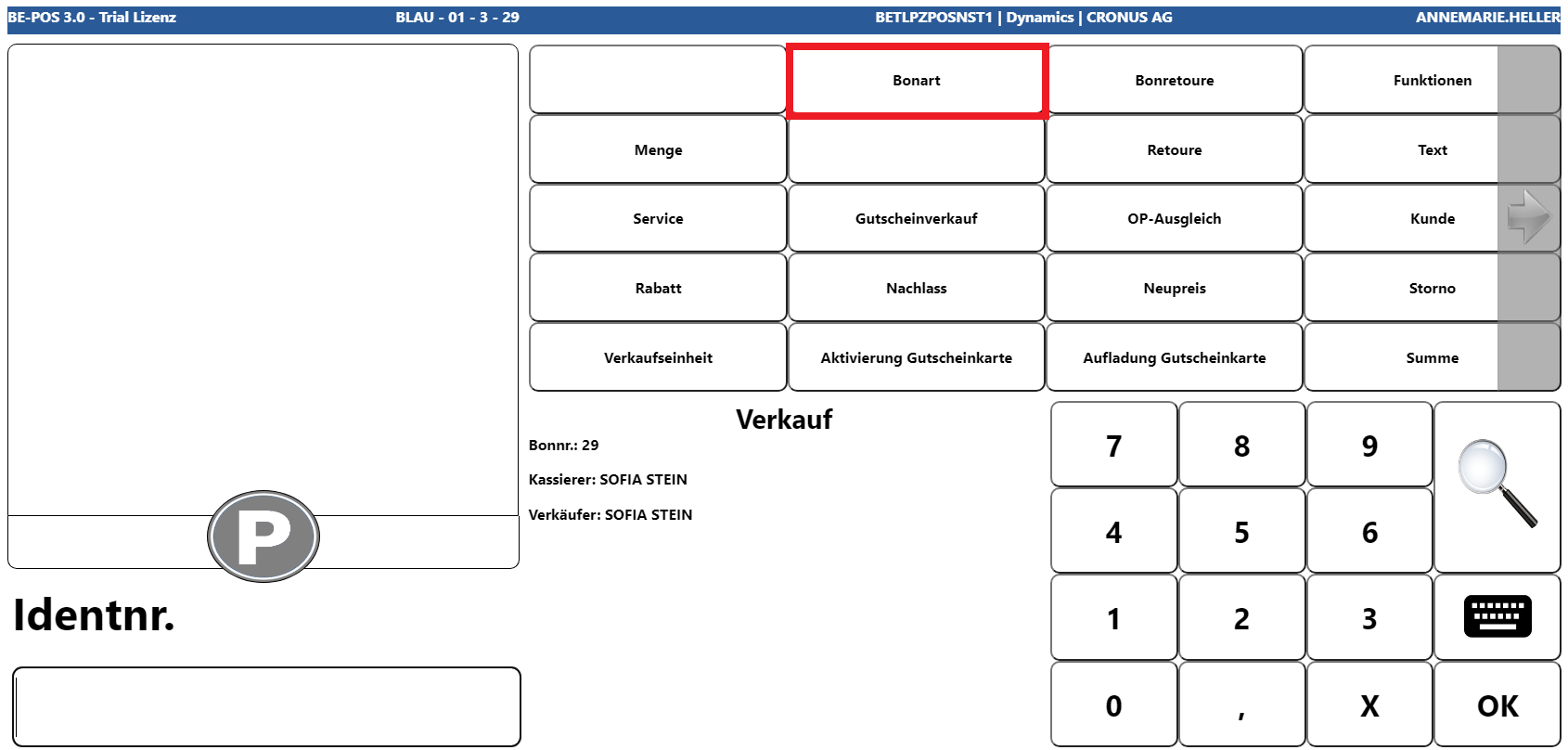
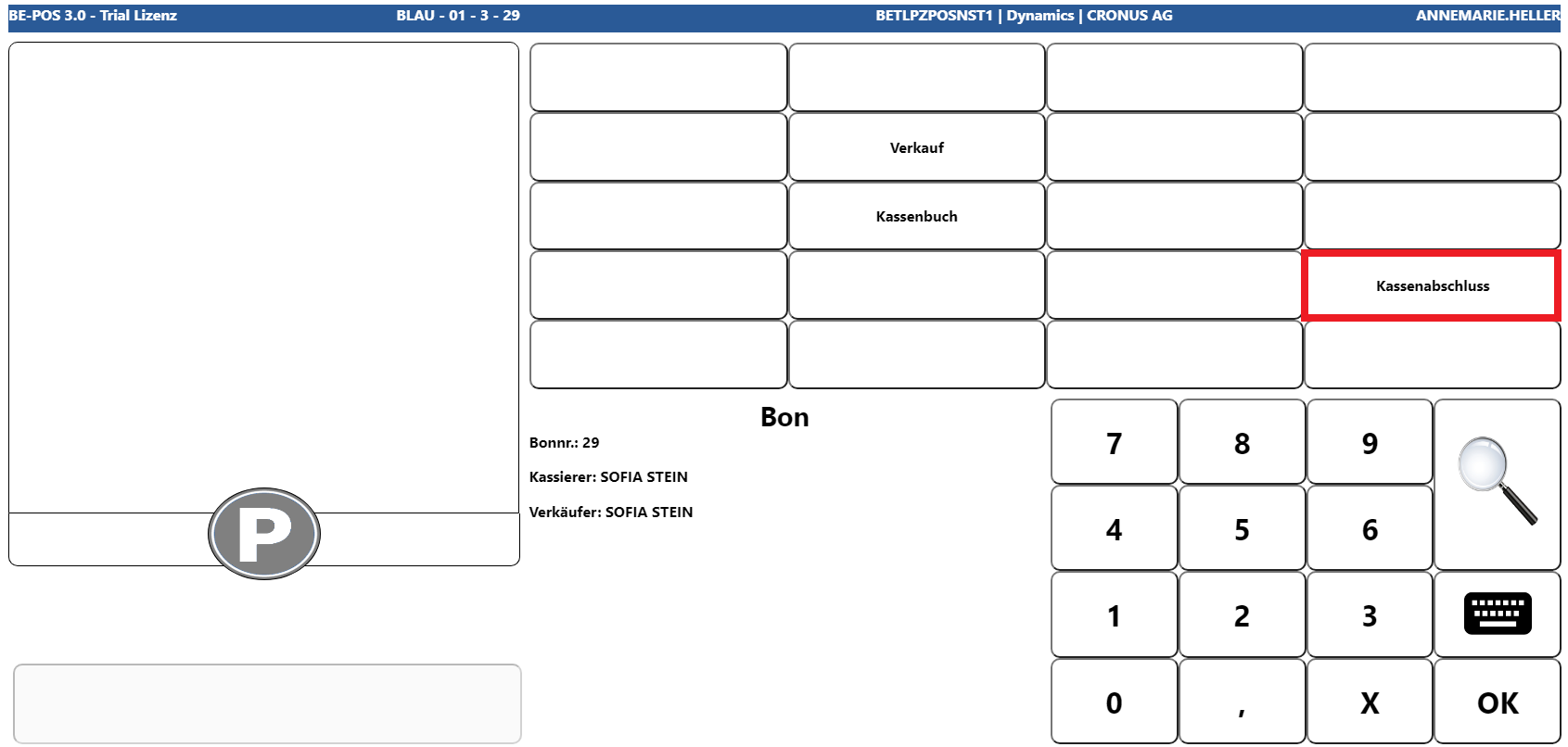
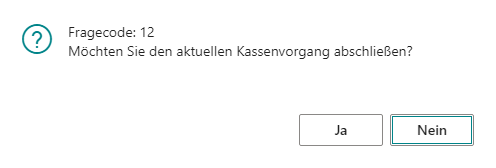
If the following prompt is confirmed with Yes, the process for carrying out a closing is started.
Cash Revenue Registration
Depending on the setting in the cash register setup, there are two ways to capture cash revenue first: by denomination or as a total amount.
Denomination
For cash denomination, the denomination stored for the default cash tender is shown. The cashier can enter the counted quantity for each denomination line that is currently in the cash drawer.
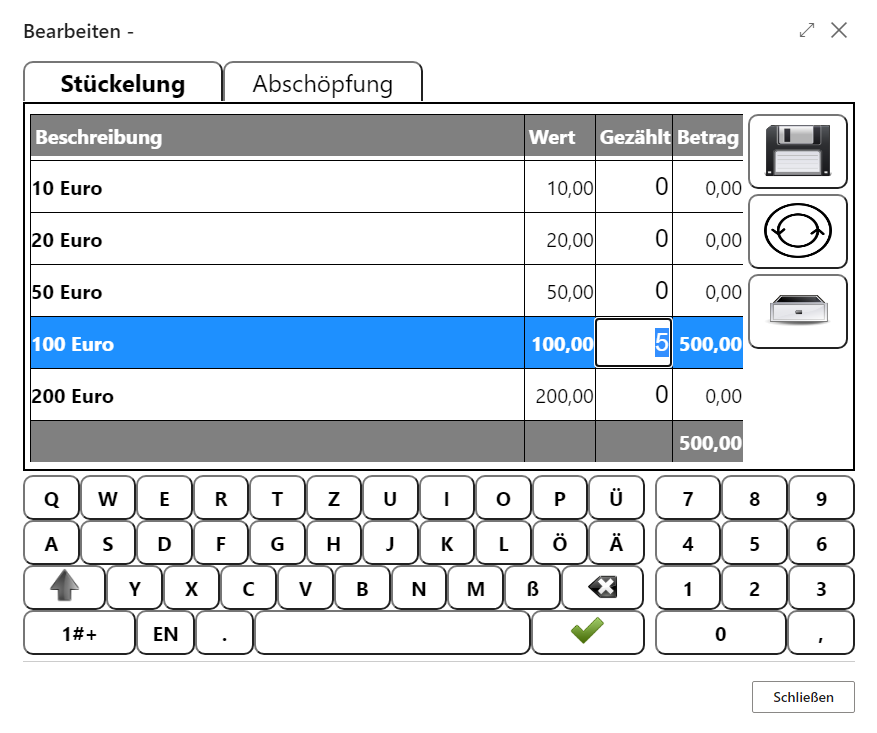
The capture is completed with Save. Alternatively, the current count can be reset with Back, and the cash drawer can be opened with Drawer if needed.
There is also the option to enter a Cash to Bank amount, meaning the amount that should not remain in the cash drawer but should be brought directly to the bank. If, for example, EUR 500.00 was counted and a Cash to Bank amount of EUR 100.00 was entered, the cash register expects an opening balance of EUR 400.00 at the next cash register start.
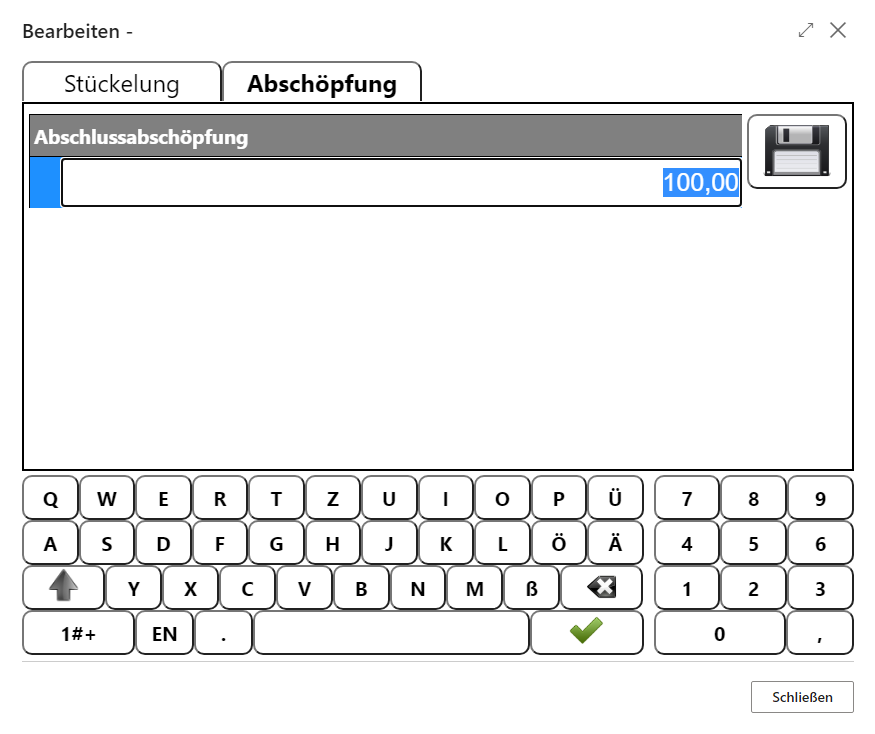
Amount
If Cash Revenue Registration in the cash register setup is configured as Amount, no denomination screen appears. Instead, the cash closing amount must be entered directly as a total on the default cash tender.
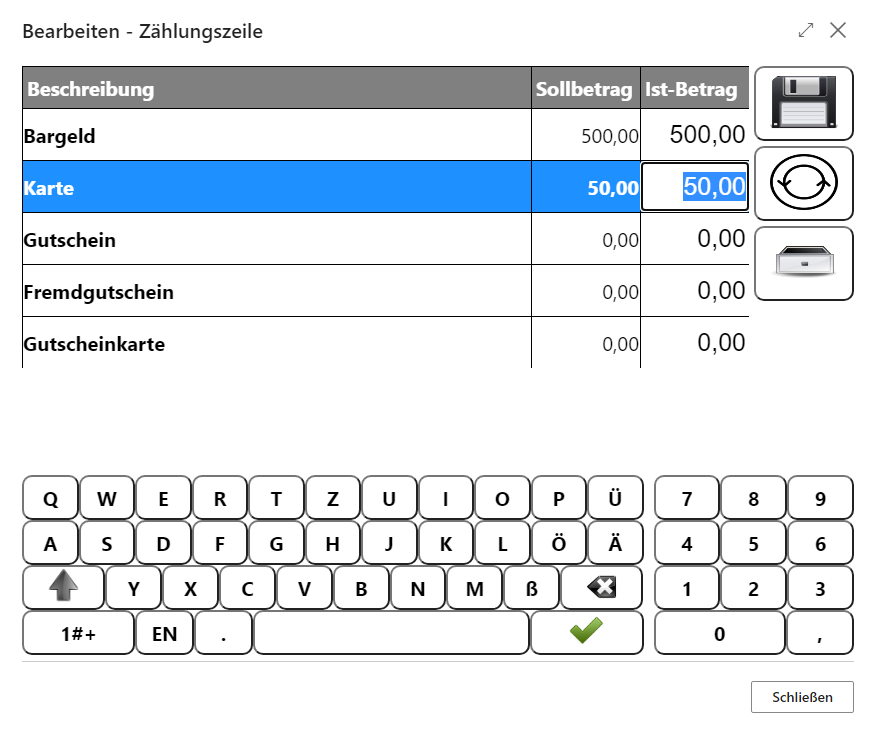
Revenue Registration
After the cash revenue has been captured, all other tenders that are marked for counting in the setup are captured or verified. For example, the system shows an expected target amount for all card payments, which the cashier can check by summing up all merchant receipts.
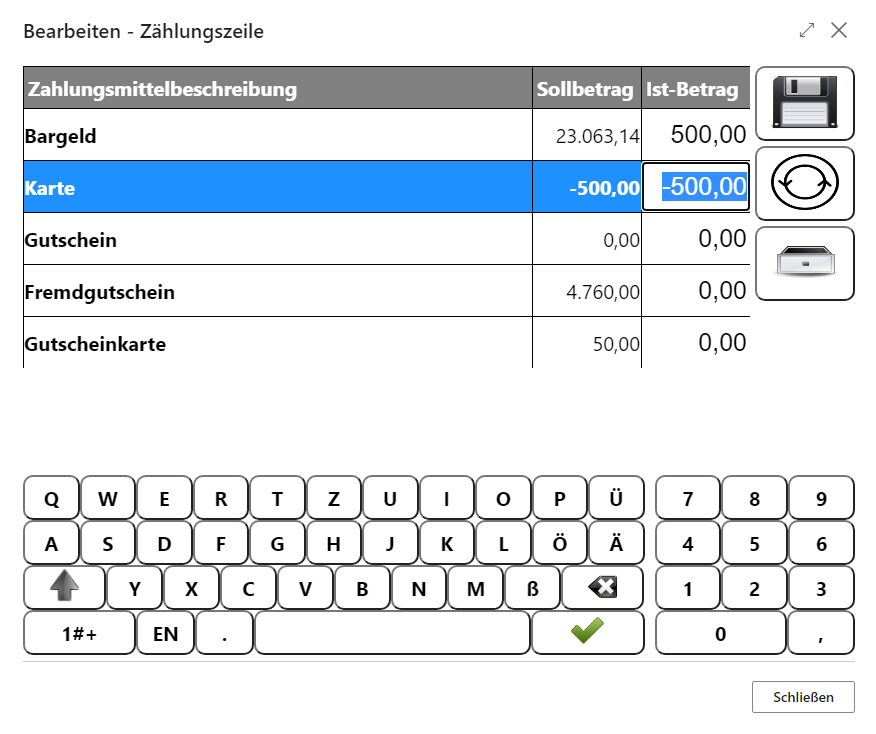
If everything has been captured successfully, the process is also completed with Save. Afterwards, the Count process can be repeated or the current cash register process can be finalized with Cash Register End.
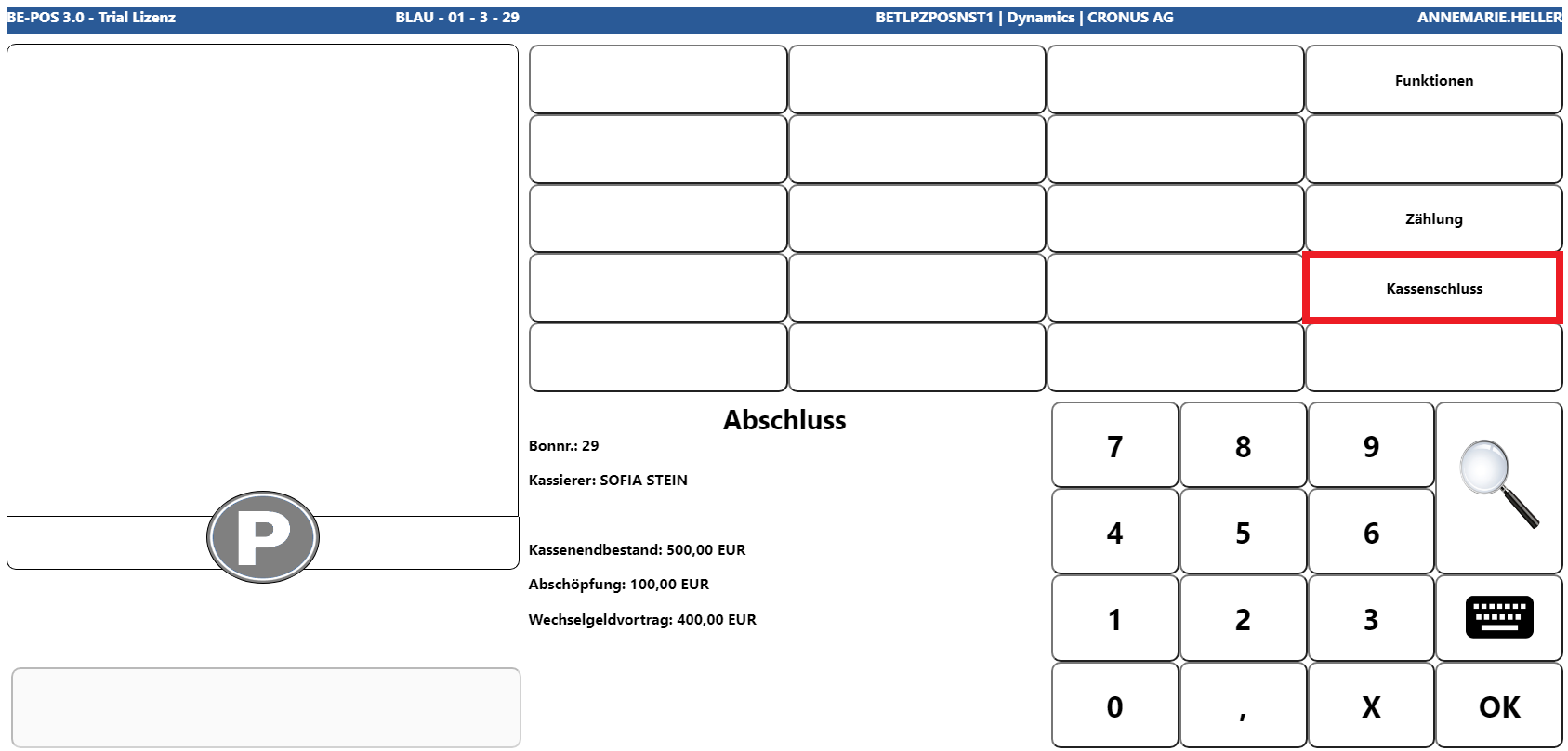
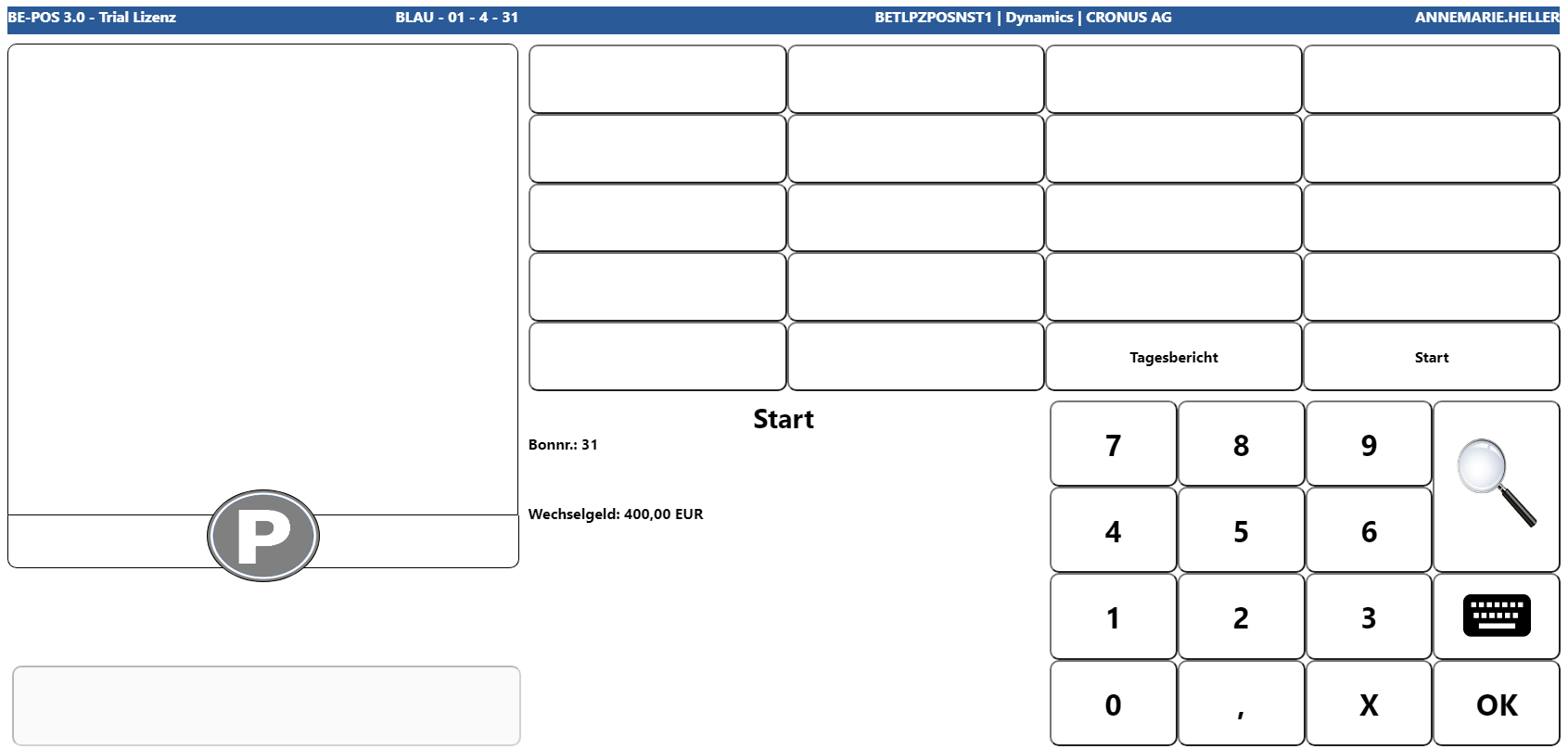
Finally, the cash register closing receipt is printed and the cash register returns to start mode.
Links