Infoboxes
The document editor consists of five info boxes, which can be found on the right-hand side: Document totals, Item details, Measurement details, Item attachment and Reference article.
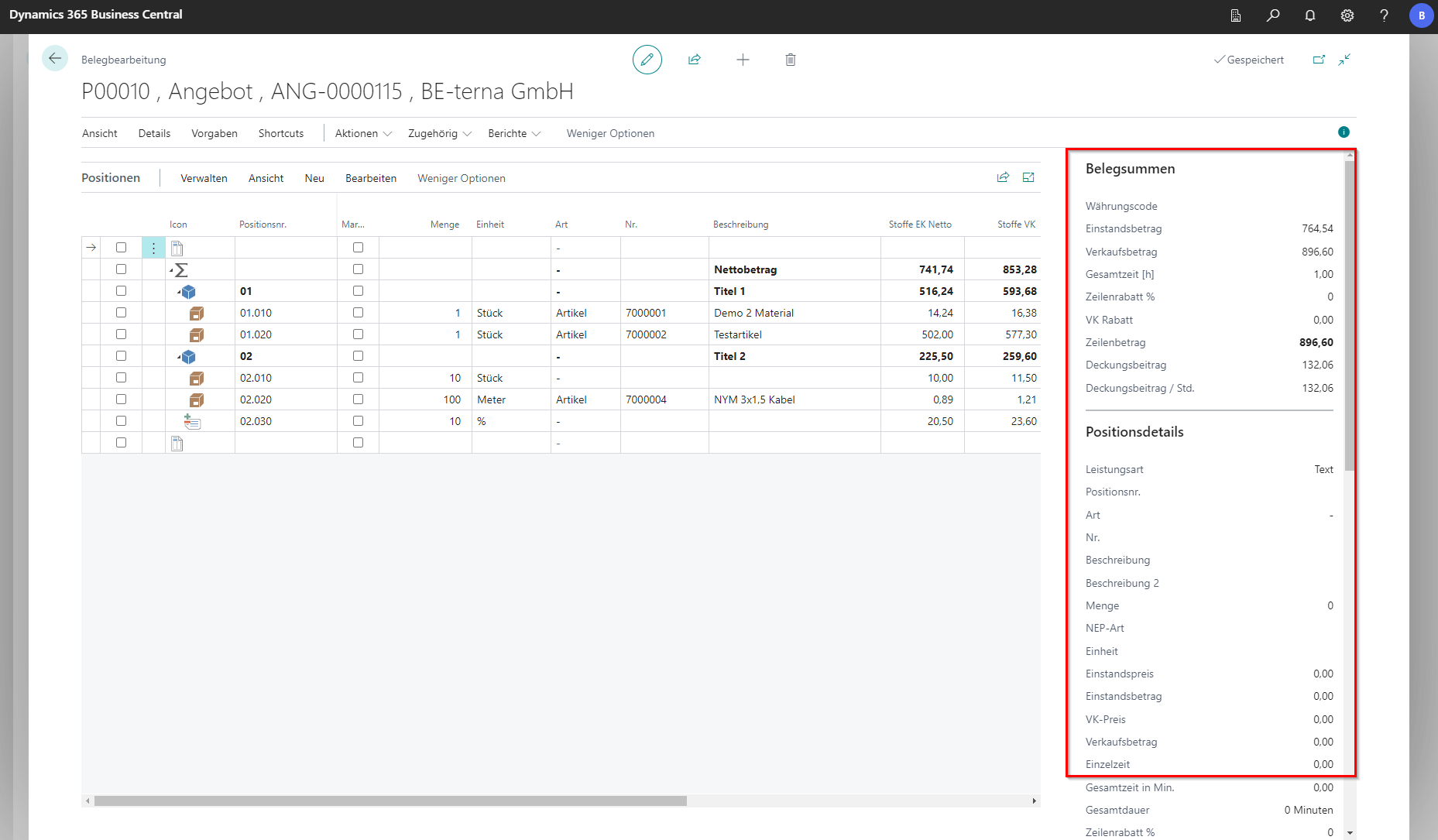
Document totals
The Infobox Document Totals refers to the entire document in its data and values. It contains the cost amount and the total price, as well as the total time and discounts, if available. These values then result in the contribution margin for this document.
Position Details
This is where you will find all the information about the currently selected item line. In addition to the master data for the article, information on ordering the marked article is also listed. Clicking on a stored value opens the corresponding list, which displays more detailed information about the order, article tracking or the project planning lines.
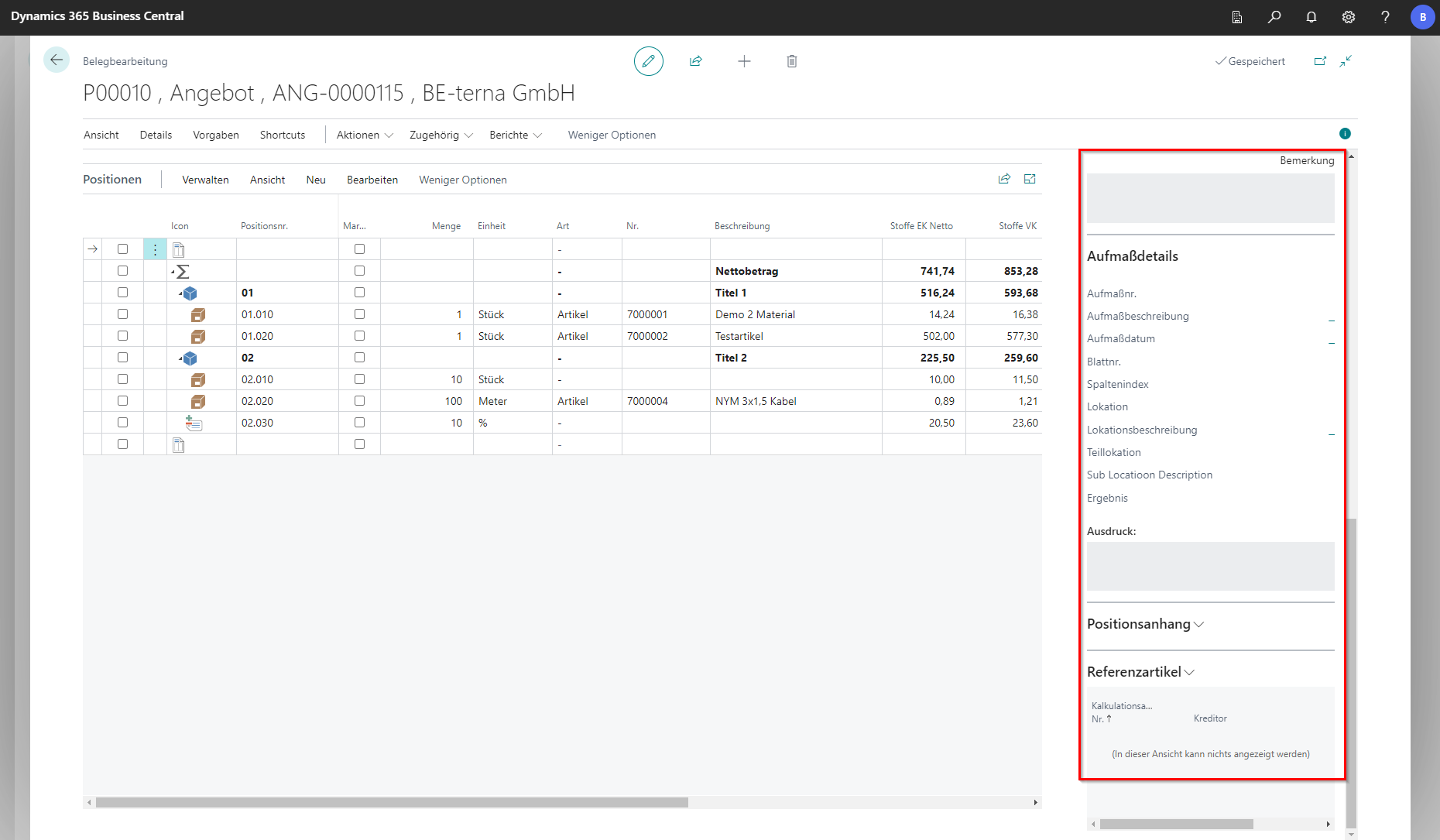
Measurement details
In the measurement details, an overview of the selected measurement of the current position is displayed without having to open the view or tab. By clicking on the blue values, the corresponding lists open in a new dialog window. The measurements cannot be edited in this field. This must be done via the bill of quantities or the [Measurement Entry Matrix](/BE%2Dterna Project Documentation/Measurement Entry/Measurement Entry Matrix).
Item appendix
In the item attachment, files in various formats can be imported, exported, and managed for the selected item. In addition, it is possible to set whether the position attachments should be printed.
Reference article
In the area of reference articles, an assigned article from a Datanorm catalogue is stored in the master data, which is given different numbers by the dealers and applies to the same article.