Initial data
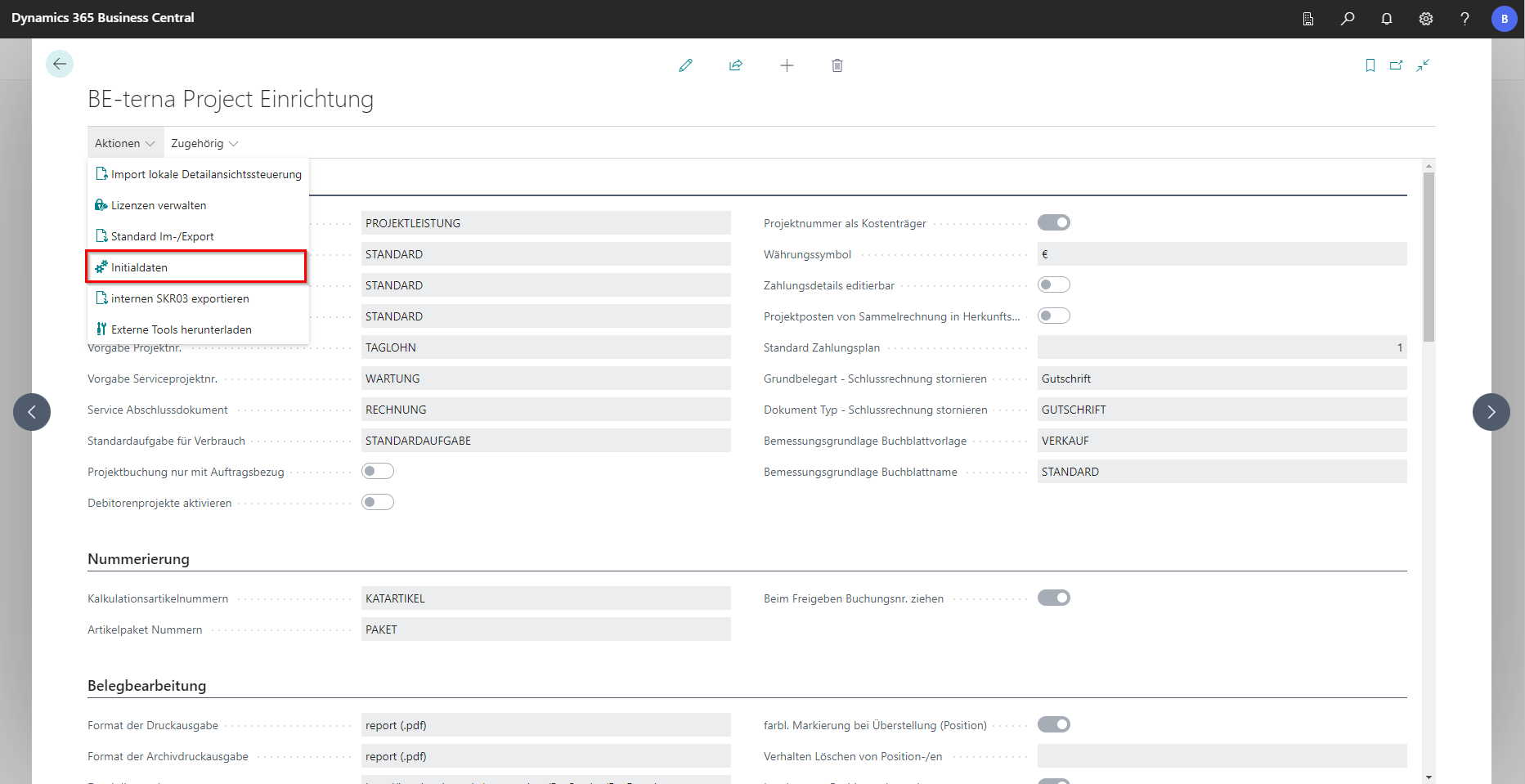
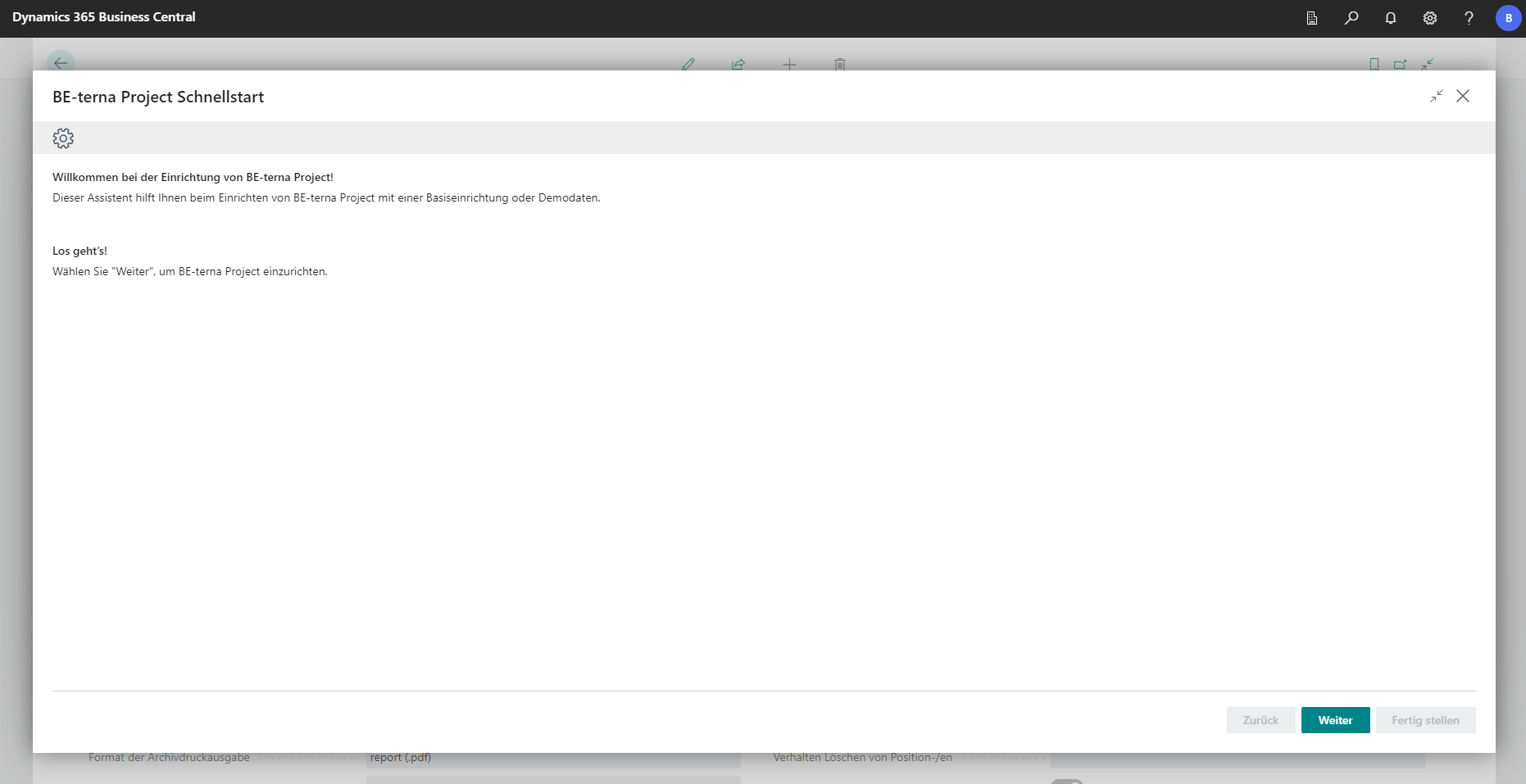
The Initial Data action on the BE-terna Project Setup page opens the BE-terna Project Setup Wizard. The wizard imports the basic setup data for BE-terna Project. It can also be offered automatically when you sign in until setup has been completed or canceled.
Select the import type
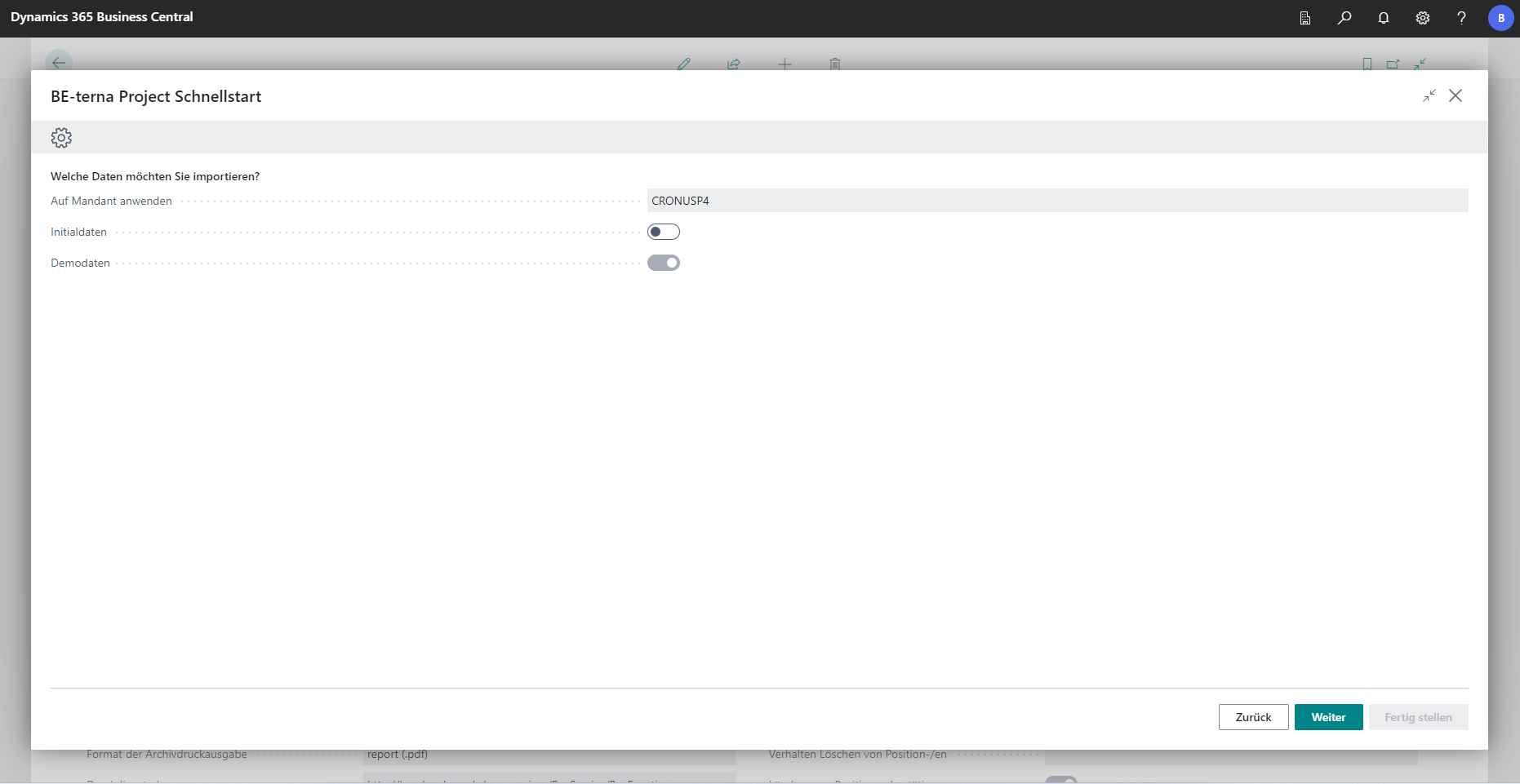
Select exactly one of the following options in the wizard:
| Company | Option | Usage |
|---|---|---|
| Existing Company | Initial Data | Adds the basic BE-terna Project setup data. G/L accounts are not imported again. |
| Empty Company | Initial Data | Imports the basic setup data for an empty company. |
| Empty Company | Demo Data | Also imports general and industry-specific sample data. |
Initial data for an empty company and demo data are mutually exclusive. If project document versions already exist, setup treats BE-terna Project as already installed and does not import the BE-terna Project basic packages for a new or existing company again.
Specify import options
The available settings depend on the selected import type:
| Field | Description |
|---|---|
| Data Source | Specifies where the import package is loaded from. |
| G/L Account Scheme | Selects the German SKR03 or SKR04 chart of accounts for an empty company. |
| Import G/L Accounts | Imports G/L accounts. This option is disabled for an existing company. |
| Import Basics | Imports the BE-terna Project basic data. |
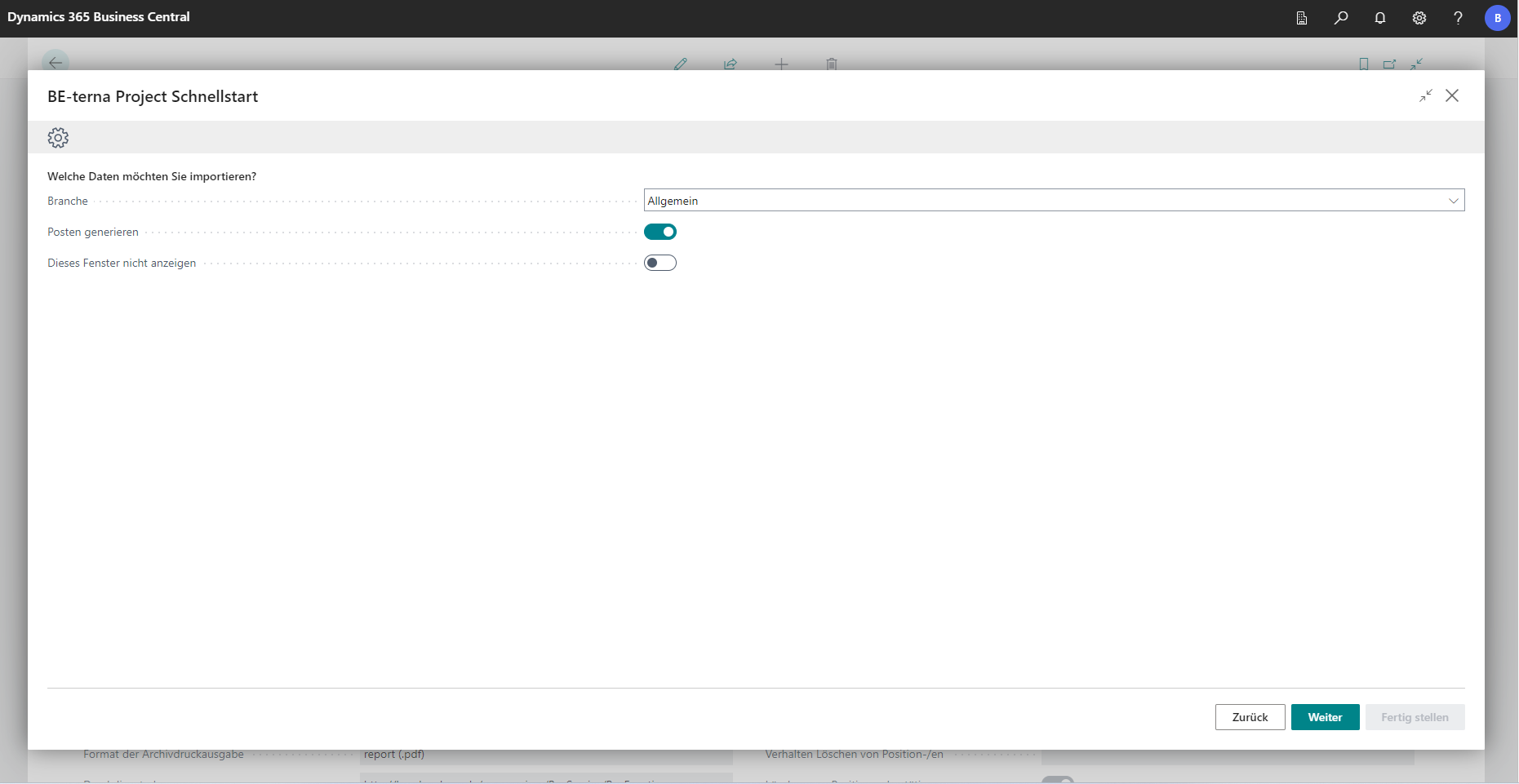
| Industry Group | Selects General, Electrical Industry, HVAC Industry, or Job Production for demo data. |
| Generate Entries | Creates dimension sets and posts the purchase and sales invoices included in the demo data. |
Run the import
- Verify the displayed company and select the appropriate import type.
- Choose Next.
- Specify the data source, chart of accounts, and import scope. For demo data, also select the industry group and review Generate Entries.
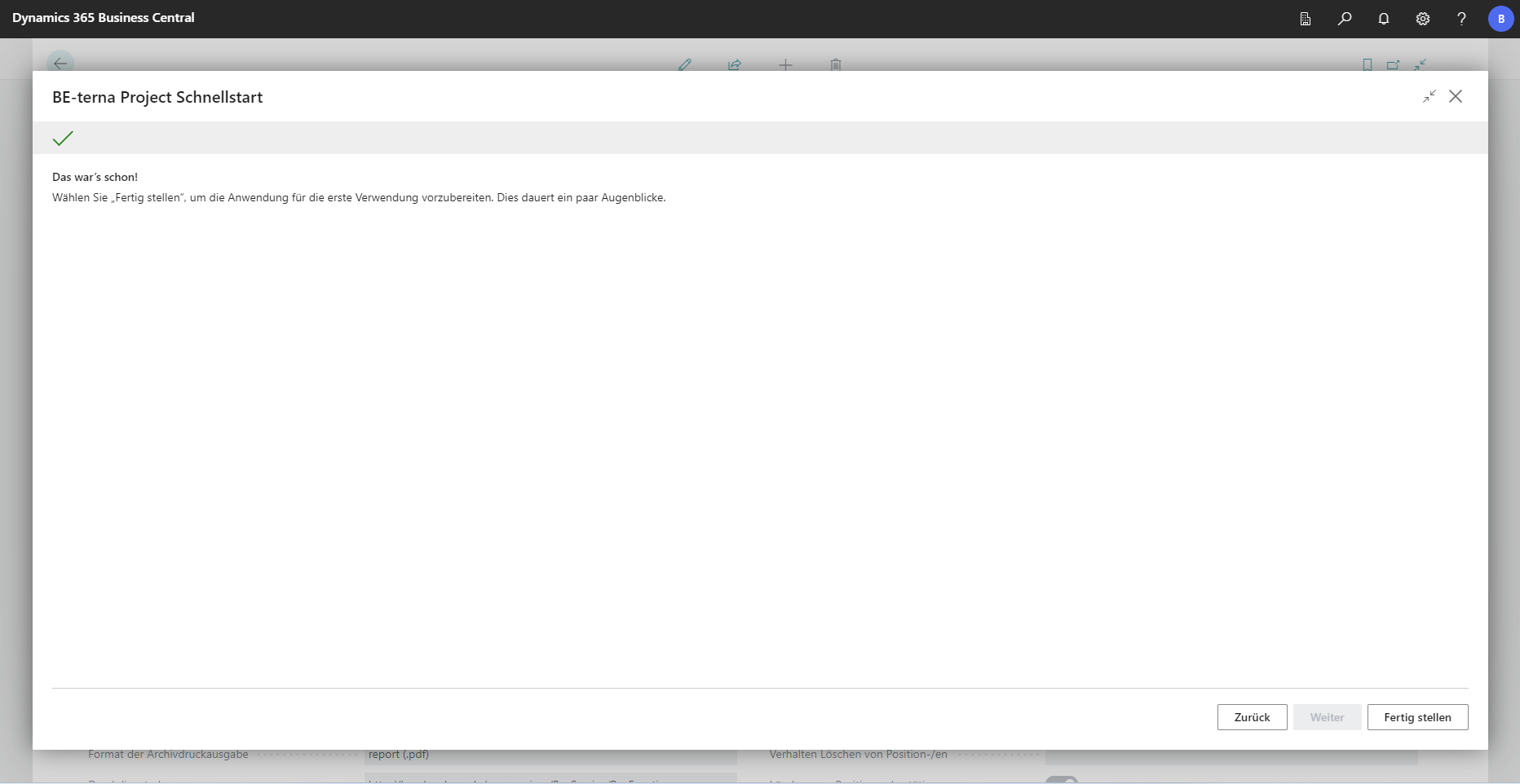
- Choose Next, and then choose Finish.
- Confirm the prompt to start the import.
The import can take some time. Use demo data only in test, demo, or training companies. When Generate Entries is enabled, documents are posted; the option therefore creates more than master data.
After successful completion, the wizard is marked as completed. If you run it again from Assisted Setup, you are redirected to the BE-terna Project Setup page instead.
Validate the import package
When you use a local or saved data source, the ZIP archive must contain the expected initial data packages. Demo data requires additional demo packages. An invalid ZIP archive or a missing package stops the import with an error.
 Click to enlarge
 Click to enlarge
 Click to enlarge
 Click to enlarge
 Click to enlarge