Creation of a new document
Creation of a new document
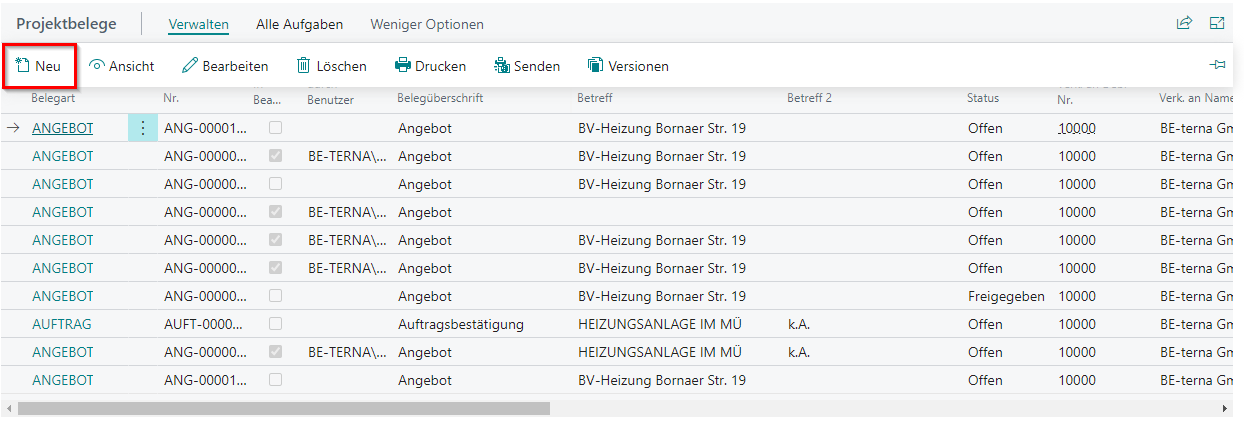
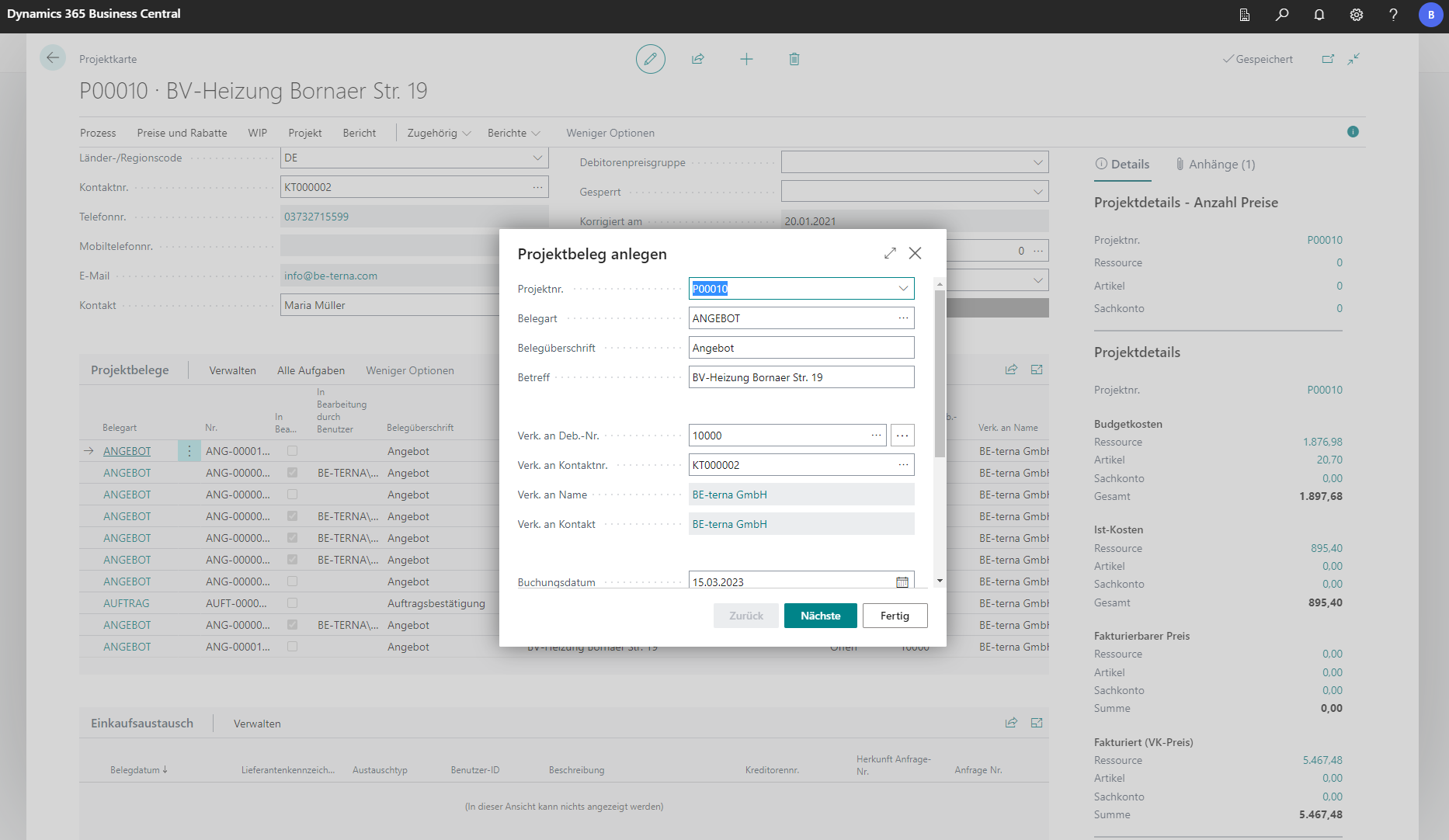
To create a new document in a project, go to Manage in the Project Documents tab and then to New.
 Click to enlarge
 Click to enlarge
| Field | Explanation |
|---|---|
| Project no. | The project number specifies in which project the document is created. The system automatically uses the current project’s number. You can also create the document for another project here. |
| Document type | The lookup opens the list of document types that can be created, for example draft, quote, order, partial invoice, invoice, partial credit memo, and credit memo. |
| Document heading | Defines the document heading line. |
| Subject | Defines the document subject line. This field is prefilled with the project name. |
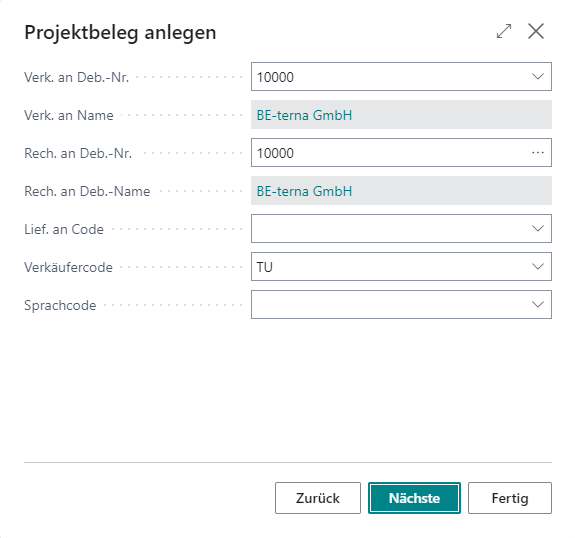
| Sell-to customer no. | The lookup lets you assign a customer from the customer list to the project. Address and contact details are then filled automatically from customer data. |
| Sell-to contact no. | If no customer is selected, a contact can be selected here. If the contact is already linked to a customer, the Sell-to customer no. field is filled automatically. |
| Sell-to customer template code | Specifies whether the document is domestic, EU foreign, or non-EU foreign. |
| Sell-to name | Is filled automatically with the customer name if a customer exists. |
| Sell-to contact | The full contact name defined via Sell-to contact no. |
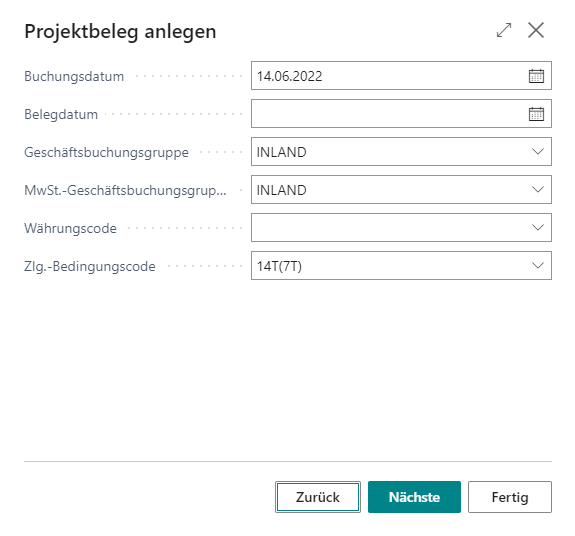
| Posting date | The date on which the document (for example an invoice) is posted. |
| Document date | The date printed on the document (for example an invoice). |
| Business posting group | Selection includes: customers and vendors in EU, foreign countries, domestic customers and vendors, purchase/sales according to German VAT §13b construction services, domestic down payment invoices, and down payment invoices under §13b. |
| Currency code | Currency code in which the document is posted. |
| Start date | Start date of the related project. |
| End date | End date of the related project. |
| Quote valid-until date | Date until which a quote document remains valid. |
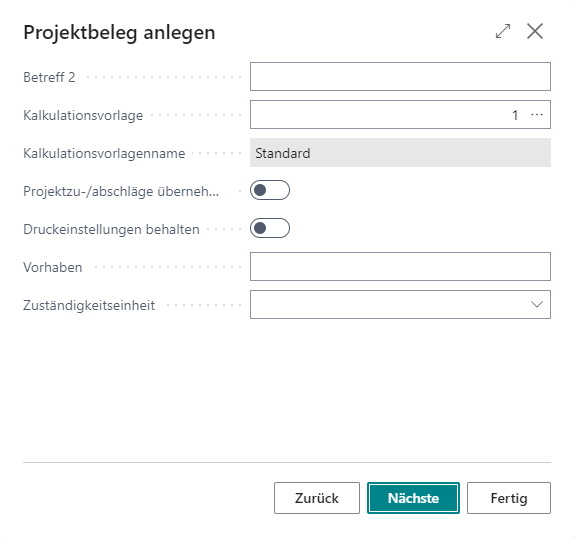
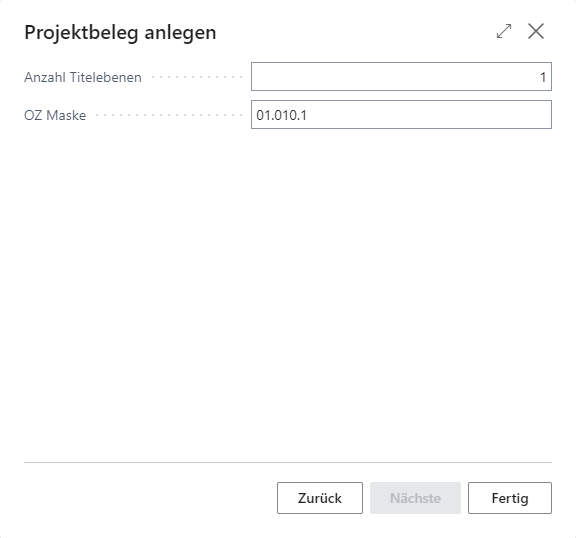
The optional information in the other masks is derived from the preset data of the project, which can be changed if necessary by switching between the masks via Next or Back. The document is created directly via Done. The optional information when creating a document is usually not necessary.
Optional information when creating a document
 Click to enlarge
 Click to enlarge
 Click to enlarge
 Click to enlarge
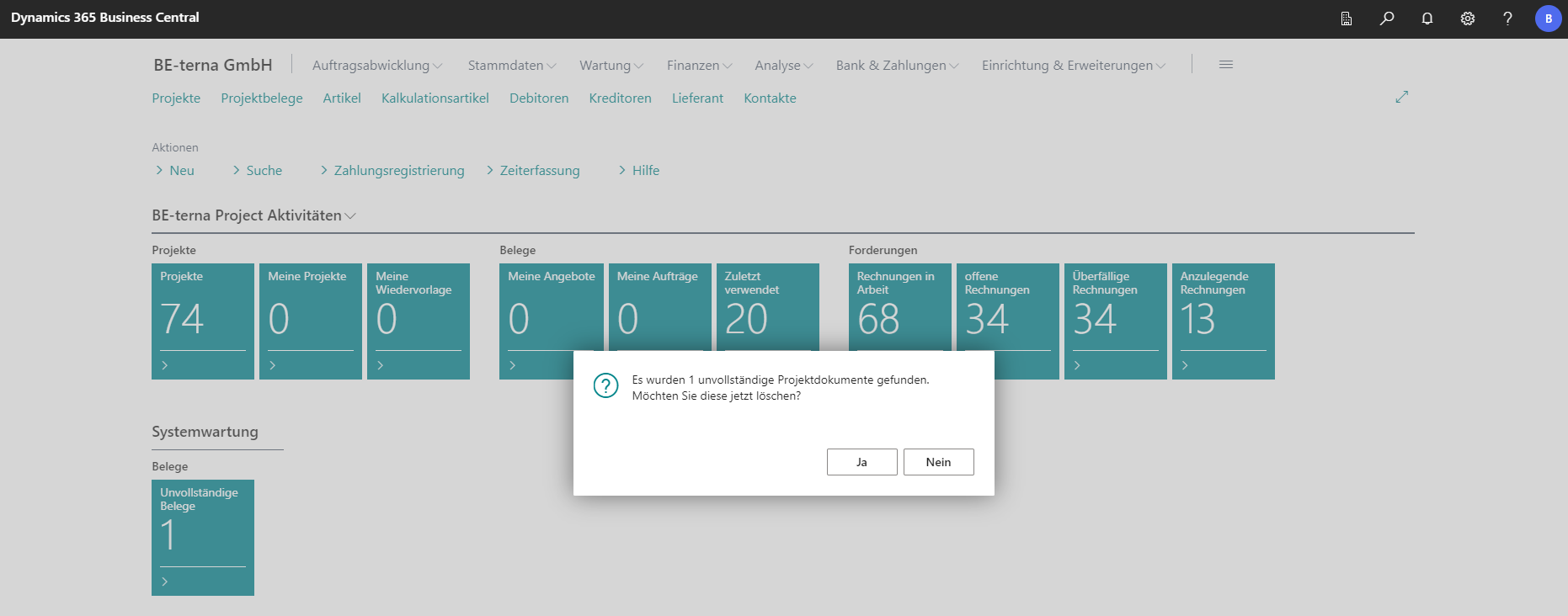
When creating an incorrect document (for various reasons), the following error message appears.
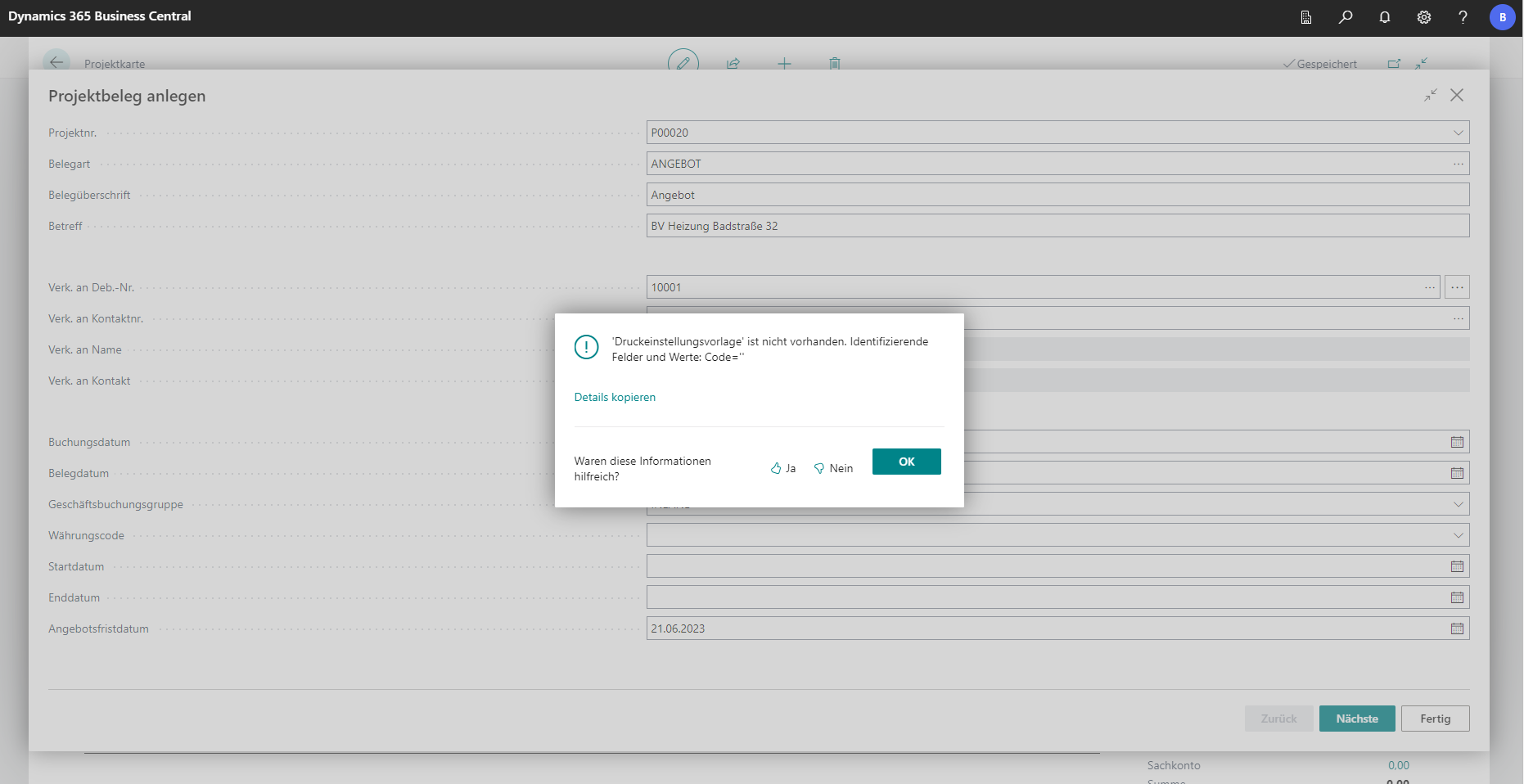
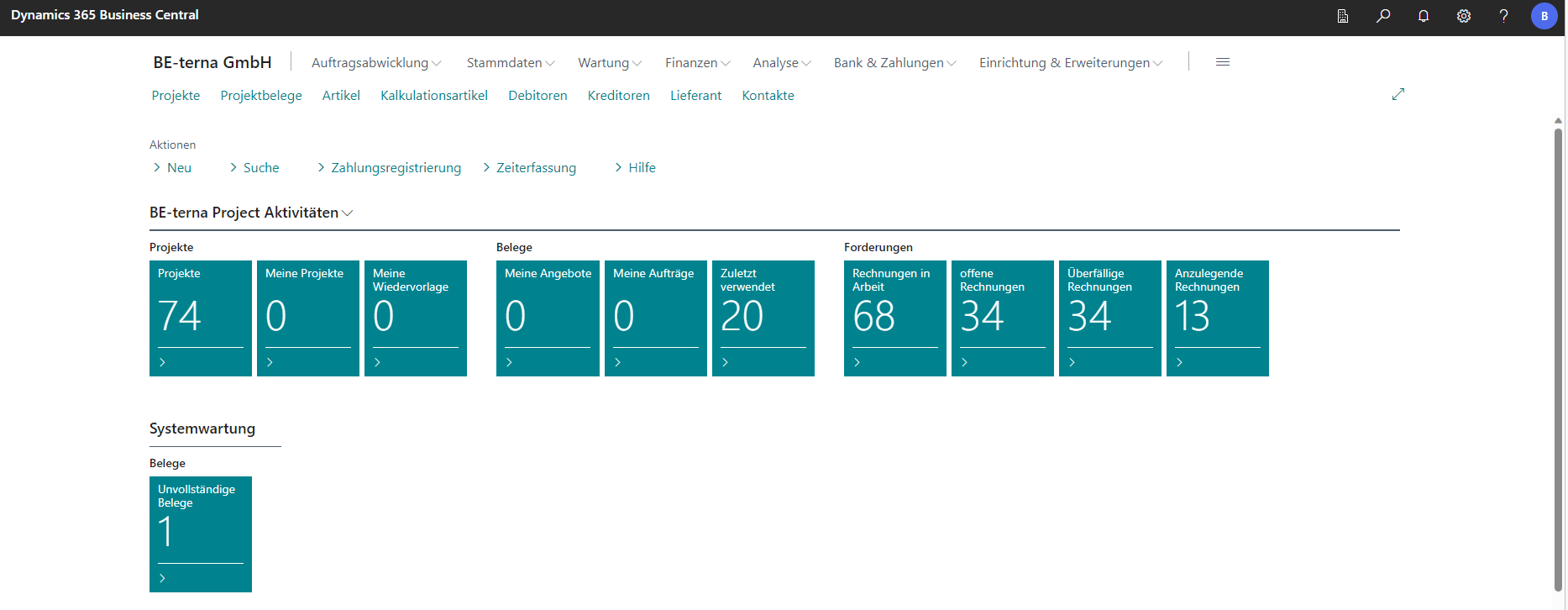
These documents end up in a task queue and are automatically deleted from the system after some time. Until then, the documents can be viewed from the Role Center and can also be deleted manually.