Payment plan
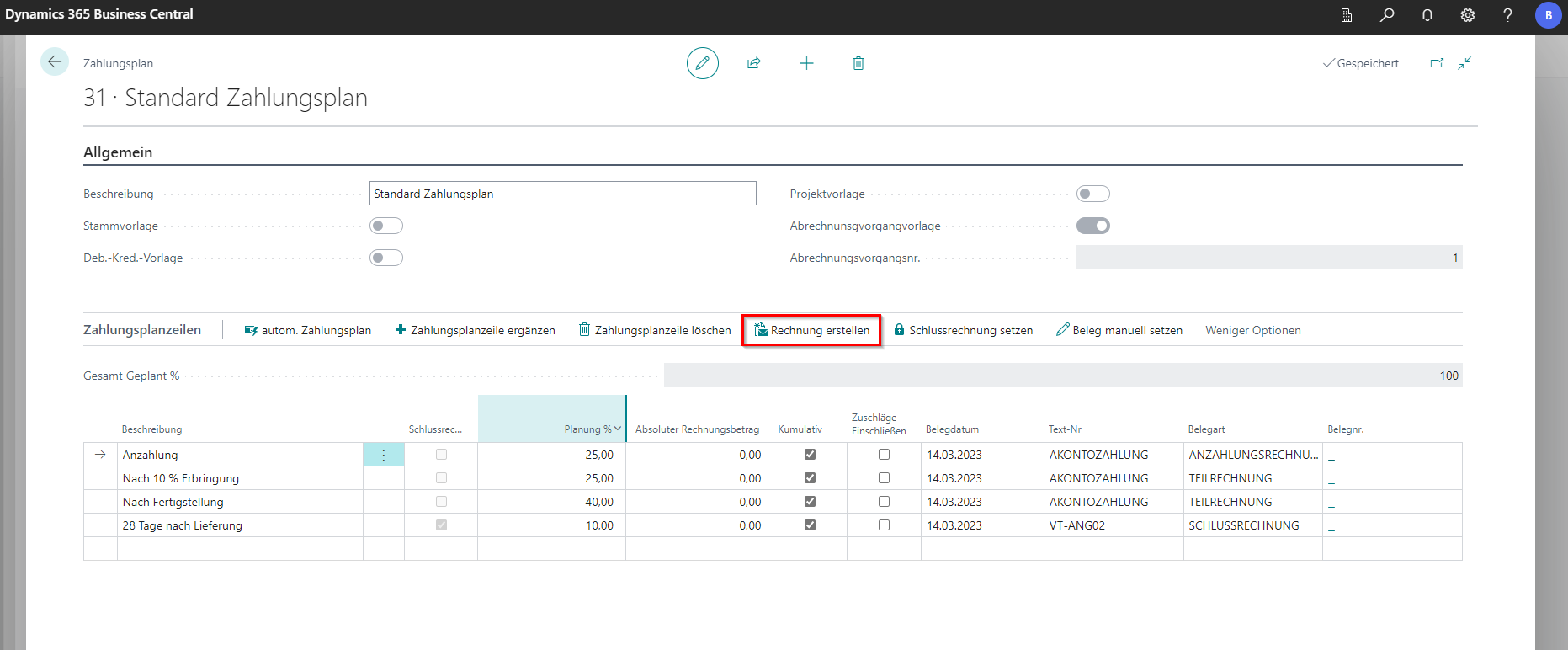
The payment plan is a variant to control payment flows. Payment plans are stored directly with the project, customers or vendors. In the BE-terna Project setup, a [Standard Payment Plan](/BE%2Dterna-Project-Documentation/Setup-and-Extension/BE%2Dterna-Project-Setup/Master Data) can also be defined. The function of the same name can be found in the navigation menu at Start in the project map. A list of the payment plans stored in each case opens, where existing payment plans can be selected, edited or new payment plans can be stored.
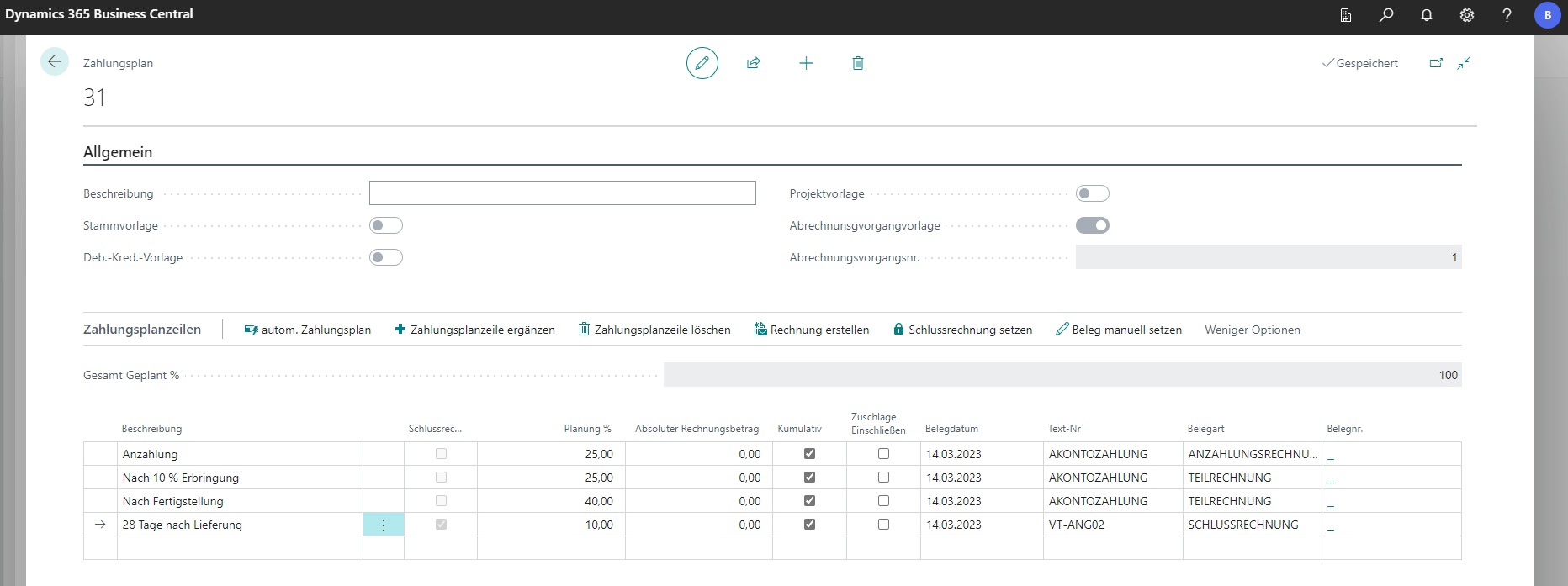
The payment plan number is automatically assigned based on the default settings in the system.
| Field | Explanation |
|---|---|
| Beschreibung | Description field for the payment plan. The text is also used as the heading. |
| Zahlungsplanzeilen | Defines the payment plan terms. Any number of lines can be stored. |
| Schlussrechnung setzen | Assigns the value Final Invoice to the currently selected line. |
| Text Nr. | Adds predefined text snippets to invoices. |
| Belegart | Specifies the document type for the planning line. |
| Kumulativ | Specifies whether invoices are cumulative. |
If a payment plan is stored at the customer/vendor, it can be used via the autom. Payment plan function and dragged into the project. With the same function, a payment plan can then be automatically created in a receipt.
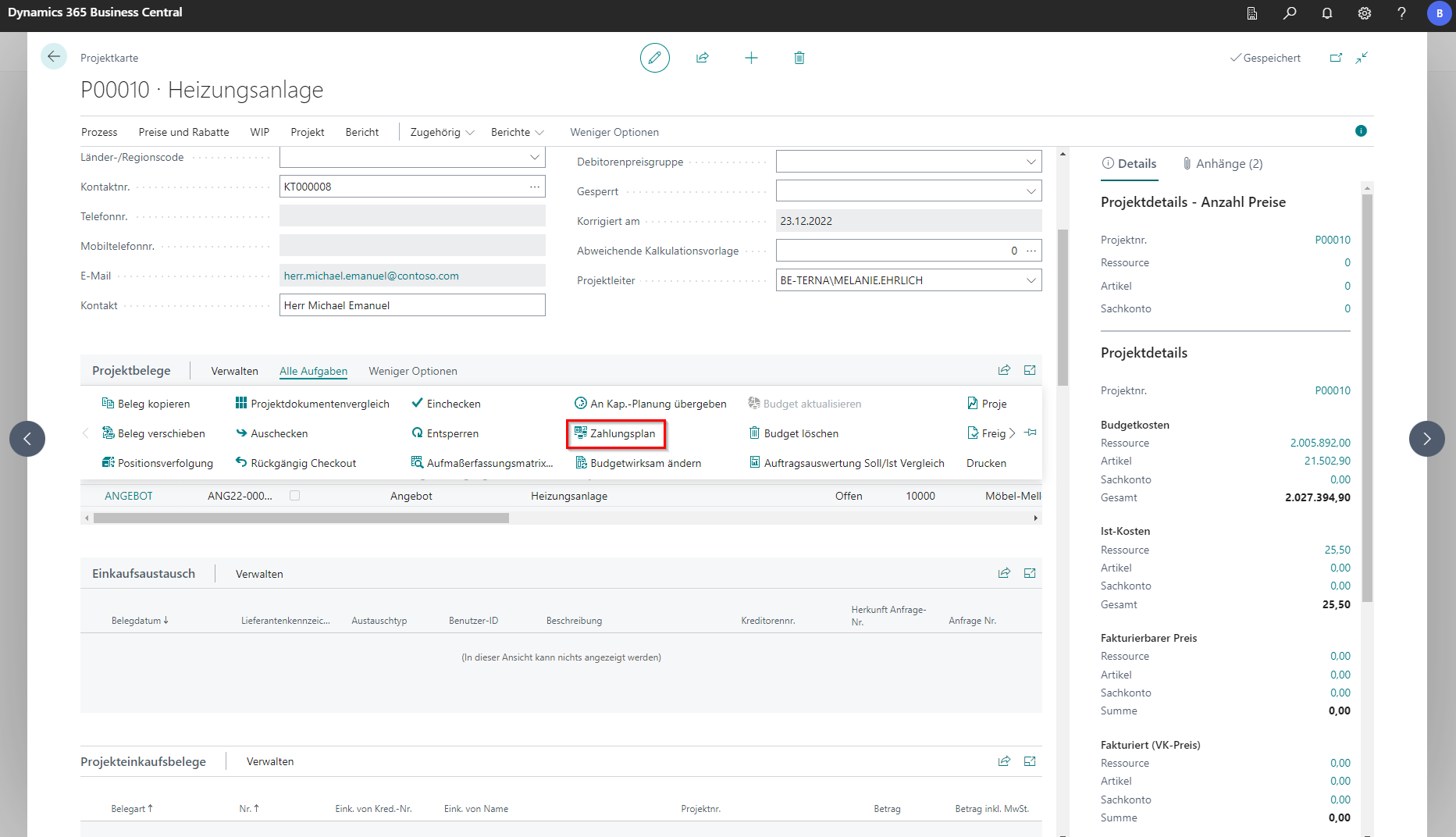
The payment plans can be stored on the project. The function can be found under Alle Aufgaben in the project documents. There, a payment plan can be added with New. With autom. Zahlungsplan, the payment plan for this order stored in the project is adopted.
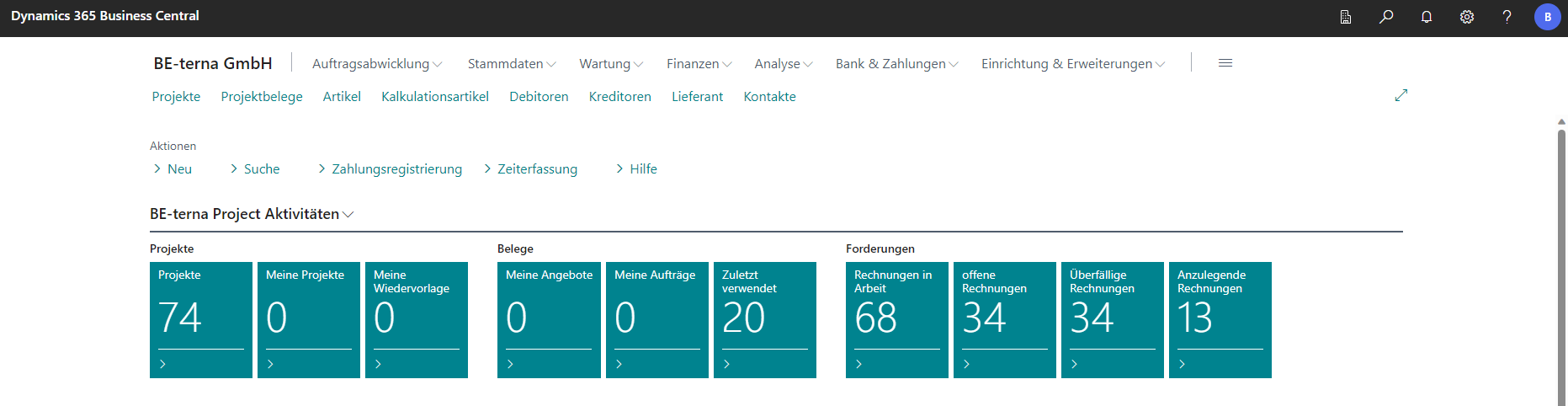
In the Role Center, invoices to be created are displayed and can be generated in the Payment Plan Editor with the Create Invoice function.