FAQ
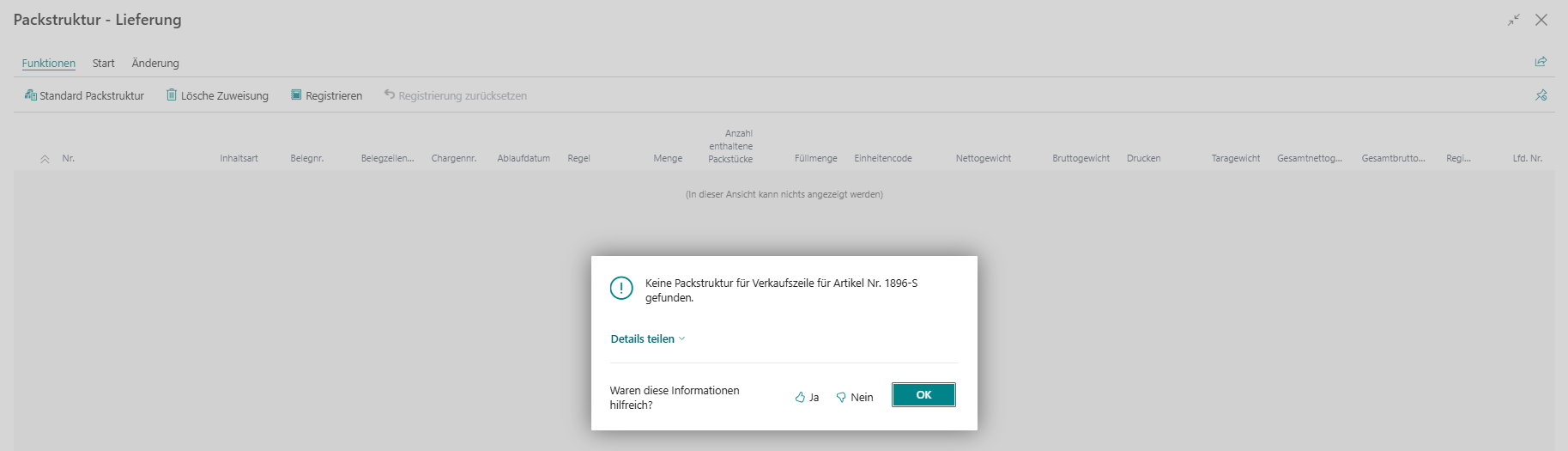
FAQ Why is no packaging structure found for the sales line? Usually either no matching released structure exists or the assignment context does not match.
If this message appears in the packaging assignment, the current document line either has no matching packaging structure or no released variant is available. First check the business assignment context, for example item, item variant, customer, document header, or a document-specific exception.
Only a released packaging structure can be used operationally as the default structure. Open structures can still be edited, but they are not proposed automatically as the standard choice.
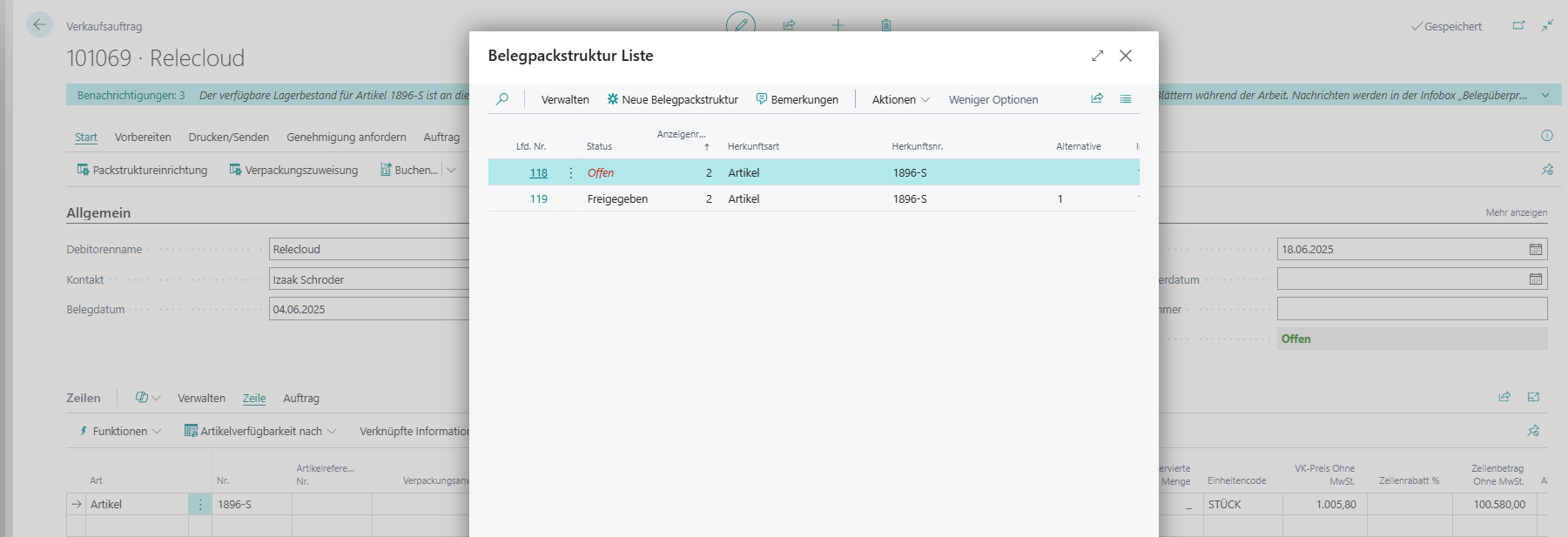
FAQ How can I tell whether release status or alternatives influence the selection? The document packaging structure list shows statuses and alternatives for the same origin context.
Open the document packaging structure list to compare status, origin, and alternatives side by side. If several structures exist for the same context, at least one suitable variant should be released and the alternative value should be maintained consistently.
In practice, the combination of status and alternatives often explains why a structure can still be edited but is not proposed as the default structure.
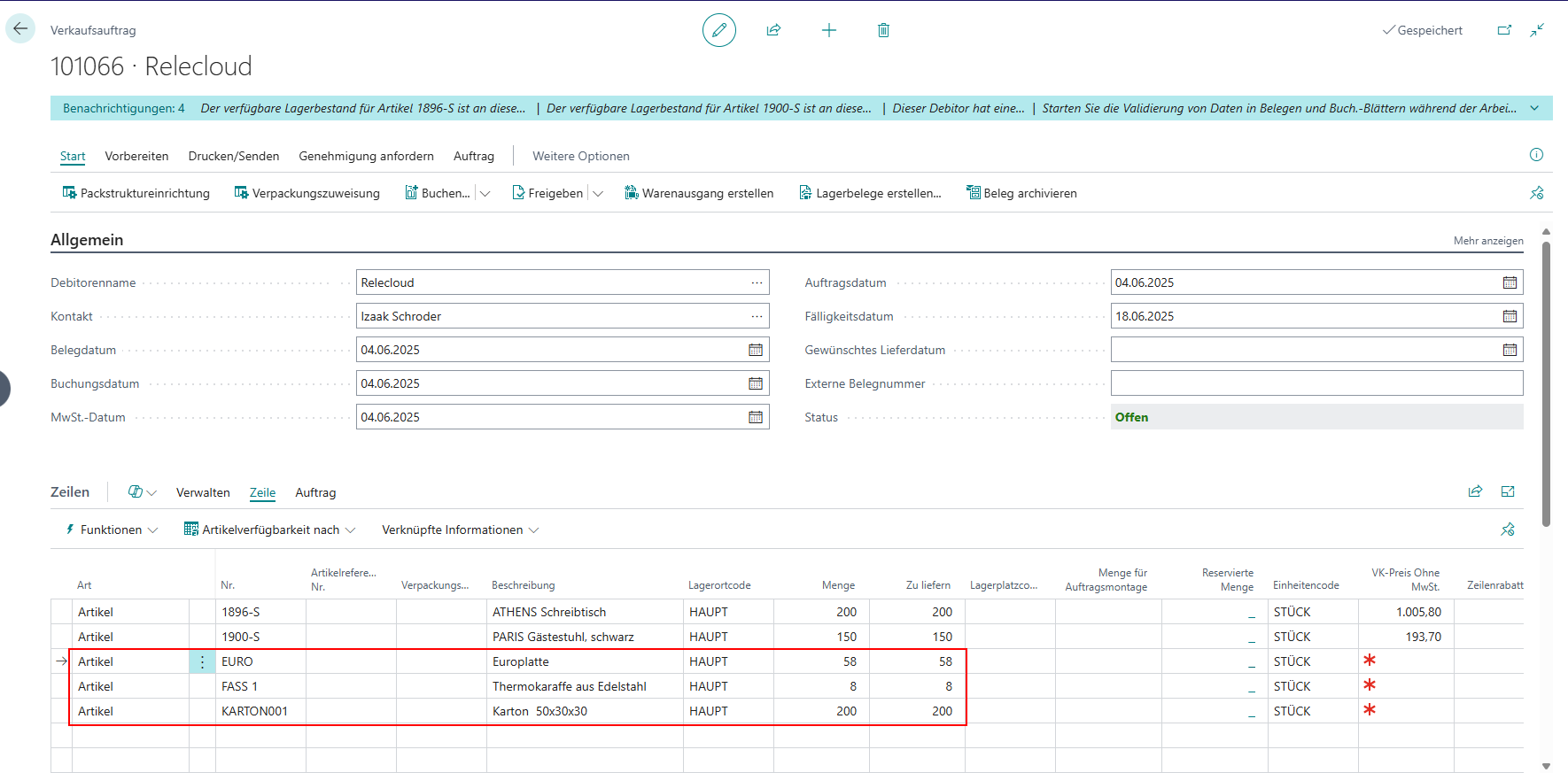
FAQ Why are additional document lines for packaging materials created during registration? Registration transfers the packaging structure to the document and adds the packaging-material lines needed operationally.
This behavior is expected. During registration, Handling Unit Management carries the packaging assignment forward into a document-specific structure and adds packaging-material lines so they can later be posted, picked, or shipped.
At this stage, pay particular attention to quantities, weights, and the availability of the packaging materials that are being used.
FAQ How should I proceed when registration fails with an error? First check the most common root causes: release status, quantity consistency, rules, and item tracking.
Recommended troubleshooting sequence:
- Verify that the selected packaging structure is released.
- Compare document target quantity with assigned quantities in packaging assignment.
- Check rule violations for fill quantity, weight, or structure type.
- For lot- or serial-tracked items, verify that tracking assignment is complete and consistent.
If the issue persists, capture the exact error message and the last user action for support.
FAQ Which details should I prepare for a support request? Complete context helps isolate the issue faster.
To speed up support handling, provide these details:
- document type and document number
- affected document line and item
- used packaging structure or alternative
- exact error message text
- short sequence of steps before the error occurred
Optional but helpful: screenshots from packaging assignment, document line, and item tracking.
FAQ Where can I find more information? Use these related pages for setup details, packaging structures, and document assignment.
For additional background and step-by-step guidance, see these related pages: