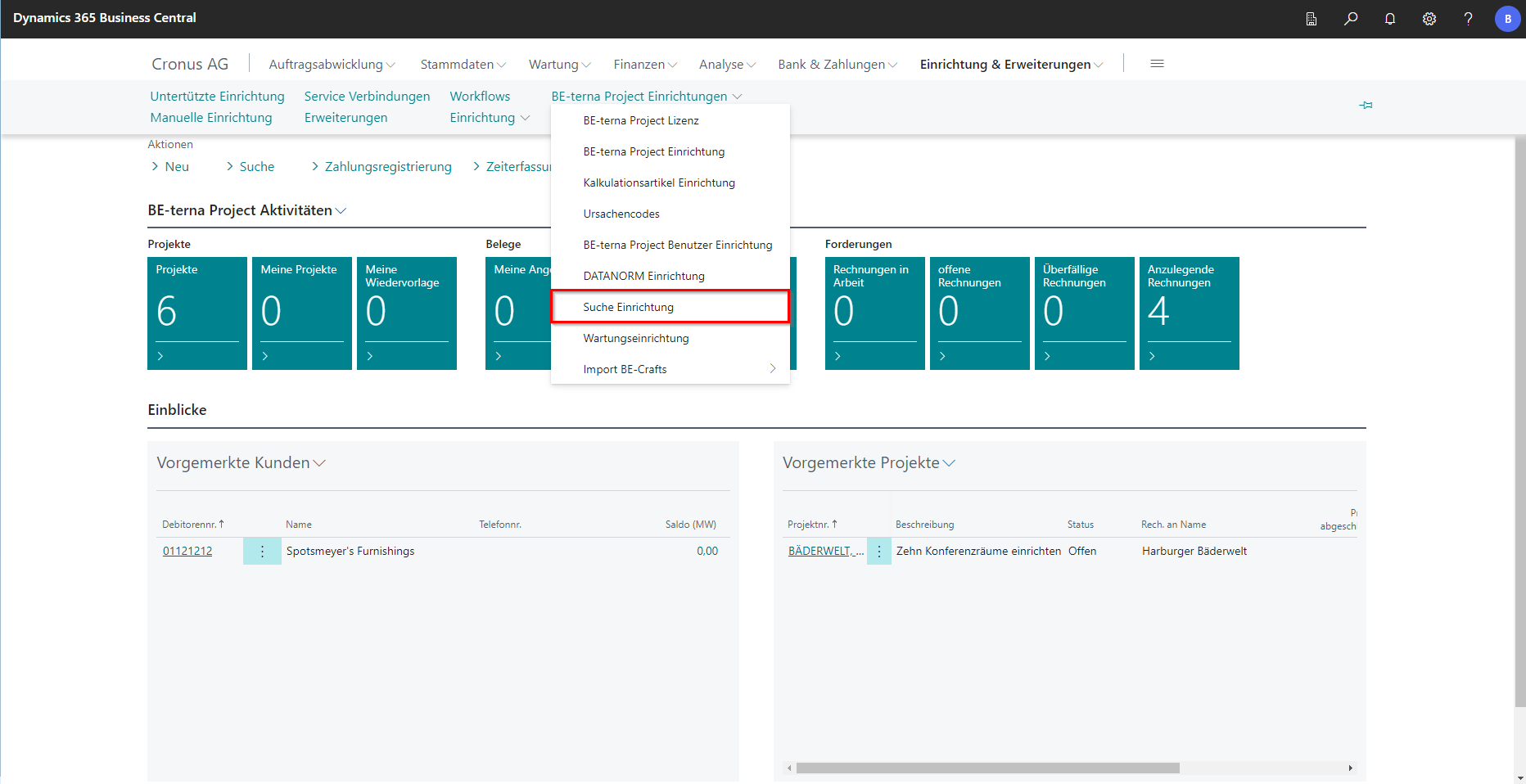
Search Setup
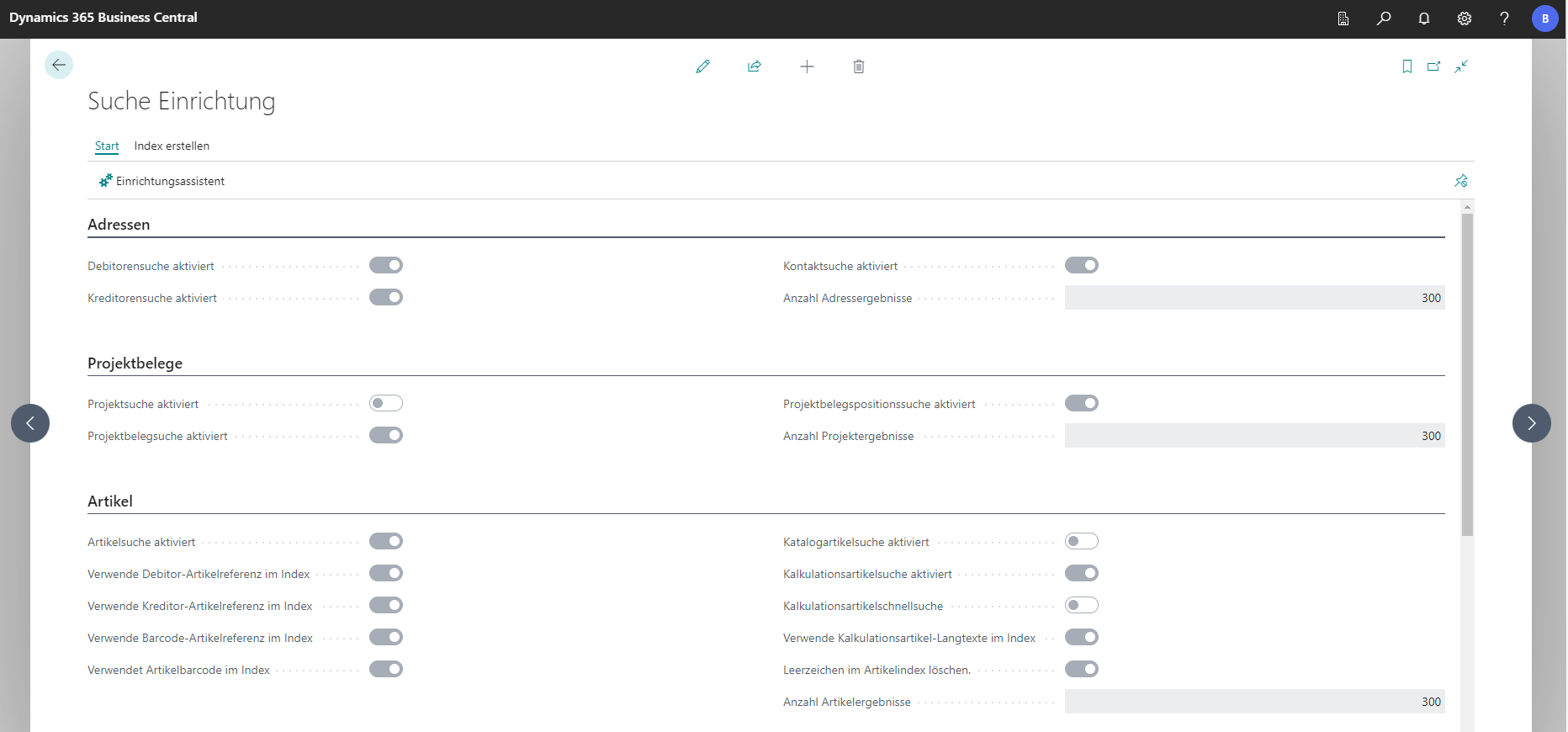
In the setup of the search function in BE-terna Project, various parameters for the search behavior can be defined. What these are in detail and what effects they have is explained in more detail in the following for the setup wizard.
Setup Wizard
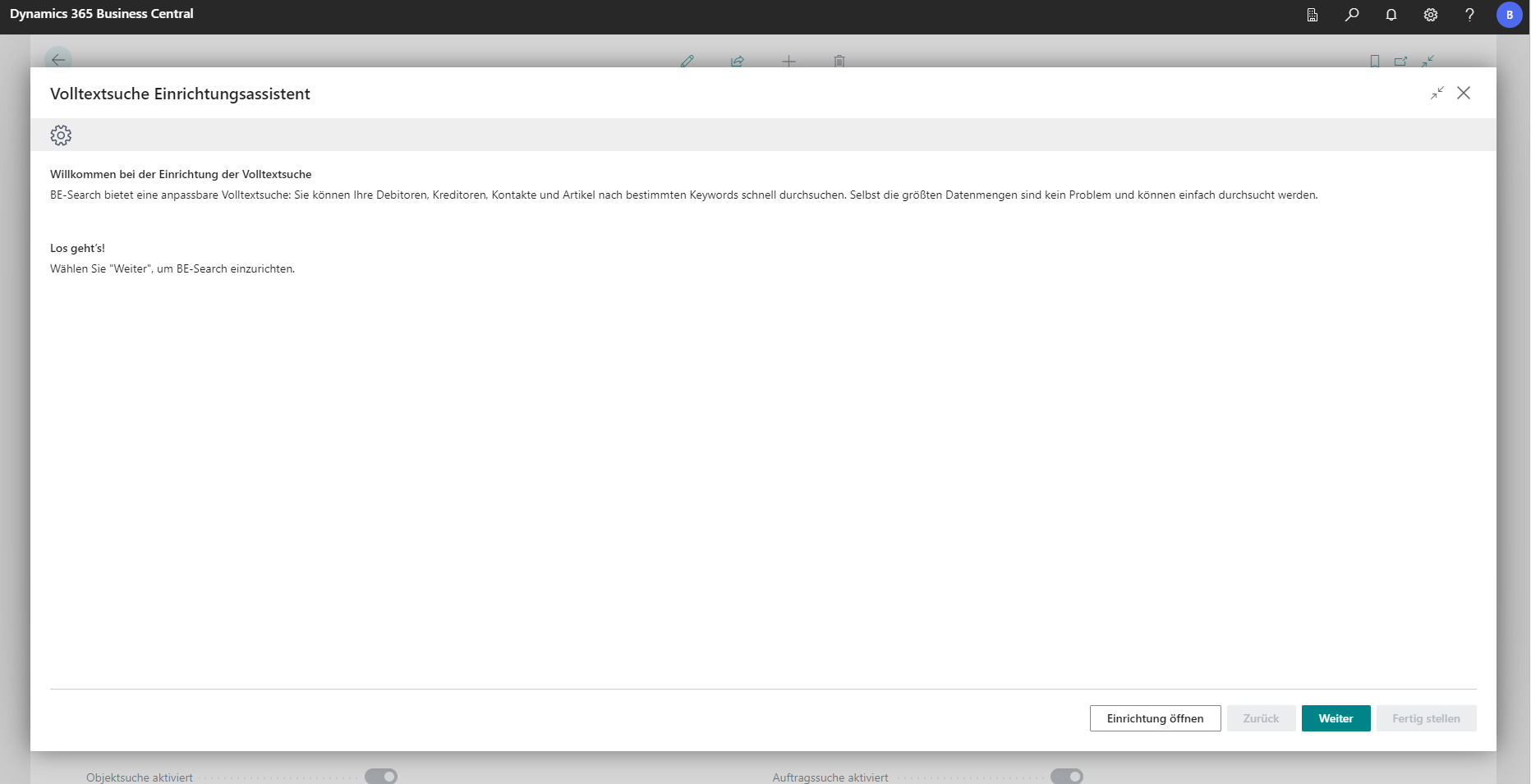
The setup wizard guides you step by step through the search setup of BE-terna Project.
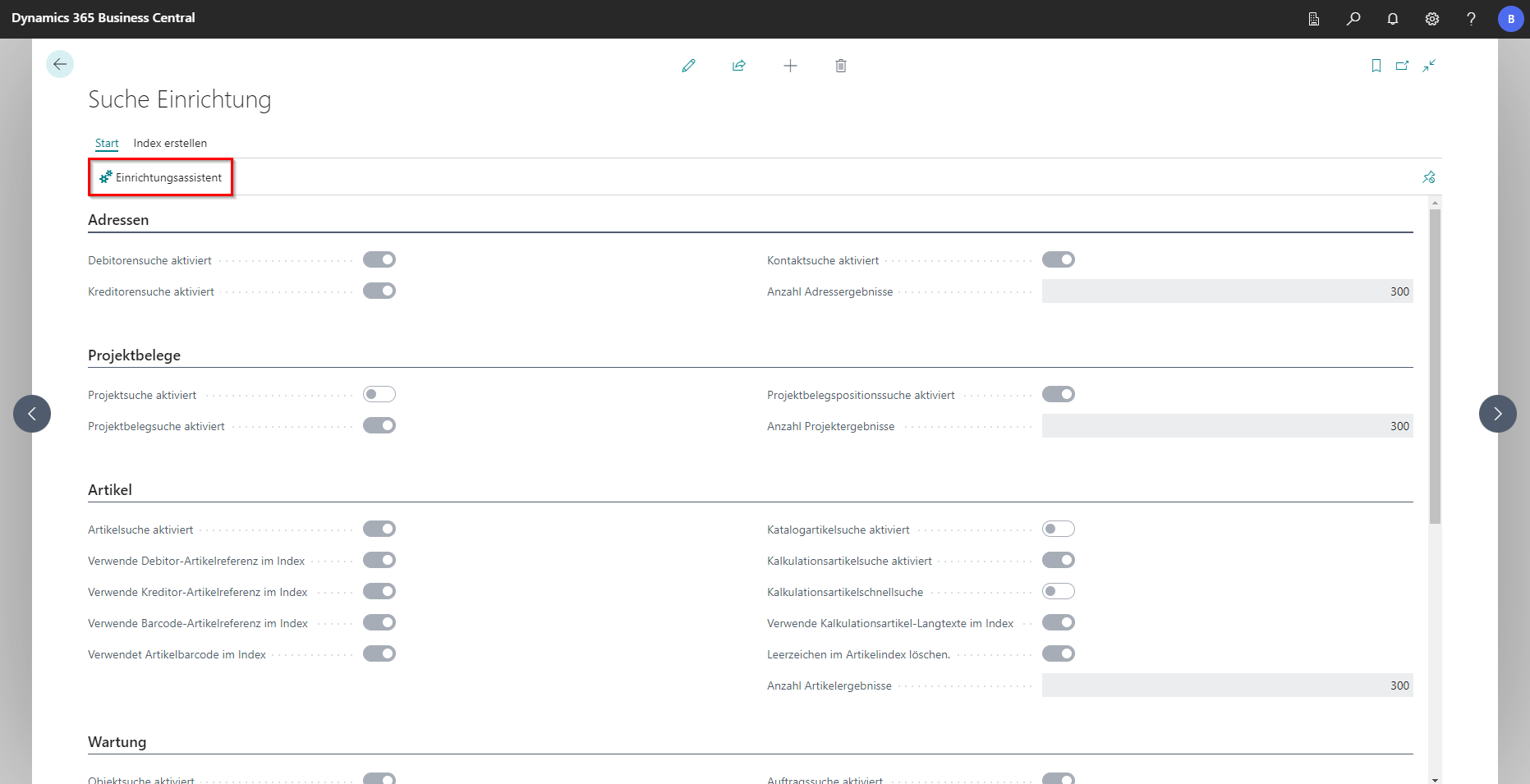
It can be used to set up how customers, vendors, contacts, and articles are searched in the sense of a keyword search. The search function of BE-terna Project is particularly suitable for large amounts of data.
 Click to enlarge
 Click to enlarge
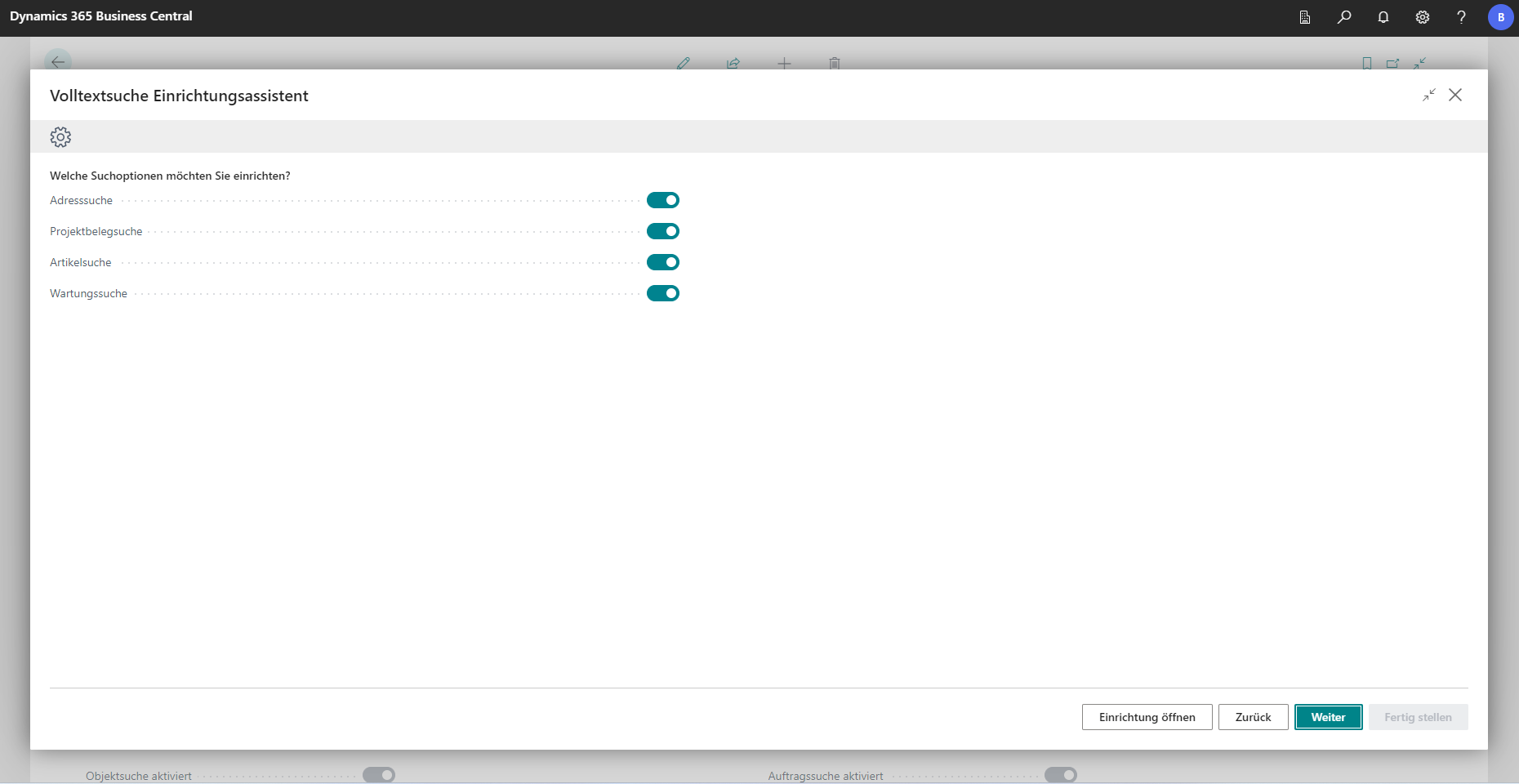
Here you can select in which areas the search in BE-terna Project should be carried out. You can choose from address data, project documents, articles and the maintenance area.
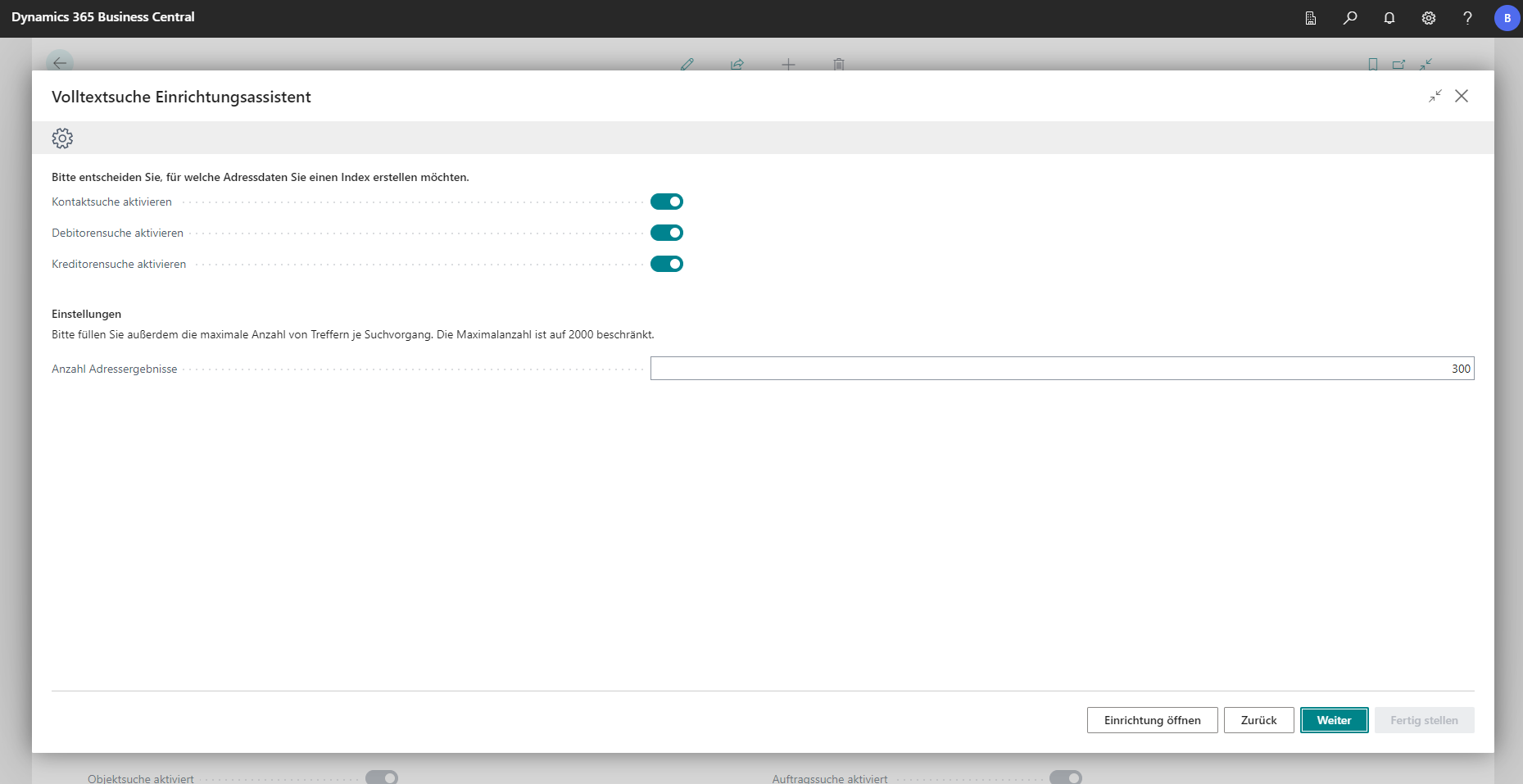
This window looks at the search for address data in detail. You can define whether to search for contacts, customers, or vendors. In addition, the number of output results is limited in the “Number of address results” field.
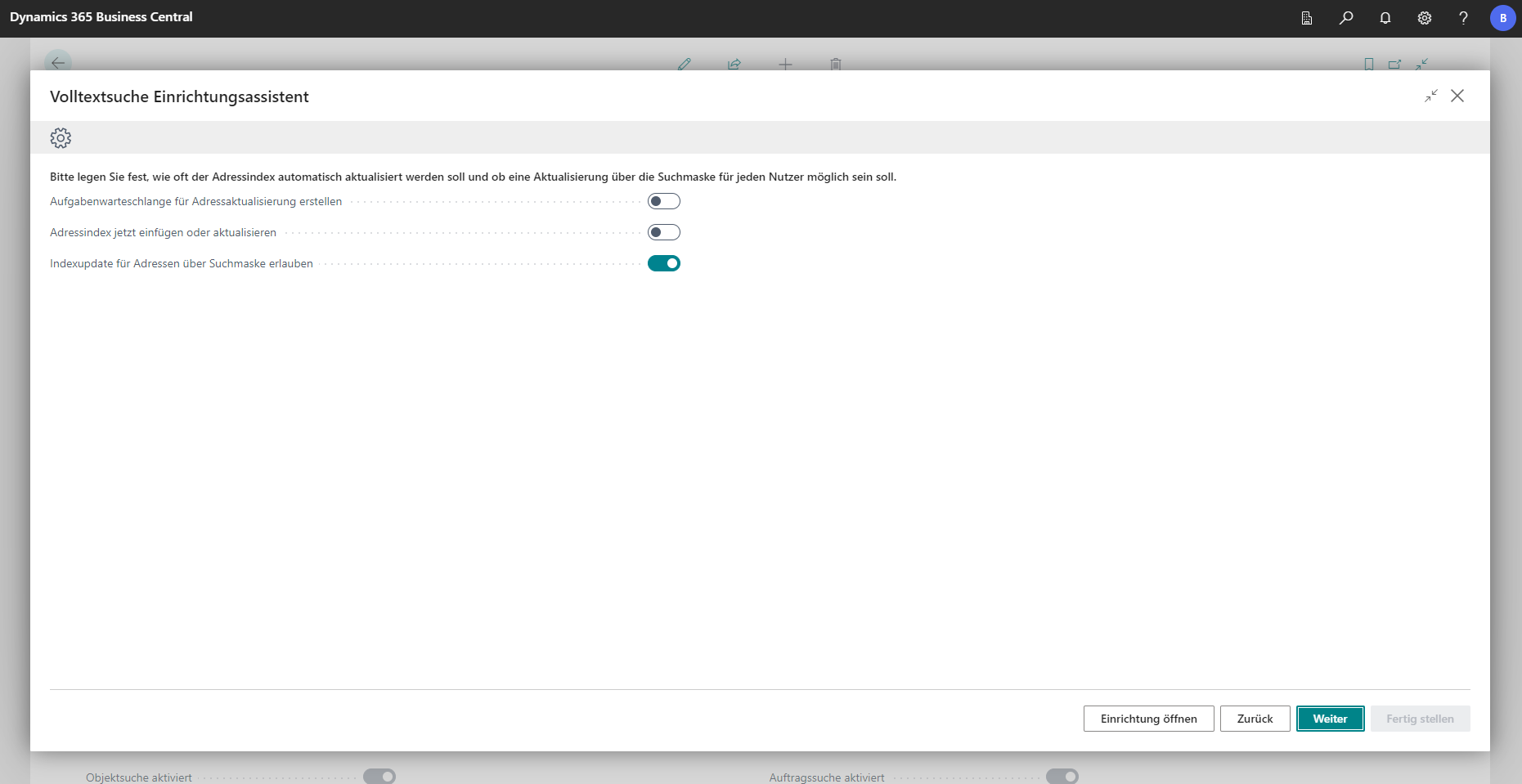
By creating the index of a database (indexing), it is possible to obtain search results faster in large amounts of data. To protect the performance of the system, indexing settings can be made at this point. For example, if new data is created or imported into the system, it makes sense to create a task queue for address updates at regular intervals. This results in new data being provided for the search function. In this window, you can also specify the time intervals of indexing and whether an index update is possible via the search mask.
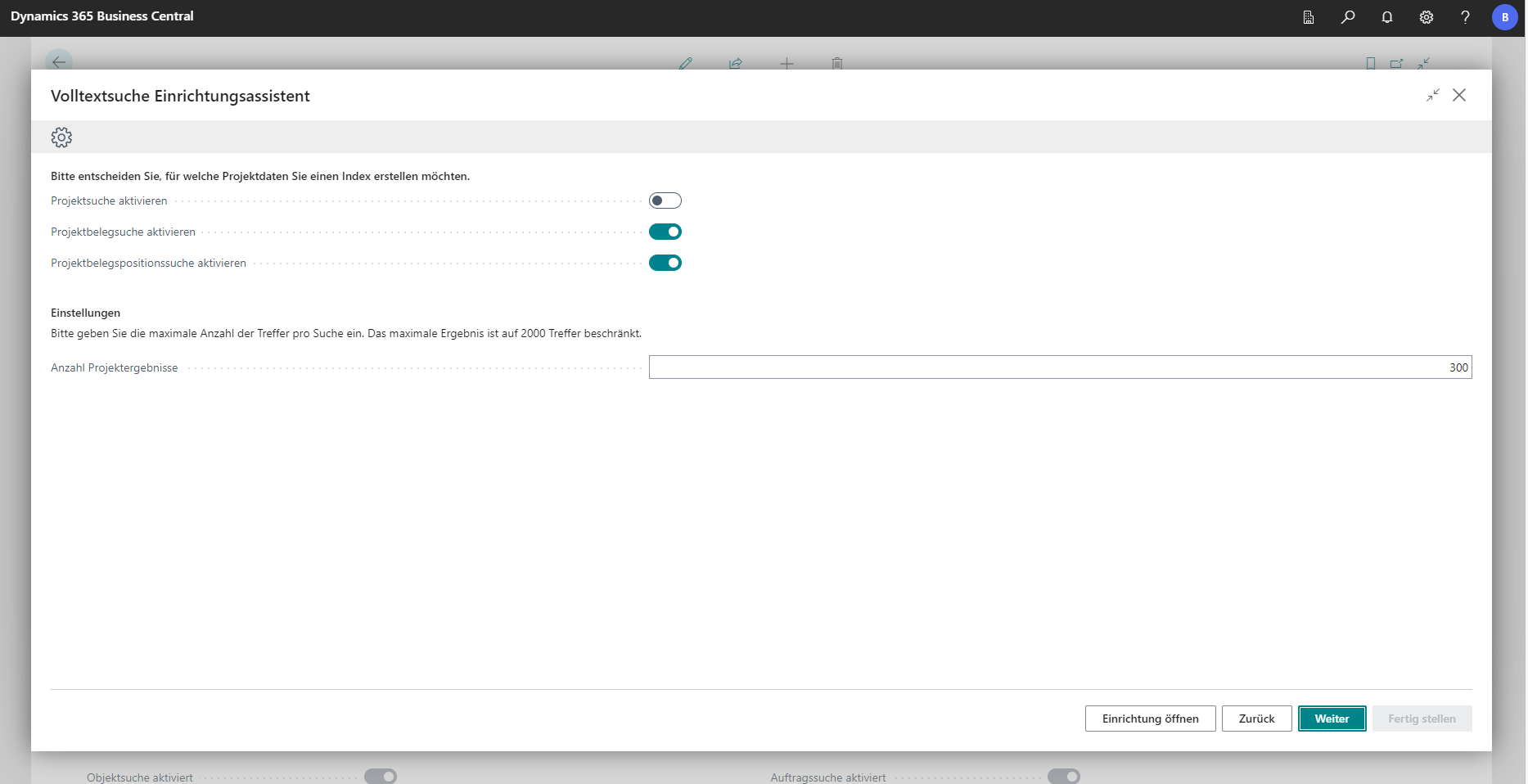
At this point, you can define in which areas of a project the search function should be applied. There is a hierarchical system: the project itself is at the top, followed by the project document and the position of a project.
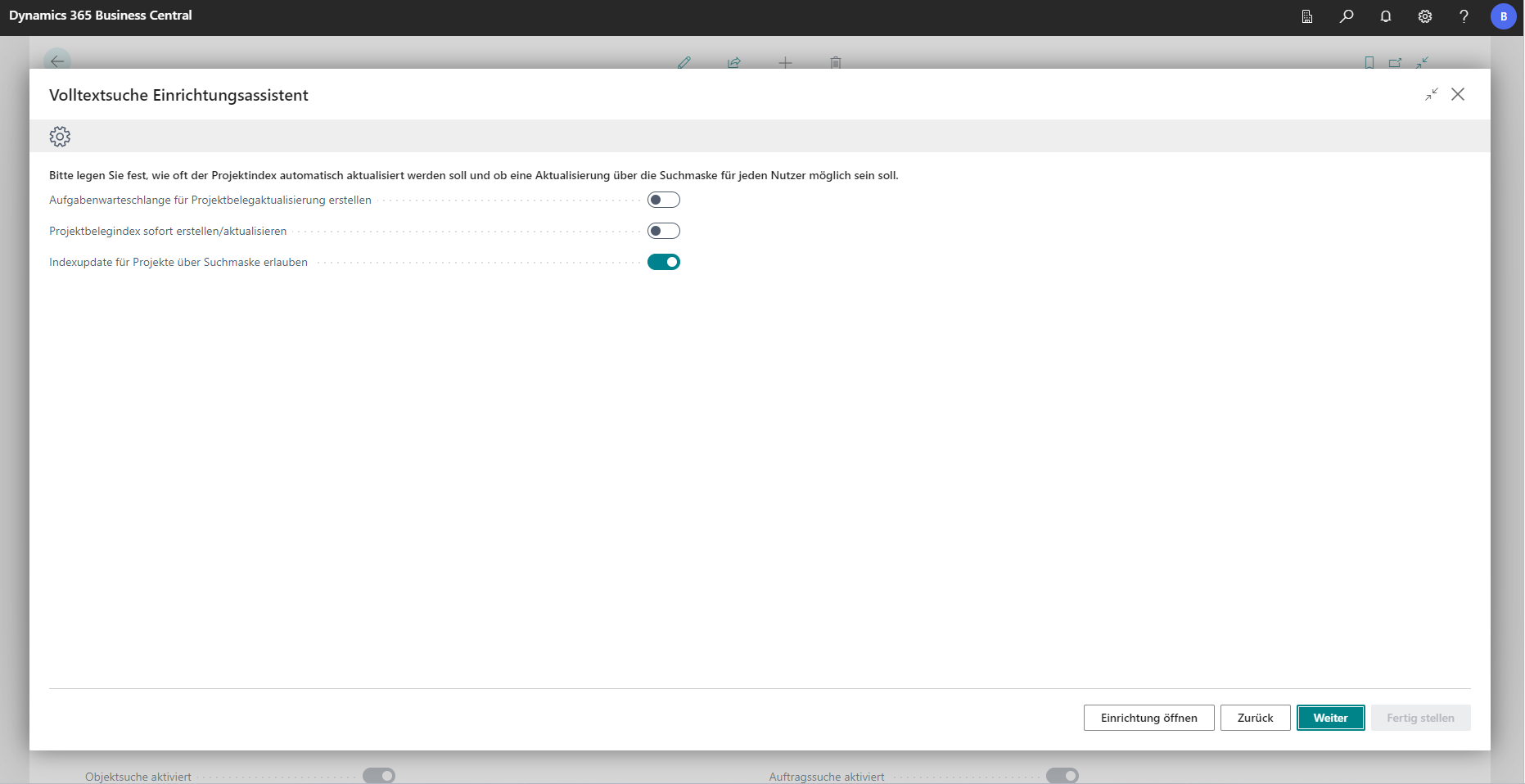
Next, you can determine how the indexing of the projects should behave - analogous to the address data.
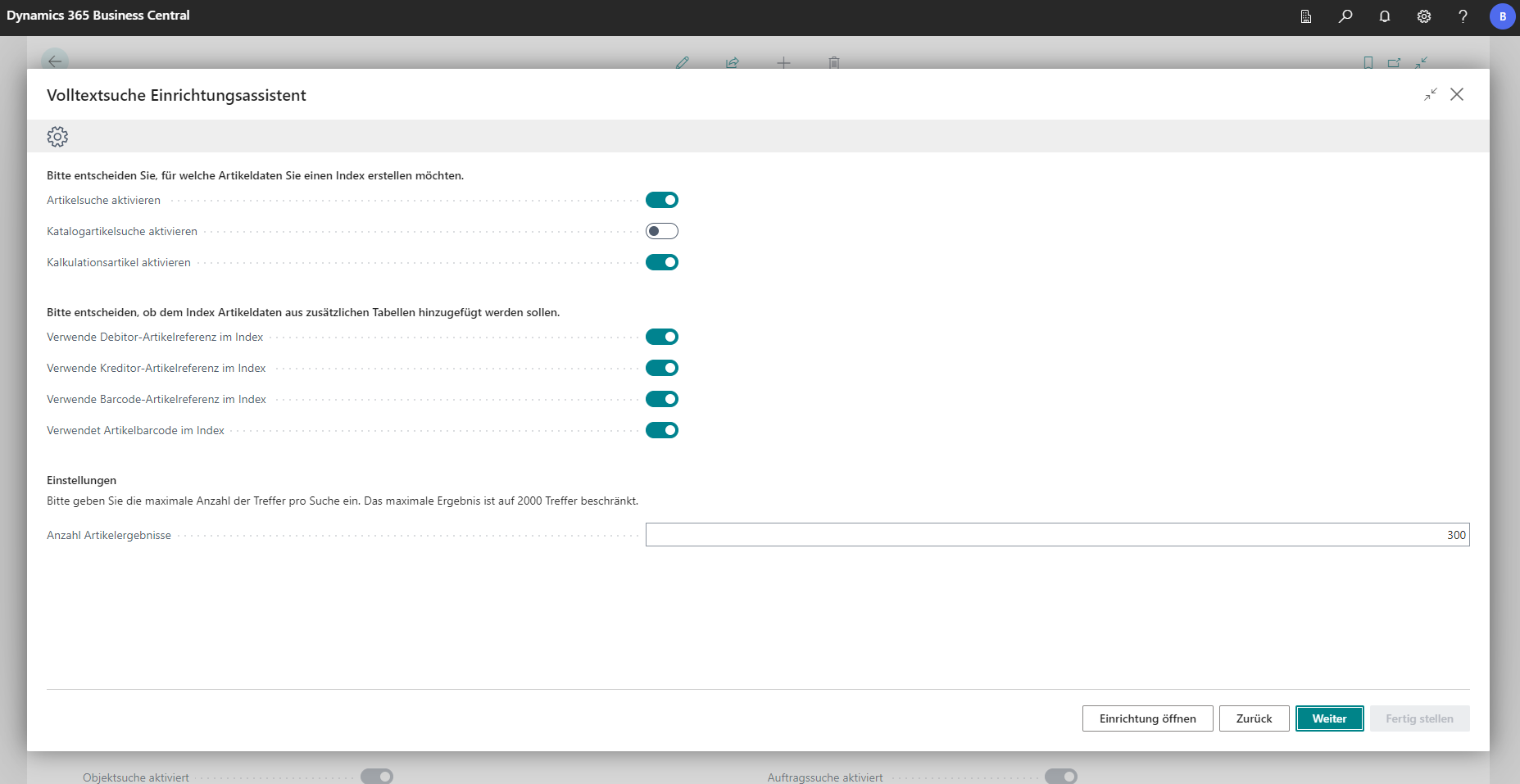
This window contains settings options for the search function for (catalogue and calculation) articles.
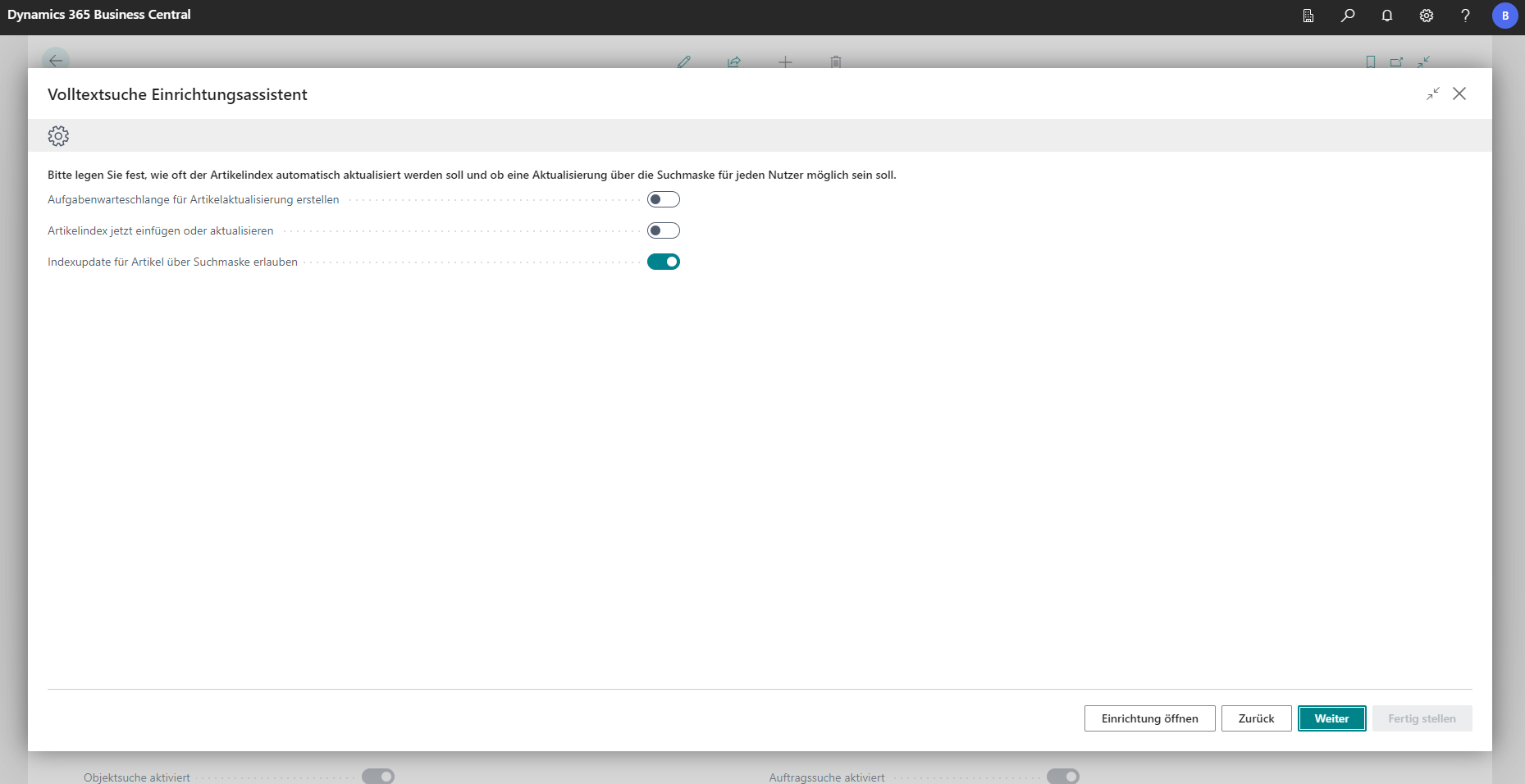
Analogous to projects and address data, the behavior of indexing article data is defined here.
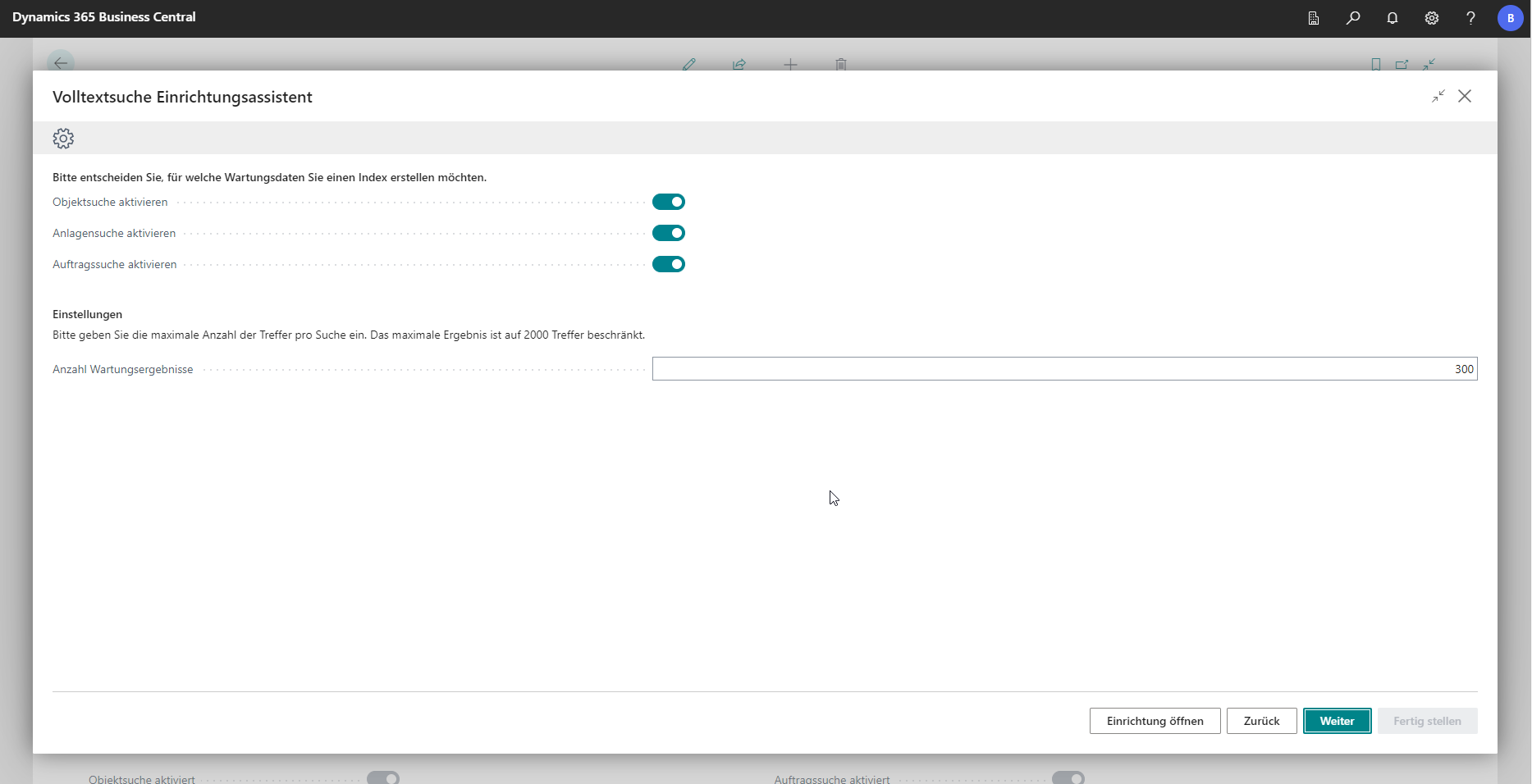
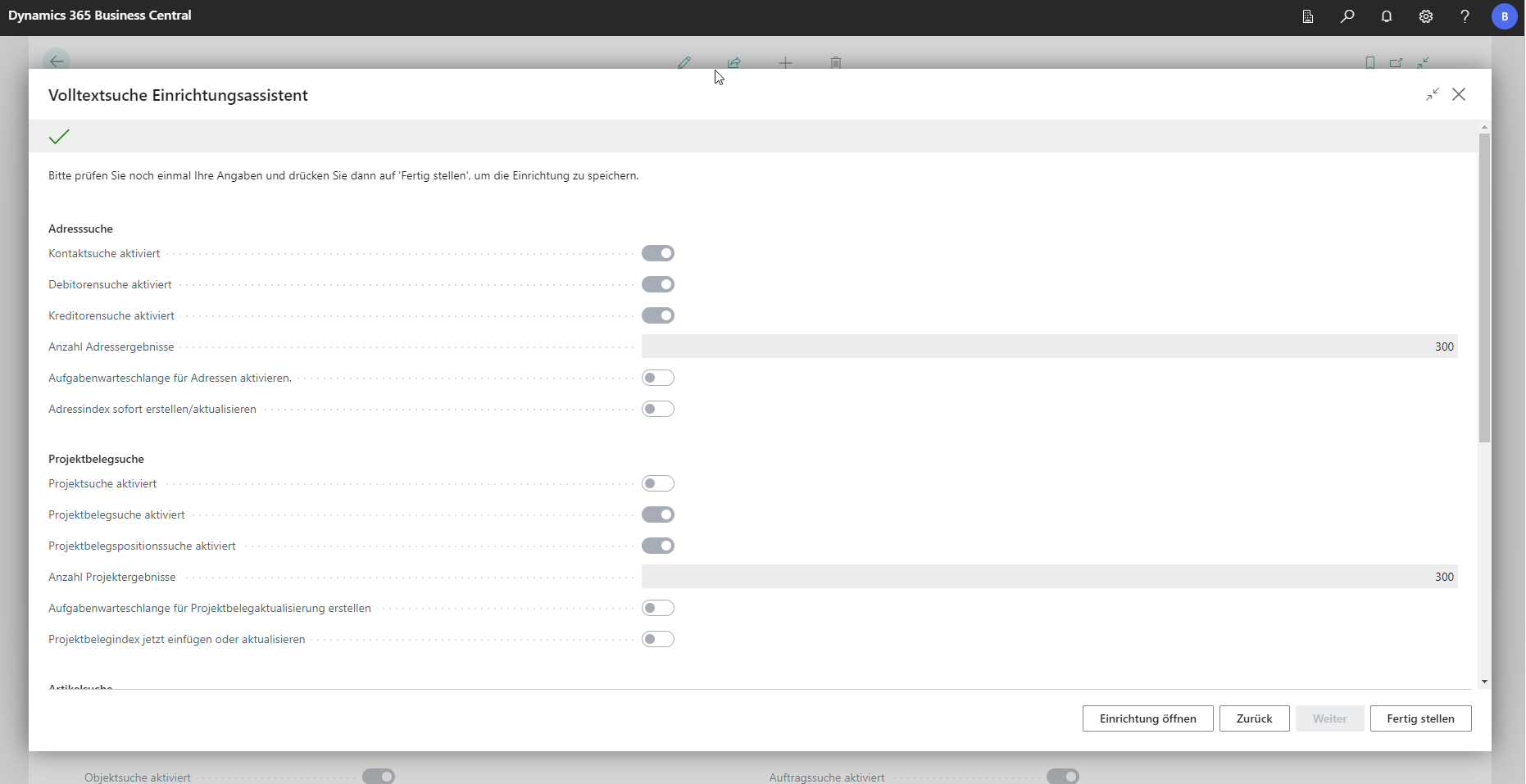
The last window of the setup wizard offers a summary of all settings.
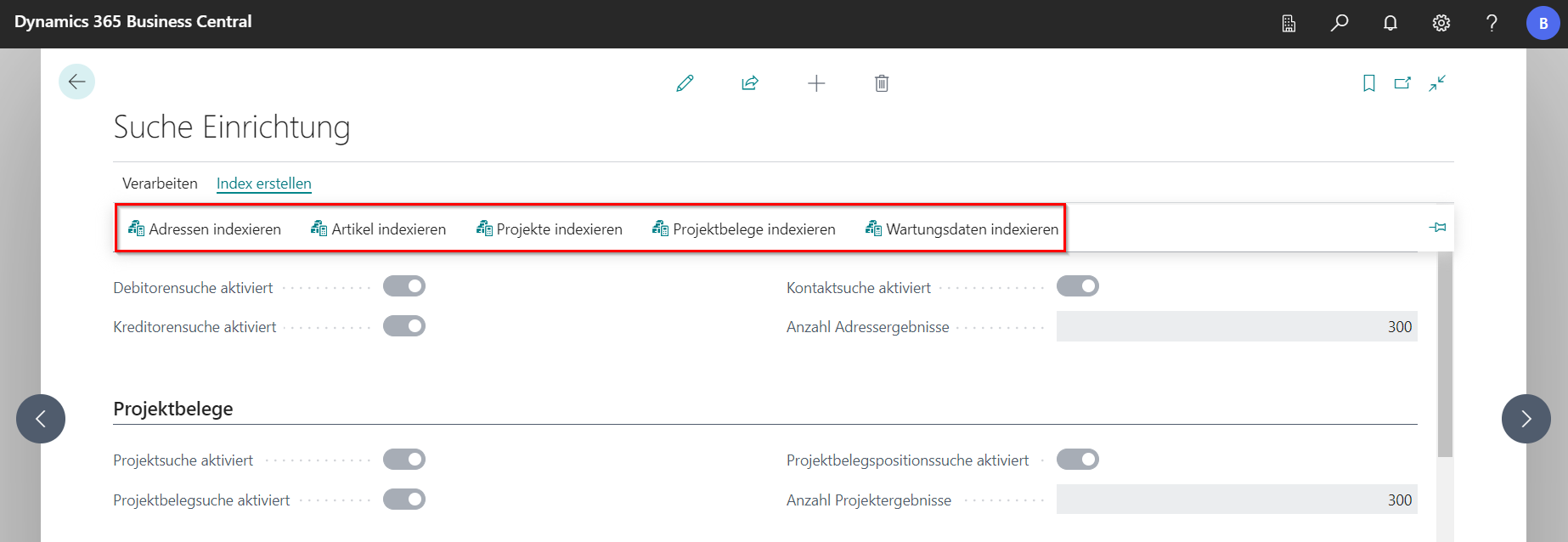
Create an index
The “Create Index” area in the search function setup can be used to manually create indexes of addresses, articles, projects and maintenance. As explained above, this can also be done via task queues at fixed times.