Salesperson
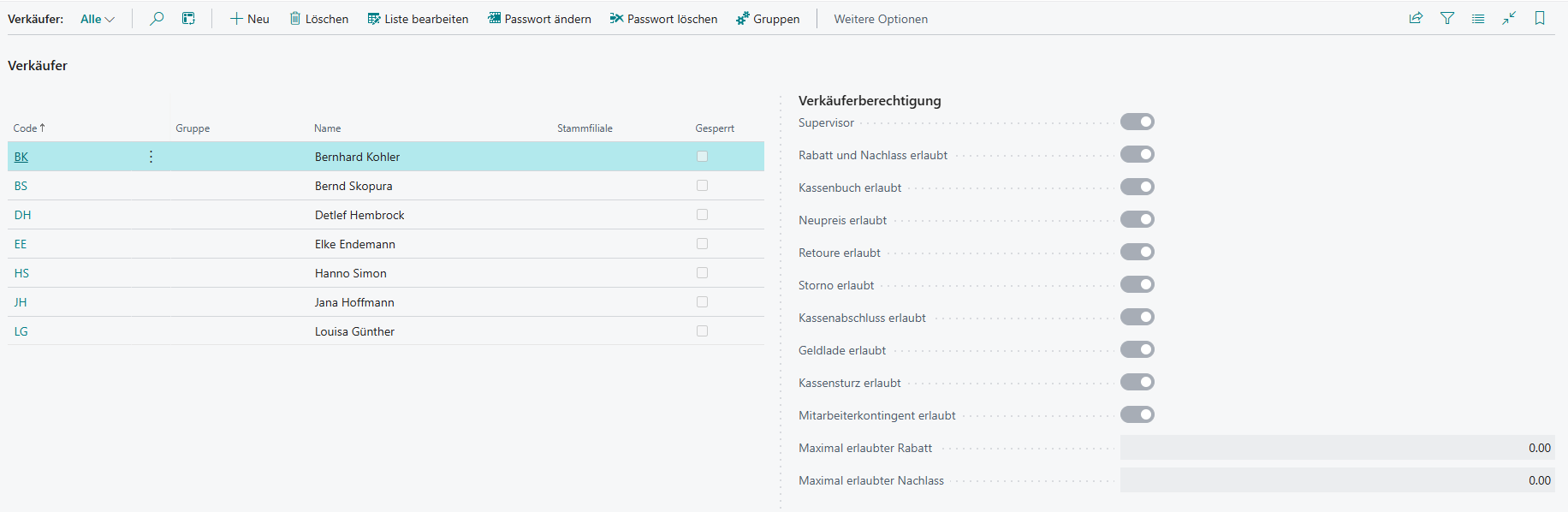
Under Setup → Salesperson, the salespeople and salesperson rights are maintained.
Actions
Several action buttons are available in the salesperson overview and are briefly introduced below.
| Field | Description |
|---|---|
| Change Password | Changes or sets the password for the selected salesperson |
| Delete Password | Removes the password stored for the selected salesperson |
| Groups | Opens group management |
Change Password
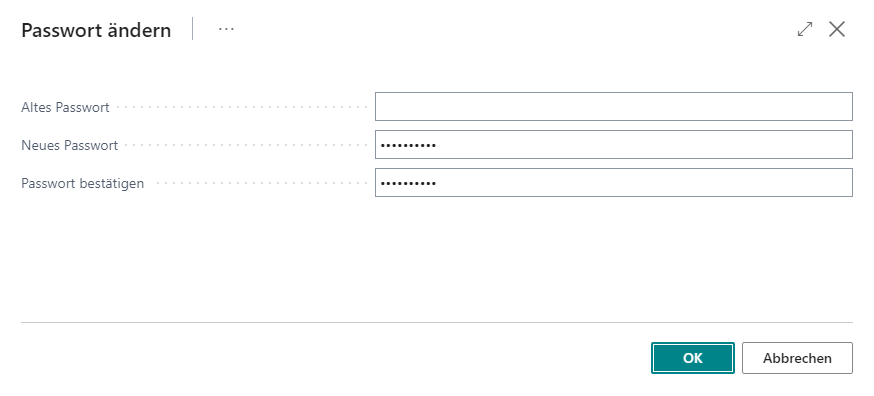
This action opens a new window in which the old and new password, including confirmation, must be entered. Selecting OK applies the new password and stores it in encrypted form for the relevant salesperson. Password entries are only required for cashier and supervisor sign-ins, but not for changing the salesperson.
Delete Password
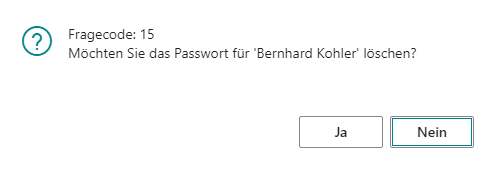
This action opens a confirmation dialog and removes the password stored for the selected salesperson if confirmed with Yes.
Groups
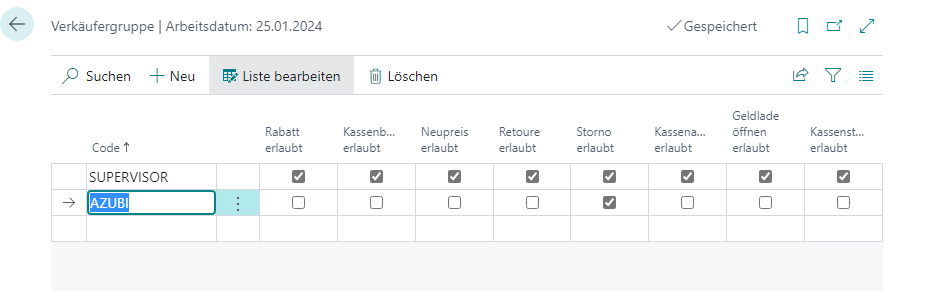
This is where the salesperson groups are managed. This simplifies individual rights control, because permissions only need to be defined within the groups and the individual salespeople only need to be assigned to the corresponding group so that the rights defined there are assigned to them.
Setup
| Field | Description |
|---|---|
| Code | Salesperson code |
| Group | Assignment of a salesperson group |
| Name | Name of the salesperson |
| Home Store | Home store of the salesperson |
| Blocked | Marks the salesperson as inactive |
It is also possible to assign rights to each salesperson, either individually or via the salesperson group.
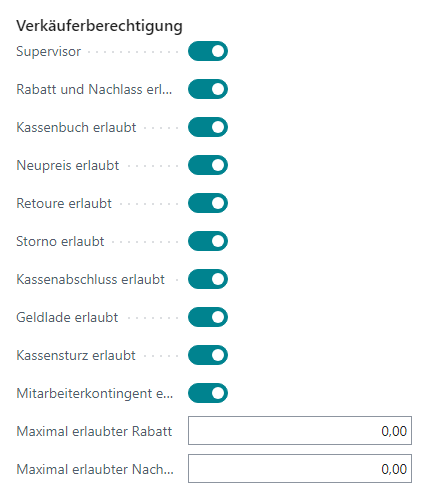
| Field | Description |
|---|---|
| Supervisor | Allows all functions |
| Discount and Allowance Allowed | Discounts and allowances may be granted |
| Cash Account Book Allowed | The salesperson may perform cash account book functions |
| New Price Allowed | The salesperson may change prices |
| Return Allowed | The salesperson may process returns |
| Cancellation Allowed | Line and receipt cancellations may be performed |
| Cash Register Closing Allowed | The salesperson may carry out a cash register closing |
| Cash Drawer Allowed | Allows opening the cash drawer outside the regular checkout process |
| Cash Count Allowed | Allows the salesperson to perform a cash count (intermediate count) |
| Employee Contingent Allowed | Gives the salesperson the option to view the current contingent of an employee |
| Maximum Allowed Discount | Defines the maximum percentage discount that the respective employee may grant (overridden by the maximum discount on the cash register setup). If no maximum discount but only a maximum allowance has been stored, this is automatically also used as a percentage maximum discount |
| Maximum Allowed Allowance | Defines the maximum absolute allowance that the respective employee may grant. If no maximum allowance but only a maximum discount has been stored, this is automatically also used as an absolute maximum allowance |