Voucher
The Archive for Vouchers contains all vouchers generated from setup.
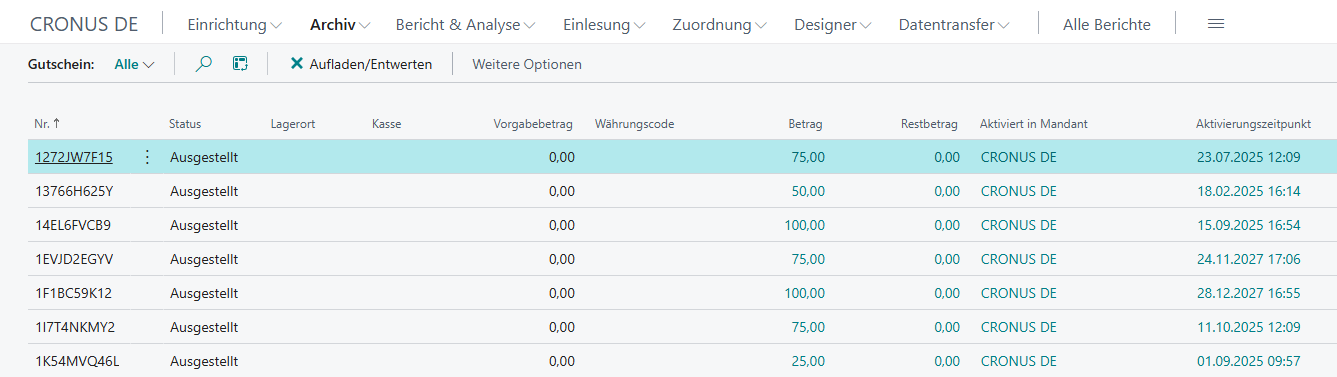
| Field | Description |
|---|---|
| No. | Voucher code |
| Status | Open: voucher can be issued Issued: voucher can be redeemed Invalidated*: voucher has been invalidated |
| Location | Location where the voucher was sold |
| Cash Register | Cash register where the voucher was sold |
| Default Amount | Amount stored when the voucher was created |
| Amount | Calculated voucher amount based on the loads posted so far |
| Remaining Amount | Calculated remaining amount based on the redemptions posted so far |
| Activated in Company | Company in which the voucher was activated |
| Activation Time | Time of voucher activation |
| Expiry Date | Indicates until when the voucher can be redeemed |
Actions
Load/Invalidate
Vouchers can be loaded or invalidated after issue. Entering a reason is always mandatory.
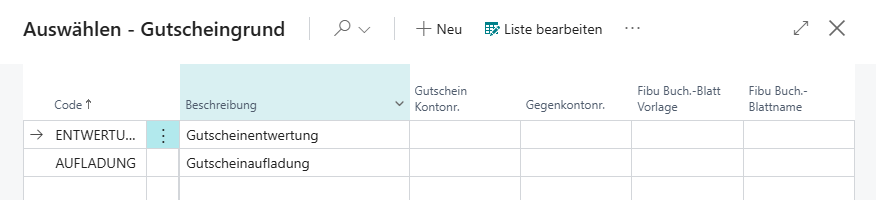
Voucher Reason
Entering a voucher reason is required for both loading and invalidation.
| Field | Description |
|---|---|
| Code | Unique voucher reason code |
| Description | Description of the voucher reason |
| Voucher G/L Account No. | G/L account number to which the voucher amount should be posted |
| Balancing Account No. | G/L account number from which the balancing amount should be posted |
| Gen. Journal Template | Journal template to be used for posting |
| Gen. Journal Batch Name | Journal batch name to be used for posting |
Load
For this action, a new process must first be initiated using Reset. Afterwards, a voucher reason and an amount must be entered so that one or more vouchers can be scanned and loaded with the respective amount.
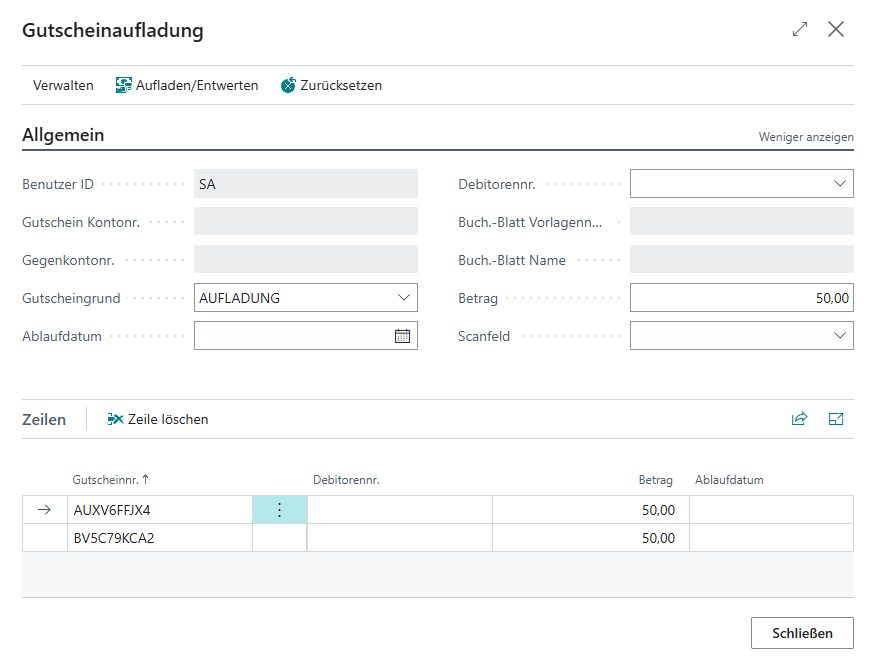
The following confirmation then appears:
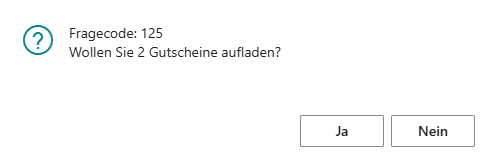
If this confirmation is acknowledged with Yes, the captured vouchers are loaded with the stored amount.

Invalidate
For this action, a voucher with a remaining amount > 0 and a stored voucher reason is required.
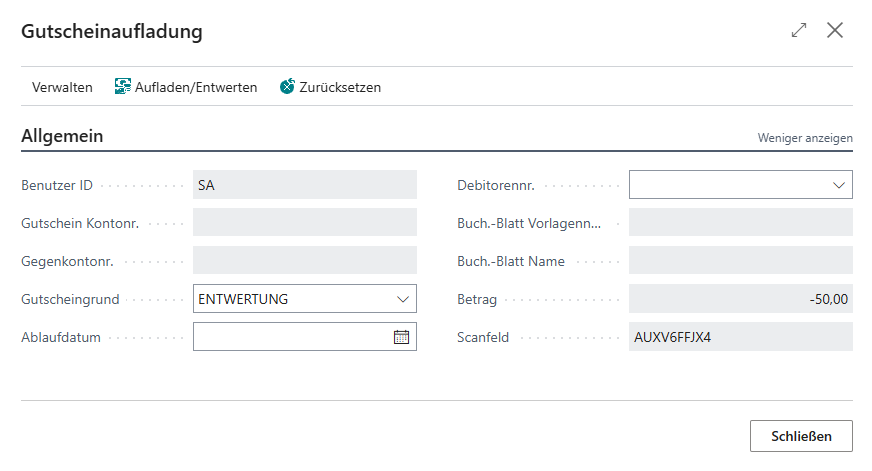
The following confirmation then appears:
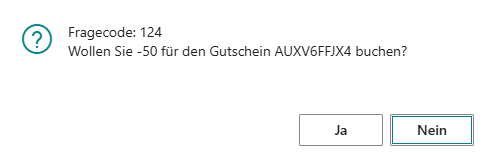
If this confirmation is acknowledged with Yes, the voucher is cancelled by setting the remaining amount to 0.
