Solution
Fashion Connector to POS
The BE-terna POS Fashion Connector app creates a connection between the BE-terna POS apps and the BE-terna Fashion apps. This extends the cash register solution with additional fashion functions.
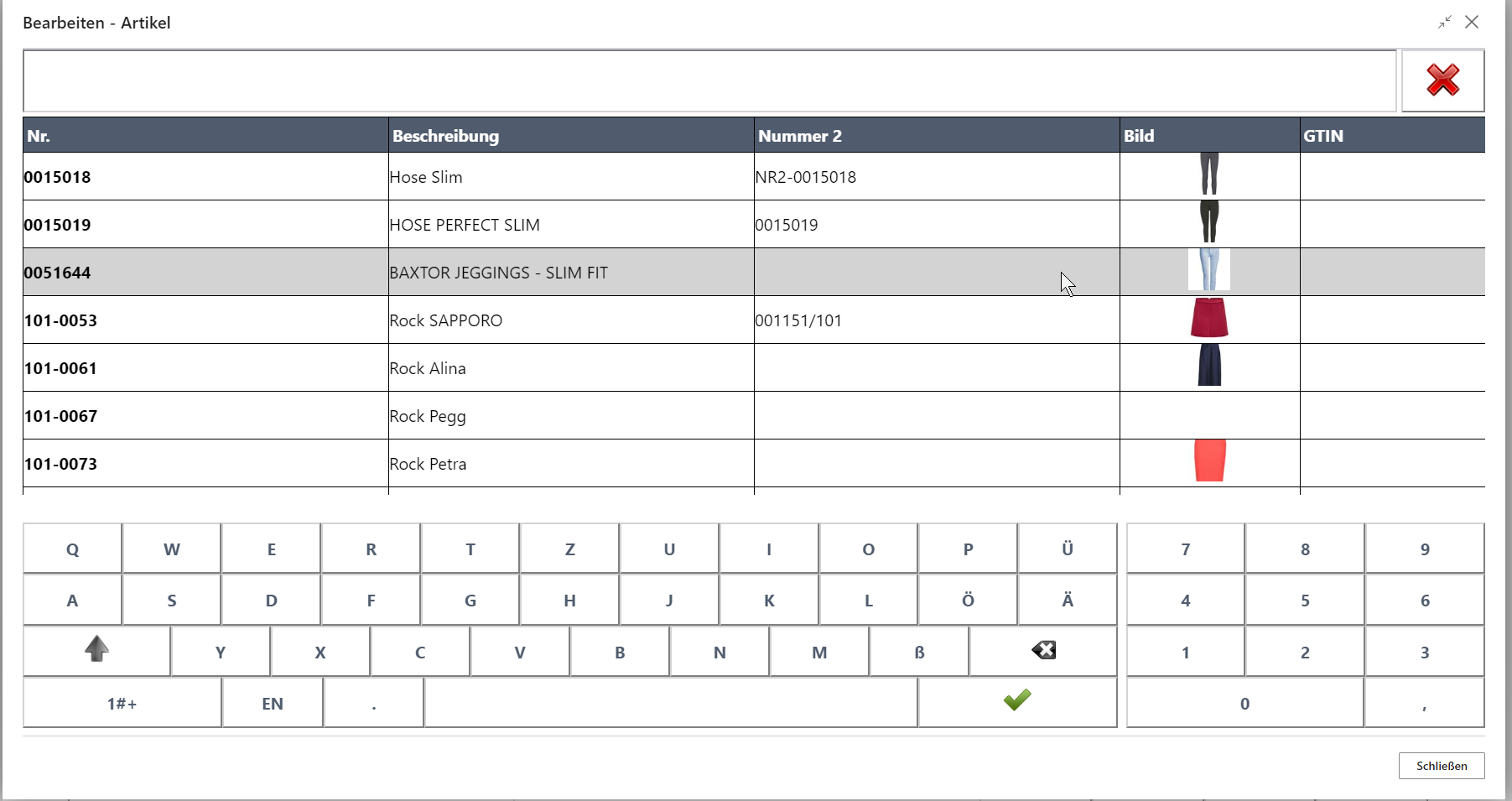
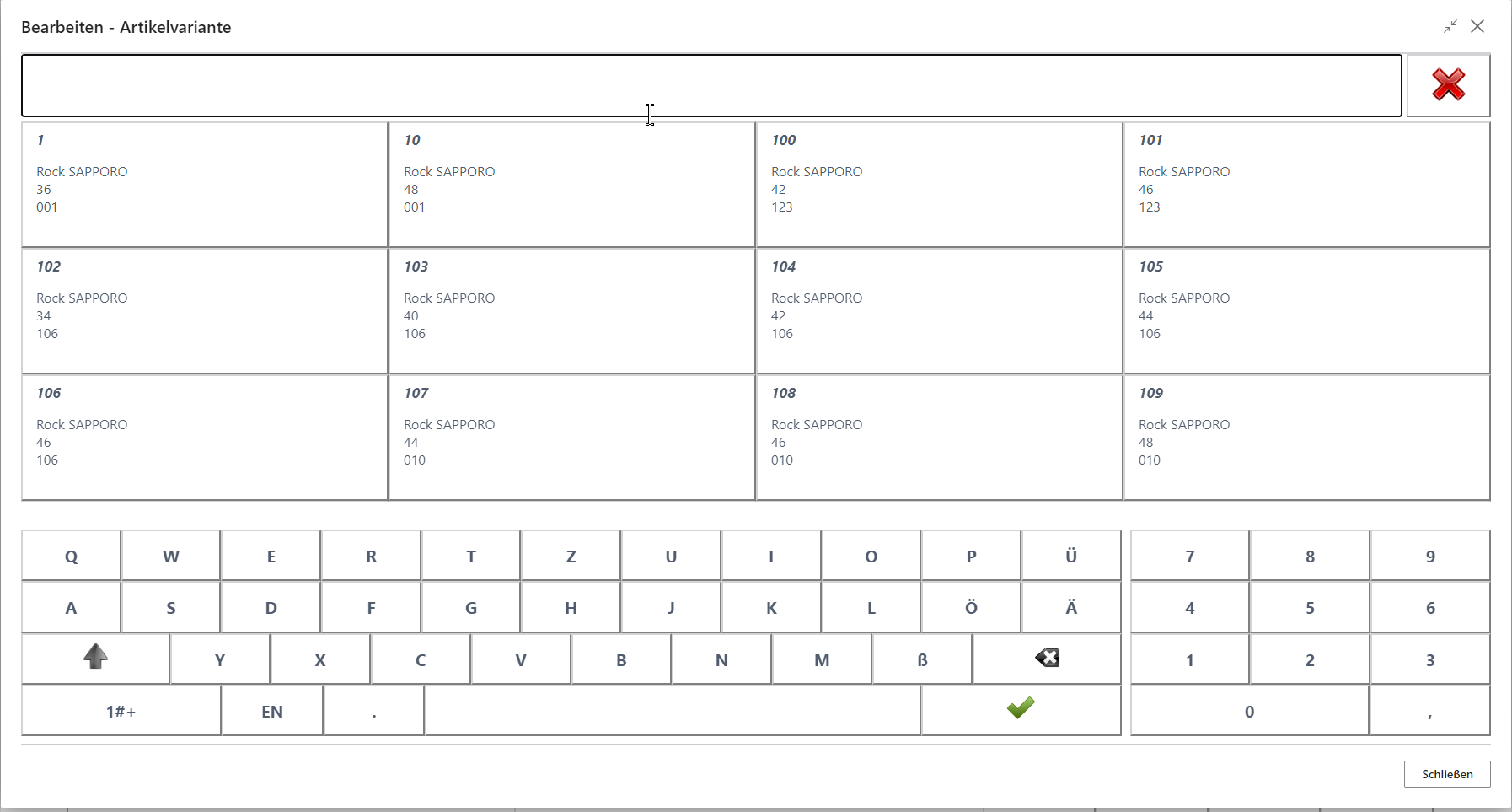
Variant selection by EAN, size, and color at the POS
Home order via central warehouse
The home order supports the delivery of items from a selected warehouse to the customer’s home.
Start of the process:
- Select the Receipt type button.
- Select the Home order button.
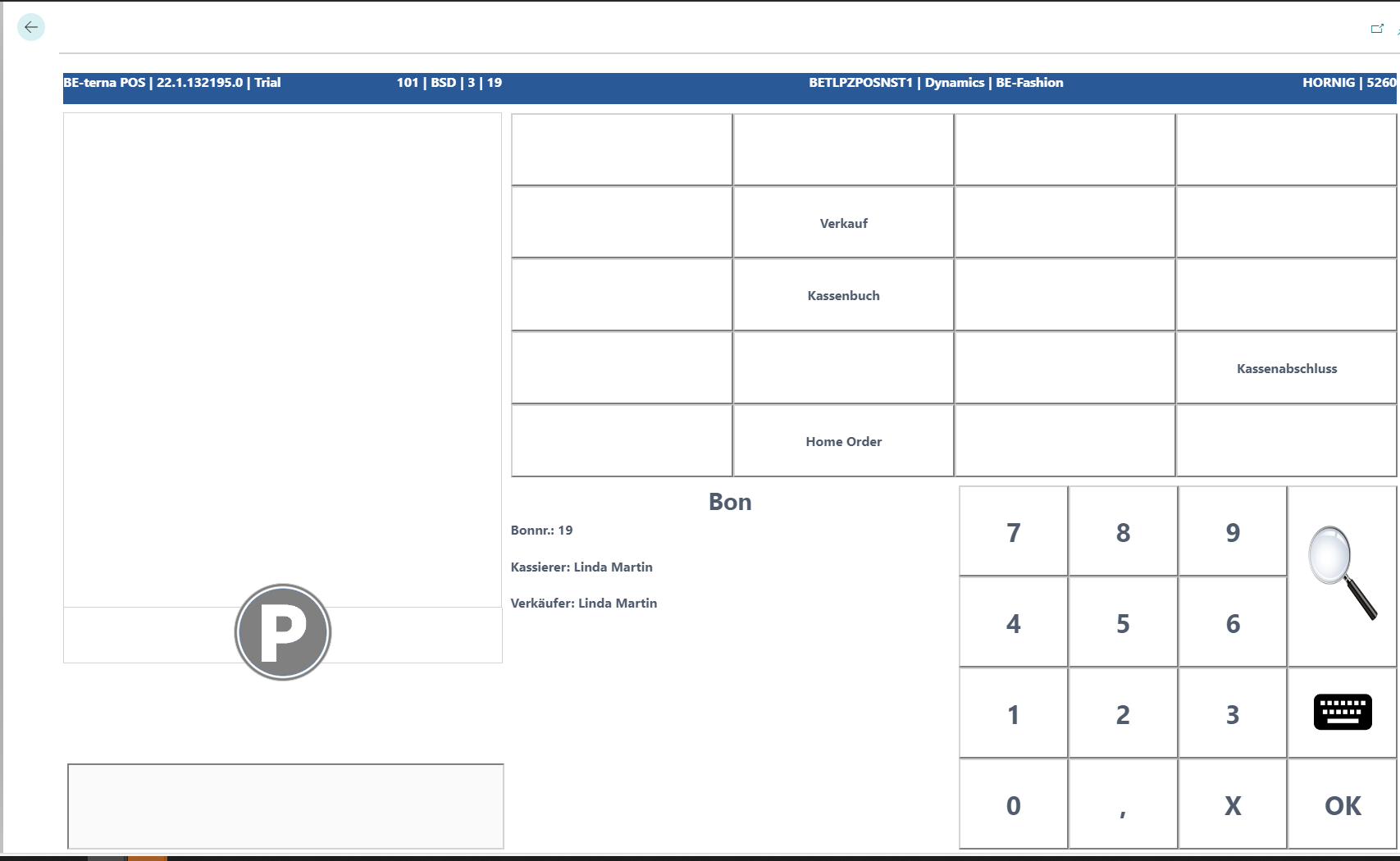
Select the customer by entering the customer number or by choosing the customer via the magnifying glass.
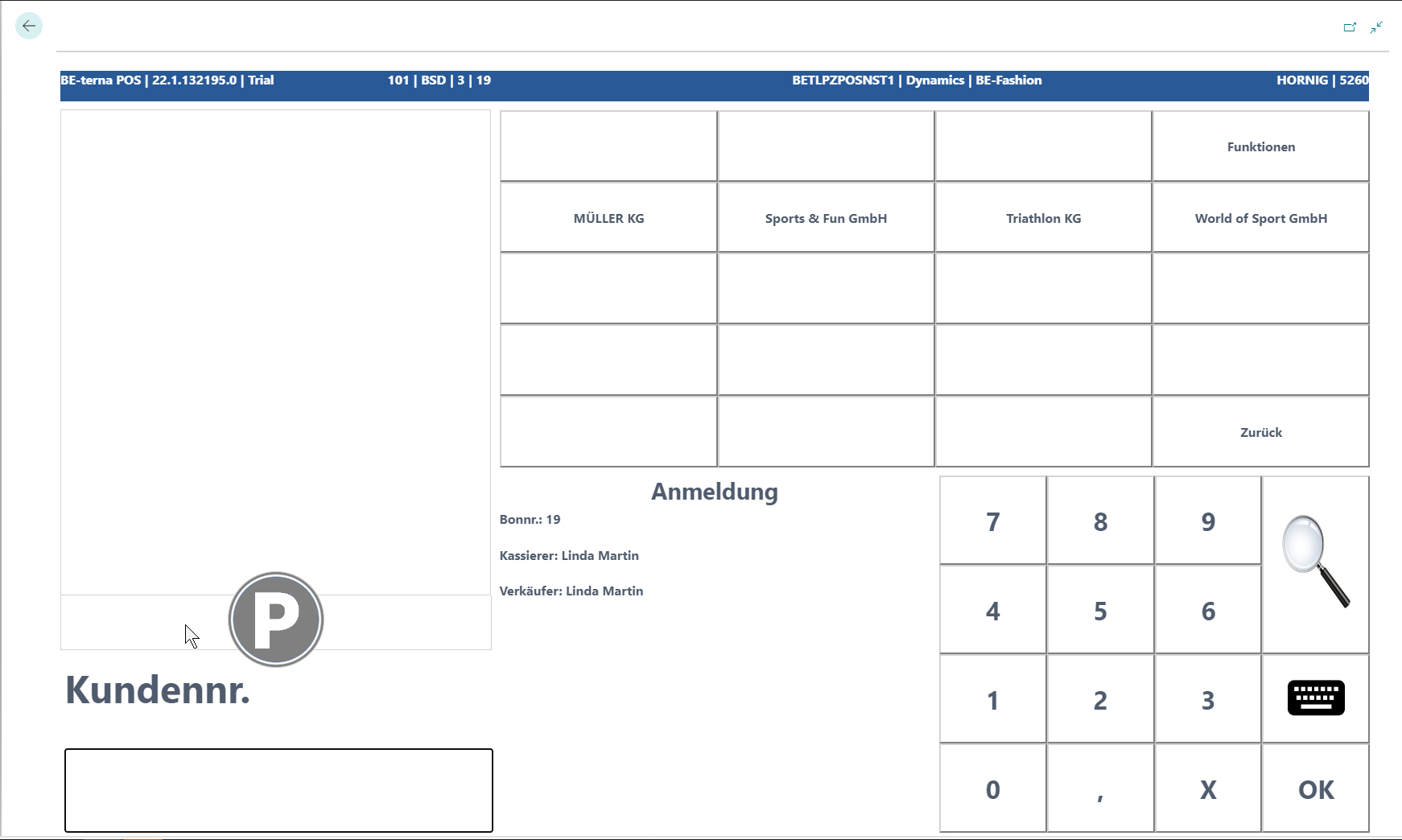
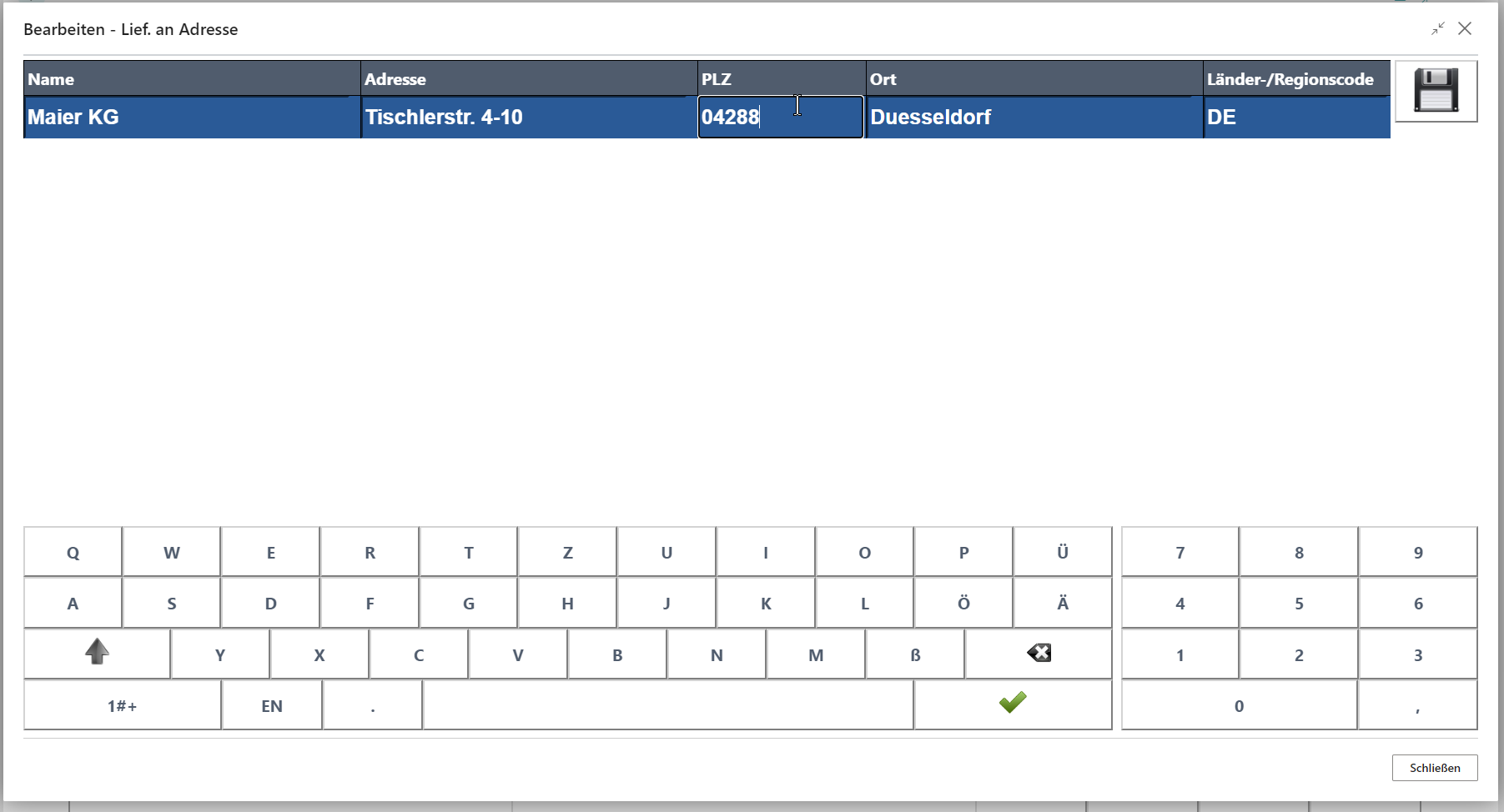
Then enter the delivery address.
After that, capture the items that are to be delivered to the customer’s home. Scan the item or search for it via the magnifying glass, and then select the quantity.
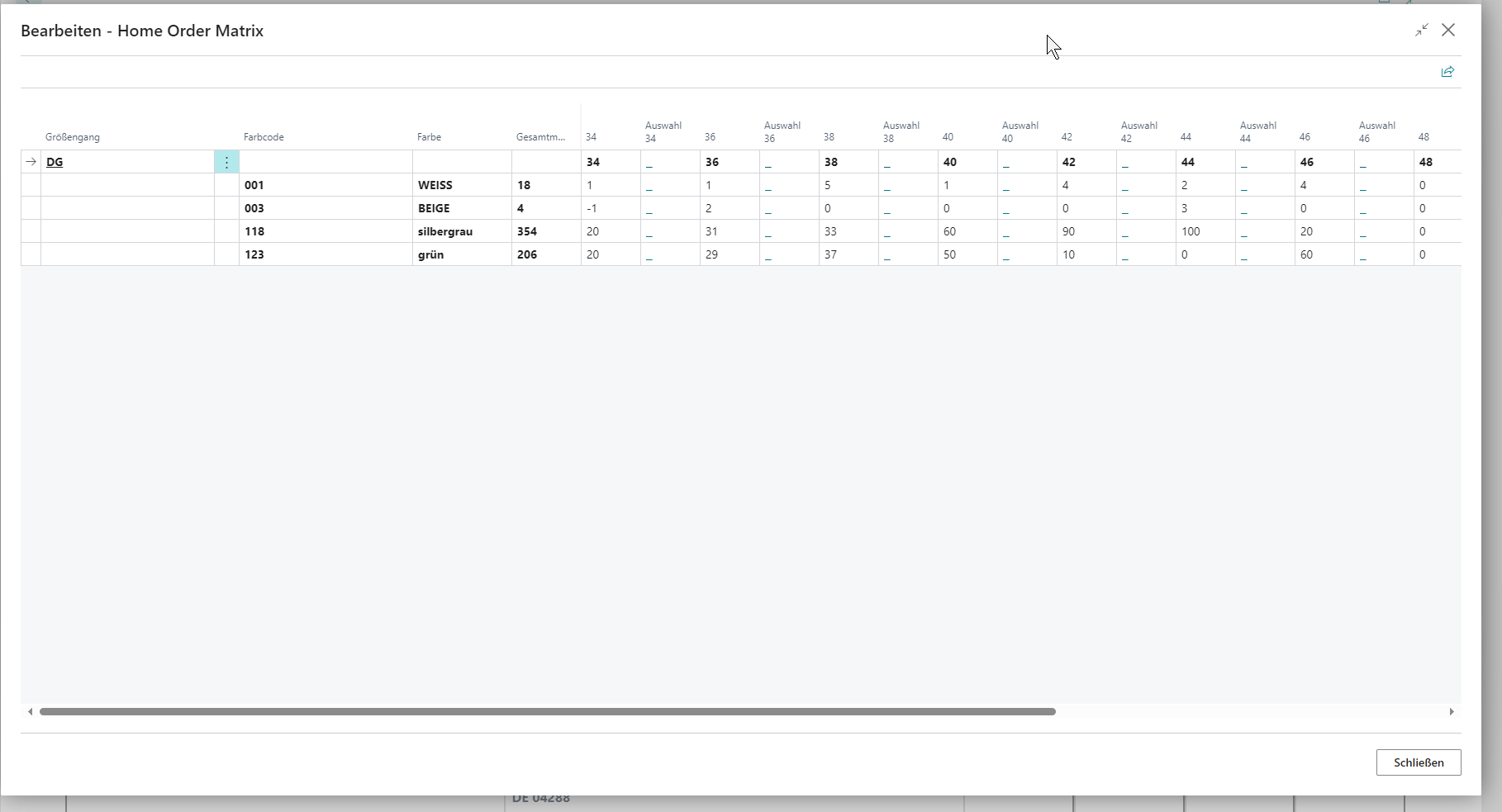
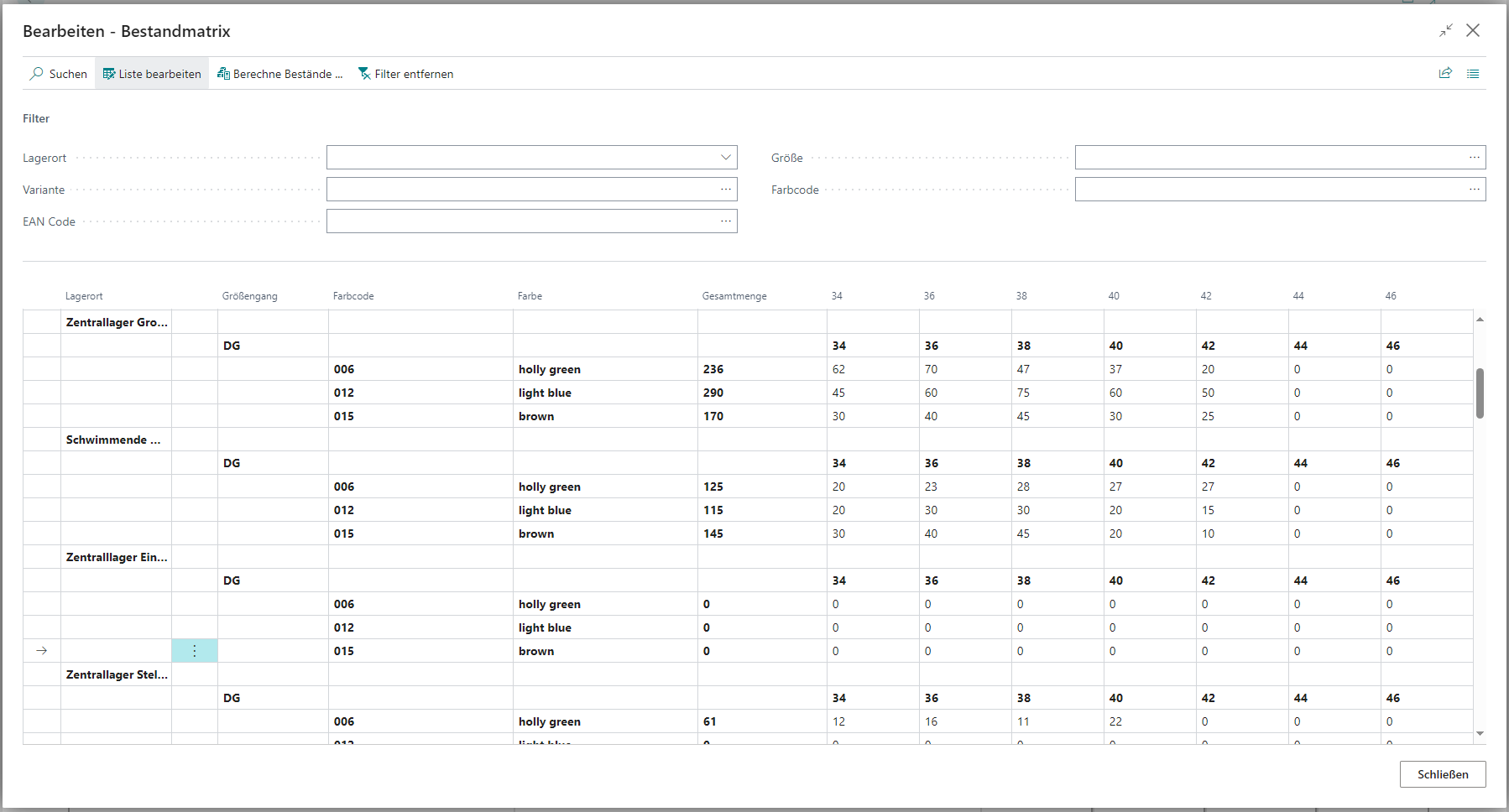
Item inventory with size and color
- In the function menu, select the Item Inventory button.
- Select or search for the item.
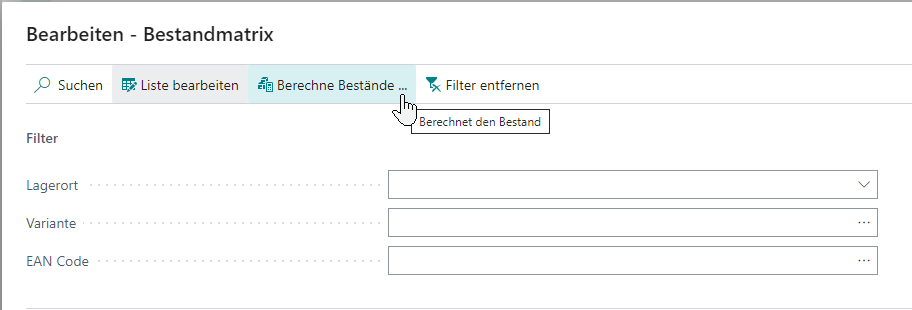
- The Calculate Inventory button applies the set filters and shows the item inventory overview per location by color and size.
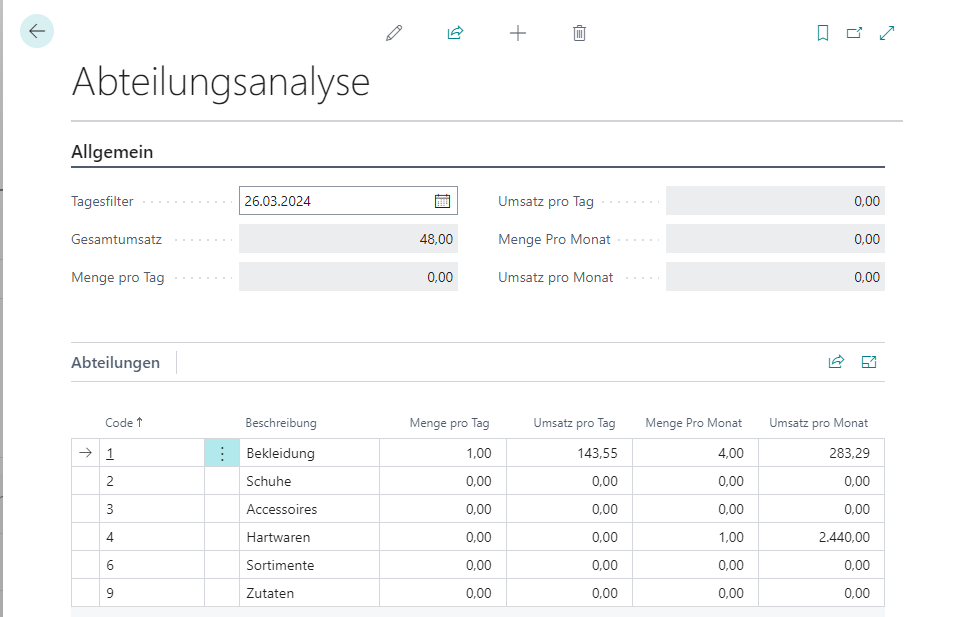
Division analysis
In the role center of BE-terna POS, you can use the navigation bar to open the Reports & Analysis area. The evaluation provides sales figures by date and division.