Master data
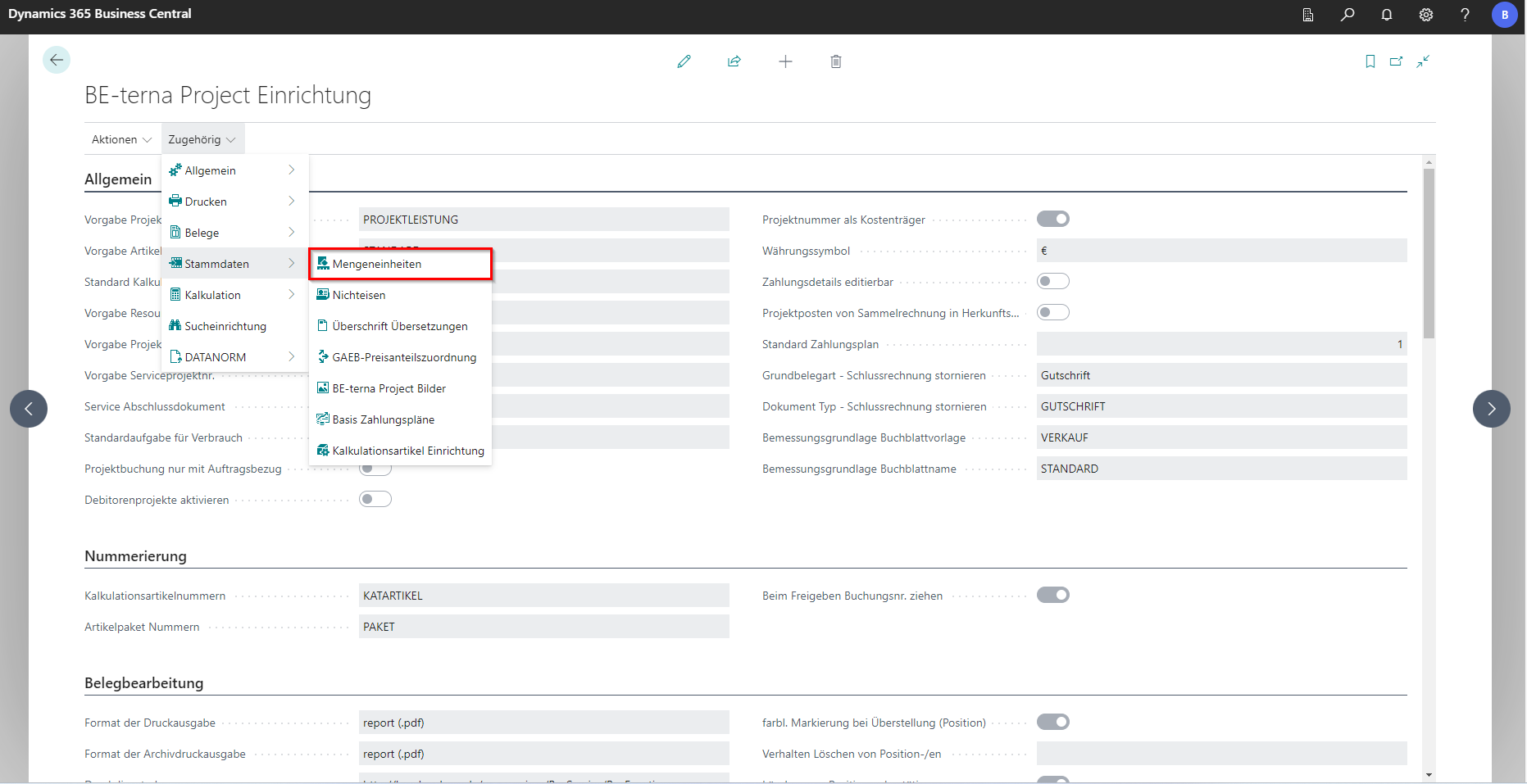
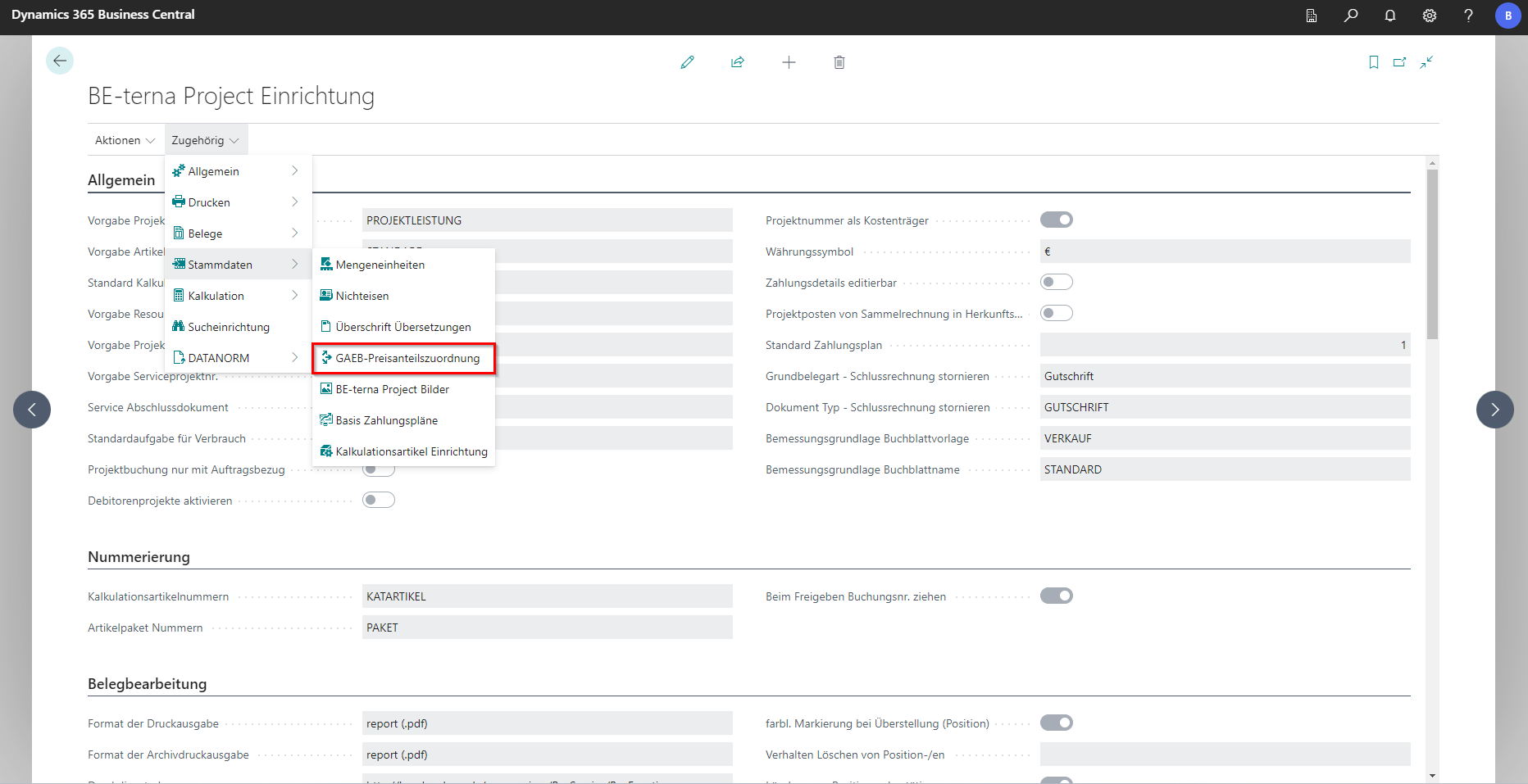
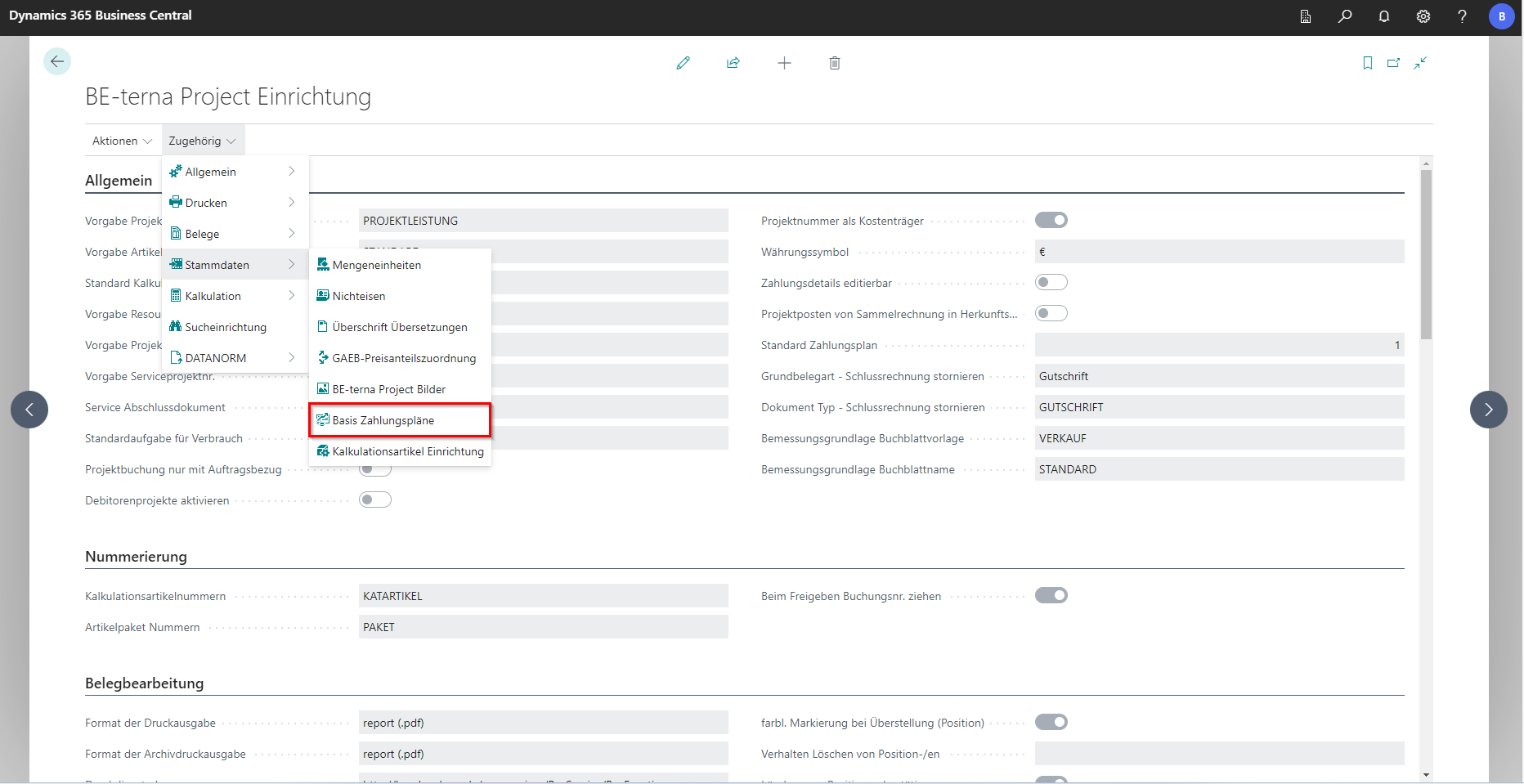
The following areas are available in the BE-terna Project master data setup: Units of Measure, Non-Ferrous, Translation Heading, GAEB Price Share Assignment, BE-terna Project Images, Basic Payment Plans, and Costing Item Setup.
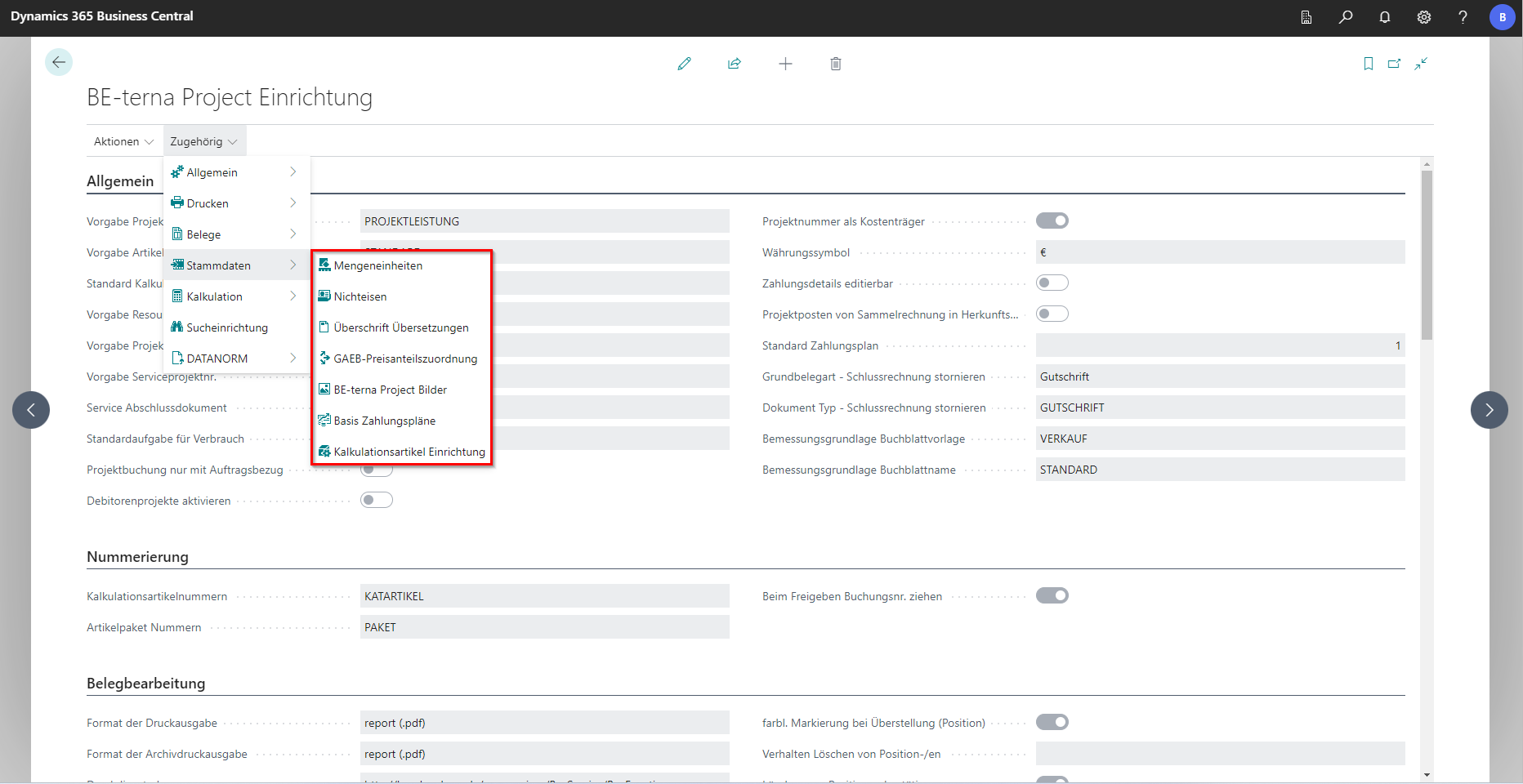
Units of measure
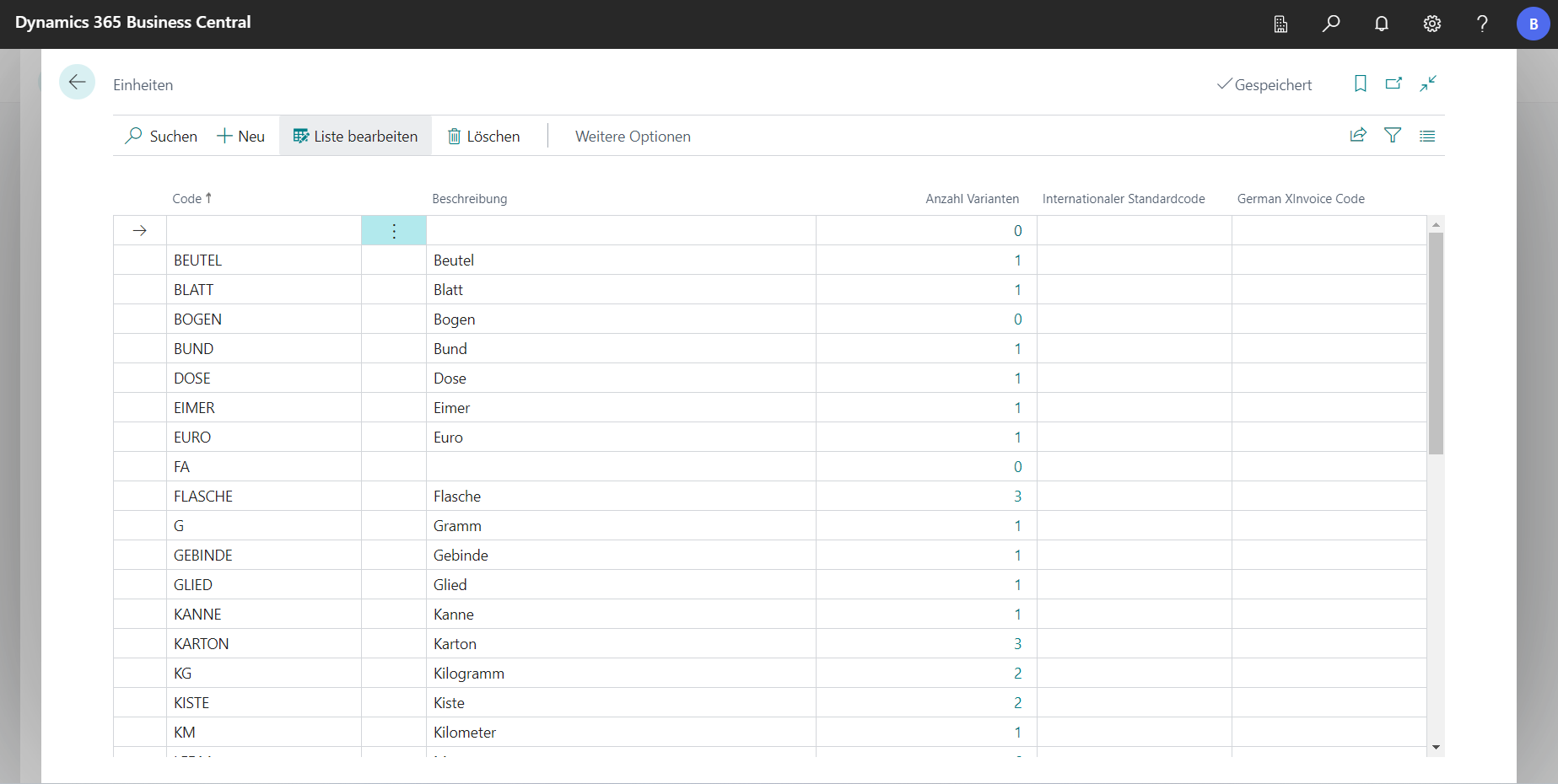
In the unit of measure setup, different versions of the units are combined with unit codes. Since different units of measure are sometimes imported into the system via the DATANORM import, this setup ensures clarity.
 Click to enlarge
 Click to enlarge
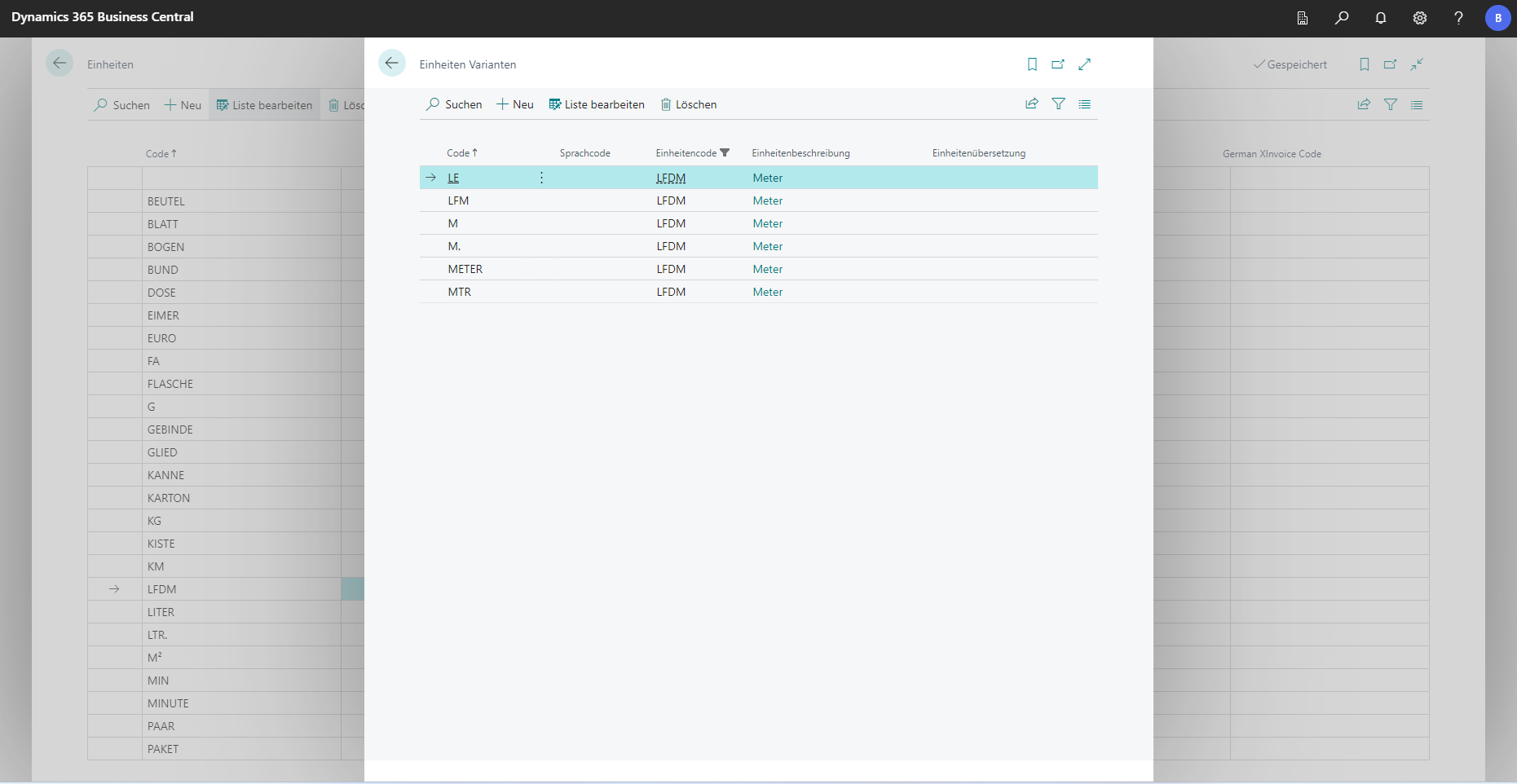
Clicking on the number in the Number of variants column opens a corresponding overview of the variants of the respective unit.
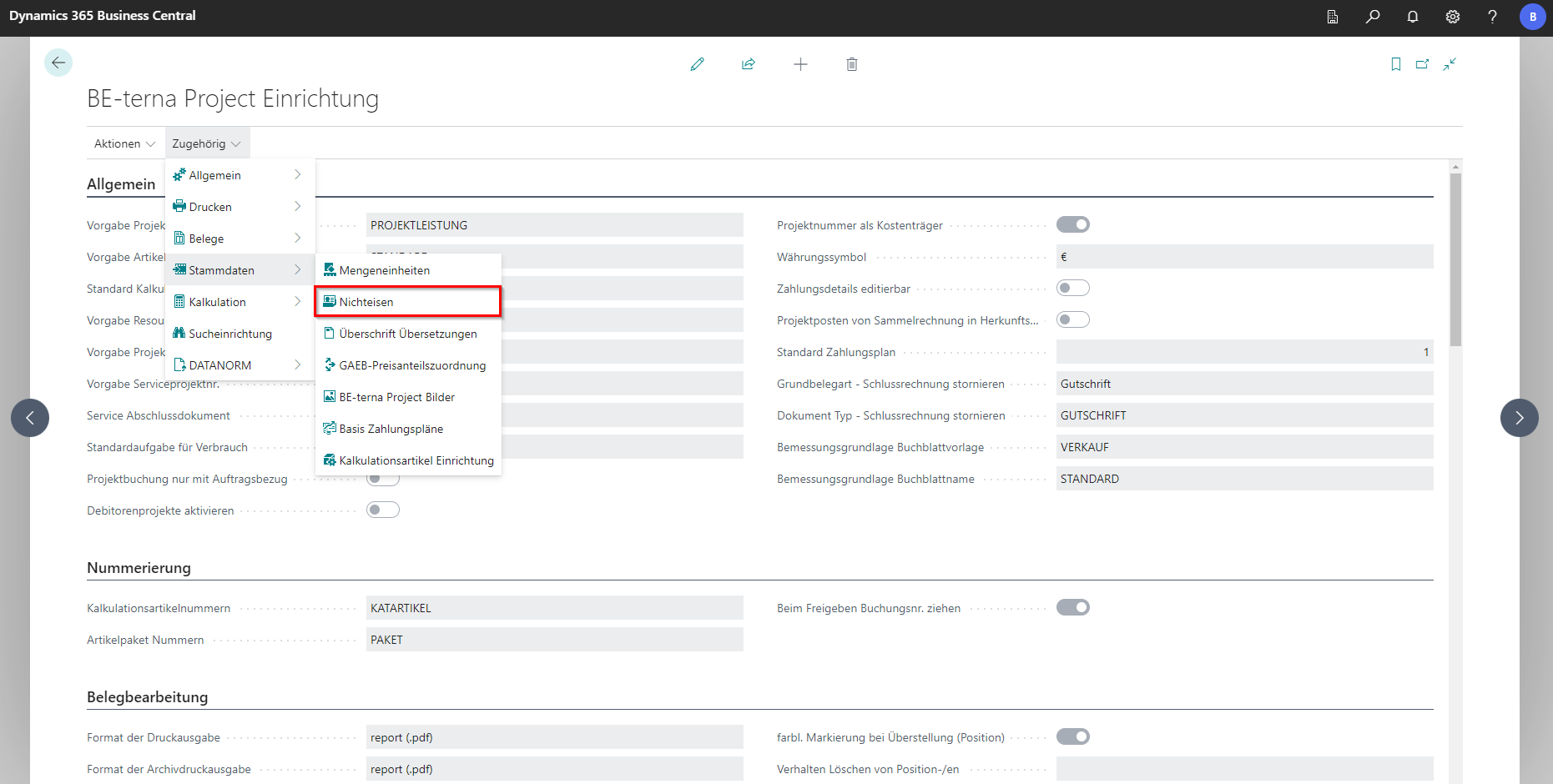
Non-ferrous
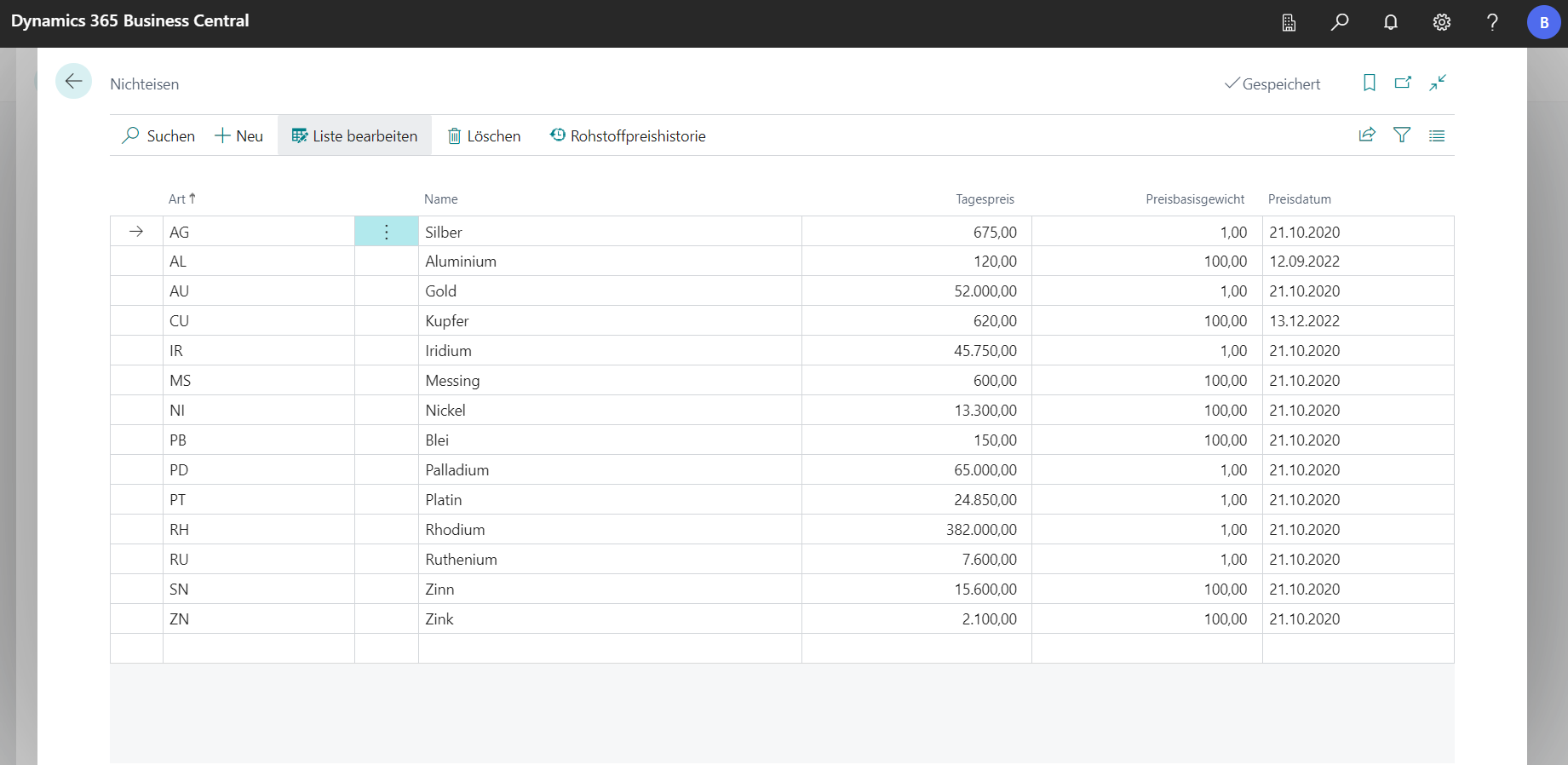
The Nonferrous list lists all metals used in the system. In addition, other metals can also be entered. There should be a responsible person in the company who enters the prices in this list on a daily basis so that correct values can be calculated.
 Click to enlarge
 Click to enlarge
Heading Translations
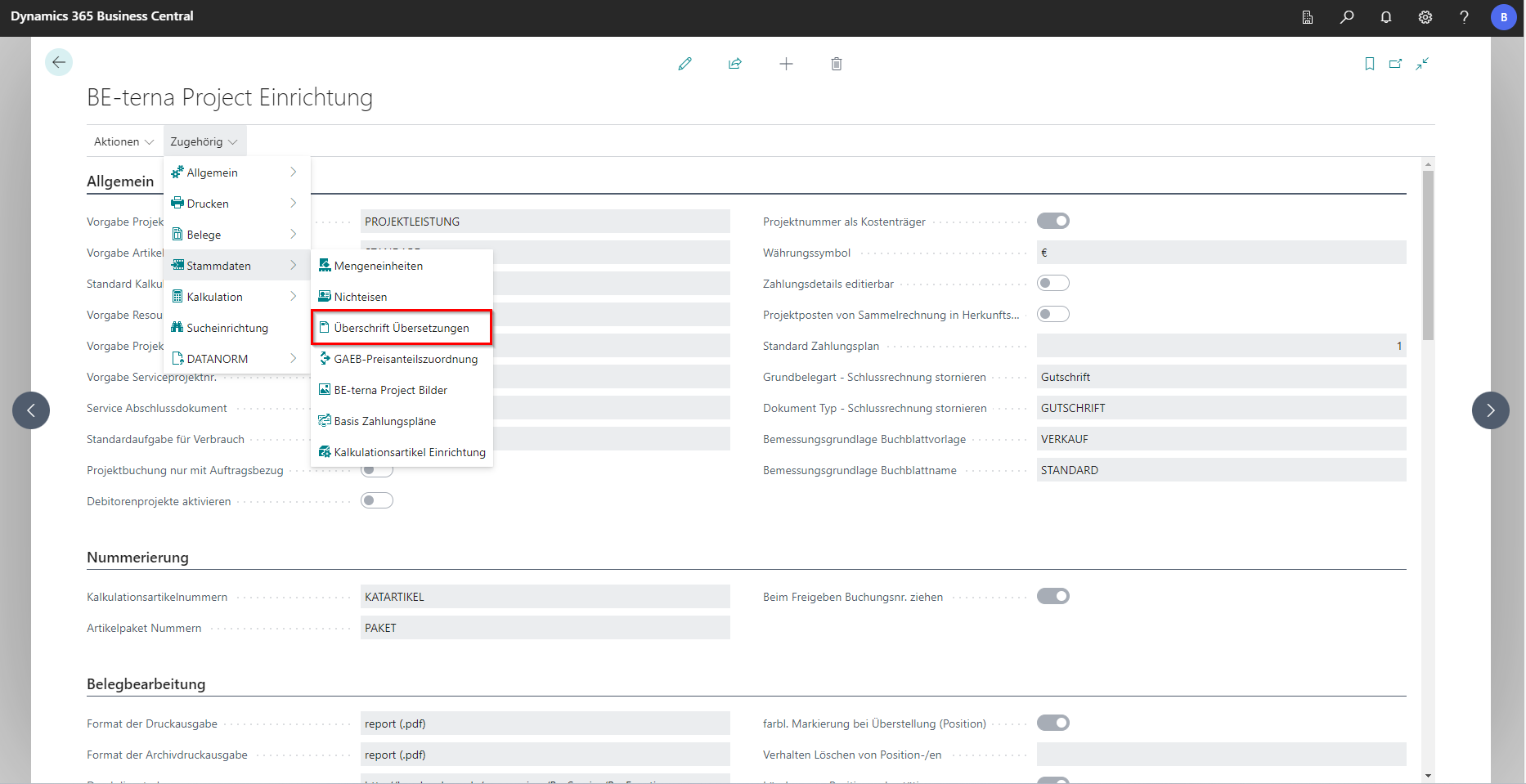
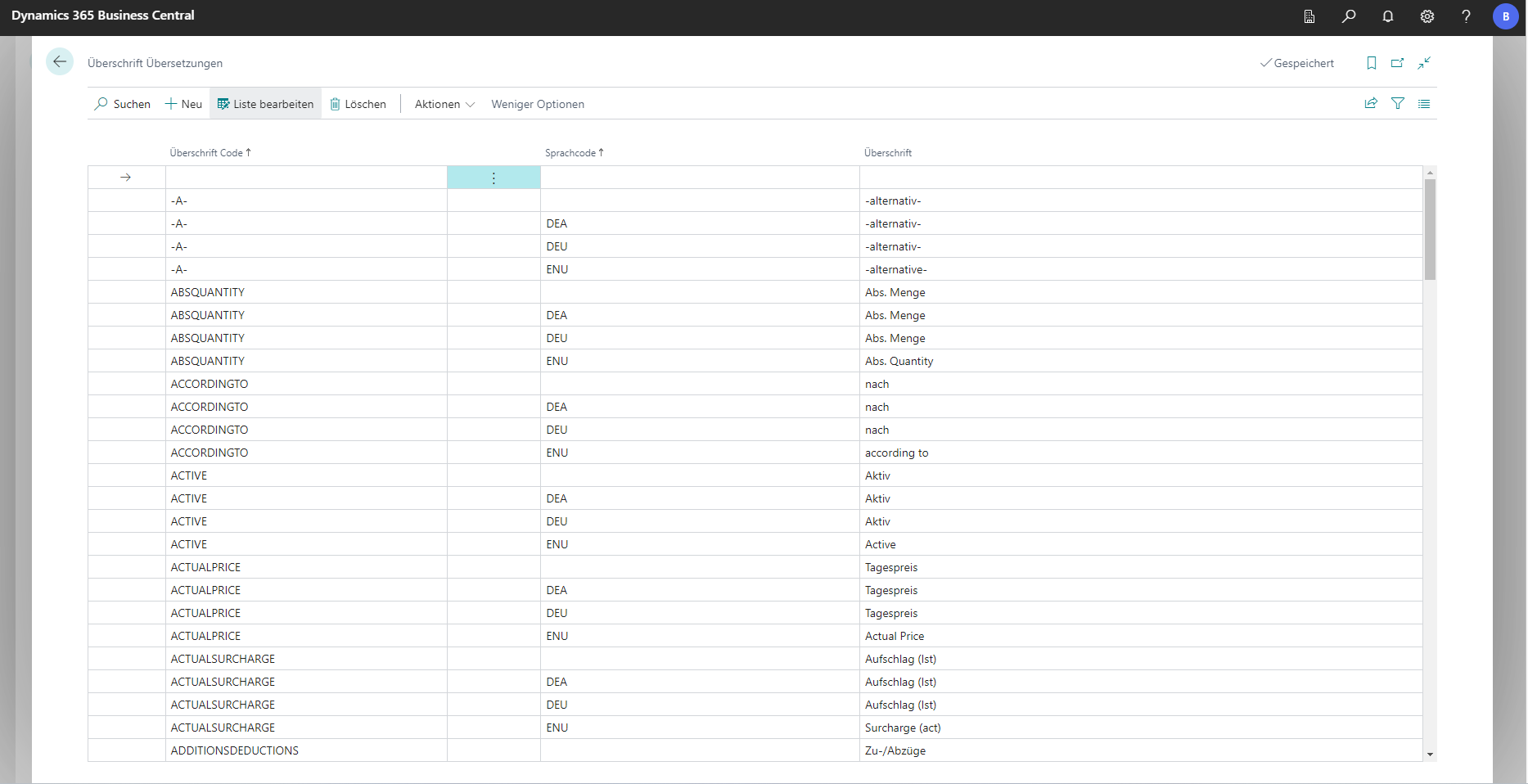
The Translations heading setup lists all placeholders used in the Details View Configuration. The headings codes can also be edited at this point.
 Click to enlarge
 Click to enlarge
GAEB Price Share Allocation
In the list of GAEB price share assignments, previously existing names of fields or columns in GAEB documents created by BE-terna Project can be viewed in the Code column. These are then assigned to a basic category of BE-terna Project. This includes materials, wages, machines, external services and others. Additional codes can be created and assigned to existing basic categories.
BE-terna Project Pictures
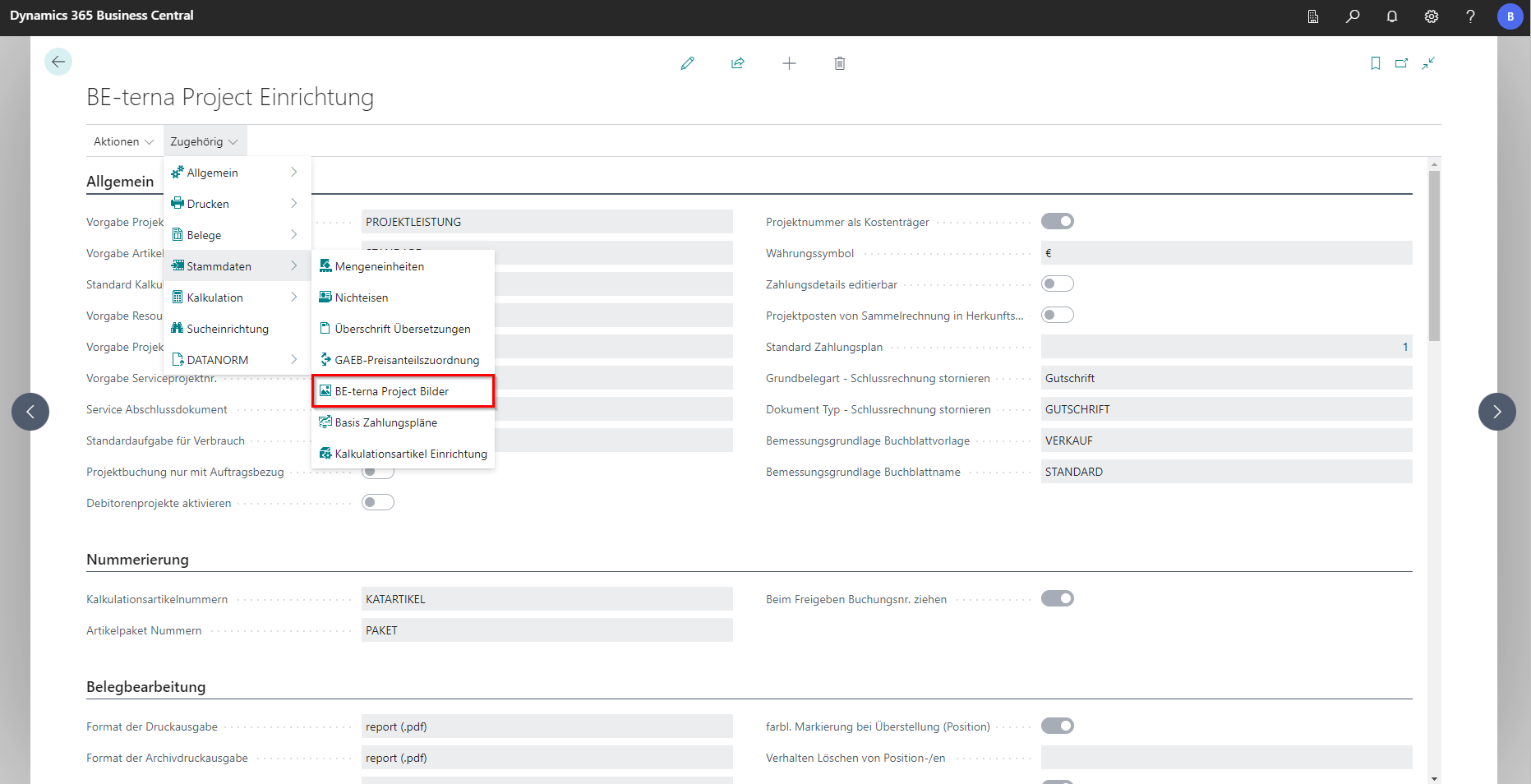
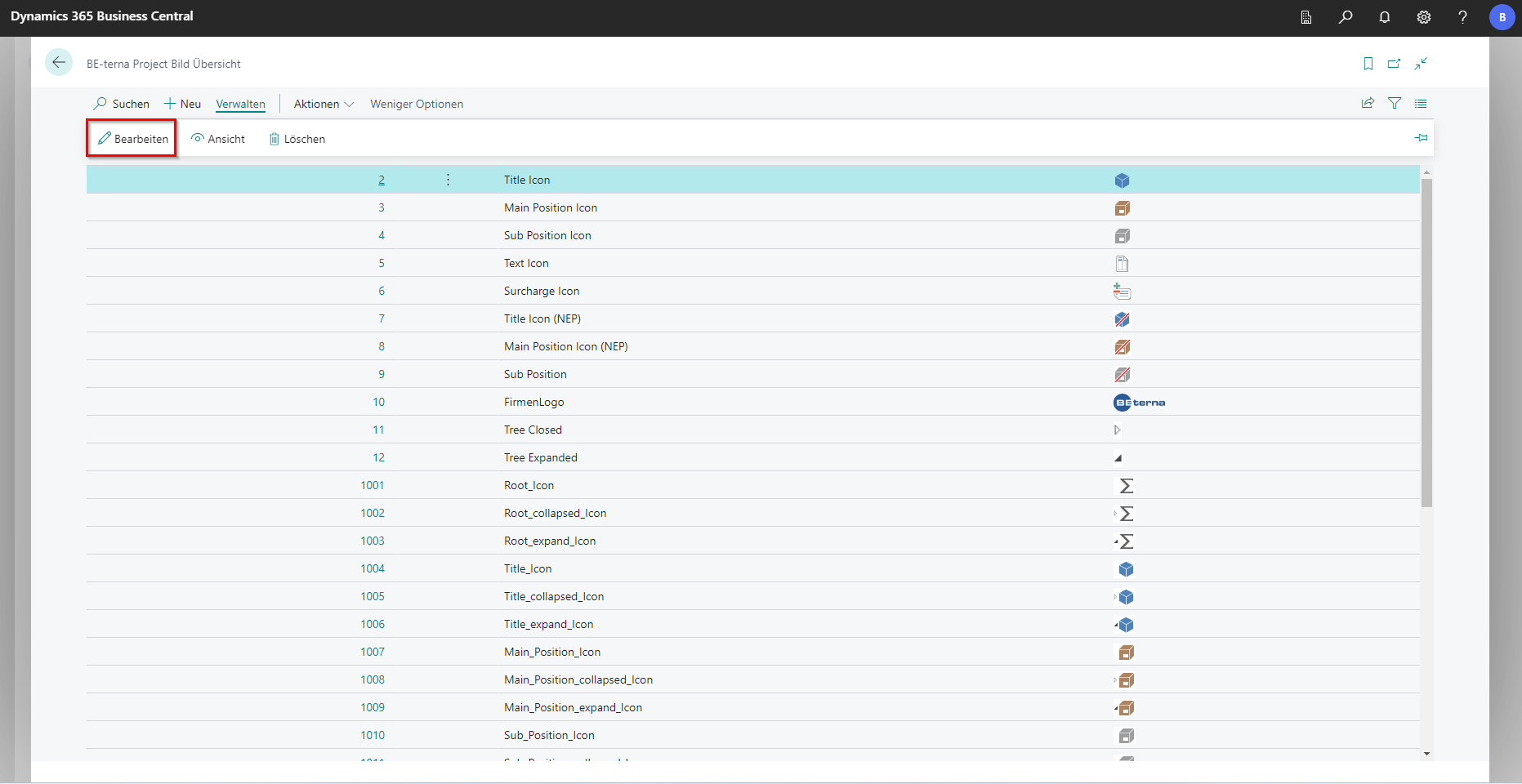
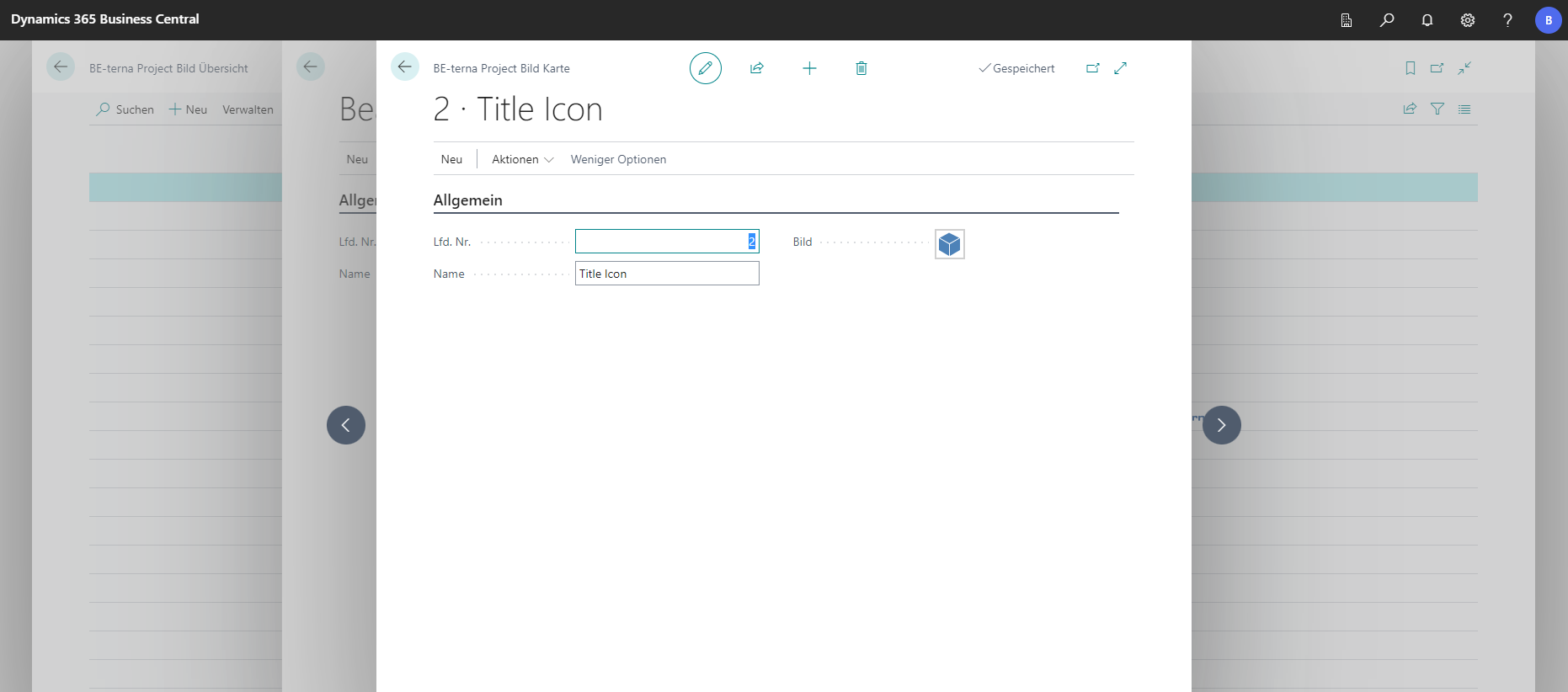
In the setup of the BE-terna Project images, it is defined which image files are used in the service specification.
 Click to enlarge
 Click to enlarge
 Click to enlarge
Basic Payment Plans
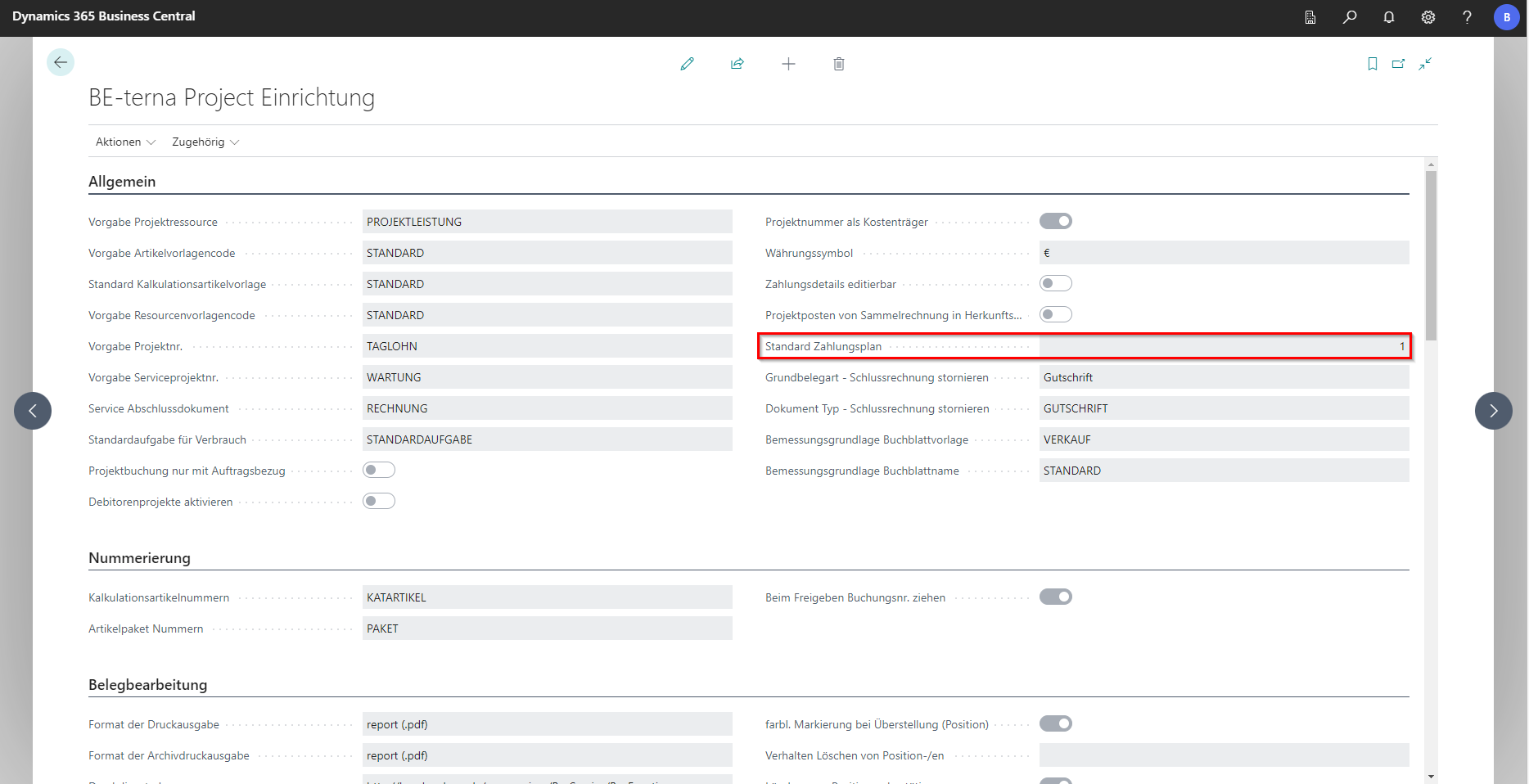
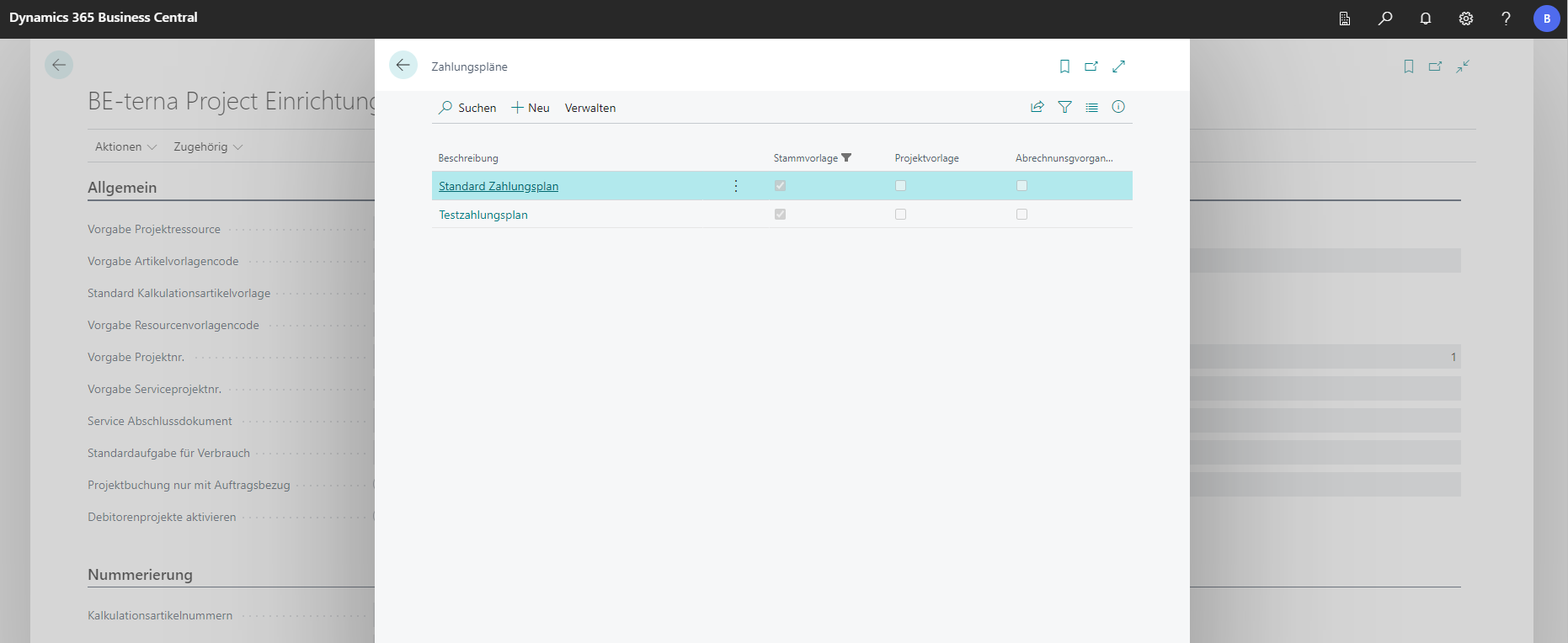
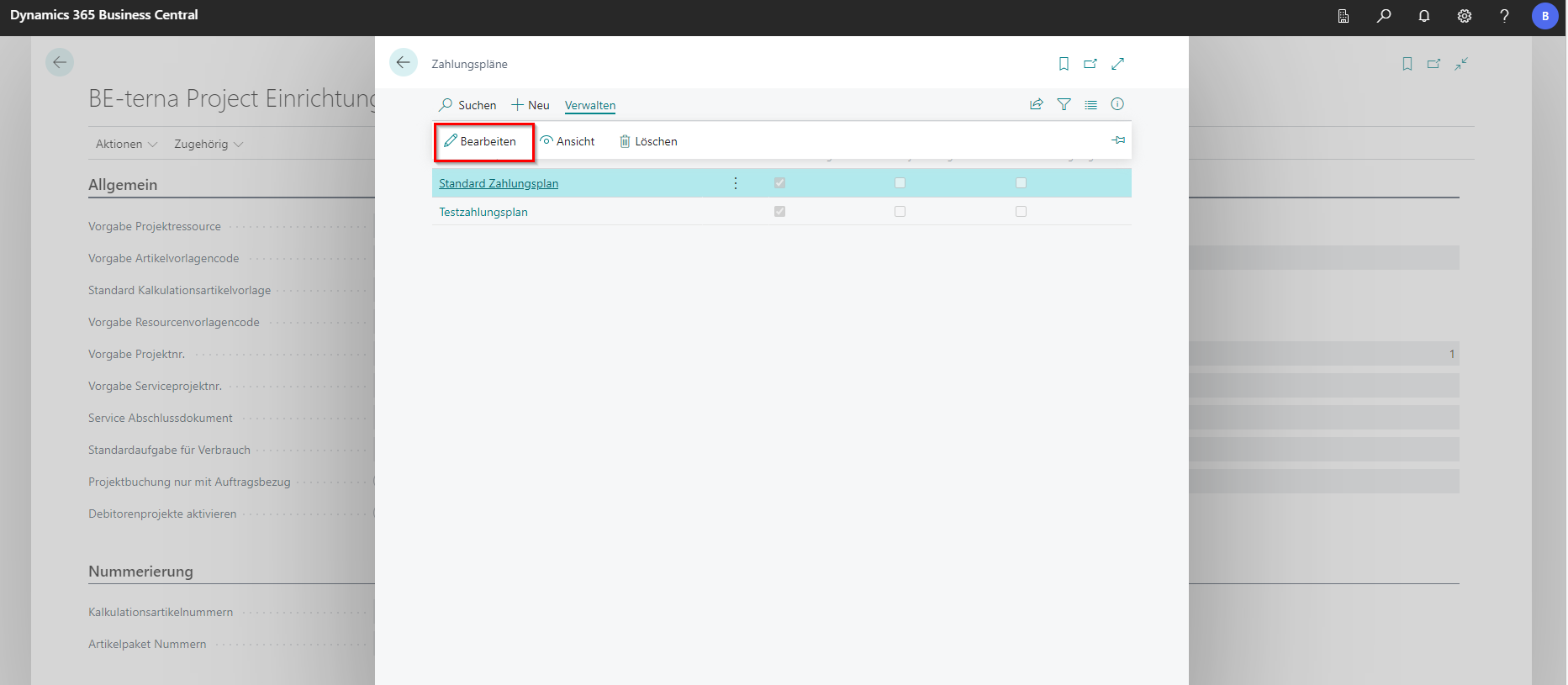
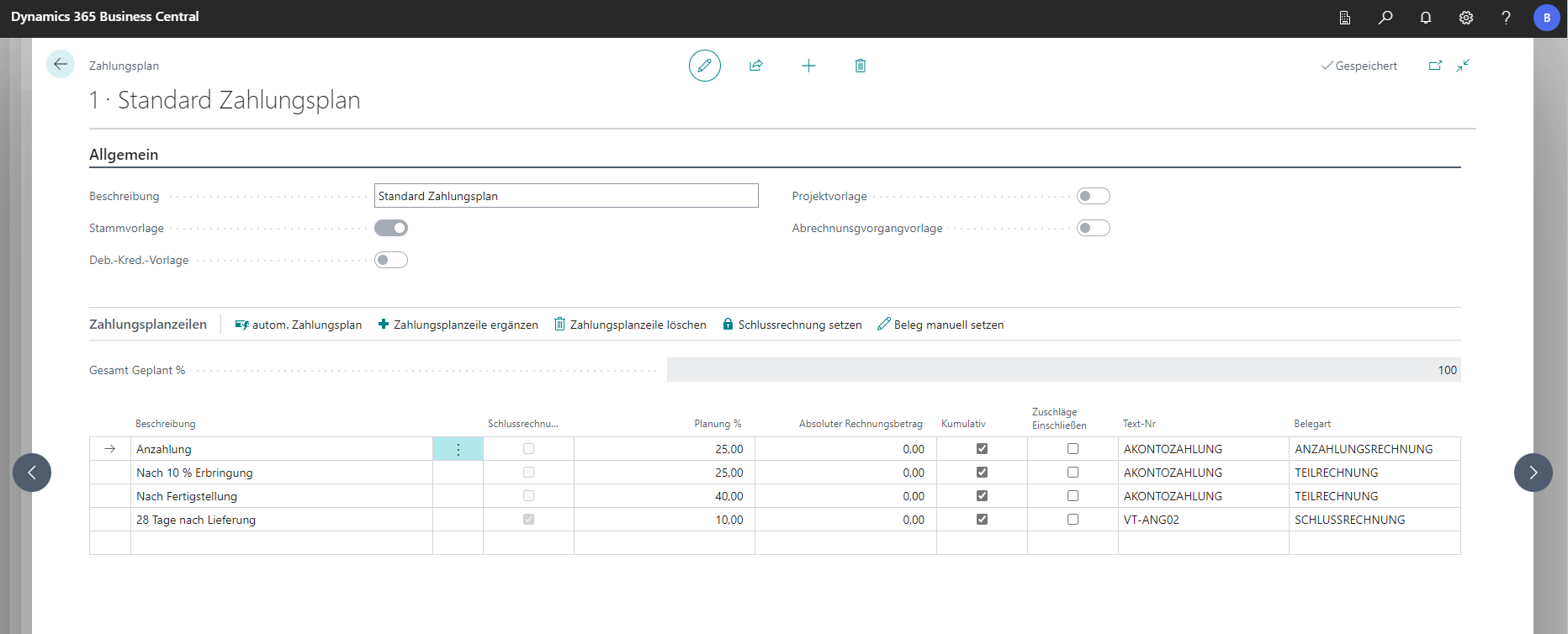
Standard payment plans are stored in the Basic Payment Plans setup. Which of these is to be used in the highest hierarchy level is determined in the General tab under Standard Payment Plan. Payment plans can also be created in the customer card and also in the project.
 Click to enlarge
 Click to enlarge
 Click to enlarge
 Click to enlarge
 Click to enlarge
Calculation Item Setup
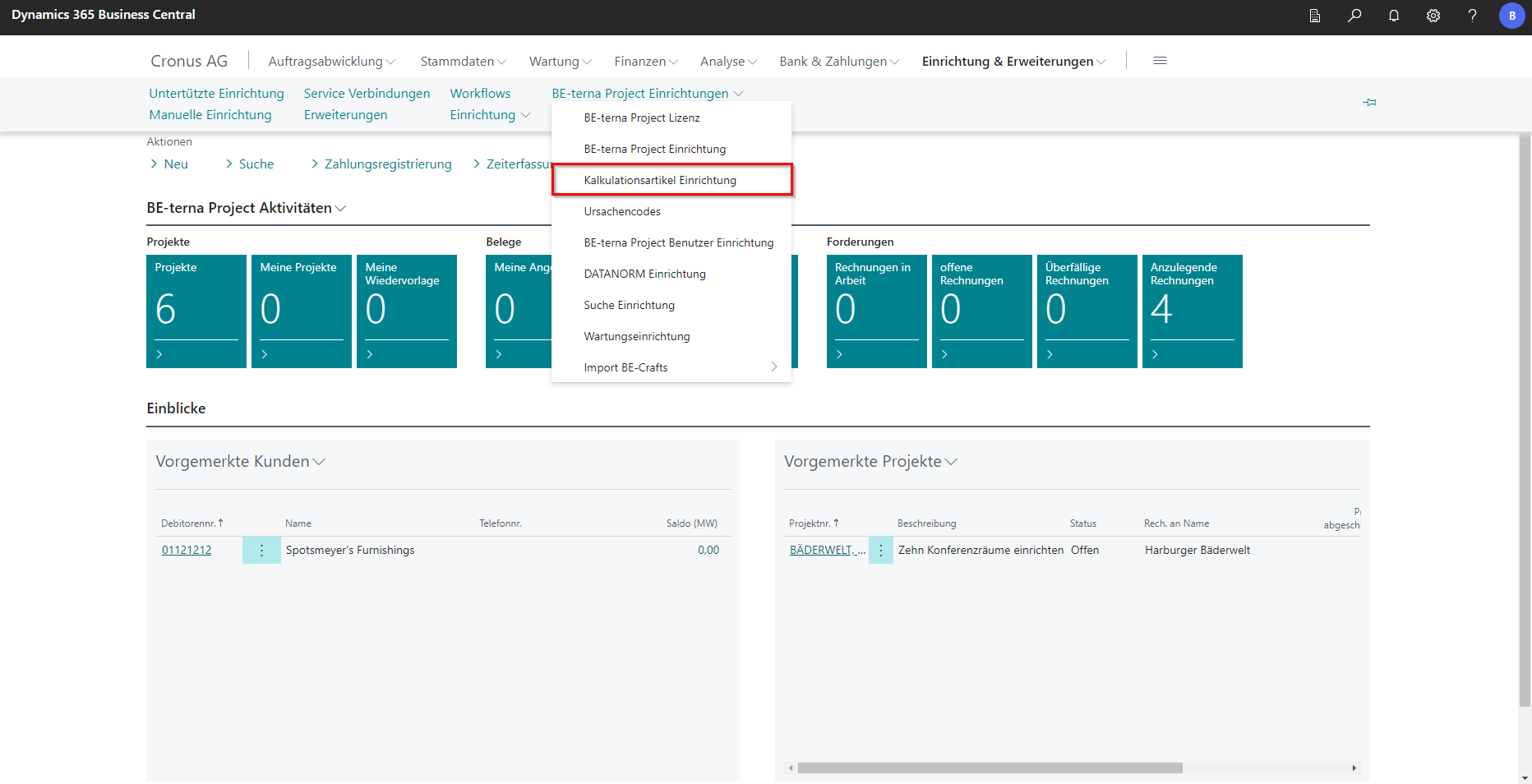
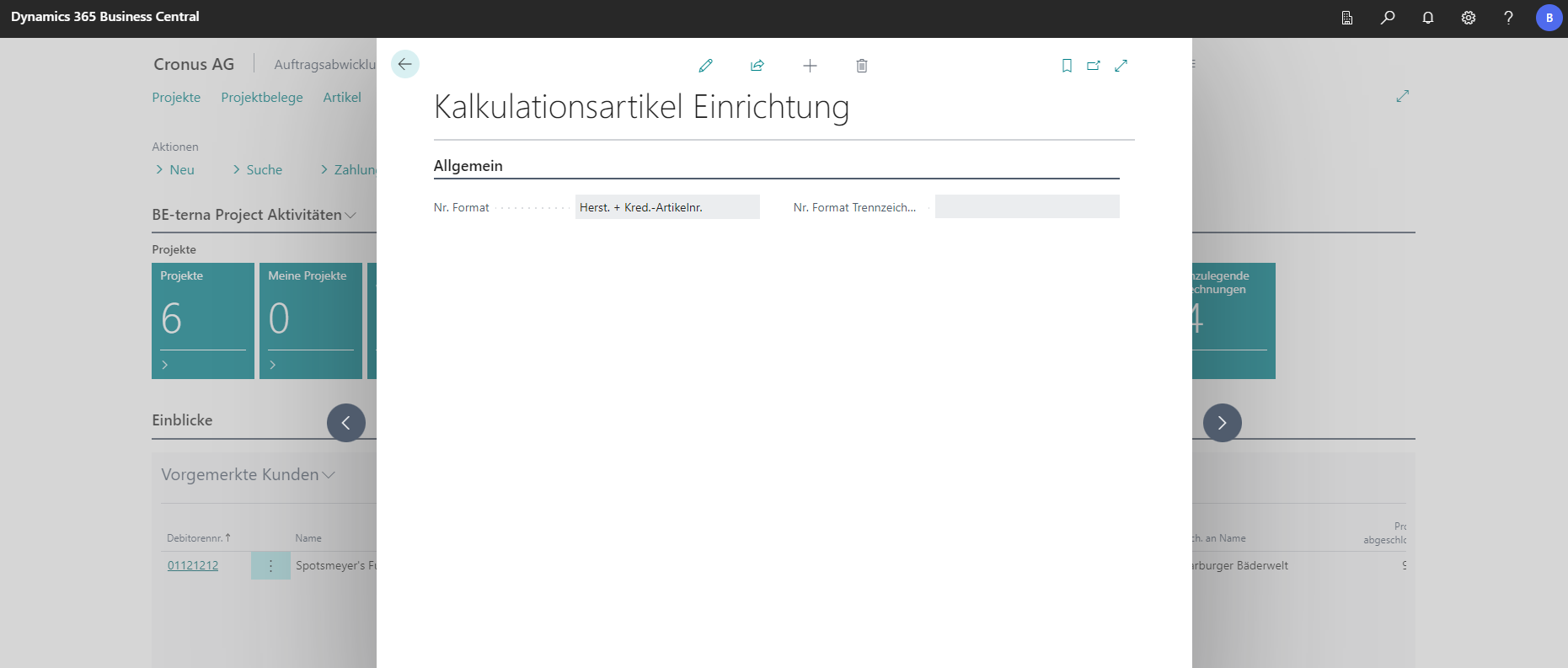
This setup window defines how to handle number series when importing costing items from DATANORM. The “No. Format” field selects which information should be attached to the number of a costing item and in which format. You can choose from: Vendor Article Number, Manufacturer+Vendor Article Number, Vendor Article Number+Manufacturer and Serial Number.
The “No. Format Delimiter” field determines which delimiter is to be used to connect the information from the “No. Format” field with the number of the costing item from the DATANORM import.
 Click to enlarge
 Click to enlarge
This setup window is structured in the same way as the catalog item setup.