Individual workspace
Activities
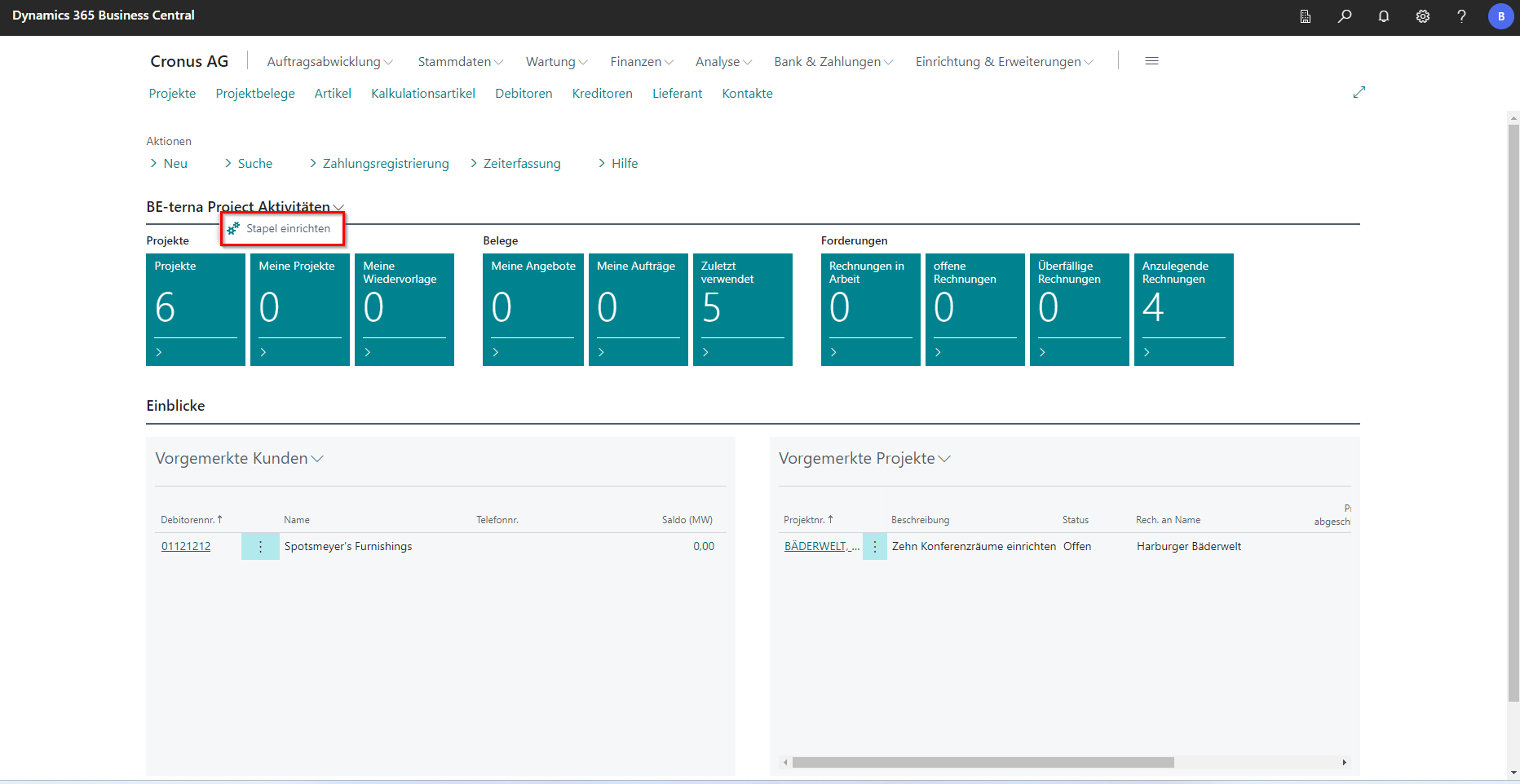
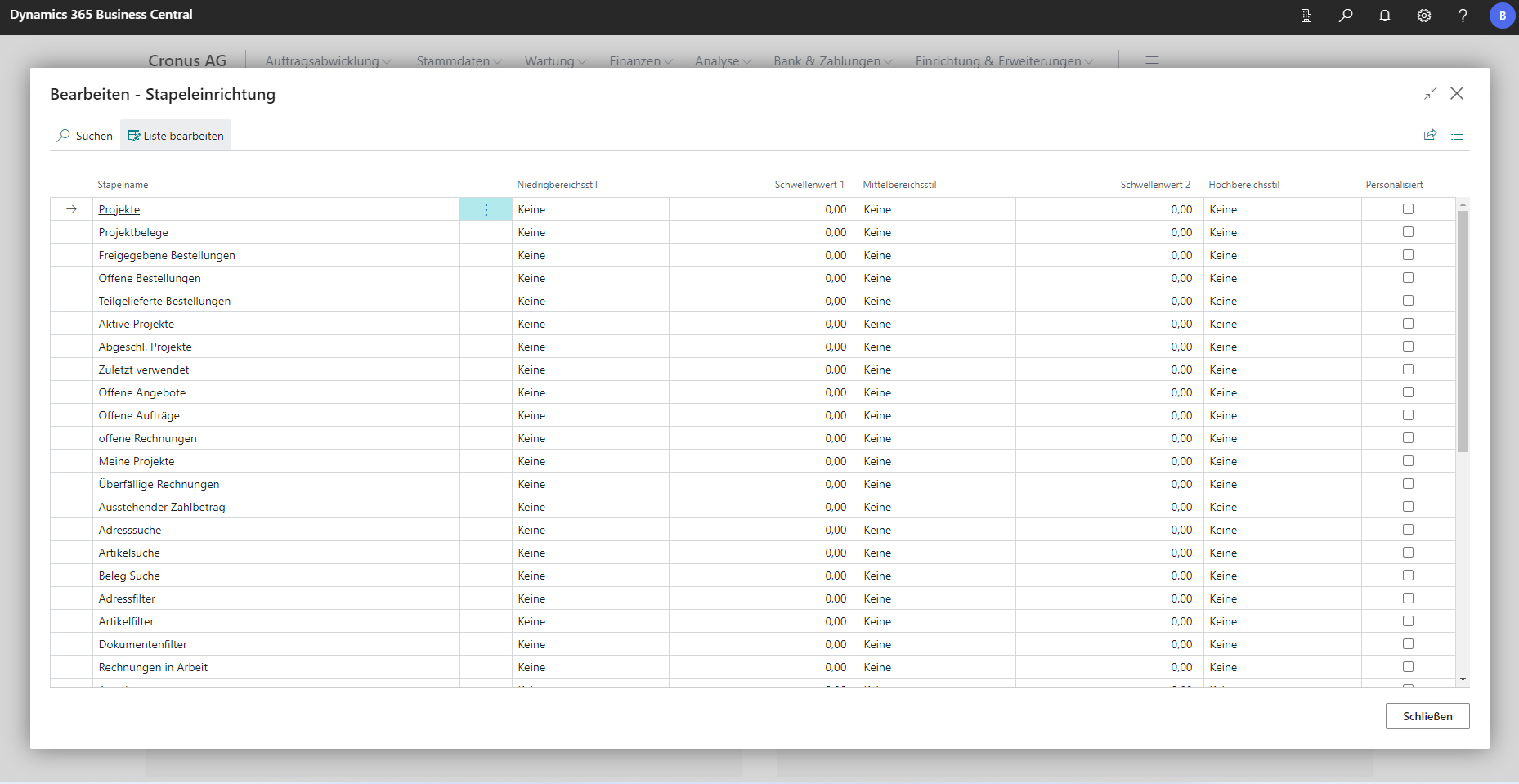
In the Activities section, there are tiles in which thresholds can be set up to ensure a faster overview of certain metrics. To do this, you can click on the arrow next to Activities. Then a selection opens with Update Data and Set Up Batch. If you click on Set up stack, the page for stacking setup opens. This refers to the arrangement of the tiles.
 Click to enlarge
 Click to enlarge
The threshold value 1 refers to the low range, so if the stack value falls below this range, it will be marked red and as unfavorable, for example.
The threshold value 2 refers to the middle range, if the stack value is between the threshold value 1 and this range, it is marked yellow, for example.
If the value is above the threshold value of 2, the stack is marked green, for example.
A check mark in the Personalized field indicates that the thresholds have been adjusted. If the checkmark is removed again, the values jump back to the default values.
Earmarked projects
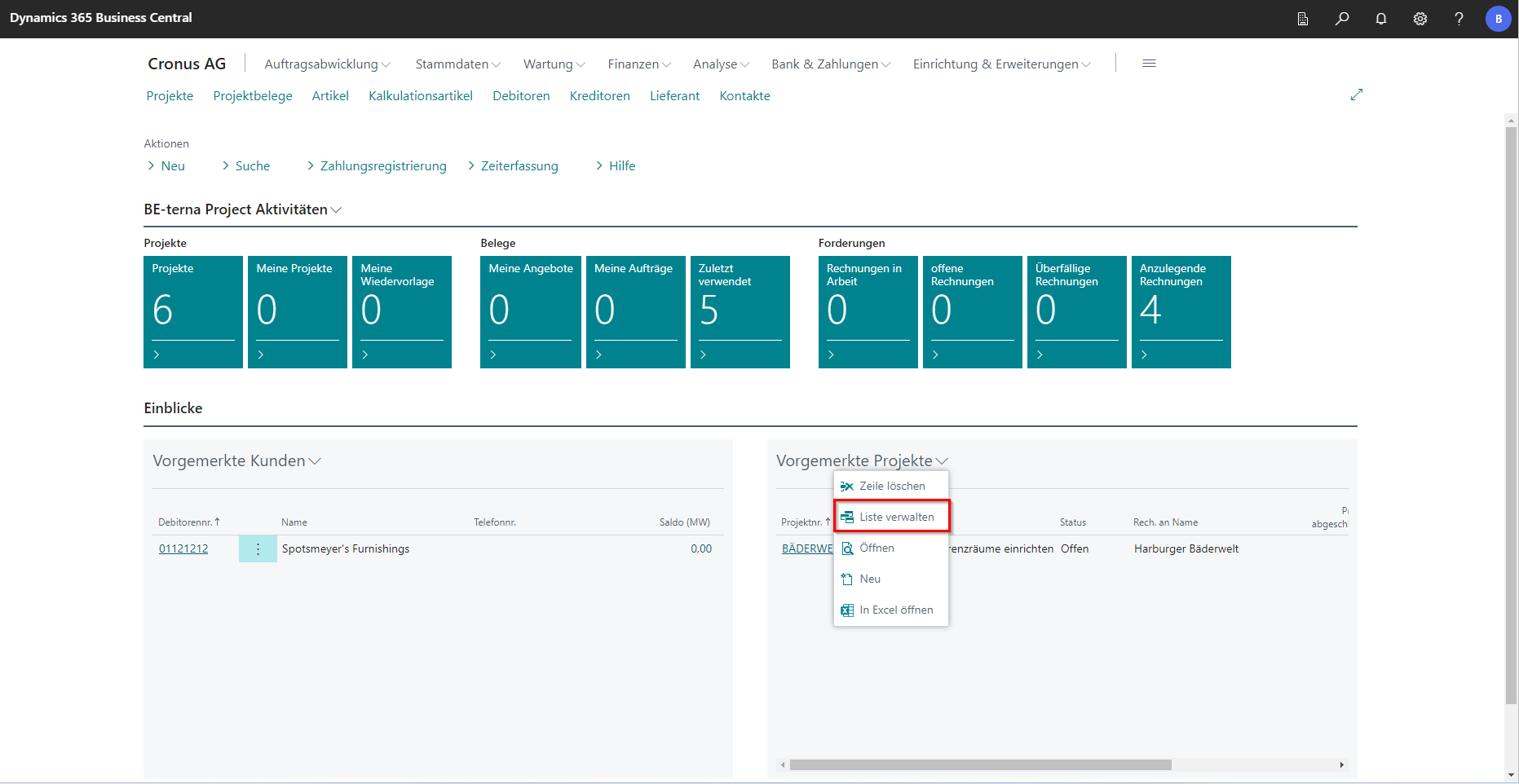
The Reserved Projects area is used for quick access to current or important projects.
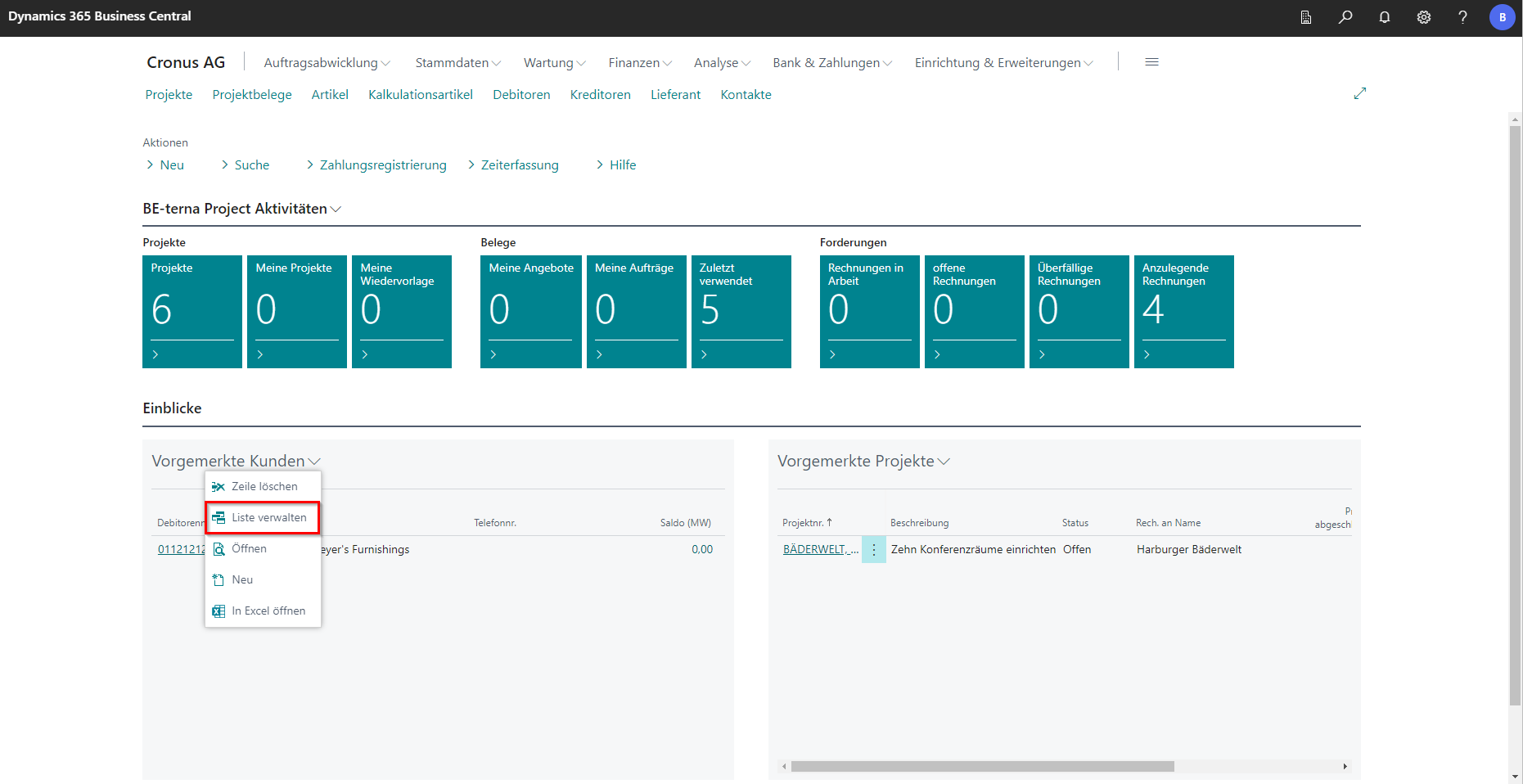
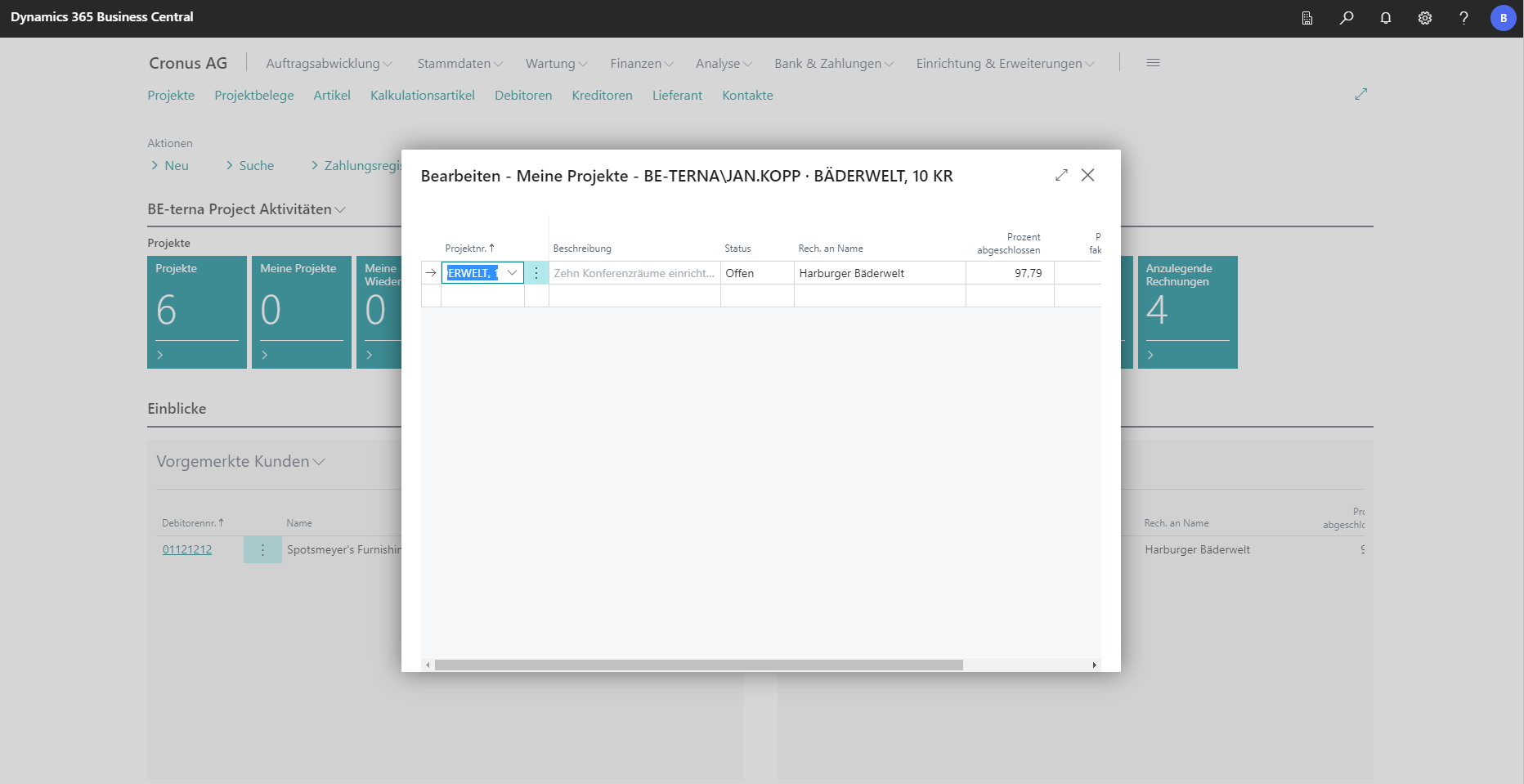
This list can be edited via the action Manage list. As soon as the action has been selected, the list of projects that have already been reserved opens.
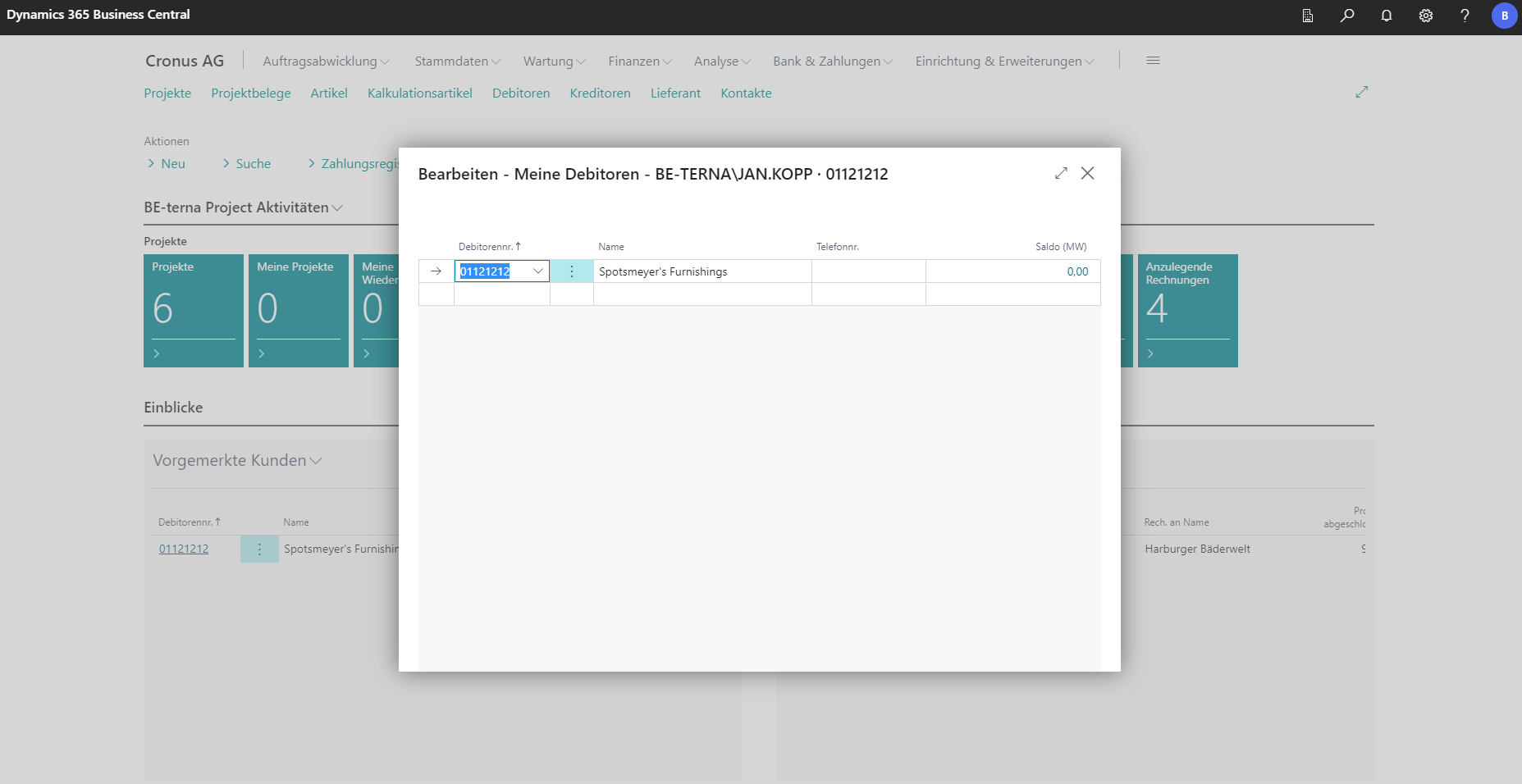
The lookup in an empty line can be used to create new projects for this list. The projects in this list can be opened by clicking on the project number.
 Click to enlarge
 Click to enlarge
Pre-registered customers
The Reserved Customers section can also be customized and managed using the Manage List action. The most important customers can be displayed there and the customer card can be called up via the customer number.