Versioning of project documents
BE-Project offers the possibility to save document versions and thus call up and activate older versions of a document at a later time.
Document version table
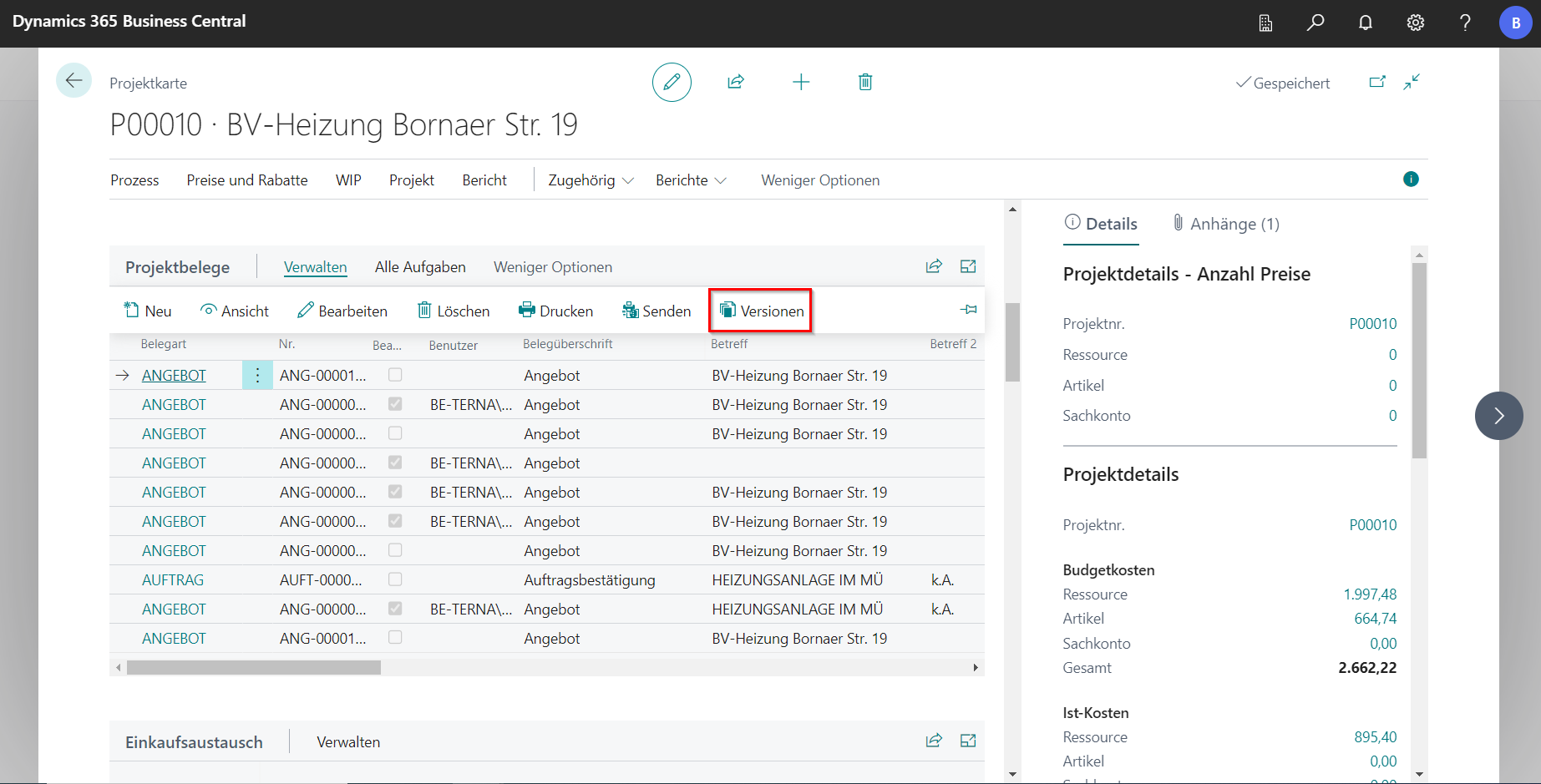
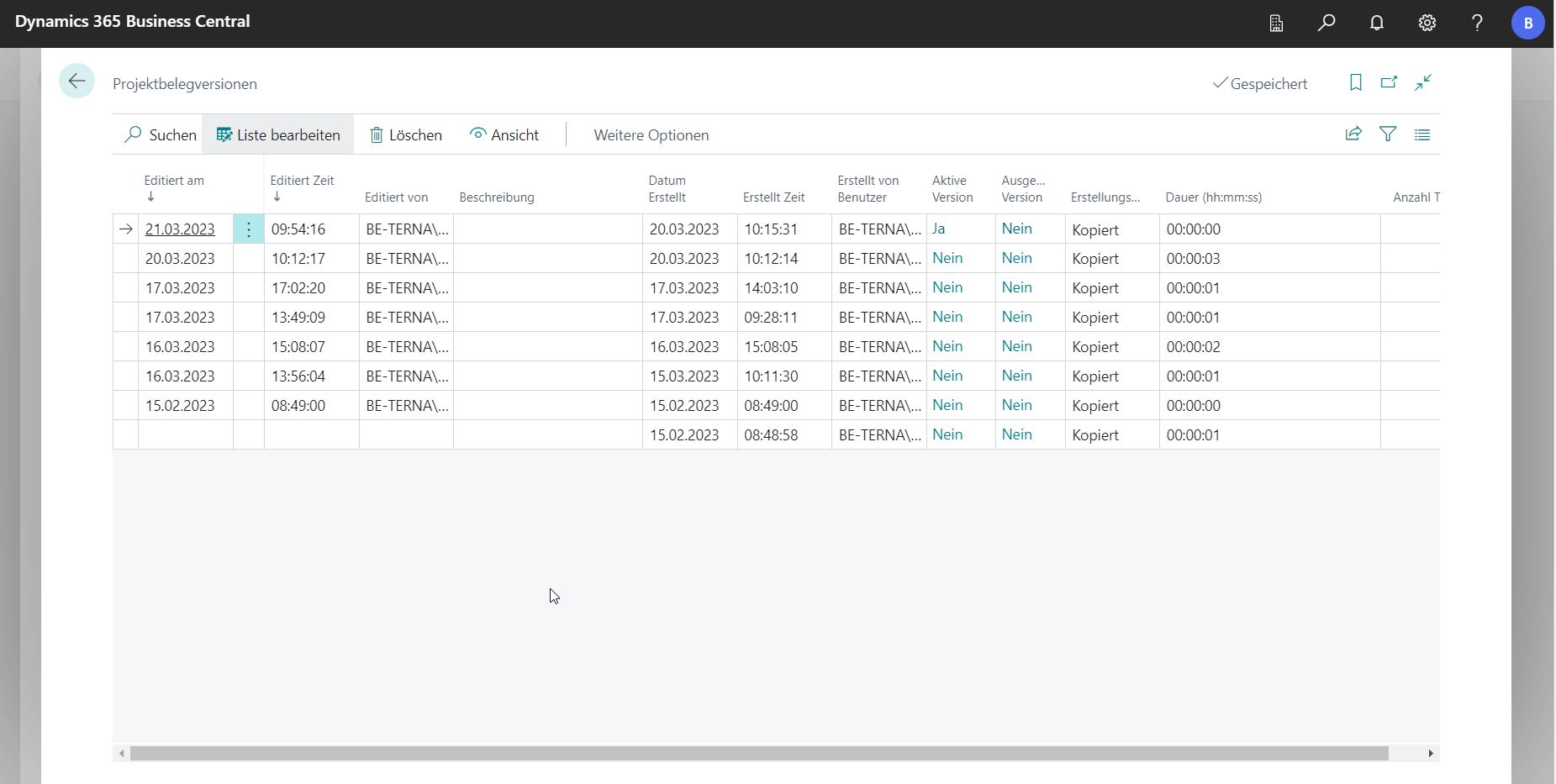
To access the different versions, click on Manage in the project documents area of the project card and then on Versions. A new window opens with all versions of the selected project document.
 Click to enlarge
 Click to enlarge
To make it easier to track the changes, the Editiert am and Editiert Zeit columns contain the date and time when an edit was made. The Editiert von column shows the user who was the last to make a change to the document. Erstellt of Benutzer indicates the author of the receipt. It is possible to store a description for each version. When the version of the project document was created can be seen in columns Datum Erstellt and Erstellt Zeit.
The active version is the one used by other users when opening the receipt in view mode. Under Actions and Activate, the document is saved as an active version. The budget in the statistics results from the active version of the document.
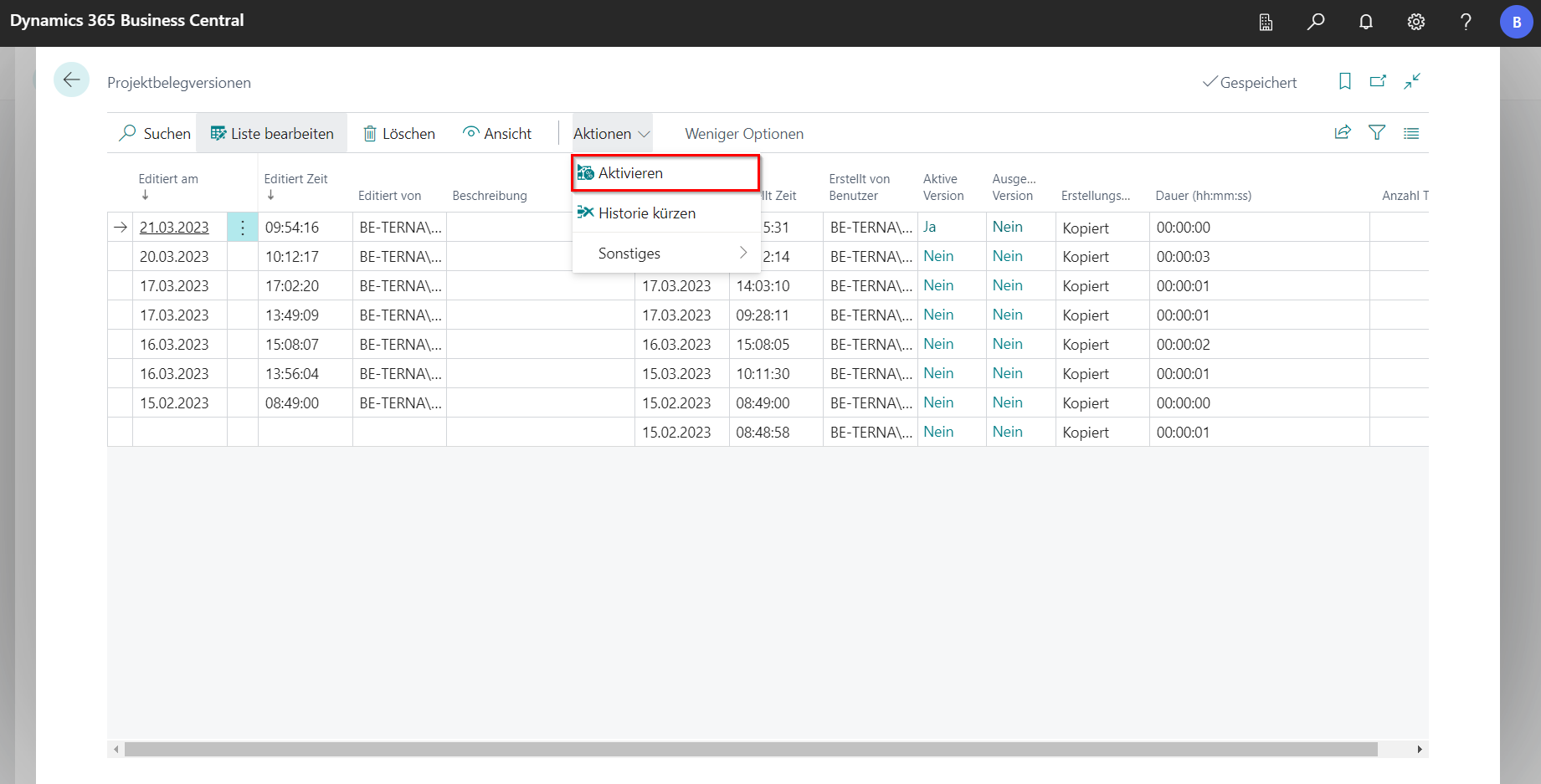
The Checked Out Version shows whether a version is currently checked out and thus blocked for editing by others. If a document is checked out, it can be opened by clicking Edit, as long as the user is the one who checked out the document. Any number of additional versions can be created manually. The receipt can be displayed via View. Whether or not a document is checked out when editing depends on the settings in the BE-Project setup and the user setup.
The Creation Type indicates how this version of the project document was created.
The duration describes how long it took the system to generate this version.
Number of Titles indicates the number of all positions of any kind.
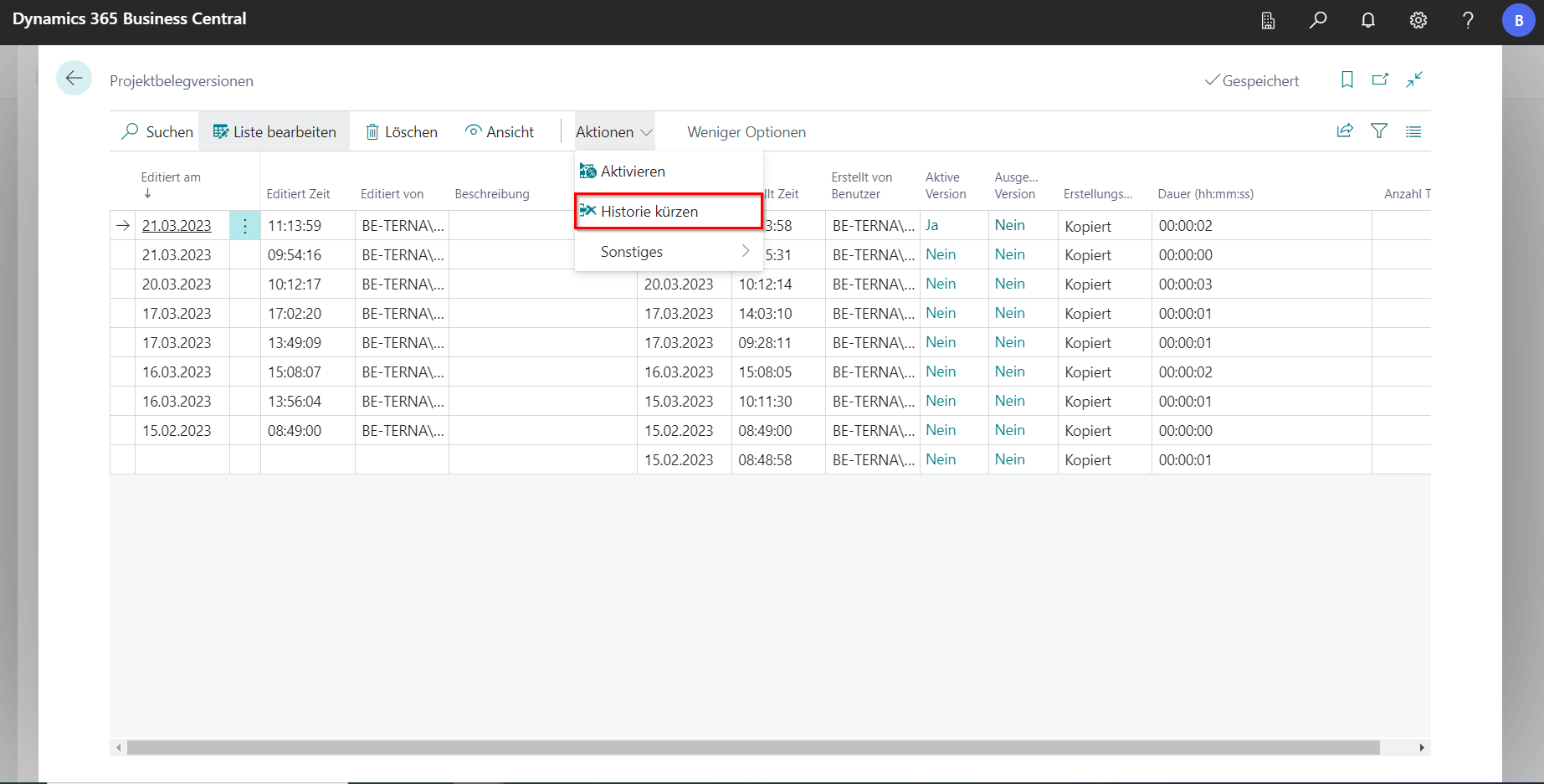
Shorten document versions
You can determine the maximum number of document versions in the BE-Project setup. Furthermore, you can specify whether the shortening should be automatic once the maximum number is reached, or whether the shortening should be done manually by clicking Actions and then Historie kürzen.