Calculation
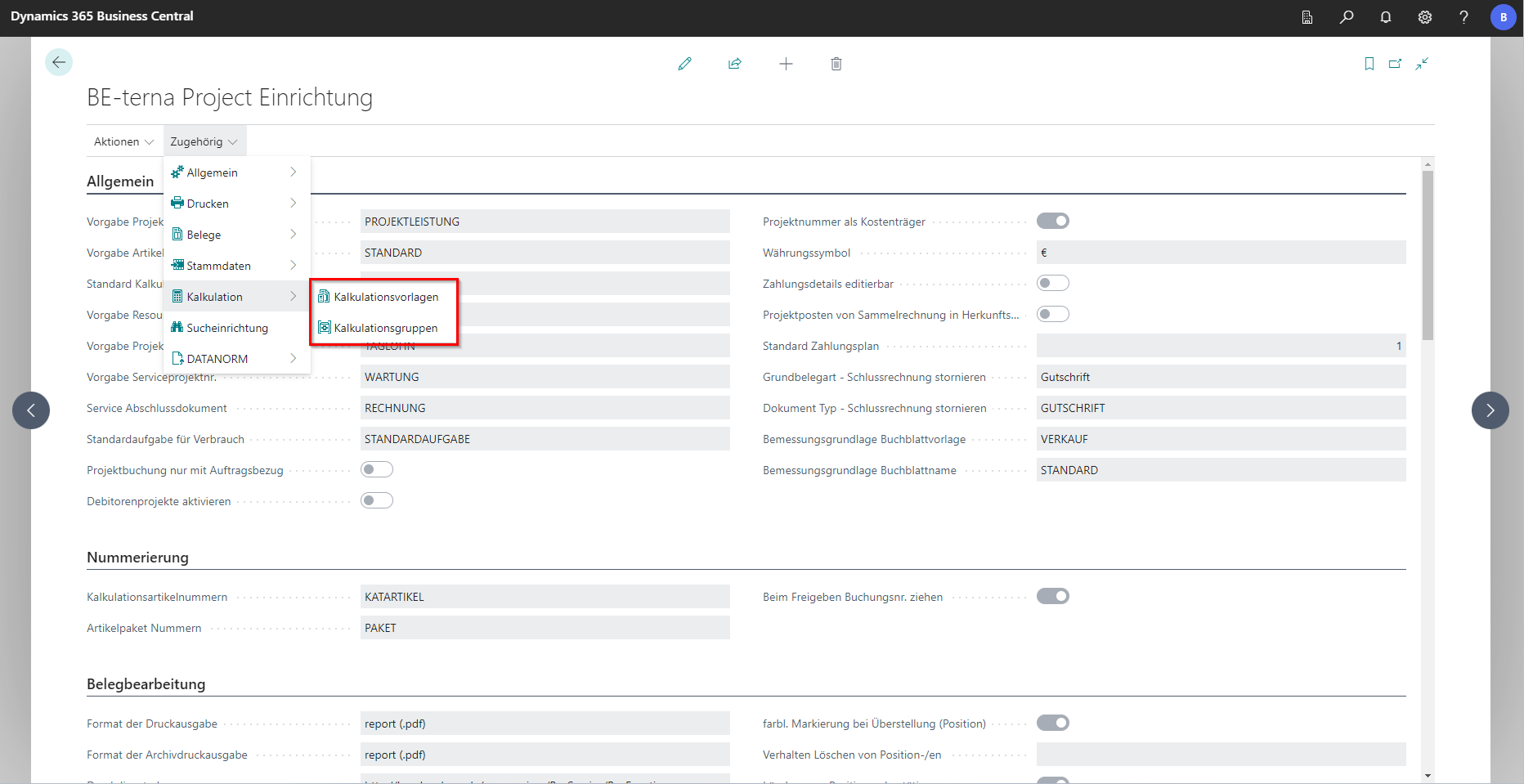
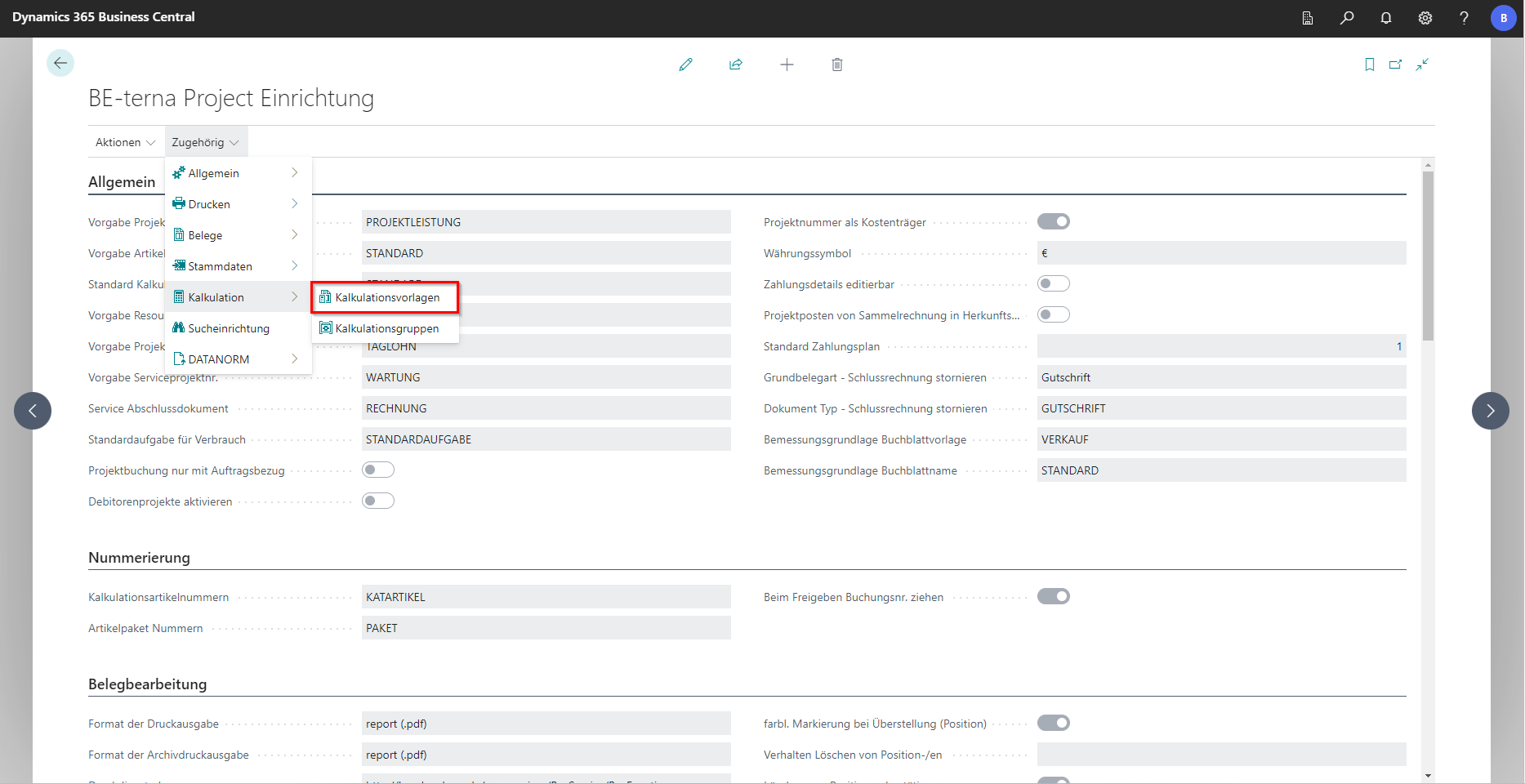
Via “Related” and “Costing”, the facilities can be called up from the calculation templates and calculation groups.
Calculation templates
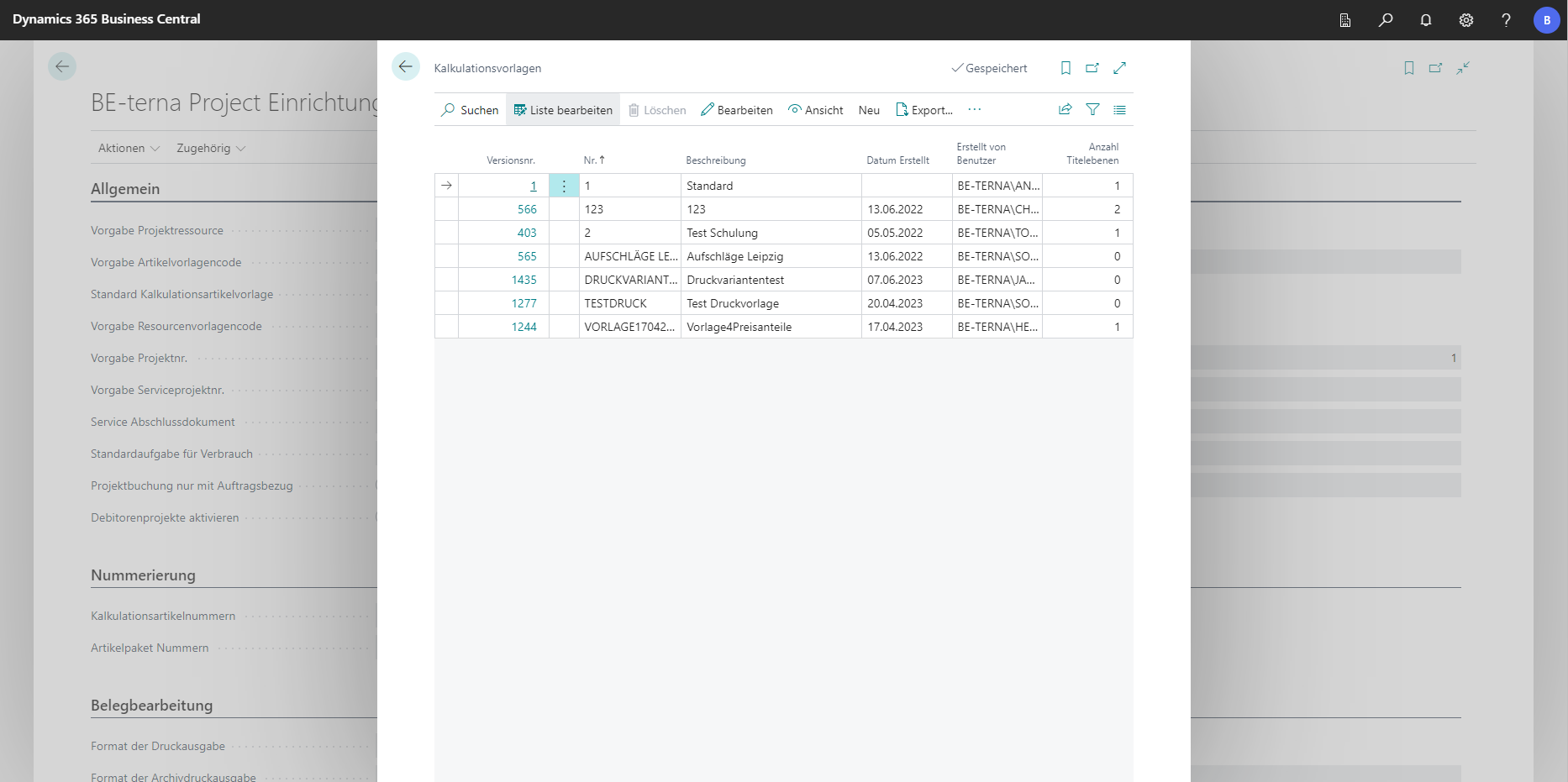
In the settings for the calculation templates, existing calculation templates can be viewed, edited and added. In addition, new calculation templates can be created. Based on these templates, project documents are created and formatted. For example, fixed items can be preset for each document or standard texts can be attached for each document.
 Click to enlarge
 Click to enlarge
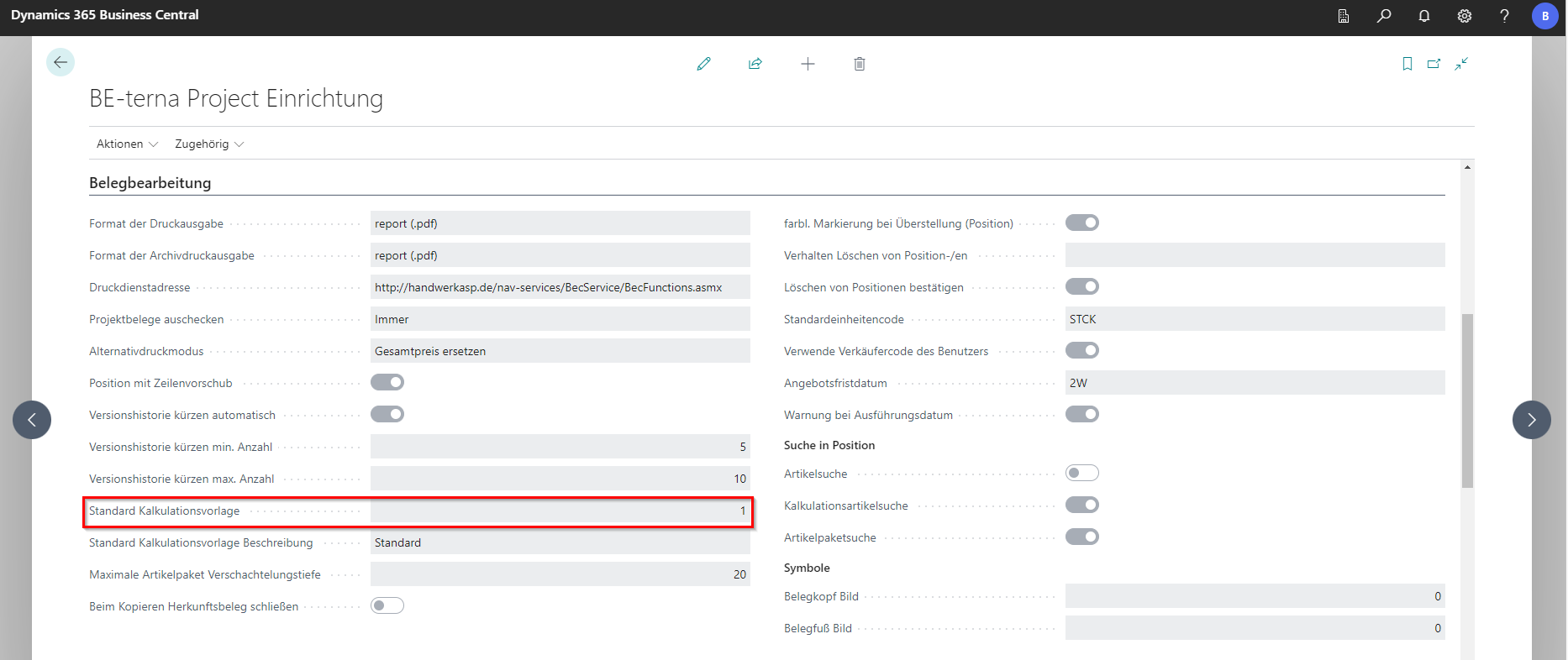
In the Document Processing tab, the “Standard Calculation Template” can be defined from all calculation templates. With this template, each new project document is formatted by default.
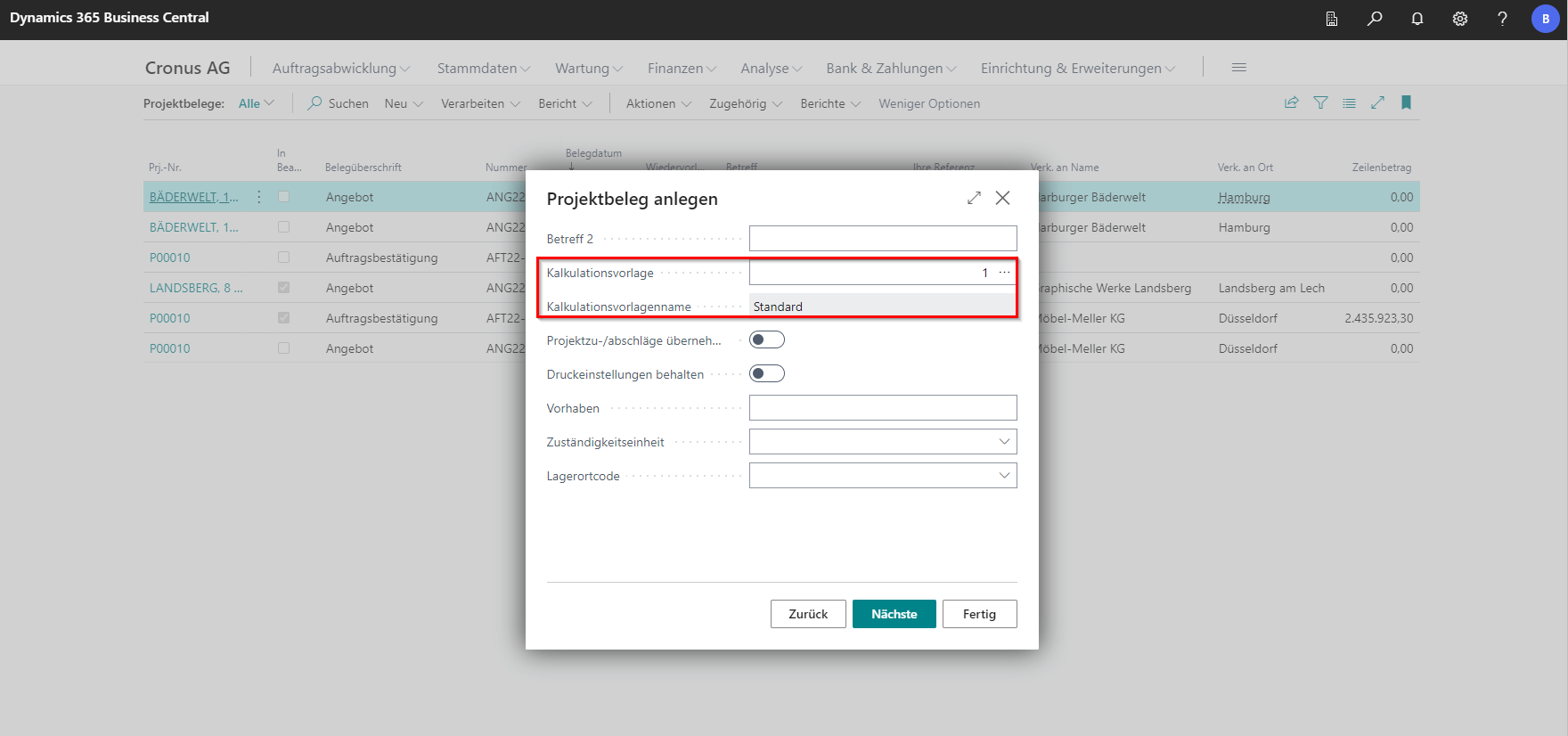
If you want to use a different template in a new project document, you can change this in the Create Project Document wizard.
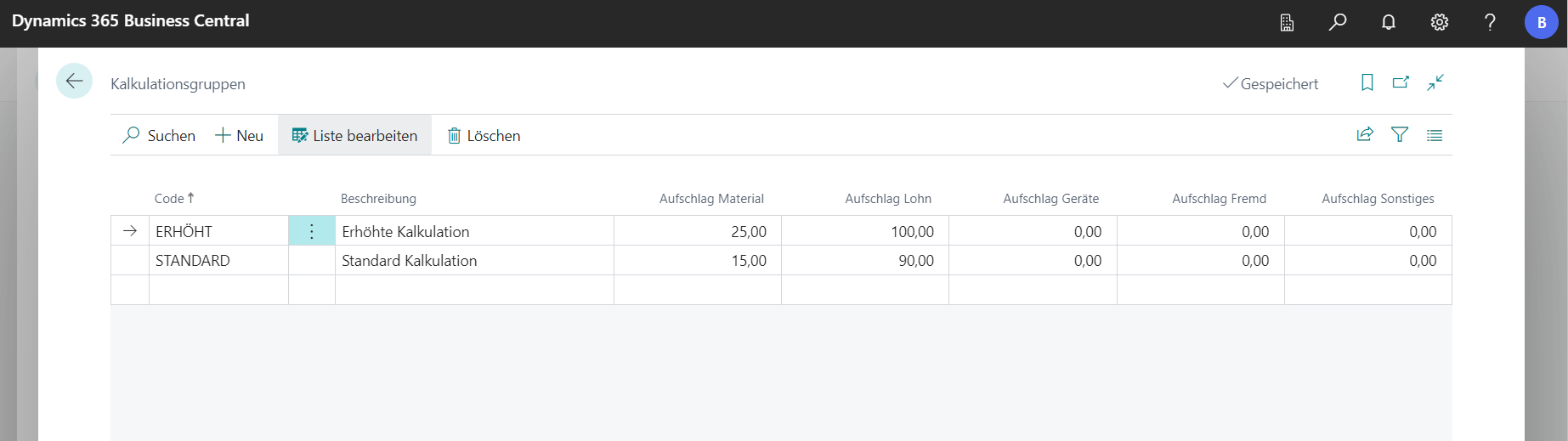
Costing Groups
Costing groups are groups of mark-ups that are used in the calculation in the bill of quantities. Surcharges can be defined for materials, wages, equipment, external services and others. In the master data and in the bill of quantities, costing groups can be selected and newly added.