IDS Shop Use
Brief context for IDS Shop Use in BE-terna Project.
There are several ways to use the IDS webshop.
In the list of costing items, you have to navigate to the desired article. In the article card, the navigation menu under IDS contains the IDS Deeplink to open the webshop.
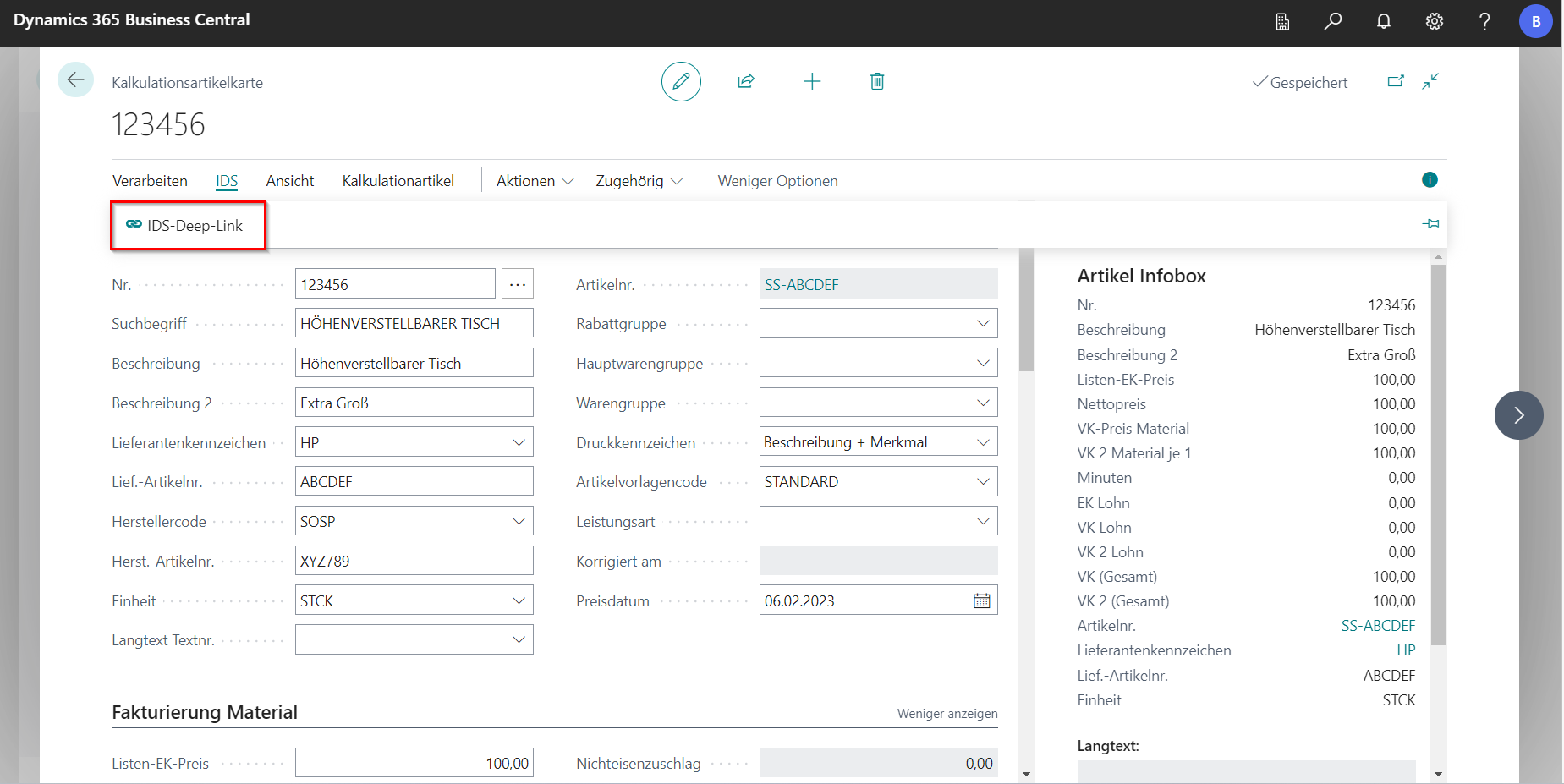
The IDS Deeplink opens the display of the item with price information, availability, descriptions, packaging information, etc.
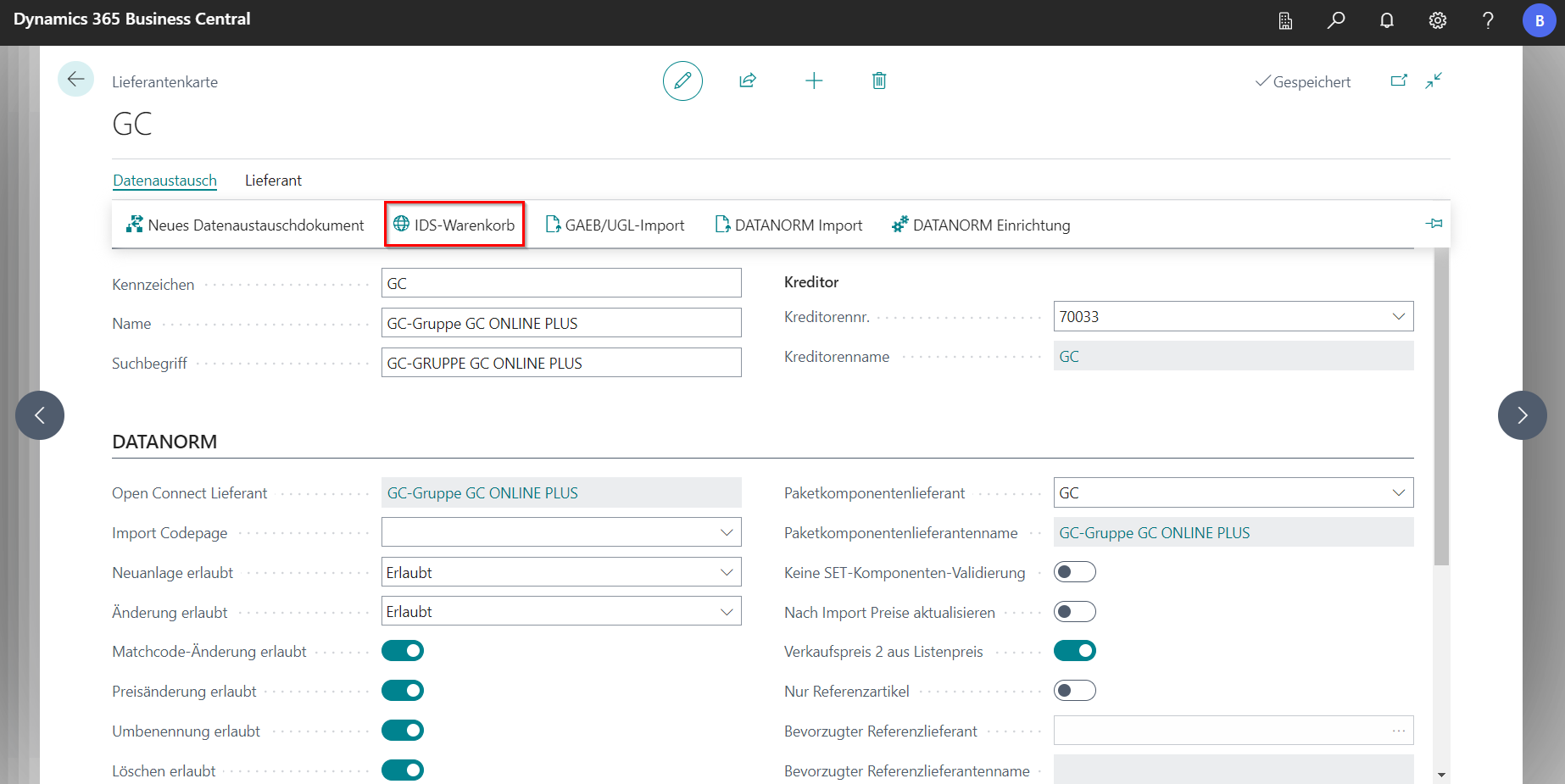
Another option is in the supplier card with the function IDS shopping cart. This will direct you to the stored webshop. When the cart is returned, a new purchase exchange process will be opened.
How the IDS shop can be used in the [Purchasing Exchange](/BE%2Dterna-Project-Documentation/Purchasing/Purchasing Exchange) has already been described.