Role Center
Purpose
BE-terna Manufacturing provides a dedicated role center for workers. It reduces the workspace to the entries required for master data, authentication, and time registration, so it is well suited for terminals on the shop floor or directly at the machine.
In addition to the Business Central sign-in on the terminal, each worker can sign in separately inside time registration. This allows several workers to use the same device without changing the Windows or Business Central user each time.
Activate the Role
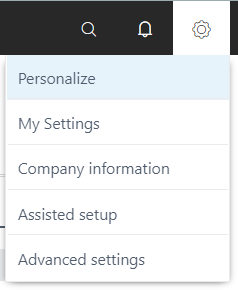
- Open Settings through the gear icon.
- Select My Settings.
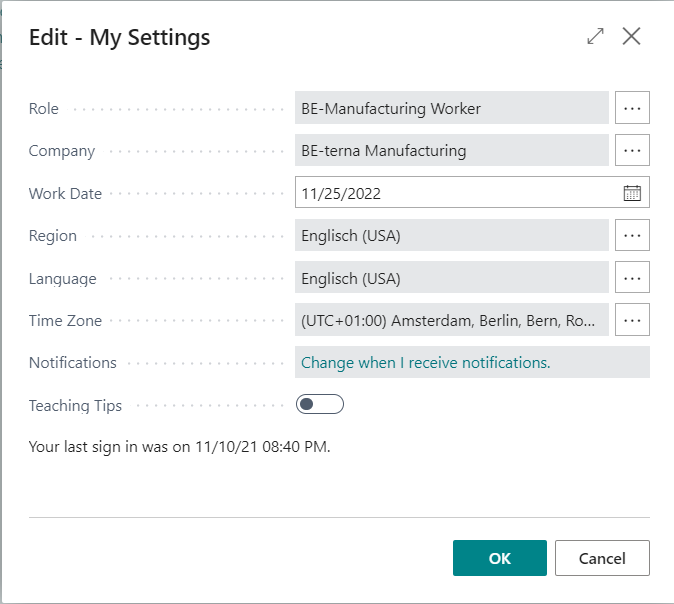
- In Role, select BE-Manufacturing Worker.
- Confirm with OK.
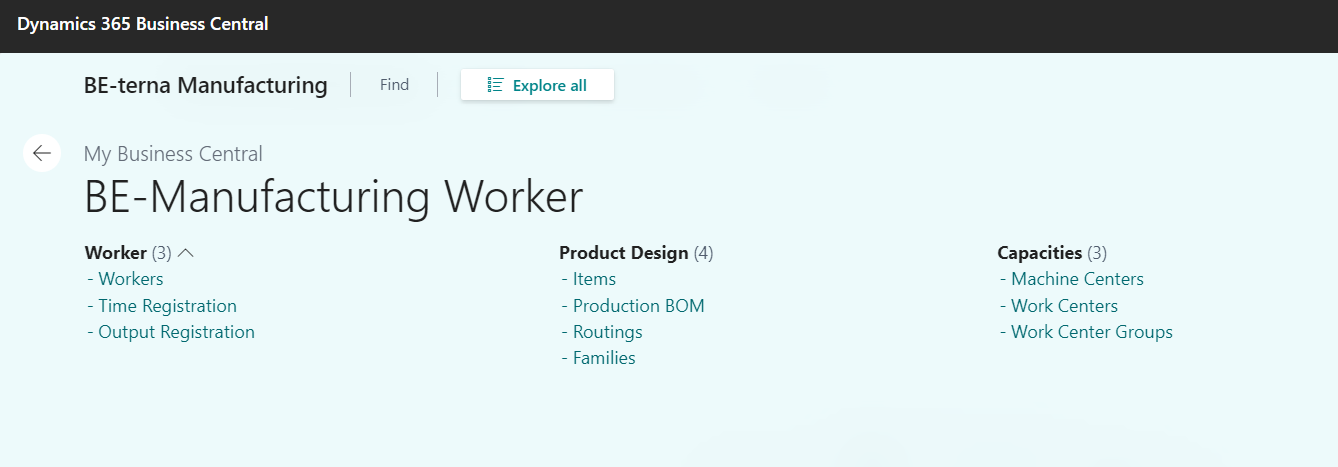
The worker role center is displayed after the role is changed.
Included Areas
The role center intentionally contains only simple entry points:
- Workers for worker master records and their setup.
- Time Registration for sign-in, operation start, stop, and transfer.
- Archived Entries for already posted time registrations.
Result
After changing the role, a reduced workspace is available. From there, worker master records can be maintained and time registration can be opened.
Links